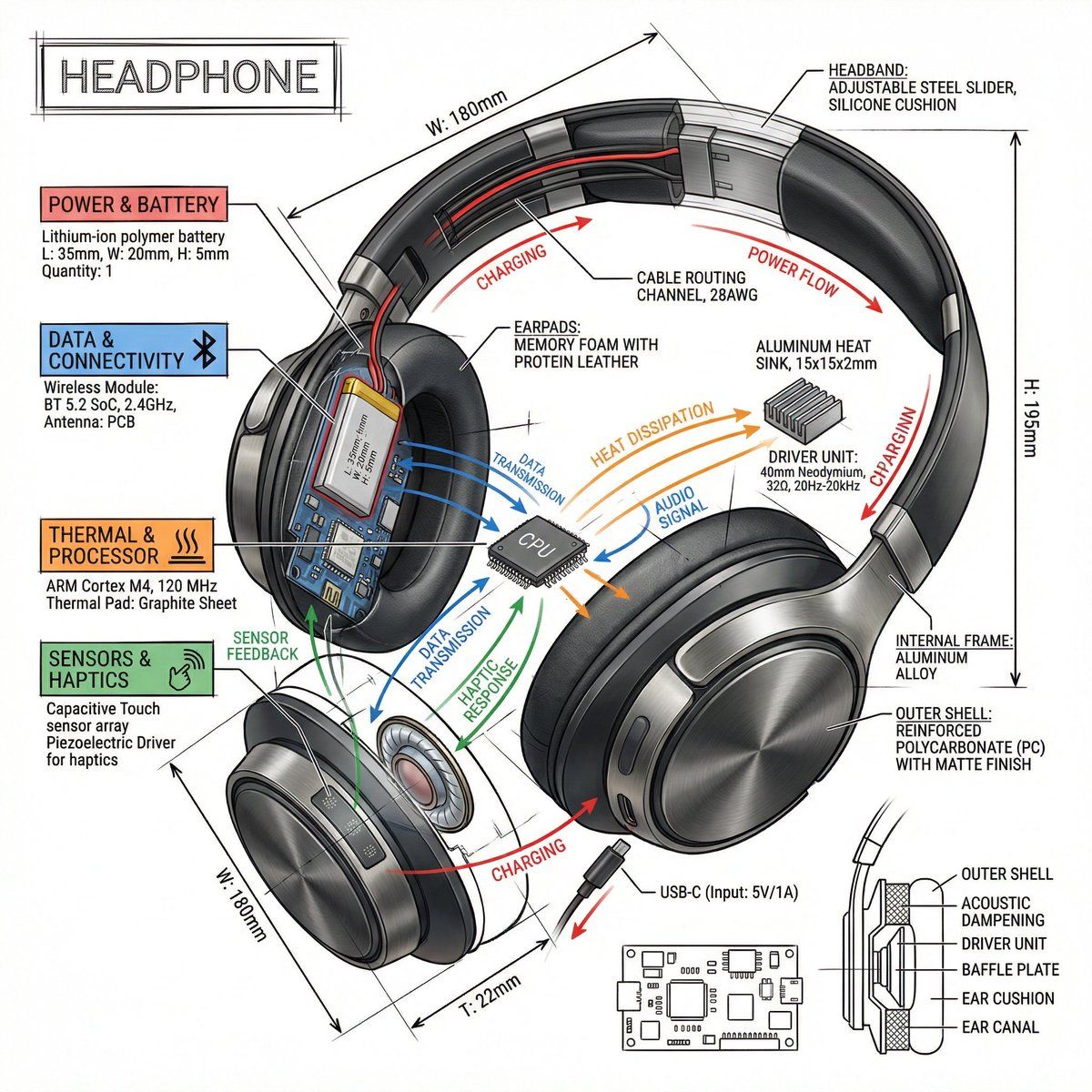
技术信息图表提示模板
Prompt
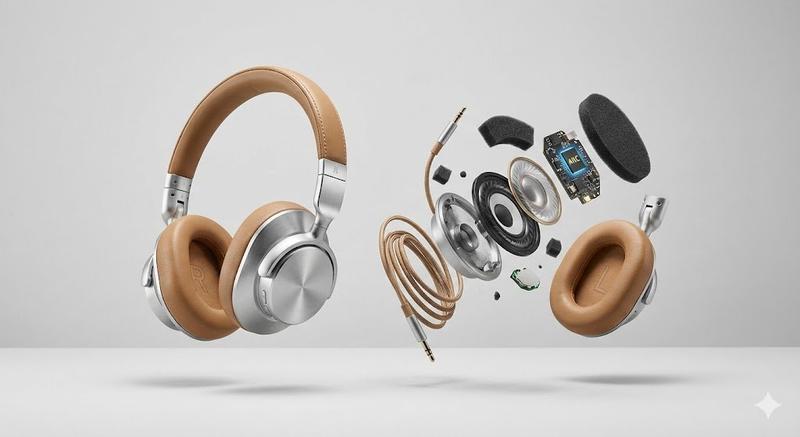
Create a technical infographic of {argument name="object" default="OBJECT"} with a 45-degree isometric 3D perspective showing the device slightly tilted to reveal depth and dimension.
Combine a realistic photoreal render with black ink technical annotations on pure white background. Include:
Key component labels with color-coded callout boxes
Internal component visibility through transparent/cutaway sections
Measurements, dimensions, and precise scale markers
Material callouts and quantities
Color-coded arrows for function/flow: RED (power/battery), BLUE (data/connectivity), ORANGE (thermal/processor), GREEN (sensors/haptics)
Simple schematics or cross-sectional diagrams where relevant

Place “OBJECT” title in a hand-drawn technical box (top-left corner).
Style: Black linework (technical pen/architectural), sketched but precise. Object remains clearly visible. Educational museum-exhibit vibe. Clean composition, balanced negative space.
Perspective: Isometric 3D angle—tilted to show depth, dimension, and internal architecture dramatically. Like a professional product teardown or engineering manual.
Colors: ~10-15% accent density. Black dominant. White background.
Output: 1080×1080, ultra-crisp, social-feed optimized.- Category
- 创意图片
- Model
- Nano Banana Pro
- Creator
- 𝐌
- Source ID
- 0daced73-c6e5-48ca-8288-36379e365ffa
- Published
- Mar 8, 2026
Views0
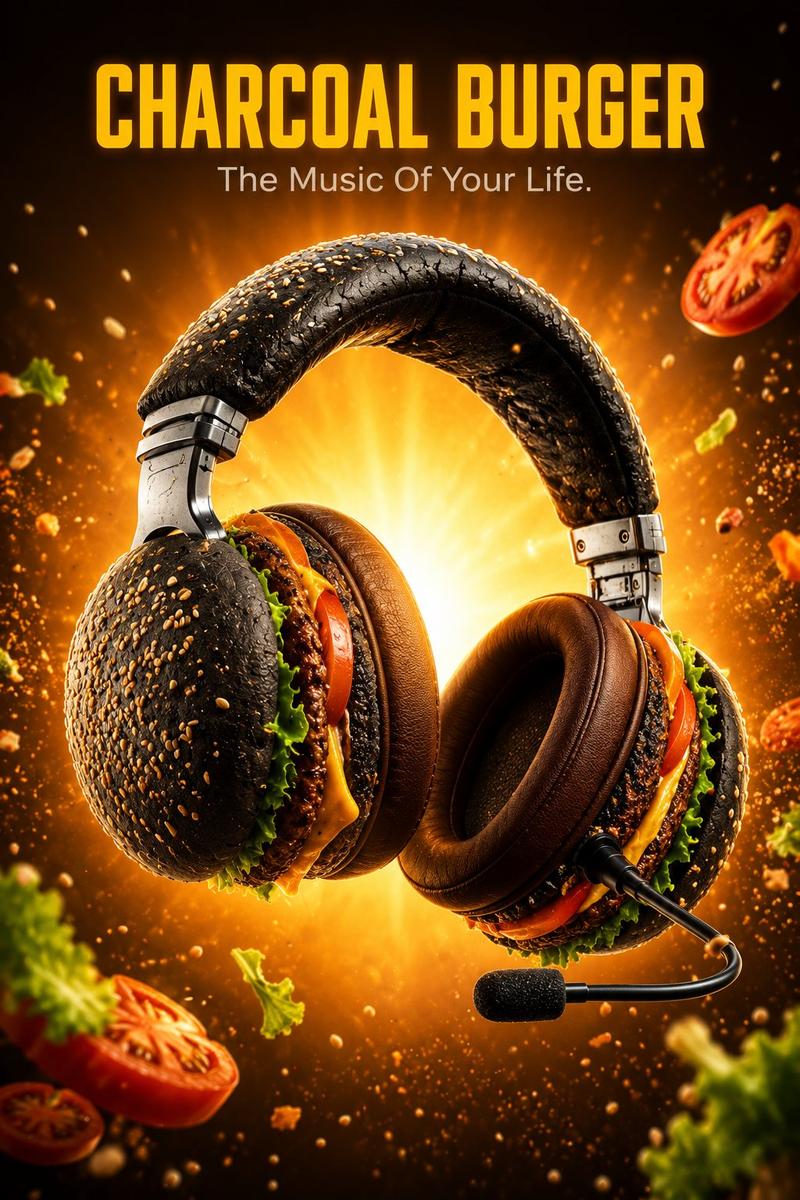
![PROMPT TO ART [PRODUCT] suspended mid-air, glowing sparks swirling around, drama](https://cdn.pixshop.app/prompt-library/tweet-2004298915001389518/preview-0-1768180070905-1qrz1hrl.jpeg)



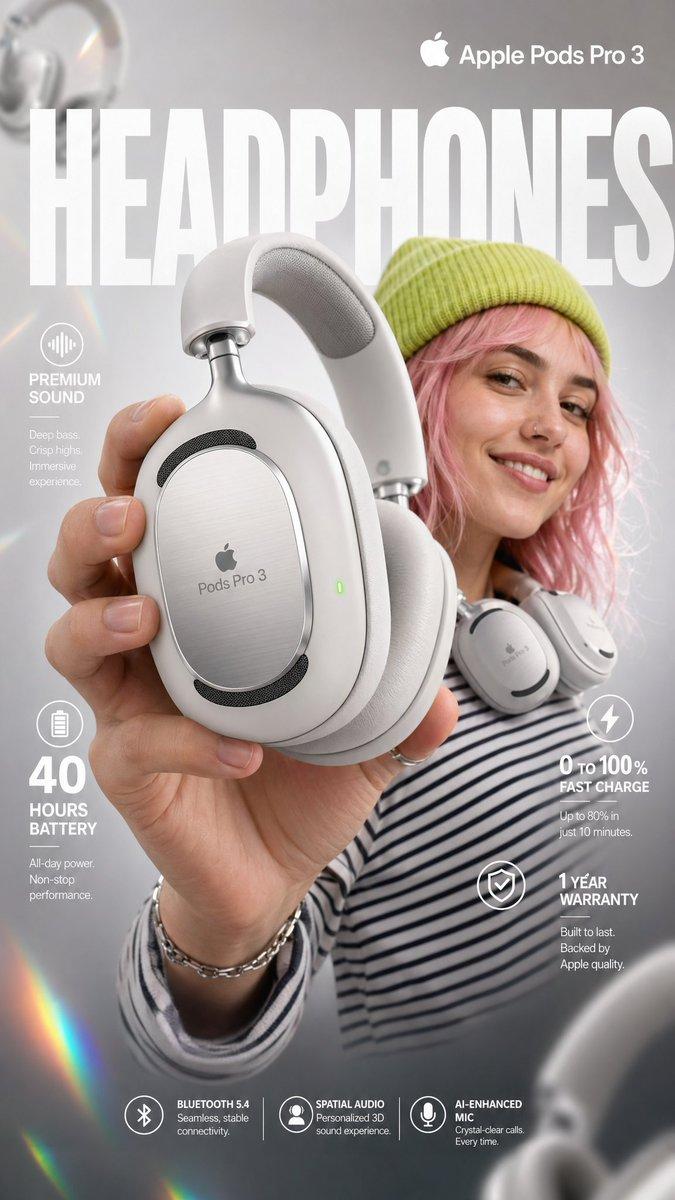
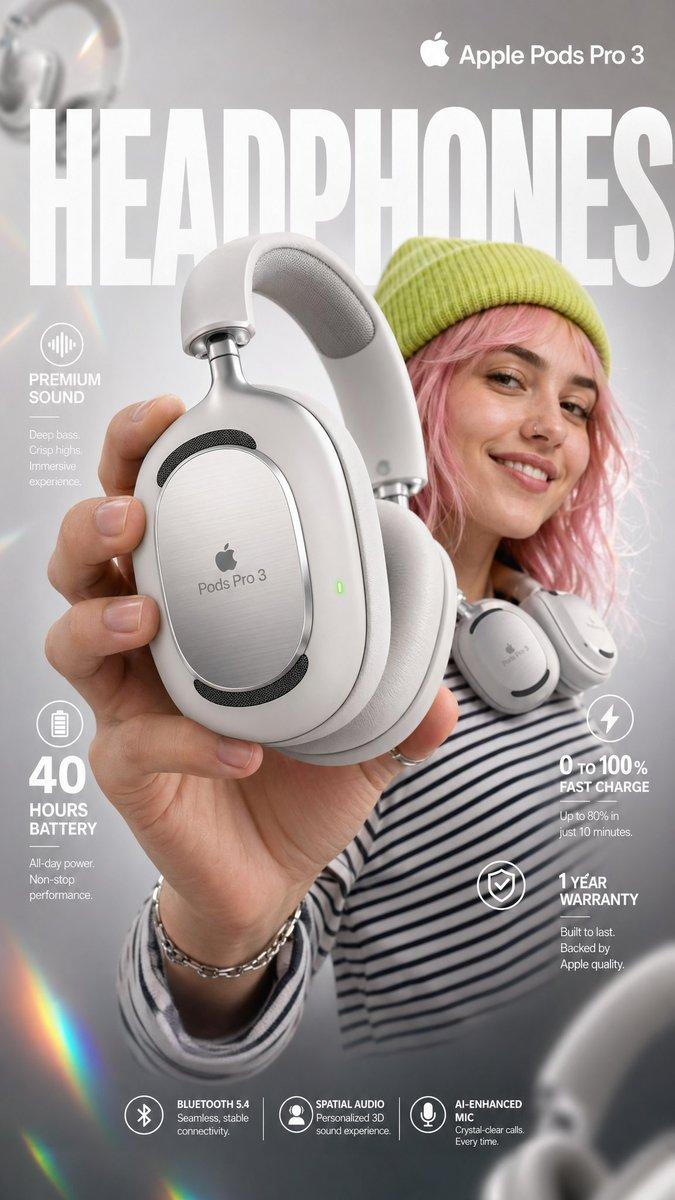
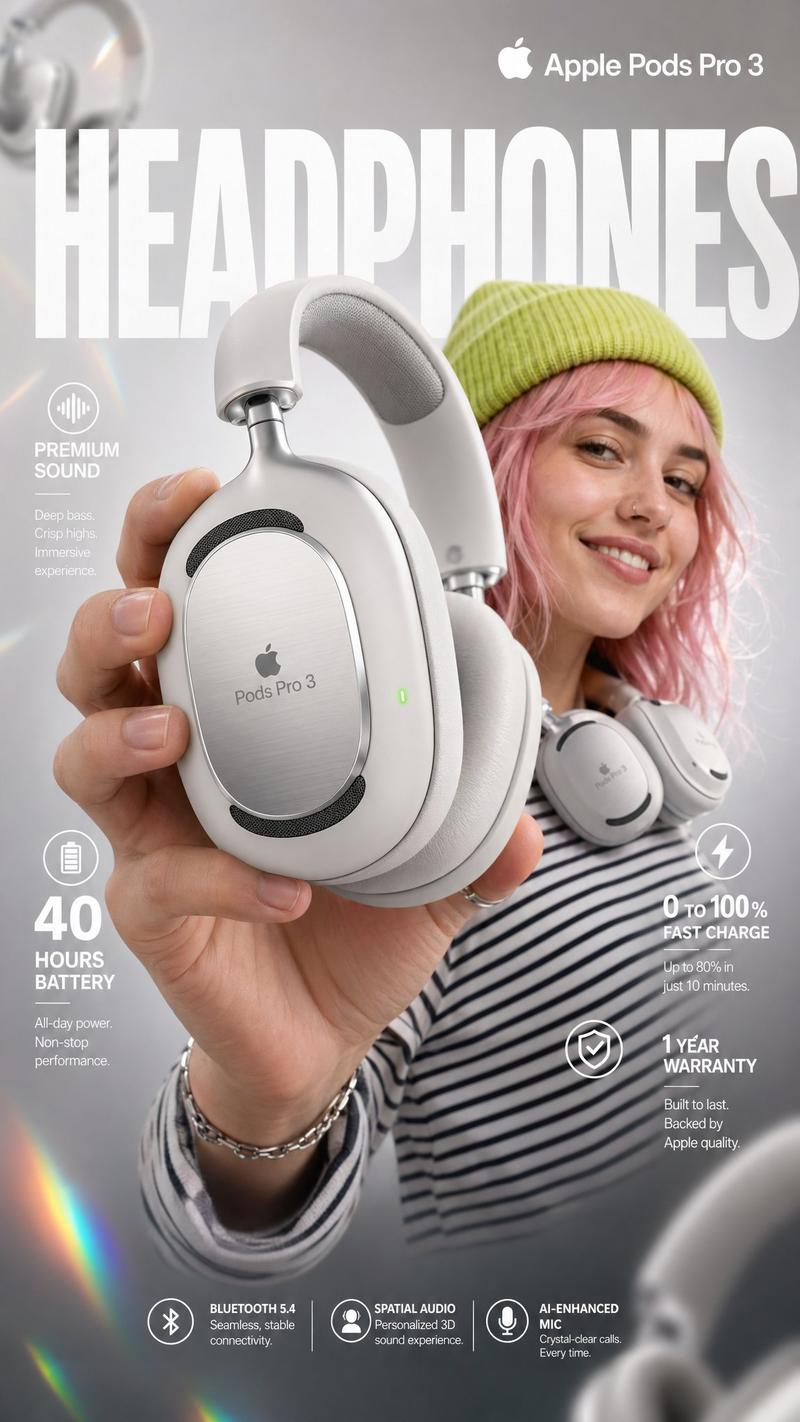

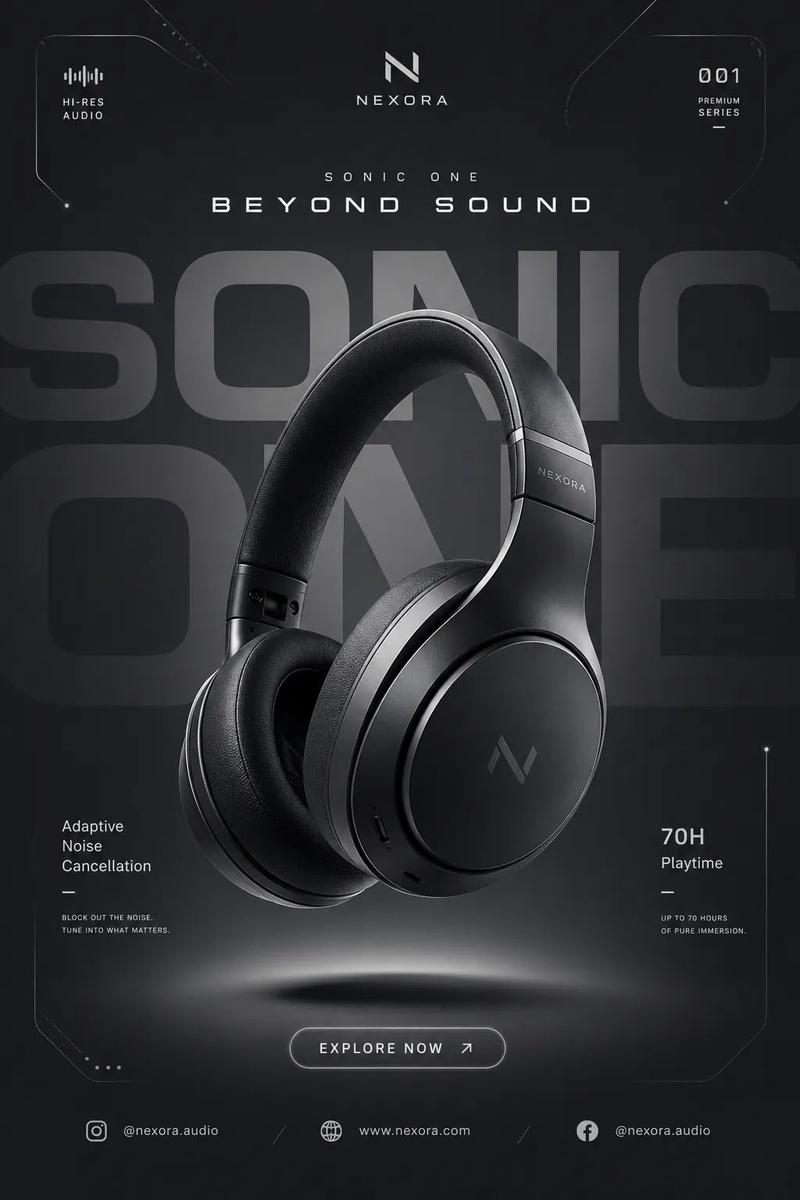
![Create a premium advertising poster for [BRAND] featuring [PRODUCT]](https://whqgdndlpxjbwosvipip.supabase.co/storage/v1/render/image/public/prompt-source-media/promptsref/work-38059/image-1-b176c3dbd3311ae4.png?width=800&quality=75&resize=contain)