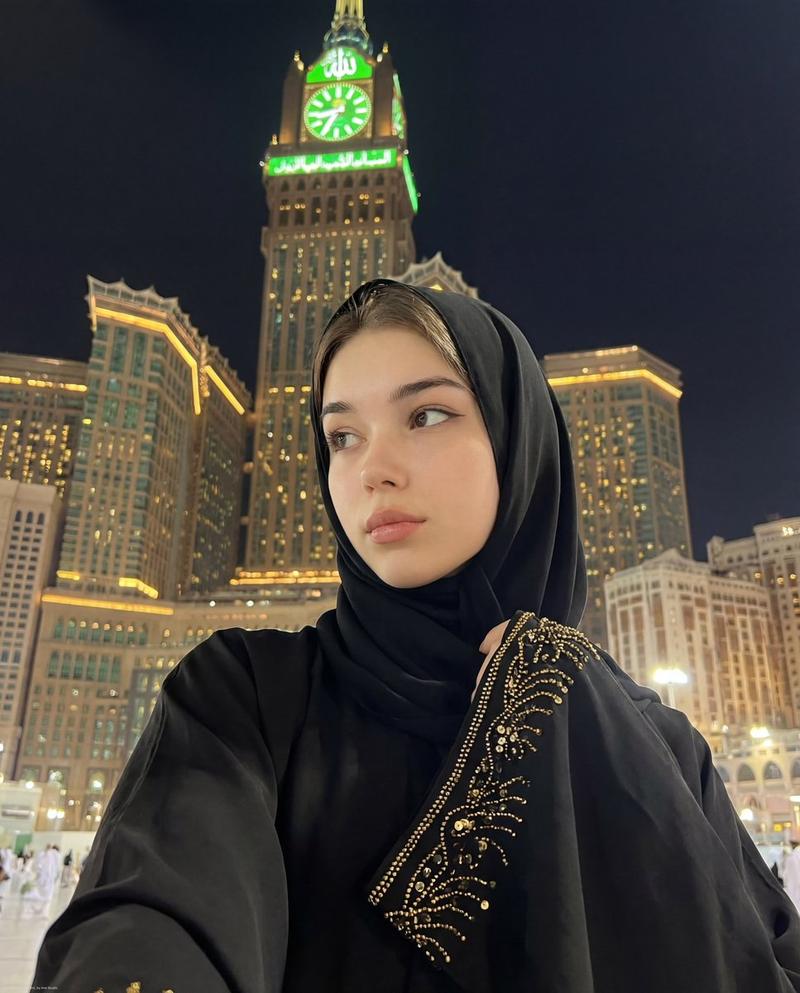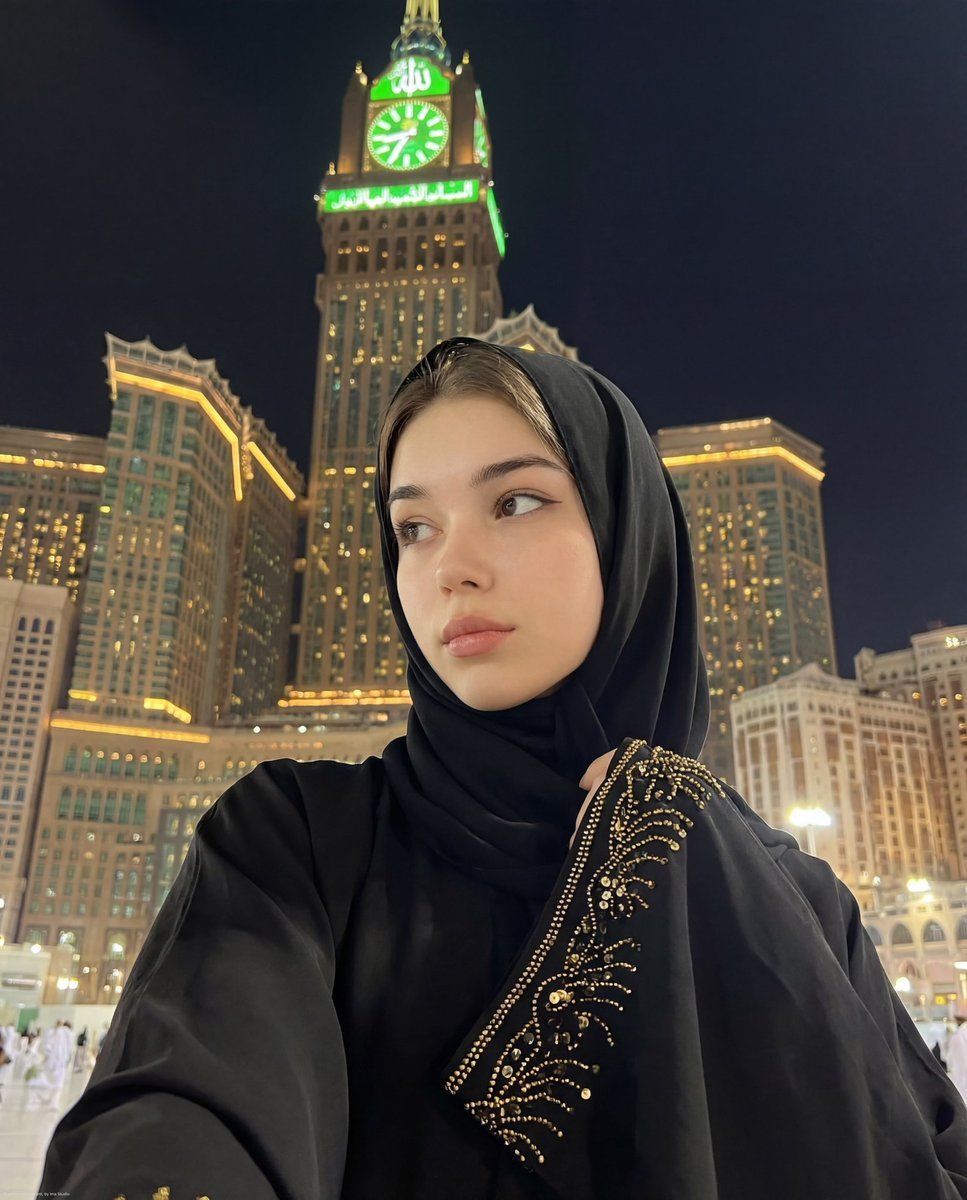
麦加超逼真精神夜间自拍
Prompt
{
  "type": "image_generation_prompt",
  "style": "ultra-realistic, cinematic, spiritual, aesthetic night photography",
  "resolution": "8K",
  "identity_preservation": {
    "use_reference_image": true,
    "strict_identity_lock": true,
    "preserve_face": true,
    "preserve_makeup": true,
    "notes": "Keep the exact same facial features, proportions, skin texture, and makeup as in the attached reference image. No alteration or beautification."
  },
  "composition": {
    "shot_type": "selfie",
    "camera_angle": "low angle",
    "framing": "close-up portrait",
    "focus": "sharp focus on the girl, background slightly softened",
    "perspective": "girl in foreground with towering architecture behind"
  },
  "subject": {
    "gender": "female",
    "expression": "calm, thoughtful, serene gaze slightly toward the side of the camera",
    "appearance": {
      "skin": "clear, smooth, natural texture",
      "makeup": {
        "style": "soft and natural",
        "details": [
          "subtle eyeliner enhancing the eyes",
          "natural lipstick tone",
          "clean, delicate facial look"
        ]
      }
    },
    "clothing": {
      "outfit": "elegant black abaya",
      "headwear": "black hijab (sheila) framing the face",
      "details": "delicate gold sequin or bead embroidery along the sleeve edge"
    }
  },
  "environment": {
    "location": "courtyard area near the Makkah Royal Clock Tower, Abraj Al Bait complex, Makkah",
    "background_elements": [
      "Makkah Royal Clock Tower clearly visible",
      "green illuminated clock face",
      "Arabic word 'Allah' visible at the top of the tower",
      "surrounding tall buildings glowing with thousands of warm yellow and golden lights"
    ],
    "architecture_style": "grand modern Islamic architecture",
    "atmosphere": "peaceful, spiritual, majestic, and dignified night ambiance"
  },
  "lighting": {
    "type": "nighttime architectural lighting",
    "color_tones": [
      "deep black from abaya",
      "warm golden building lights",
      "soft green glow from the clock tower"
    ],
    "effects": [
      "gentle highlights on face",
      "soft reflections from surrounding lights",
      "balanced contrast creating serene mood"
    ]
  },
  "mood": {
    "emotion": "serenity, spirituality, dignity, calm reflection",
    "theme": "spiritual night selfie during pilgrimage atmosphere"
  },
  "camera": {
    "quality": "ultra-high definition",
    "detail_level": "extreme facial and fabric detail",
    "depth_of_field": "shallow to moderate",
    "realism": "photorealistic"
  },
  "constraints": [
    "Do not change facial features",
    "Do not alter makeup",
    "No artificial filters",
    "No distortion",
    "No watermark",
    "No text overlay except architectural elements already described"
  ],
"output_goal": "Create a hyper-realistic nighttime selfie of the girl in a black abaya and hijab, with identical facial features an"- Category
- 创意图片
- Model
- Nano Banana Pro
- Creator
- 𝗦𝗮𝗻𝗶𝗮
- Source ID
- 4a945fdd-6b5e-4489-b3cb-990c6ec31b5e
- Published
- Mar 8, 2026
Views0