19

奢华豹纹镜面自拍时尚提示
Enlarge

奢华豹纹镜面自拍时尚提示

Prompt
{
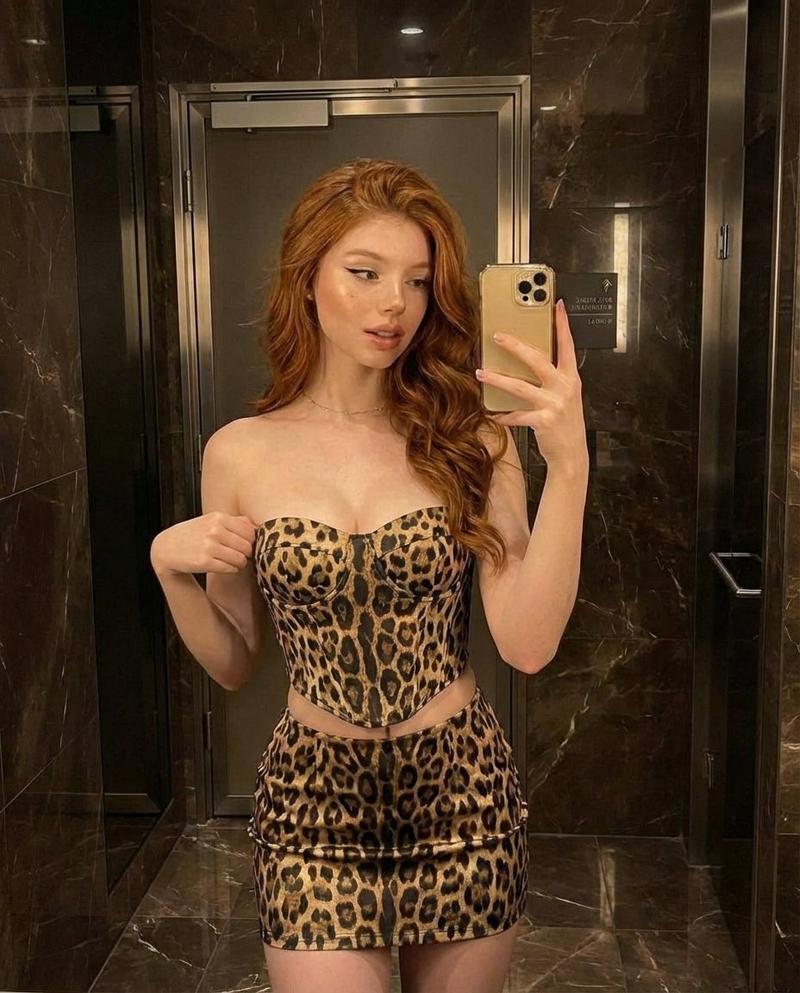
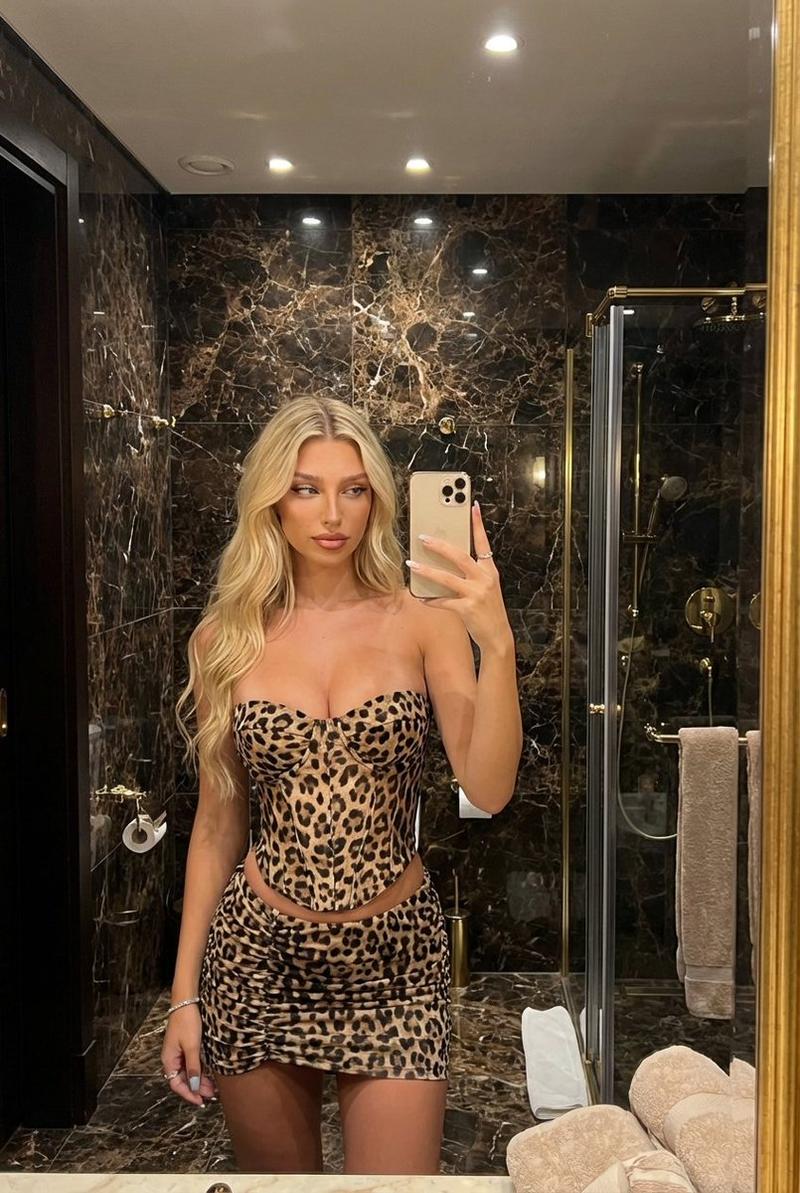
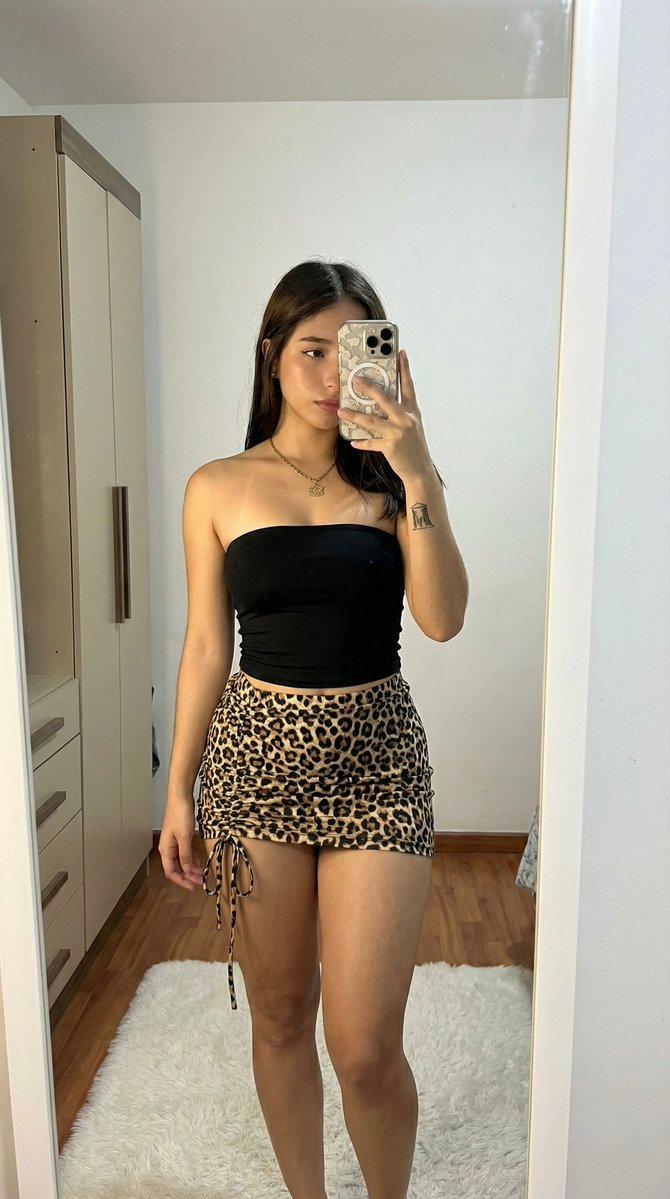
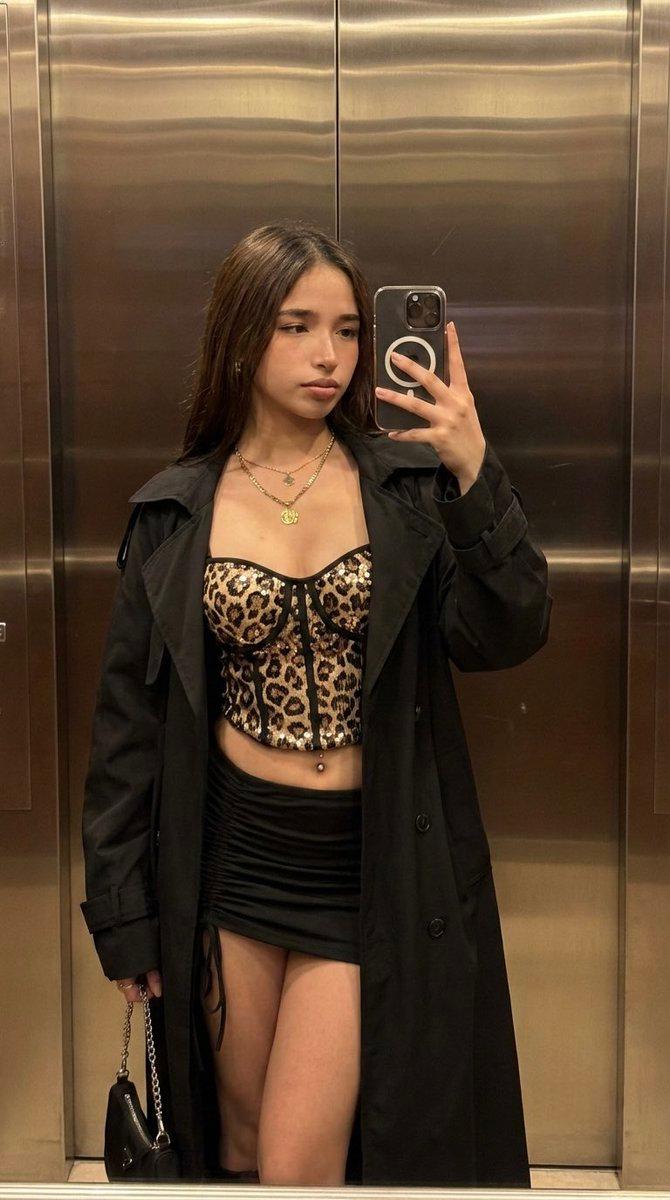
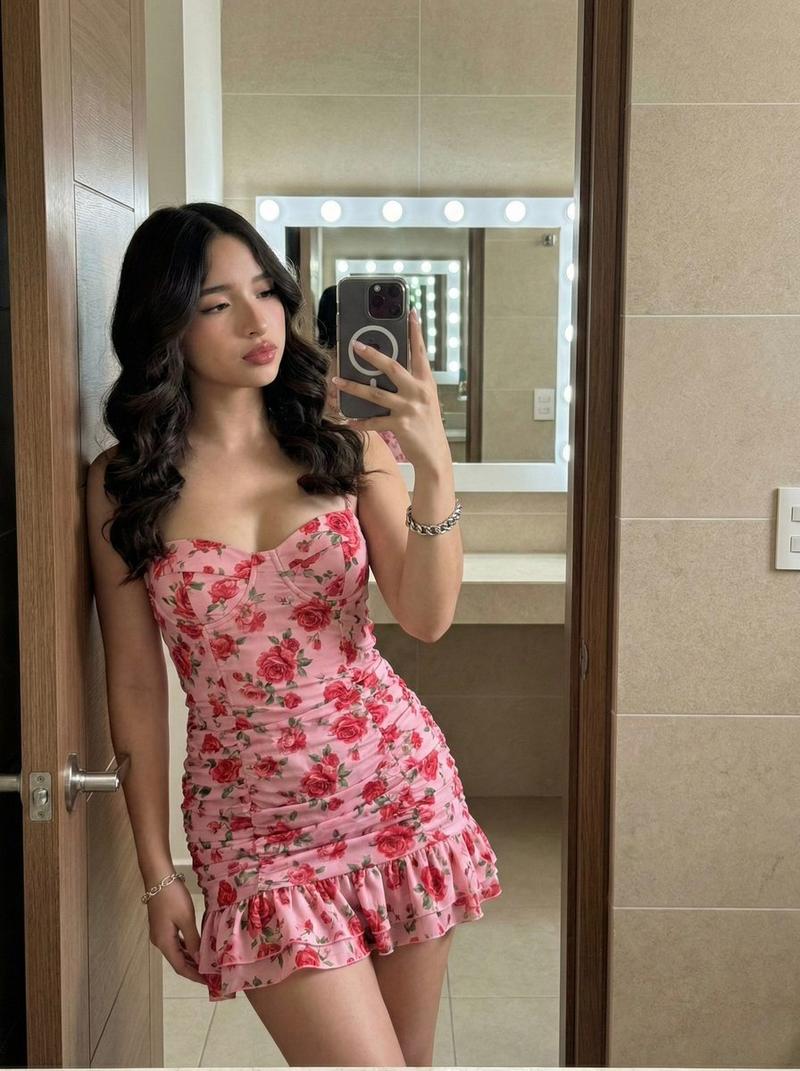
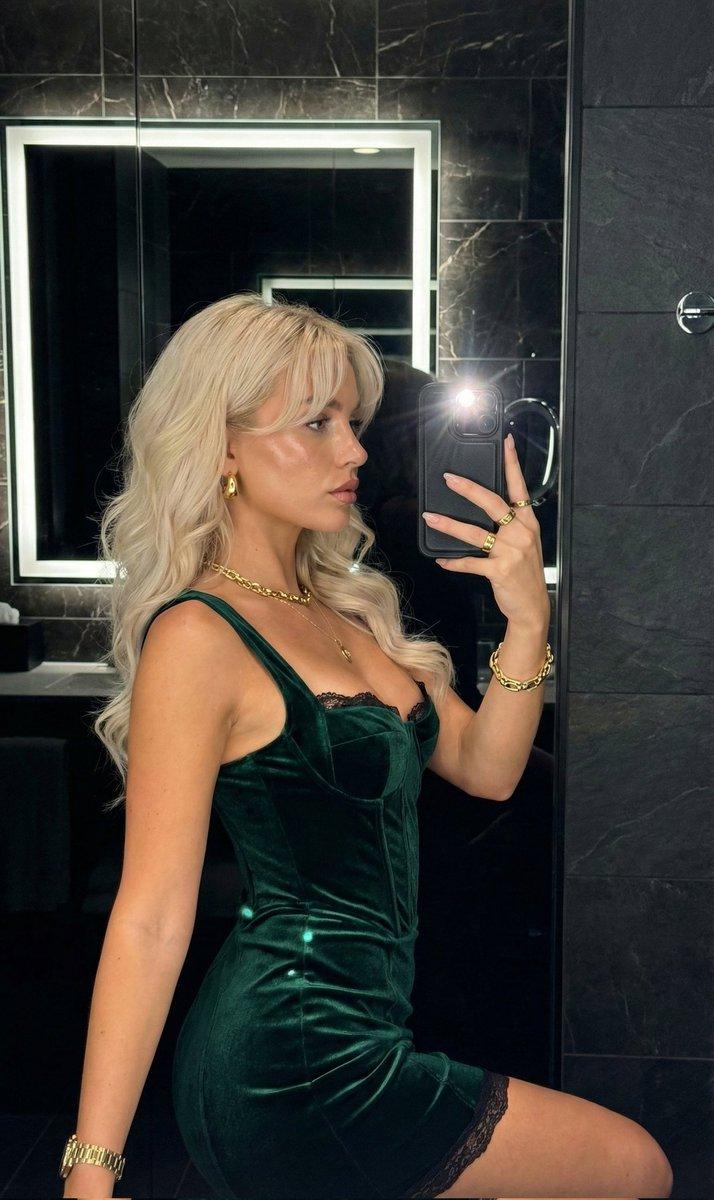
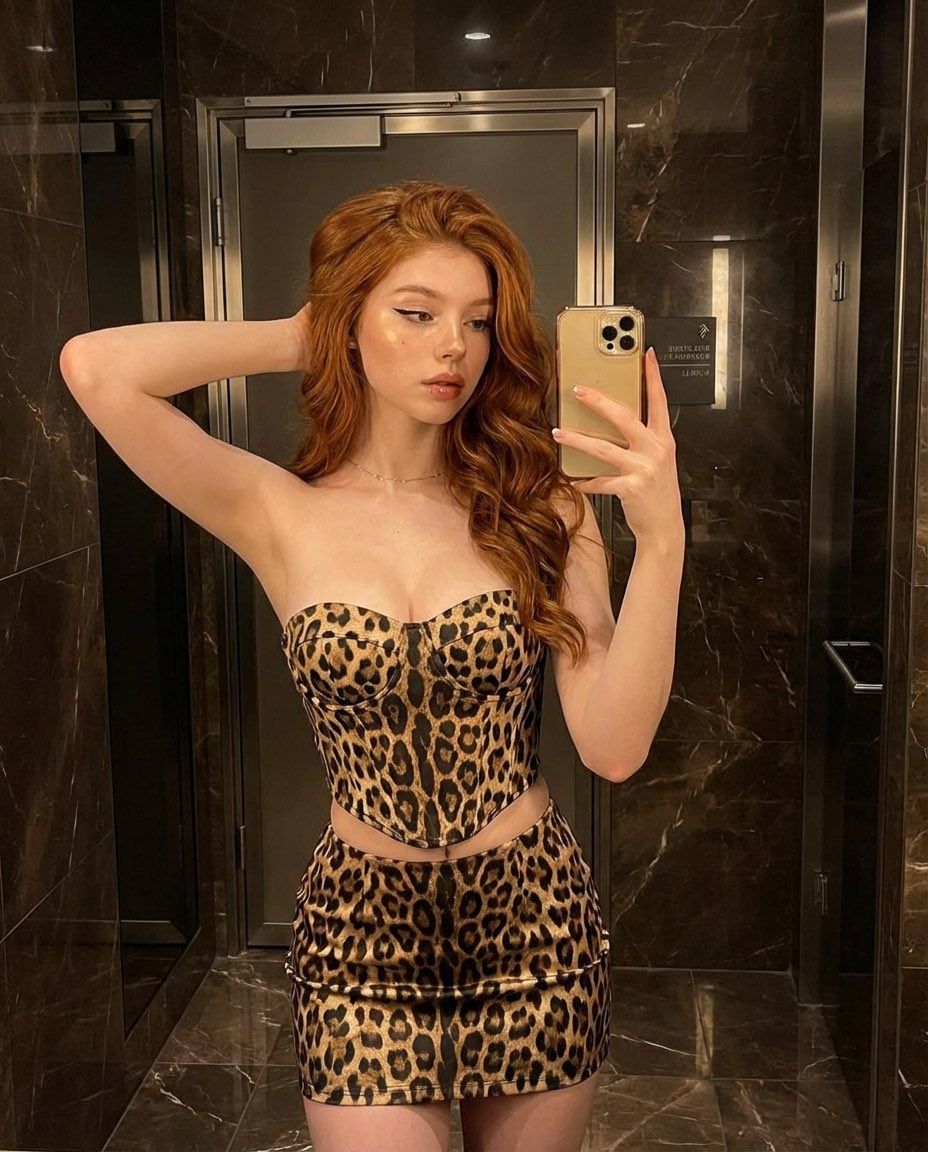
  "prompt": "A mirror selfie of a confident woman with long wavy red hair wearing a strapless leopard print corset top and matching mini skirt. She is standing in a luxurious marble bathroom with dark brown walls and warm lighting. She is holding a gold smartphone in front of a mirror. Glam makeup with highlighted cheeks, soft eyeliner, and natural lips. Fashion-forward, stylish, high detail, realistic lighting, sharp focus, 4k.",
  "negative_prompt": "blurry, low resolution, distorted body, bad anatomy, extra fingers, overexposed lighting, messy background",
  "style": "photorealistic, fashion photography, luxury aesthetic",
  "camera": "mirror selfie, eye-level angle, shallow depth of field",
  "lighting": "warm indoor lighting, soft glow, reflective marble surfaces",
  "quality": "high detail, 4k, sharp focus"
}
Category
创意图片
Model
Nano Banana Pro
Creator
Miz
Views0
Source ID
6a406357-bd09-4655-91cc-04990cefaed5
Published
Mar 8, 2026

Guide

About "奢华豹纹镜面自拍时尚提示"

What is this prompt for?

"奢华豹纹镜面自拍时尚提示" AI image prompt for Nano Banana Pro (创意图片). 一个结构化的 JSON 提示词,用于生成一张超逼真、高细节的时尚图片。它描述了一位自信的女性,身穿豹纹紧身胸衣和迷你裙,在奢华的大理石浴室里对着镜子自拍,强调了迷人的妆容和温暖、真实的灯光。 ---…

The full copyable prompt and example visuals above are ready for AI image generation or one-click recreate in Picva.

How to use this prompt

  1. Step 1

    Open the prompt detail

    Review the example visuals, category, and full prompt text for "奢华豹纹镜面自拍时尚提示".

  2. Step 2

    Copy the prompt

    Copy the prompt body from this page, or load it directly in Studio.

  3. Step 3

    Pick a model (Nano Banana Pro)

    Prefer Nano Banana Pro. If you switch models, keep subject and composition and tweak style terms.

  4. Step 4

    Generate and export

    Recreate the look in Picva, or export into your workflow for editing and publishing.

FAQ

What is the "奢华豹纹镜面自拍时尚提示" prompt?
It is an AI image-generation prompt for Nano Banana Pro in the 创意图片 category. This page includes the full prompt text, example visuals, and a one-click recreate path in Picva.
How do I use this prompt to generate an image?
Copy the prompt from this page, or use Generate / Studio. Paste it into a compatible image model, or recreate the look in Picva with optional reference images.
Which model is this prompt for?
This page lists Nano Banana Pro. Most descriptive prompts also transfer to nearby image models such as GPT Image, Flux, or Midjourney with light style tweaks.
Can I use the result commercially?
You can usually copy the prompt for creation, but commercial use of the final image depends on the model terms, reference-image rights, and the generated content. Follow the source author and platform rules.