阳光普照的现代入口建筑摄影提示(结构化)
Prompt
{
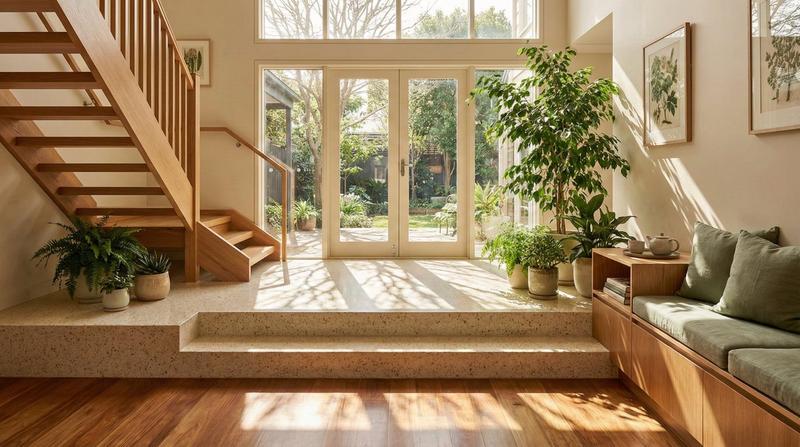
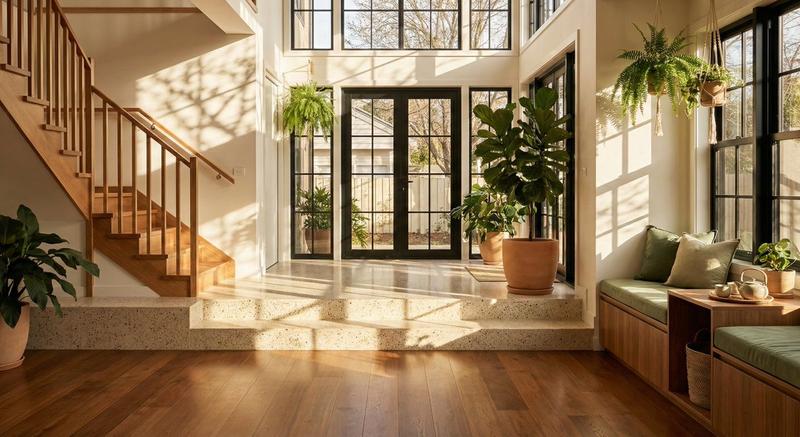
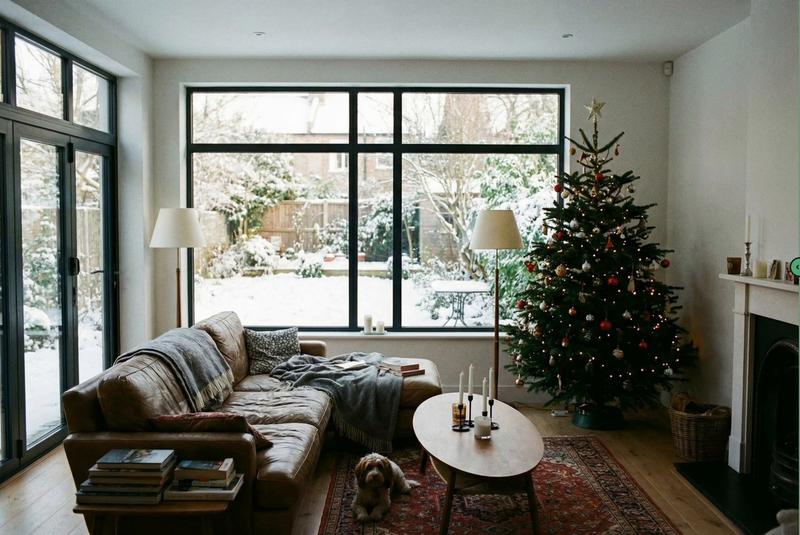
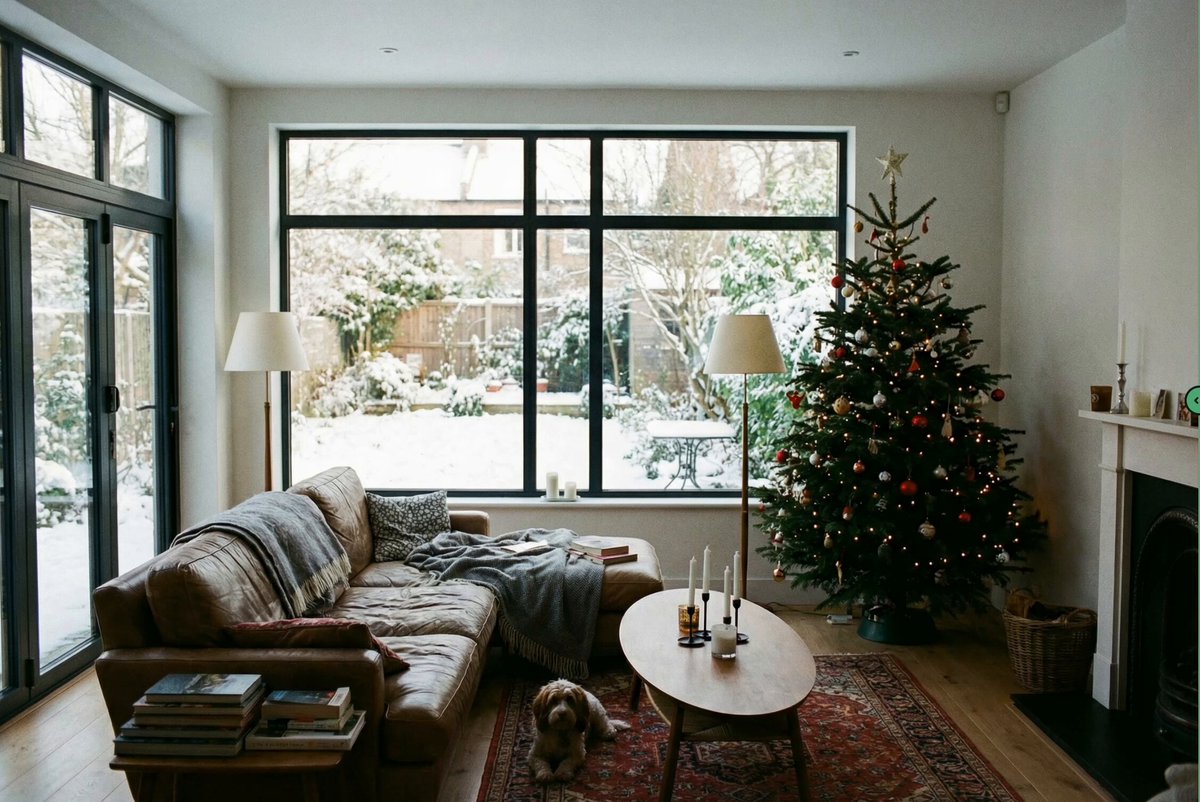
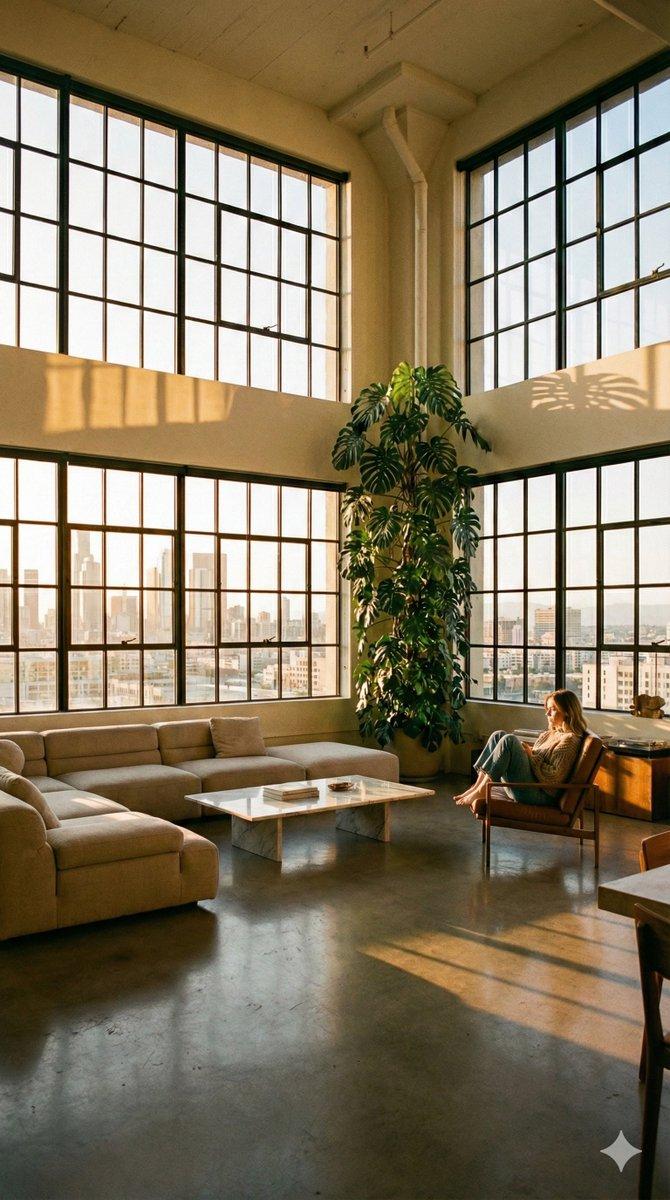
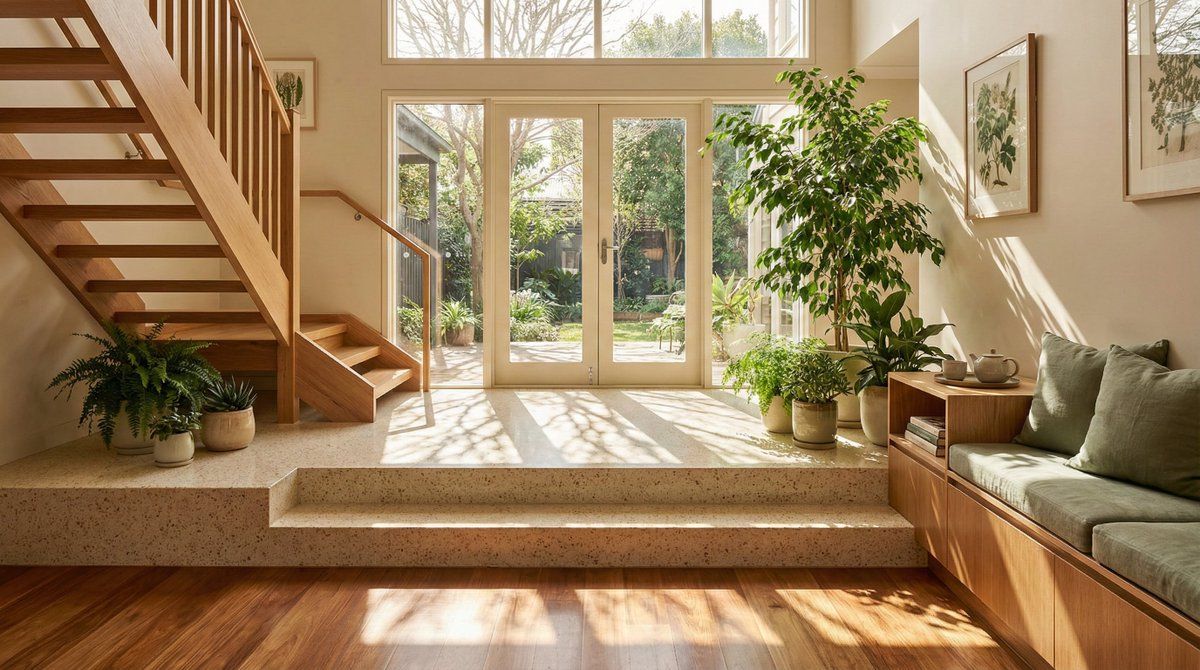
  "prompt": "Architectural photograph of a sun-drenched modern entryway featuring a split-level floor design. In the foreground, rich polished wooden floorboards transition to a raised platform with speckled cream terrazzo steps. A wooden staircase with clean lines ascends on the left side. The space is bathed in warm natural sunlight streaming through rear French doors and windows, casting distinct, artistic dappled shadows of tree branches across the floor surfaces. Lush indoor potted plants, including a large ficus, add vibrant green accents. To the right, a wooden storage bench with sage green cushions and a side table with a tea set suggest a cozy living area. The color palette is dominated by warm earth tones, beige, wood, and cream. The image is sharp, high-resolution, and captures a serene, airy atmosphere typical of high-end interior design magazines.",
  "subject": "A sun-drenched modern interior foyer featuring terrazzo steps, wooden flooring, and abundant indoor plants.",
  "style": "Contemporary architectural photography, interior design showcase, warm minimalism.",
  "lighting": "Natural sunlight streaming through windows, creating distinct dappled tree shadows on the floor.",
  "colors": "Warm neutrals, rich timber brown, creamy beige, sage green, white highlights.",
  "composition": "Wide-angle eye-level shot showing depth from the entryway to the garden door, framed by a staircase and furniture.",
  "environment": "Upscale residential interior, open-concept living space connecting to a garden.",
  "mood": "Serene, inviting, peaceful, airy, domestic bliss.",
  "technicalQuality": "High resolution, sharp focus, excellent dynamic range, photorealistic.",
  "subjectDetails": {
    "mainSubject": "Interior entryway and living space",
    "subjectType": "Architecture/Interior Design",
    "accessories": "Framed botanical artwork, ceramic pots, tea set, cushions",
    "action": "Static architectural scene",
    "appearance": "Clean lines, split-level floor, open layout",
    "scale": "Architectural scale"
  },
  "lightingDetails": {
    "lightType": "Natural sunlight",
    "direction": "Side and back lighting from windows",
    "quality": "Hard sunlight filtered through trees creating dappled patterns",
    "highlights": "Bright sun patches on terrazzo and wood",
    "lightingSetup": "Natural ambient fill with strong directional sun",
    "shadows": "Distinct, high-contrast tree branch shadows on the floor",
    "temperature": "Warm golden hour (approx 3500K-4000K)",
    "timeOfDay": "Late afternoon or early morning"
  },
  "colorAnalysis": {
    "dominantColors": [
      "#8B5A2B (Medium Wood)",
      "#E8E0D5 (Cream Terrazzo)",
      "#F5F5F0 (Off-white Walls)",
      "#4A6B4A (Foliage Green)",
      "#CCA878 (Sunlight Gold)"
    ],
    "colorPalette": "Analogous warm tones with green accents",
"saturatio- Category
- 创意图片
- Model
- Nano Banana Pro
- Creator
- Zifah Prompt
- Source ID
- 9bb2a1a8-33b9-40d0-8025-8ff9939f4307
- Published
- Mar 8, 2026
Views0