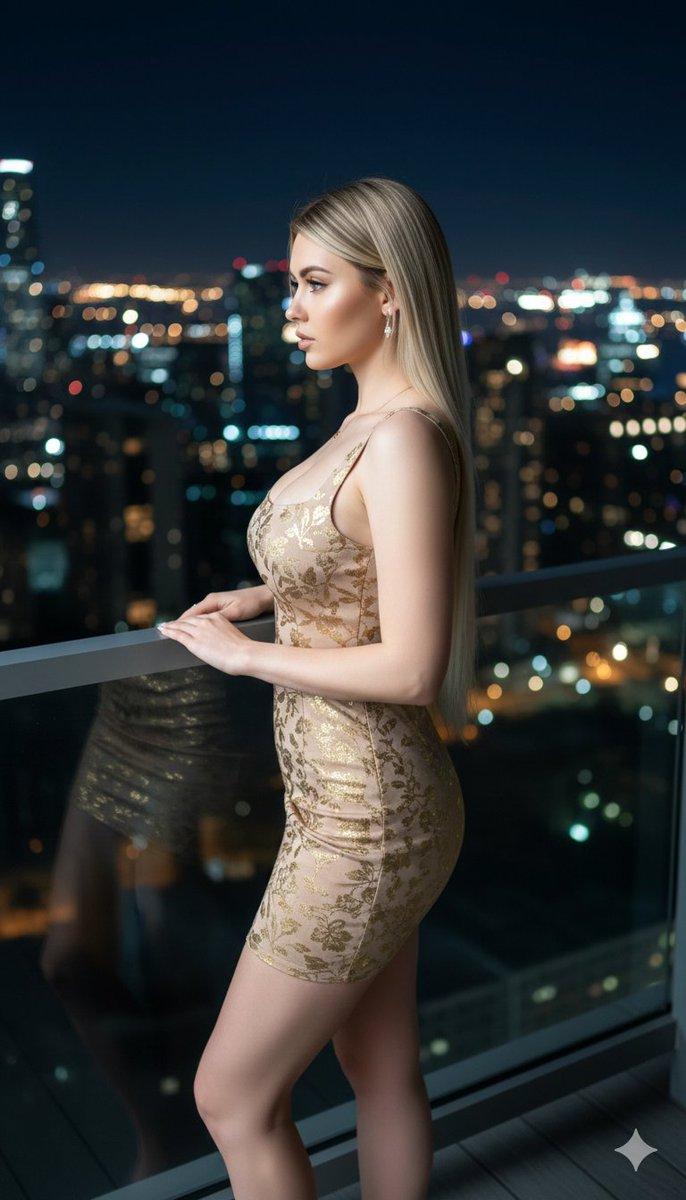
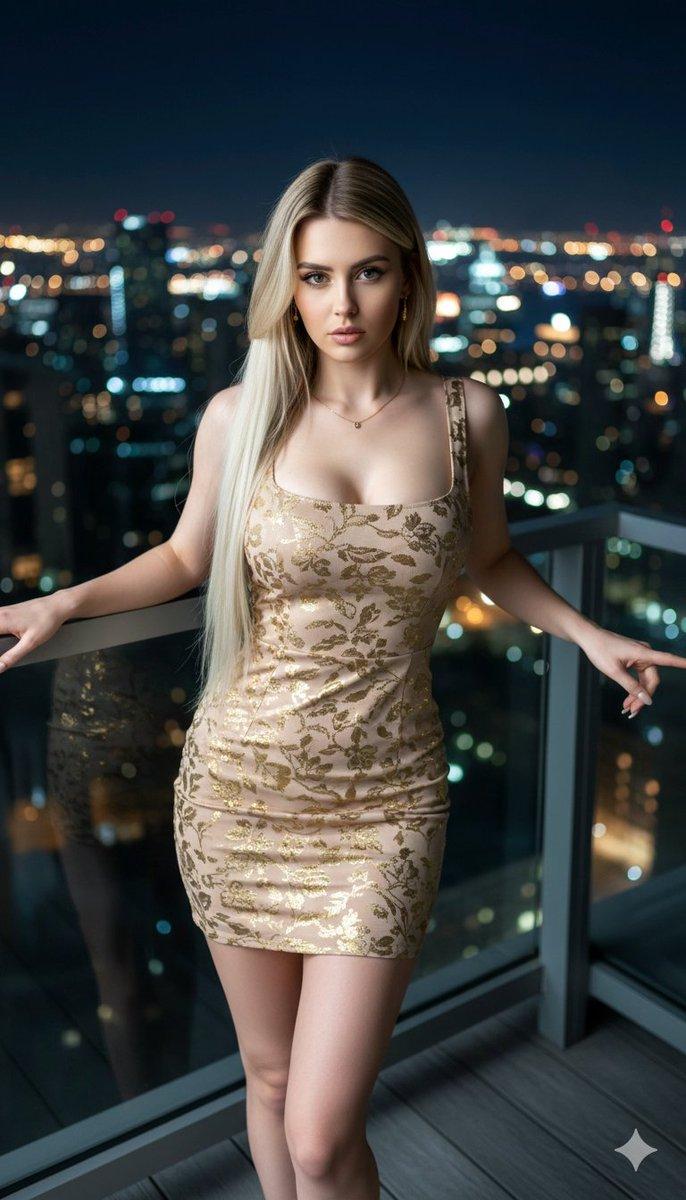
高级时装编辑场景重定位提示
Prompt
{
  "generation_request": {
    "meta_data": {
      "task_type": "high_fashion_editorial_scene_relocation",
      "language": "en",
      "priority": "highest",
      "version": "v1.0_EMERALD_BALCONY_CITYLIGHTS_NIGHT"
    },
    "input": {
      "mode": "image_to_image",
      "reference_image_usage": "very_high",
      "preserve_identity": true,
      "preserve_facial_features": true,
      "preserve_pose": true,
      "preserve_body_proportions": true,
      "preserve_hand_structure": true,
      "notes": "Use the uploaded image as the primary anchor. Keep the exact pose, side profile angle, head tilt, hand placement behind the body, ponytail hairstyle, emerald green halter sequin dress design and fit, and the same earrings. Only relocate the environment to a night balcony with a blurred city skyline. Maintain editorial realism and natural anatomy."
    },
    "output": {
      "aspect_ratio": "4:5",
      "resolution": "ultra_high",
      "num_images": 1,
      "sharpness": "editorial_crisp",
      "grain": "subtle_35mm_film",
      "post_processing": {
        "skin_retouch": "luxury_editorial",
        "texture_preservation": "high",
        "avoid_plastic_skin": true,
        "avoid_ai_glow": true,
        "avoid_hdr": true
      }
    },
    "scene": {
      "concept": "luxury night balcony fashion portrait with city lights bokeh",
      "environment": "high-rise balcony at night, distant city skyline and streetlights rendered as soft bokeh, subtle railing edge hinted, no readable signs",
      "composition": {
        "framing": "3/4 body portrait, same angle as reference, subject dominant, background softly blurred",
        "background_depth": "strong separation with creamy bokeh"
      },
      "lighting": {
        "type": "cinematic_key_light_with_city_ambient",
        "key_light": "soft directional key from camera-left",
        "fill": "minimal soft fill to retain facial detail",
        "rim_light": "subtle cool rim from city ambient",
        "contrast": "medium_high",
        "highlight_behavior": "controlled specular sparkle on sequins without clipping",
        "temperature": "mixed (warm city bokeh + neutral skin key)"
      },
      "camera": {
        "look": "luxury_magazine_editorial_night",
        "lens": "85mm",
        "aperture": "f1.8",
        "depth_of_field": "shallow_background_strong_bokeh",
        "dynamic_range": "balanced_no_hdr",
        "motion": "still_photo"
      }
    },
    "subject": {
      "person": "adult woman",
      "appearance": {
        "hair": "sleek high ponytail, glossy",
        "makeup": "clean glam, defined brows, soft sculpt, natural highlight",
        "expression": "confident downward side gaze"
      },
      "wardrobe": {
        "dress": "emerald green halter neck full-length sequin gown, body-contouring silhouette, unchanged",
        "earrings": "gold statement earrings with green stone detail, unchanged"
      }
    },
"negative- Category
- 创意图片
- Model
- Nano Banana Pro
- Creator
- Özge Döner
- Source ID
- 64a70458-0201-4f1b-974f-bf6ae3500e5f
- Published
- Mar 8, 2026
Views0