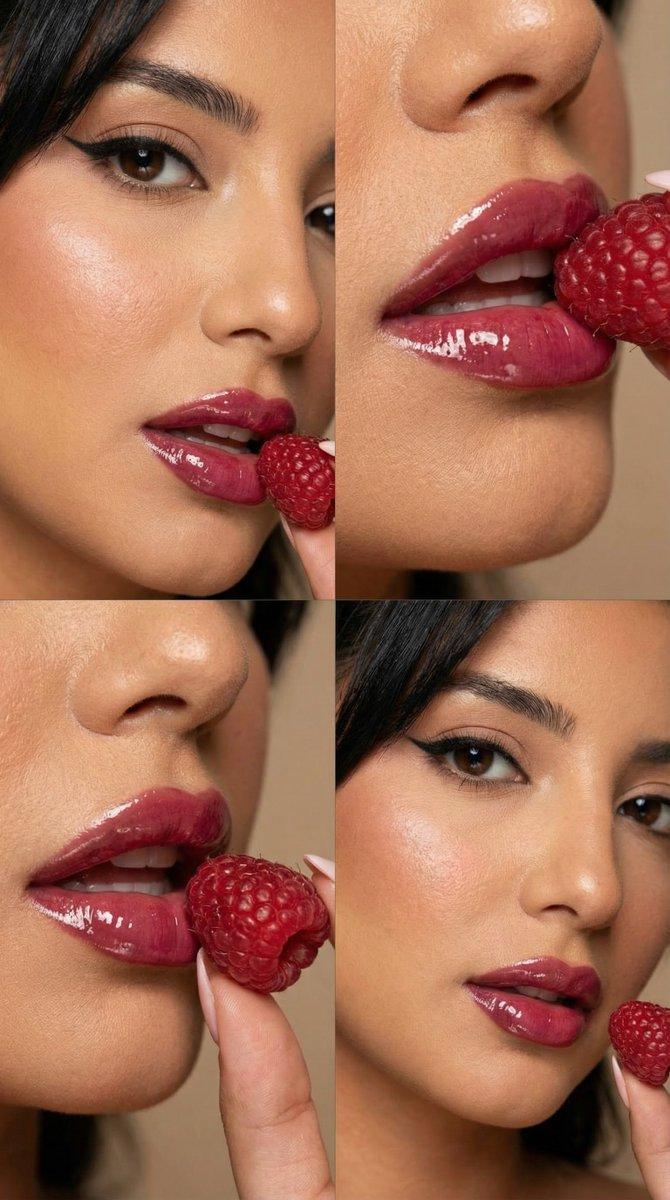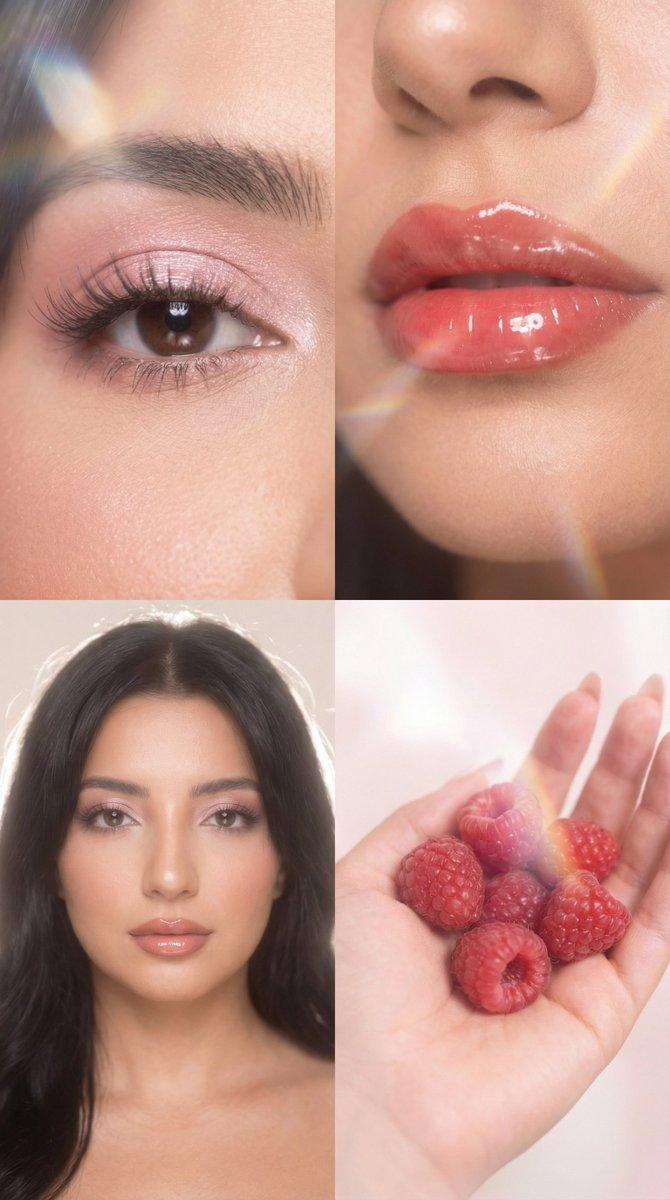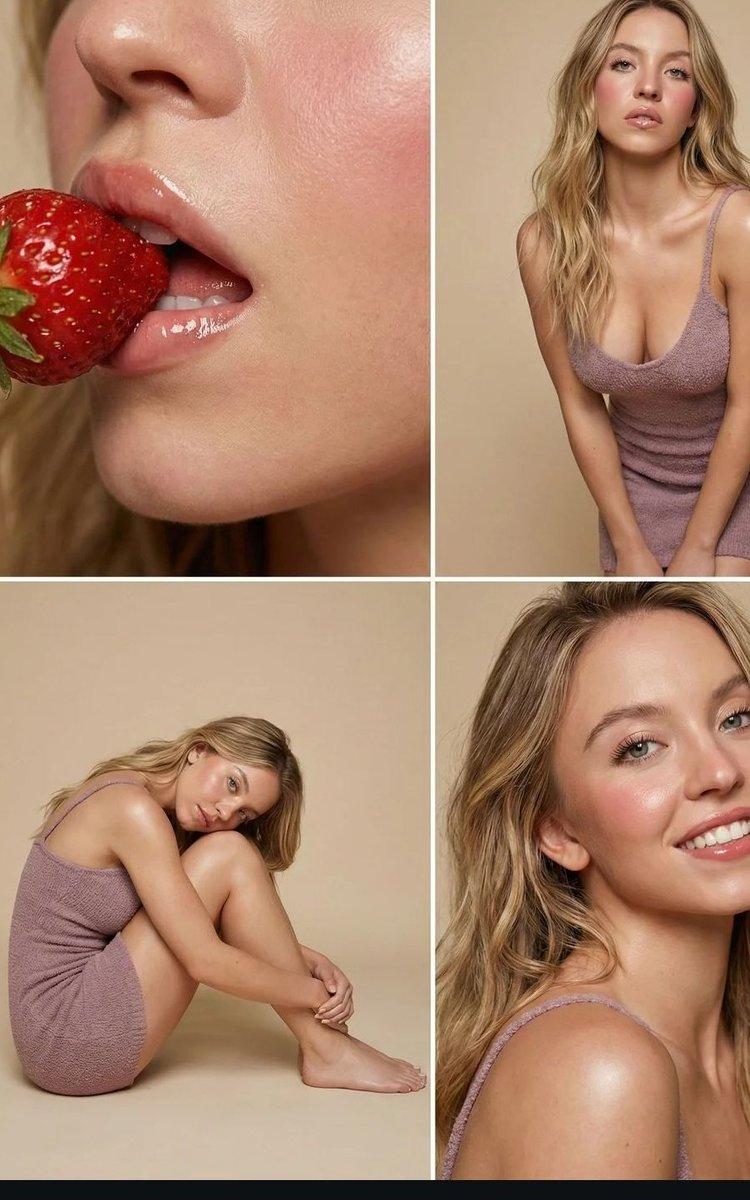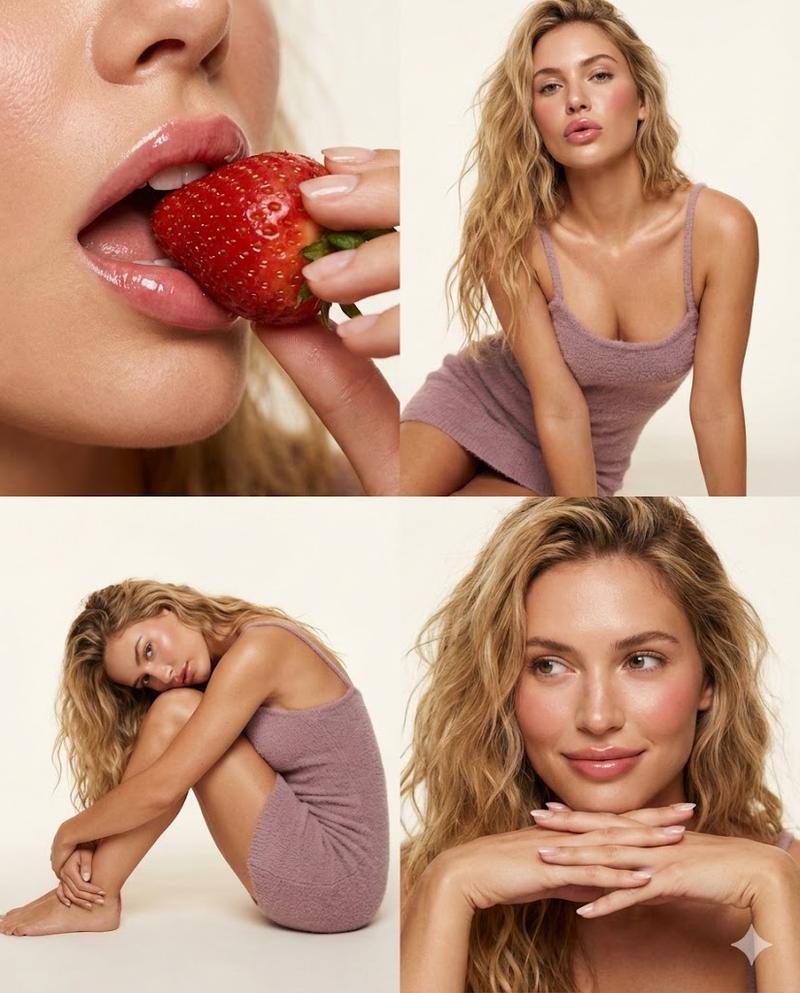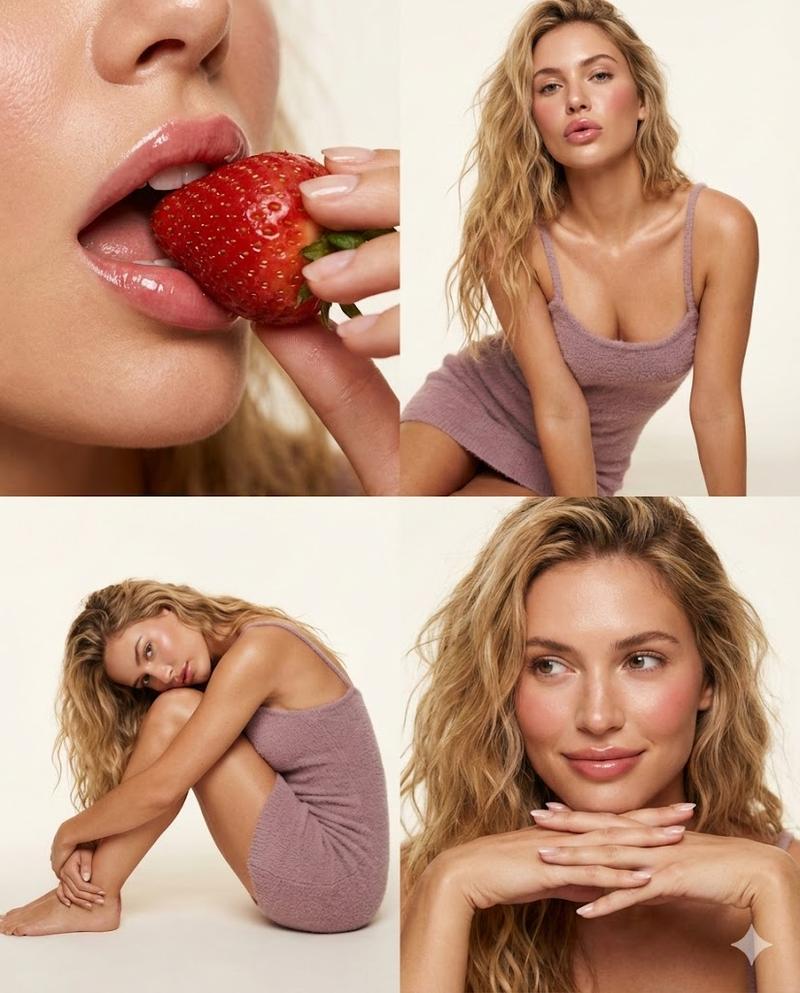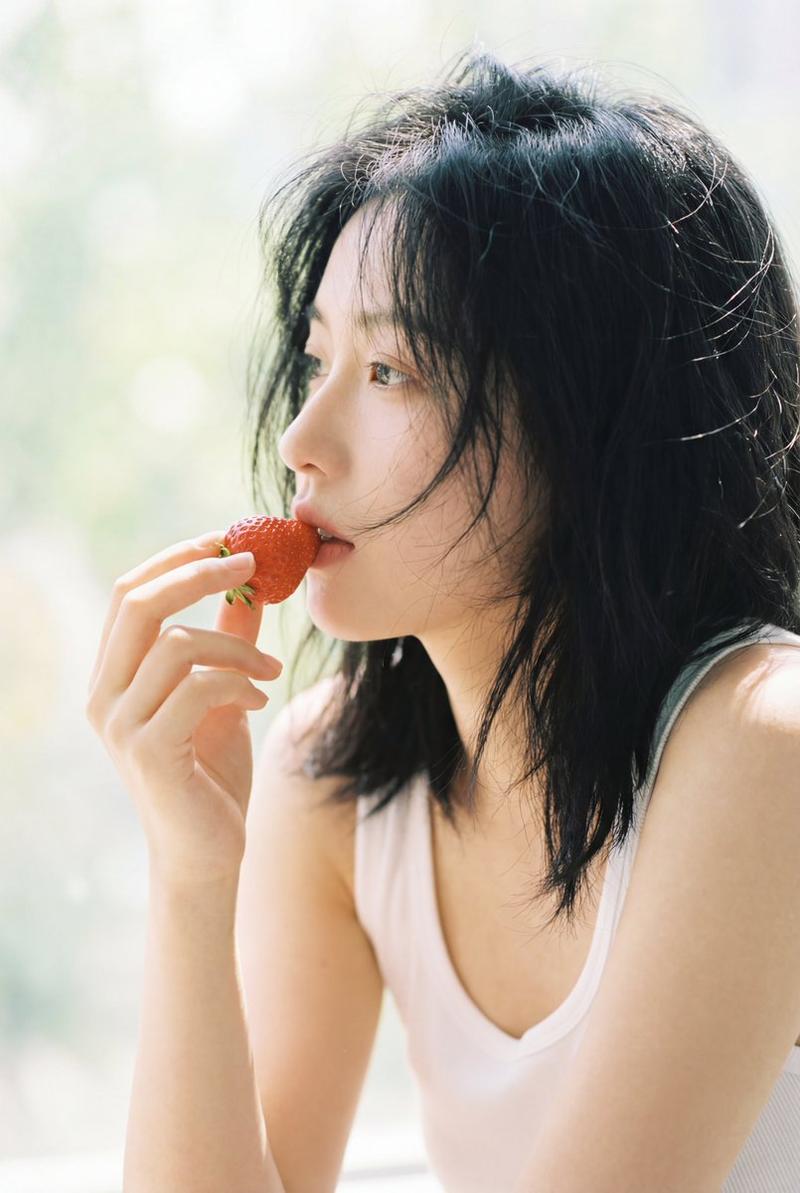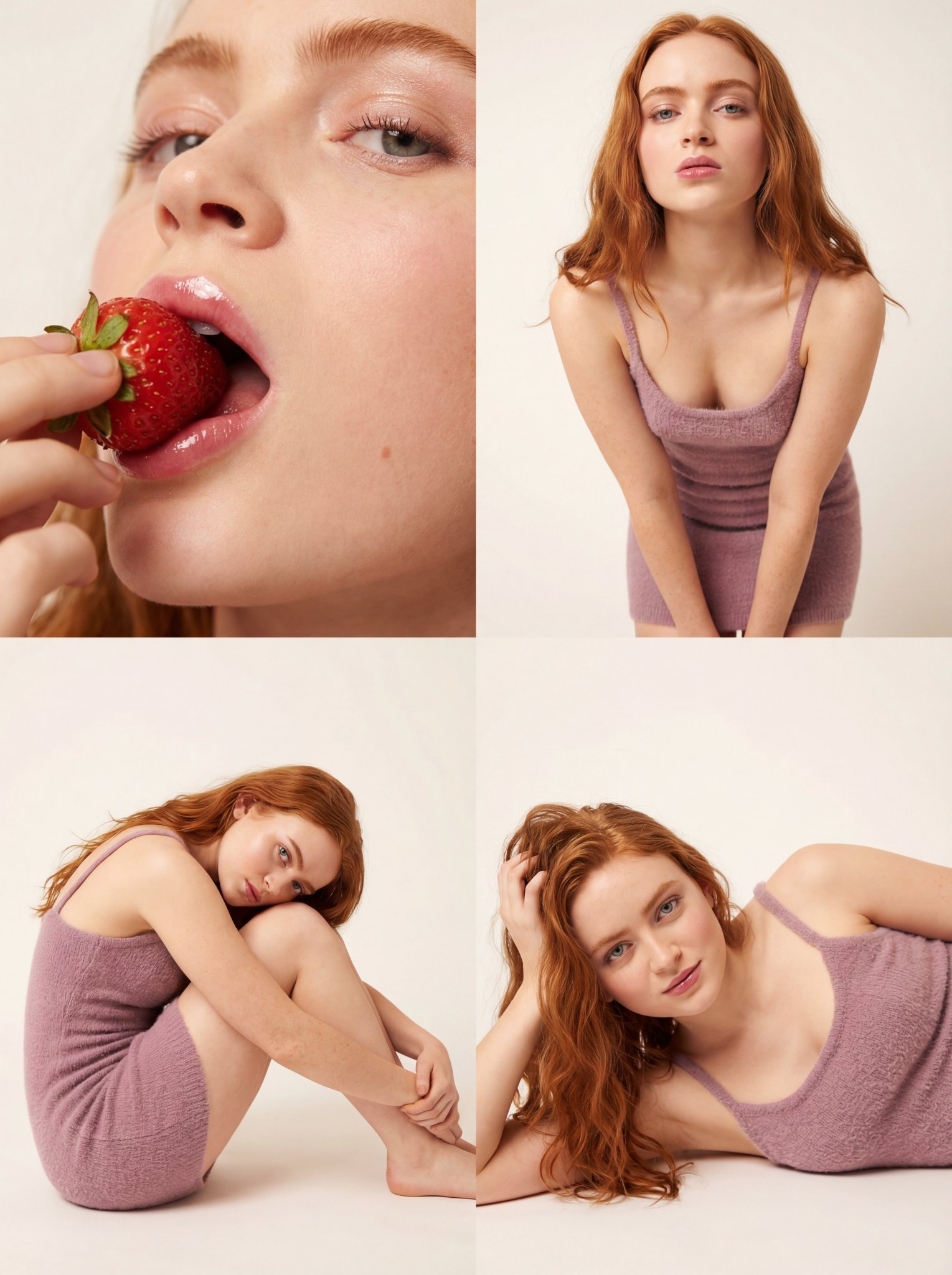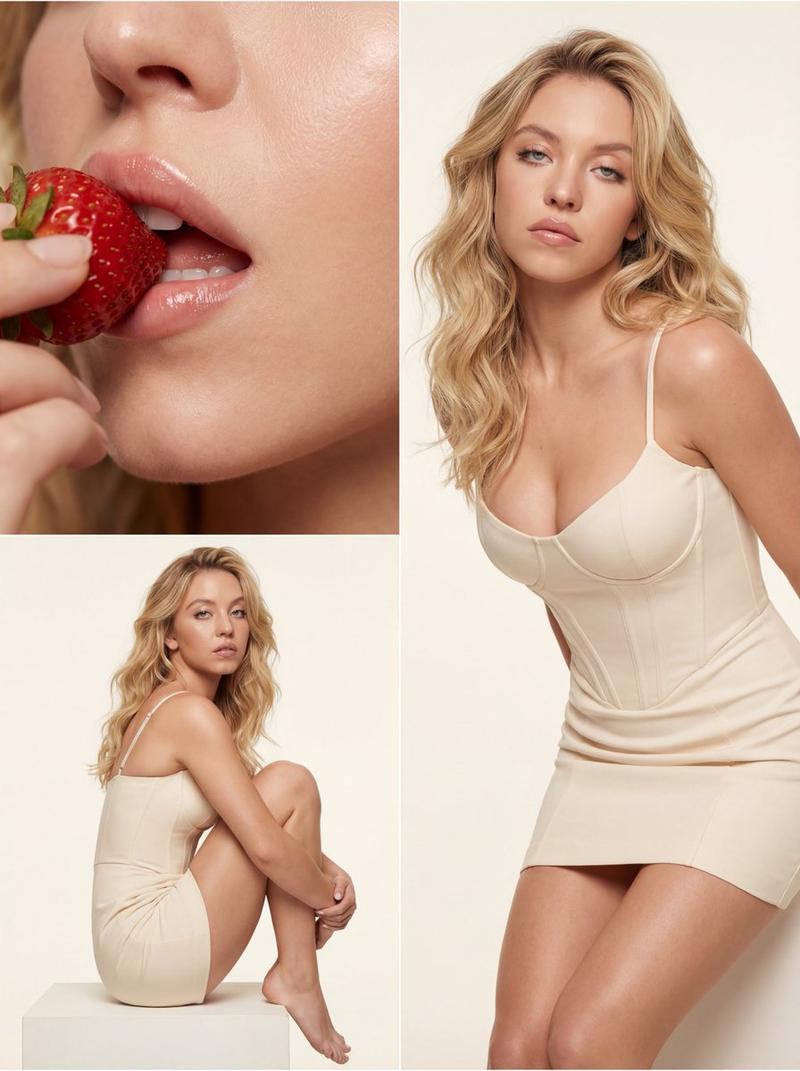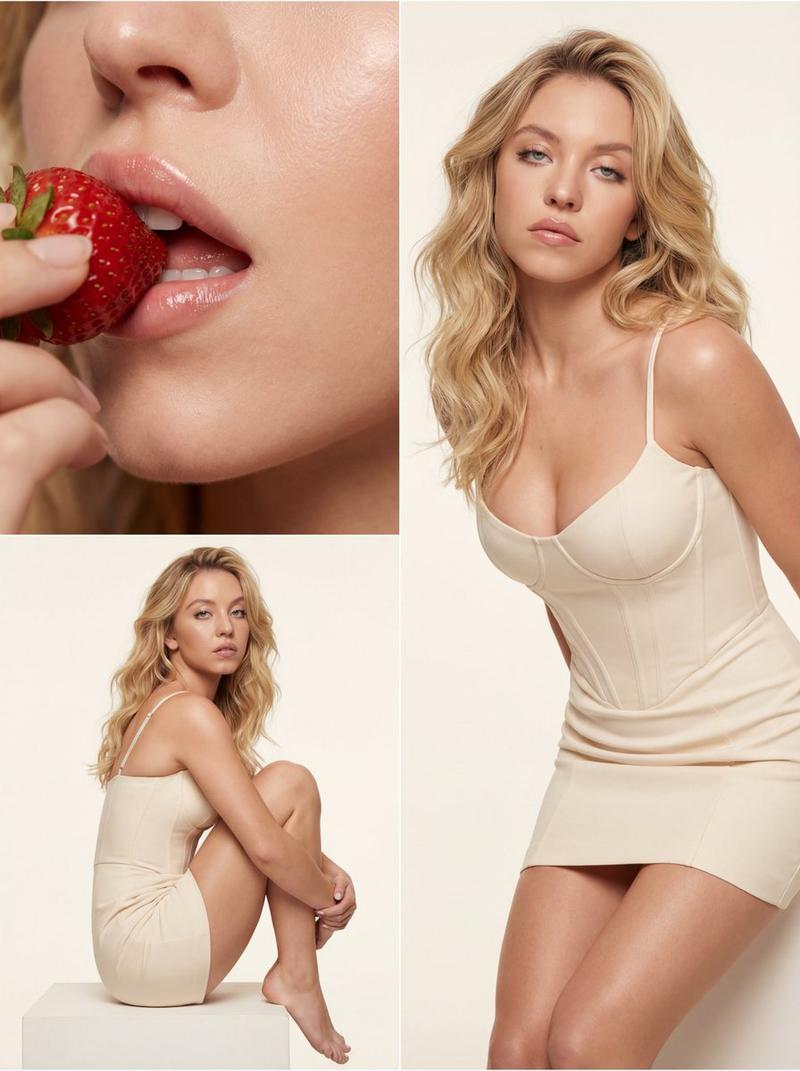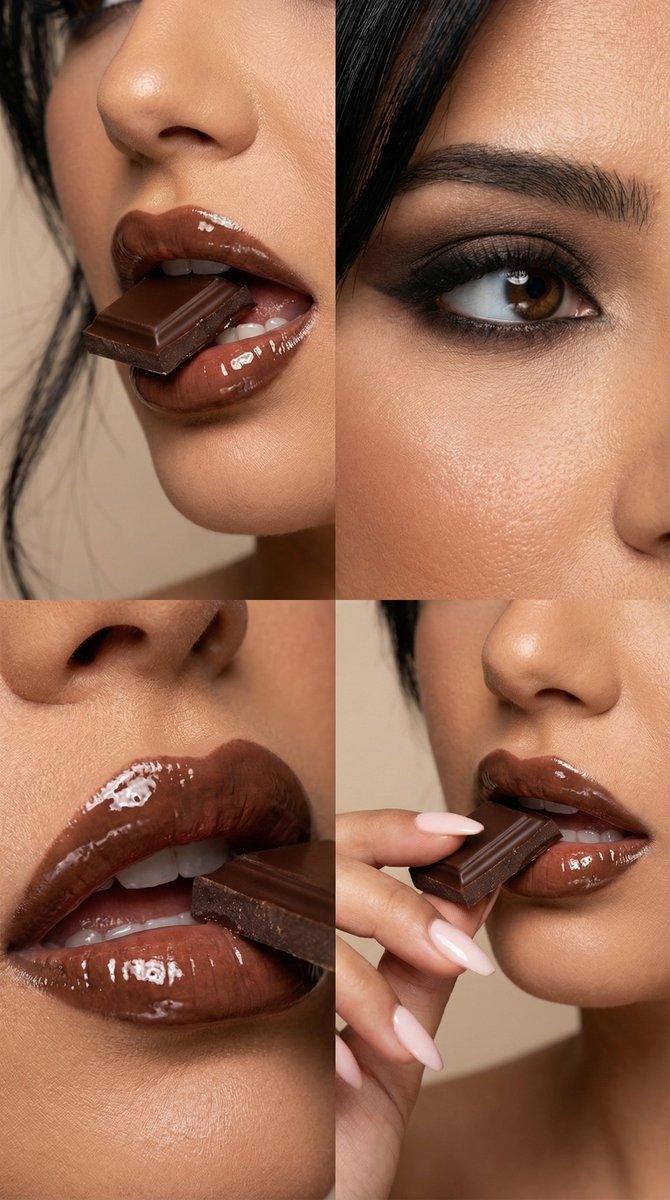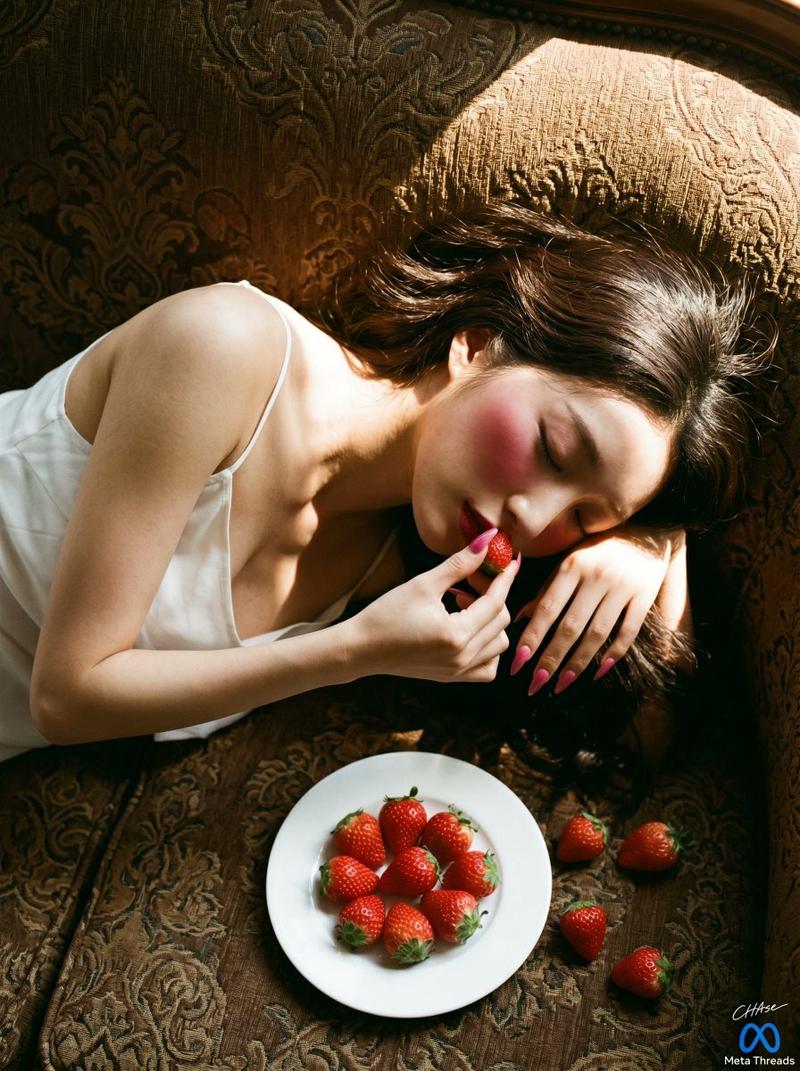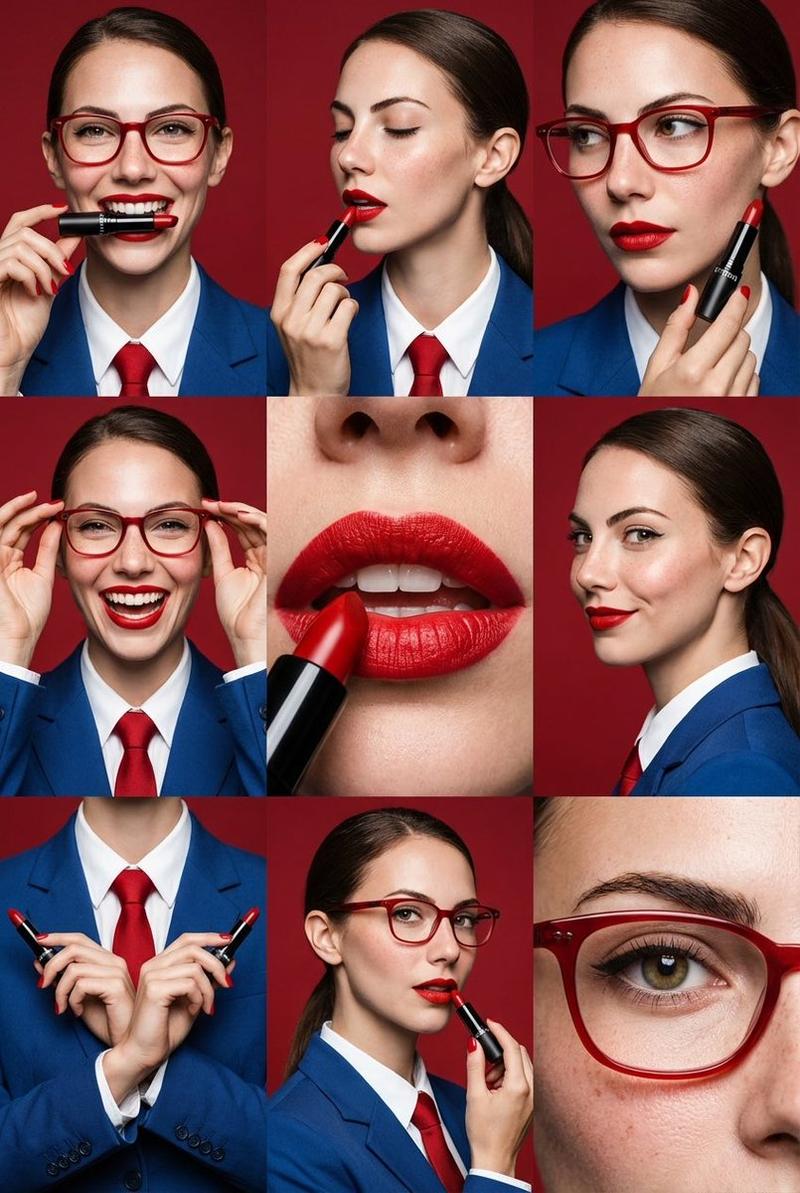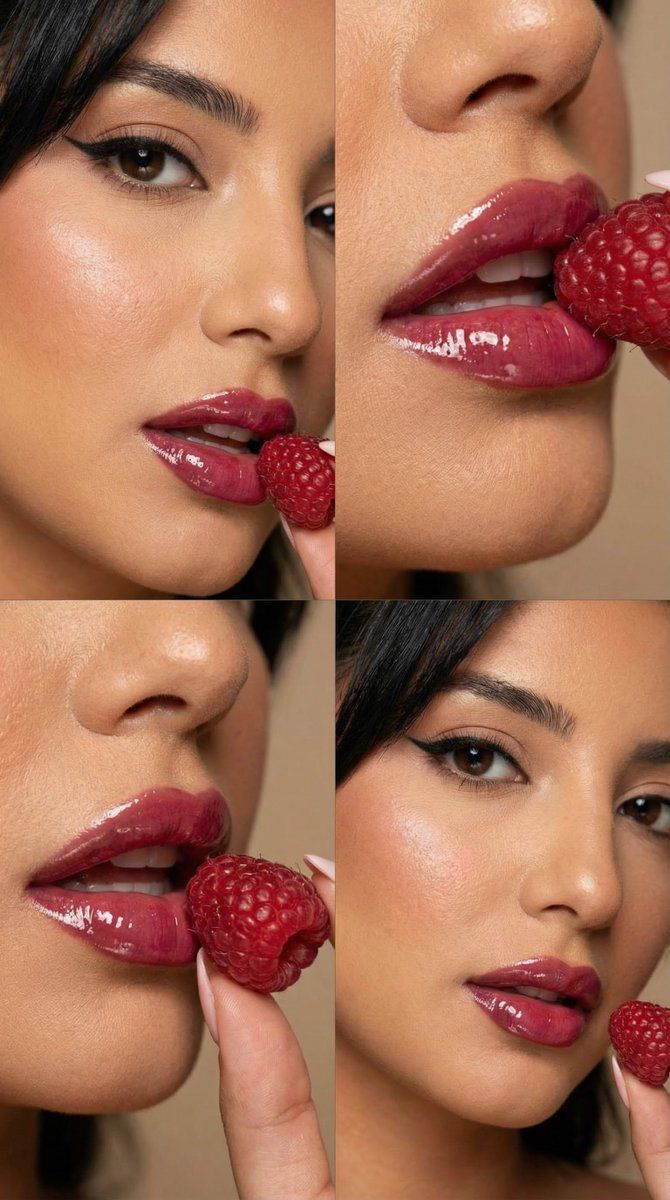
覆盆子光泽微距编辑网格提示
Prompt
{
  "generation_request": {
    "meta_data": {
      "task_type": "beauty_editorial_macro_series_grid",
      "language": "en",
      "priority": "highest",
      "version": "v1.0_RASPBERRY_GLOSS_MACRO_EDITORIAL_GRID"
    },
    "input": {
      "mode": "text_to_image",
      "notes": "Create a 2x2 beauty editorial grid featuring the same adult female model. Each panel is a slightly different macro crop: (A) eye + cheek + lips with raspberry near mouth, (B) extreme close-up of glossy lips with raspberry touching the upper lip, (C) another extreme close-up from a slightly different angle, (D) eye + cheek + lips again with a micro-variation in gaze and raspberry placement. Keep identity, makeup, and styling consistent across all panels. No text, no logos."
    },
    "output": {
      "aspect_ratio": "4:5",
      "resolution": "ultra_high",
      "num_images": 1,
      "layout": {
        "type": "grid",
        "rows": 2,
        "cols": 2,
        "gutter": "thin"
      },
      "sharpness": "editorial_crisp",
      "grain": "subtle_film",
      "post_processing": {
        "skin_retouch": "light_editorial",
        "texture_preservation": "high",
        "avoid_plastic_skin": true,
        "avoid_hdr": true
      }
    },
    "scene": {
      "concept": "high-fashion beauty editorial macro campaign with raspberries as a sensual prop",
      "environment": "minimal studio, warm neutral background, no visible set elements",
      "composition": {
        "framing": "macro close-ups, tight crops, emphasis on lips and eye",
        "camera_height": "eye_level",
        "focus_priority": "lips_texture_and_gloss_highlights"
      },
      "lighting": {
        "type": "soft_directional_studio_light",
        "direction": "slightly_side",
        "contrast": "medium_soft",
        "temperature": "warm_neutral",
        "highlight_behavior": "controlled_specular_on_gloss",
        "shadow_behavior": "soft_falloff"
      },
      "camera": {
        "look": "beauty_campaign_photography",
        "lens": "100mm_macro",
        "aperture": "f2.8",
        "depth_of_field": "shallow_but_legible",
        "macro_detail": "high"
      }
    },
    "subject": {
      "person": "adult woman",
      "appearance": {
        "skin": "natural pores visible, faint freckles, soft warm undertone",
        "hair": "straight dark hair, sleek, partially framing face",
        "eye_color": "hazel_or_brown"
      },
      "makeup": {
        "complexion": "light foundation with natural texture, soft powder control",
        "blush": "dusty_rose blush on cheekbones",
        "eyes": "sharp winged eyeliner, long separated lashes, subtle shimmer on lids",
        "lips": "deep berry red lipstick with high gloss finish, crisp lip line, visible lip texture"
      },
      "props": {
        "raspberries": "fresh raspberries placed near and touching the lips, one held between fingers",
"hands": "fingers in frame holding raspberry,- Category
- 创意图片
- Model
- Nano Banana Pro
- Creator
- Özge Döner
- Source ID
- 397c7a62-f03e-4899-81fe-acb0a2af88fd
- Published
- Mar 8, 2026
Views0