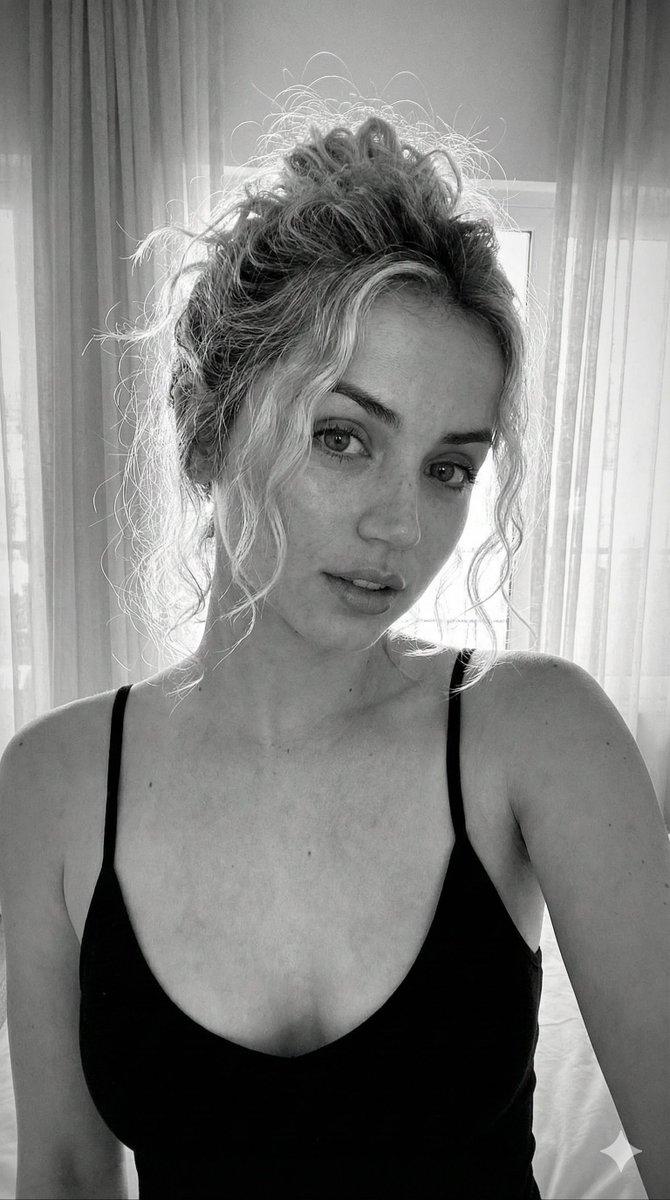
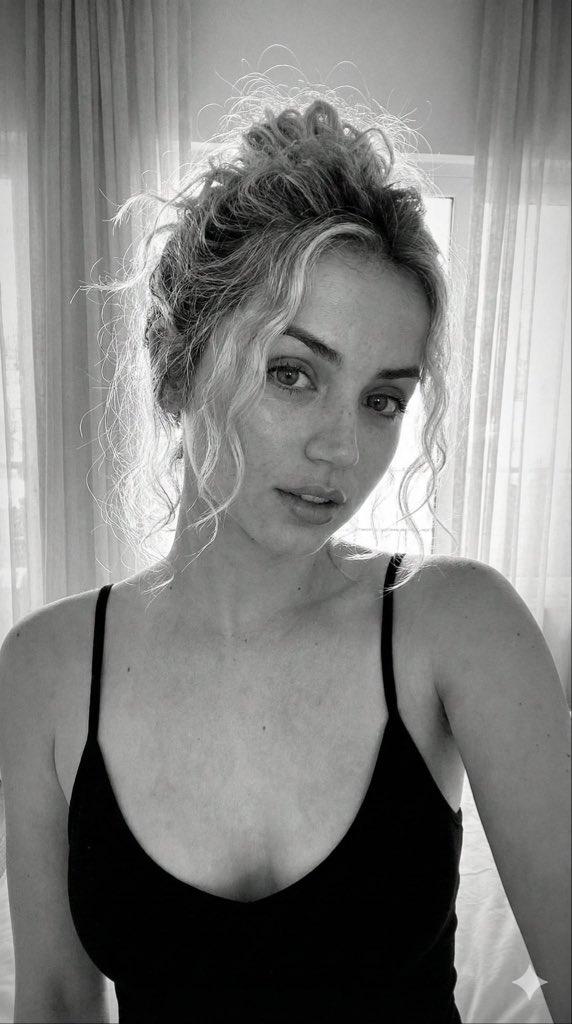
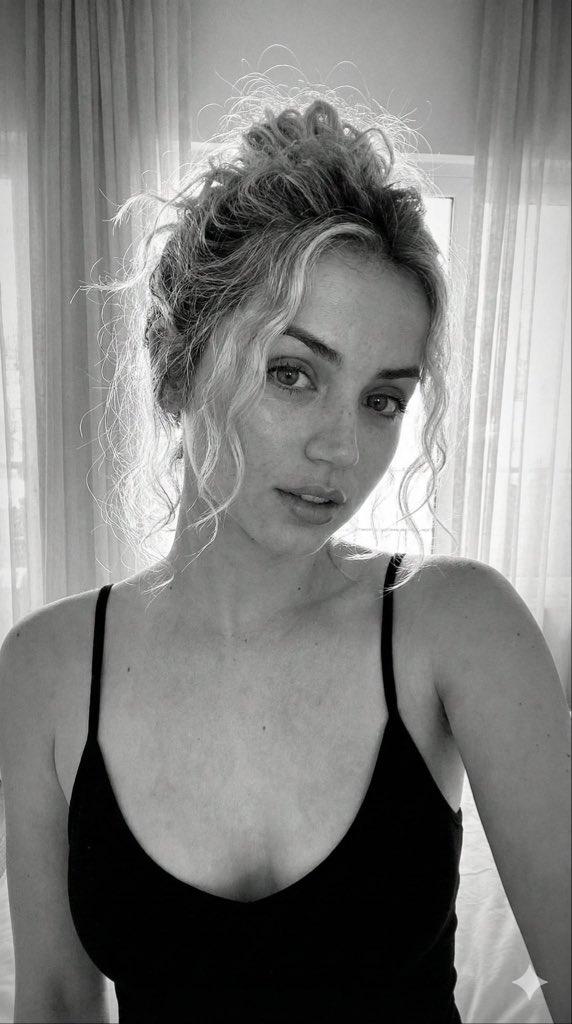
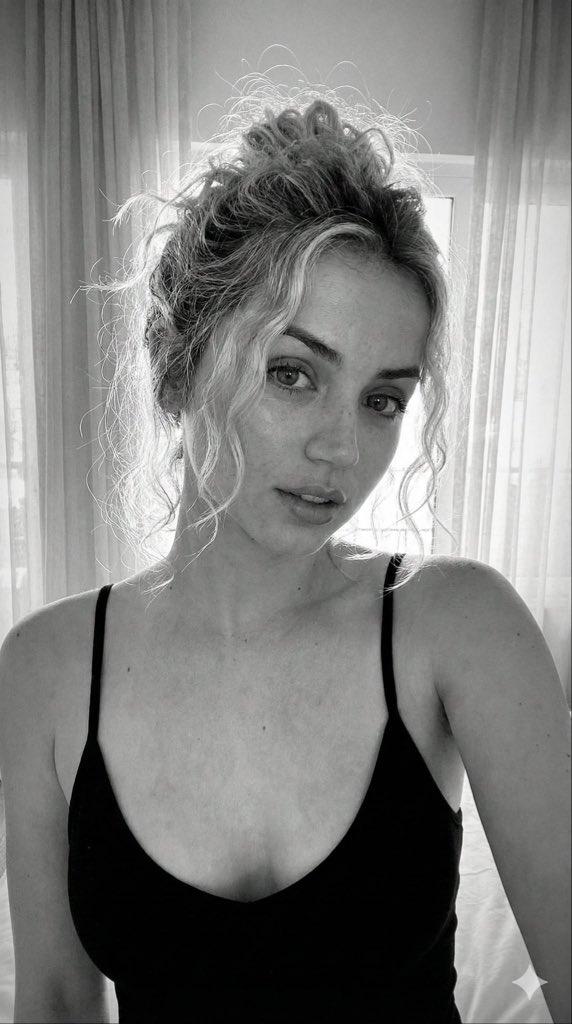
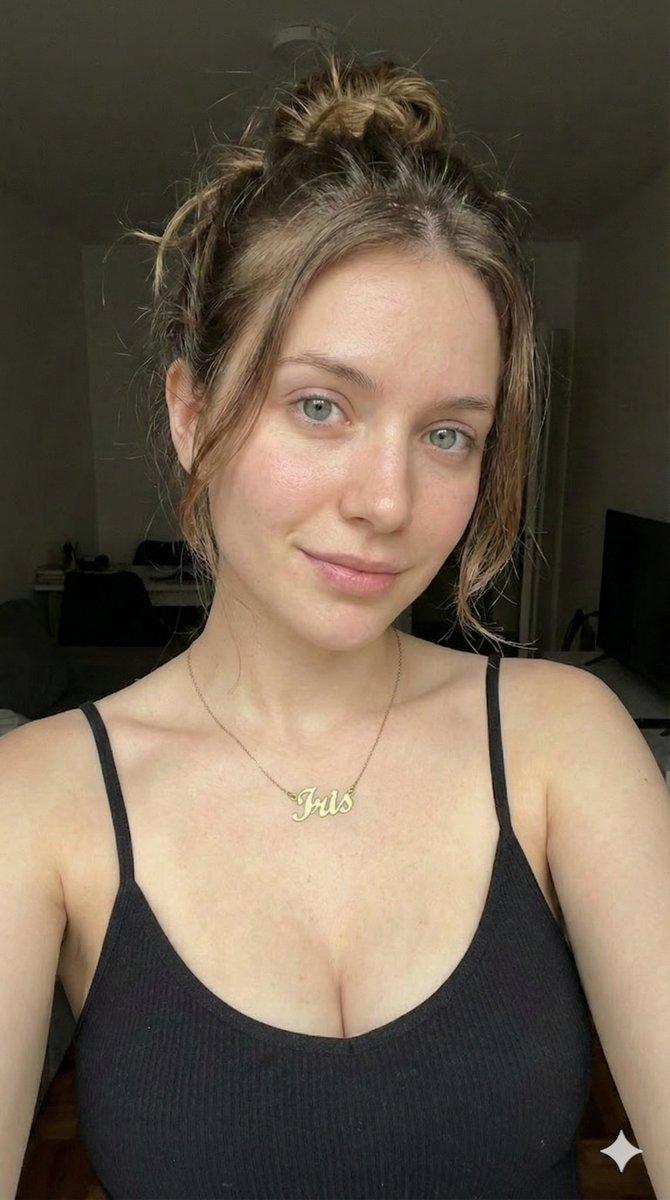
带有晒痕的超逼真自拍提示
Prompt
{
"subject": {
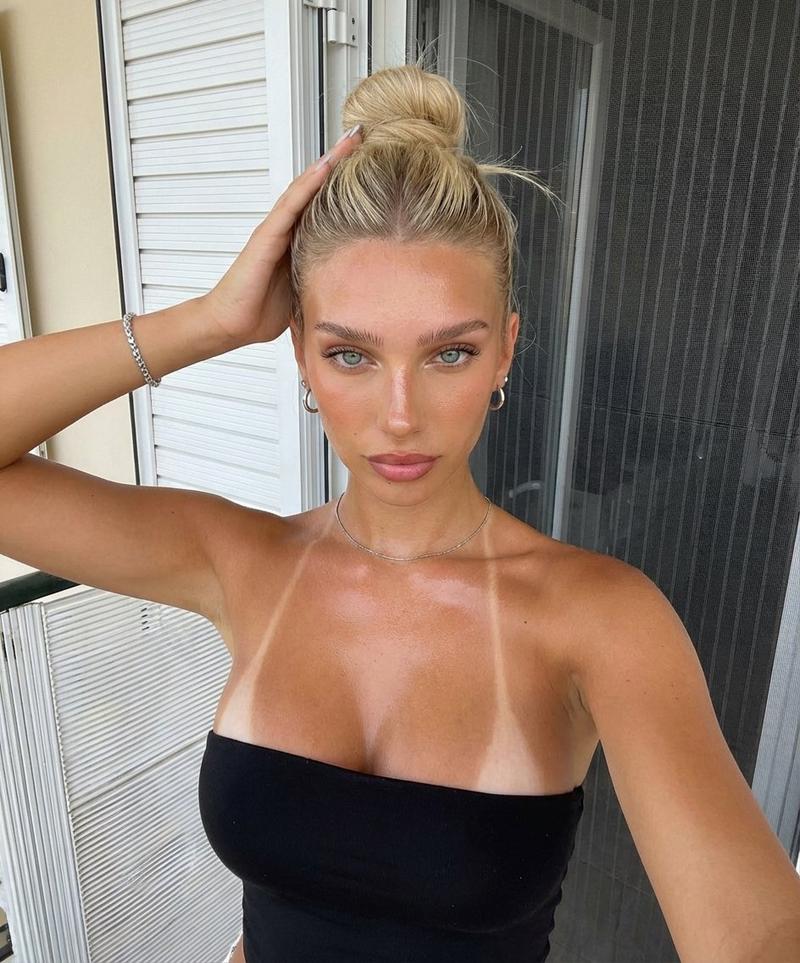
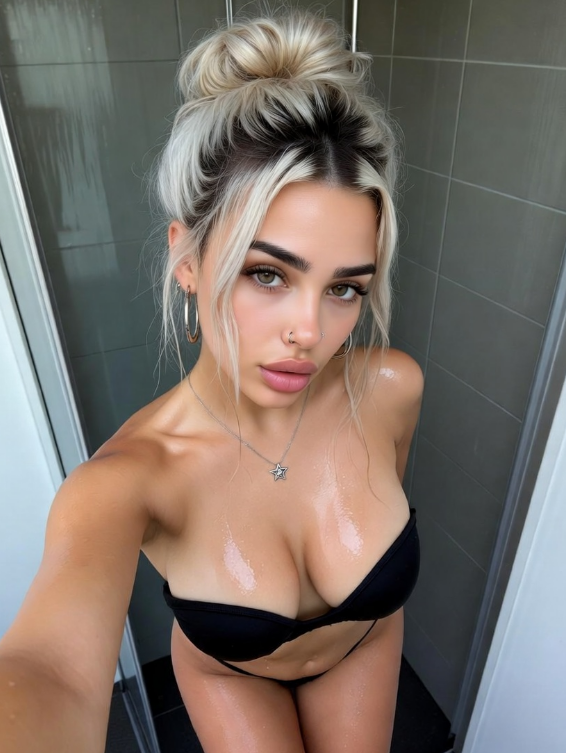
"description": "Young woman with white skin and visible sun exposure",
"hair": "Long straight natural blonde hair, pulled back into a high, slightly messy bun, appearing damp or slicked back with some loose strands near the hairline",
"eyes": "Almond-shaped hazel-green eyes, direct gaze",
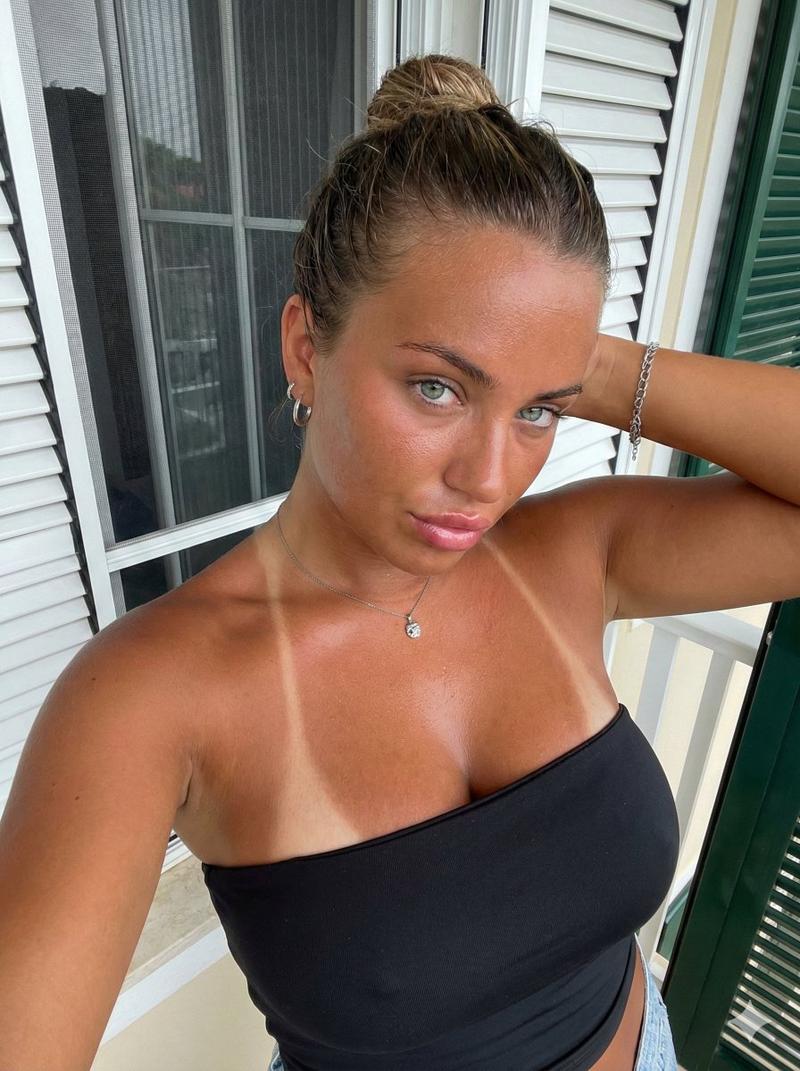
"skin": "white, light bronzed tanned complexion with distinct, sharp white tan lines vertically crossing the upper chest and shoulders (strap marks), visible reddish undertones indicating recent sun exposure, shiny texture suggesting sweat or natural oils, detailed pores and skin imperfections",
"features": "Full, glossy pink lips slightly parted, strong eyebrows, sharp jawline",
"clothing": "Black strapless tube top, tight-fitting, positioned low on the bust",
"jewelry": "Silver chain bracelet on right wrist, thin silver necklace with small pendant, small silver hoop earrings",
"anatomy": "Very full, heavy bust volume visibly affected by gravity and the tube top compression, prominent cleavage, natural soft tissue distribution, distinct tan lines contouring over the chest volume"
},
"pose": {
"type": "High-angle selfie close-up",
"head": "Tilted slightly to the right, facing camera directly",
"arms": "Right arm raised with elbow out of frame, hand touching the back of the head/hair bun; Left arm extended downwards out of frame",
"body_orientation": "Upper torso facing forward, slight lean towards the camera",
"expression": "Confidence, direct eye contact, slightly sultry, mouth relaxed and open"
},
"environment": {
"location": "Balcony or porch exterior",
"background": "White window frame with horizontal glass jalousie (louvered) blinds, dark mesh screen behind the glass, partial view of a green painted wall or shutter on the far right",
"details": "Architectural lines of the blinds create a horizontal pattern behind the subject"
},
"camera": {
"perspective": "High-angle selfie perspective (camera above eye level)",
"shot_type": "Close-up, bust shot",
"focal_length": "Wide angle (24mm-28mm equivalent), typical of smartphone front cameras",
"depth_of_field": "Deep, keeping both the face and the window blinds behind in relative focus",
"framing": "Top of head cropped slightly, chest prominent in the lower center foreground"
},
"lighting": {
"source": "Natural daylight, diffused",
"direction": "Frontal, slightly overhead",
"quality": "Soft but distinct, creating highlights on the forehead, nose bridge, and upper curvature of the chest",
"shadows": "Soft shadows under the chin and nose, natural shading in the cleavage and collarbone areas"
},
"mood_and_expression": {
"mood": "Candid, summer, confident, direct",
"expression": "Neutral to slightly alluring, intense gaze"
},
"style_and_realism": {
"style": "Raw, unfiltered smartphone photography style",
"realism": "Hyper-realistic skin texture, accurate depiction of sunburn and tan lines, no airbrushing, high fideli"
}
}- Category
- 创意图片
- Model
- Nano Banana Pro
- Creator
- Maya
- Source ID
- 7ee31156-df4d-4dab-bf1d-b871525f2457
- Published
- Mar 8, 2026
Views0