亲密卧室肖像提示
Prompt
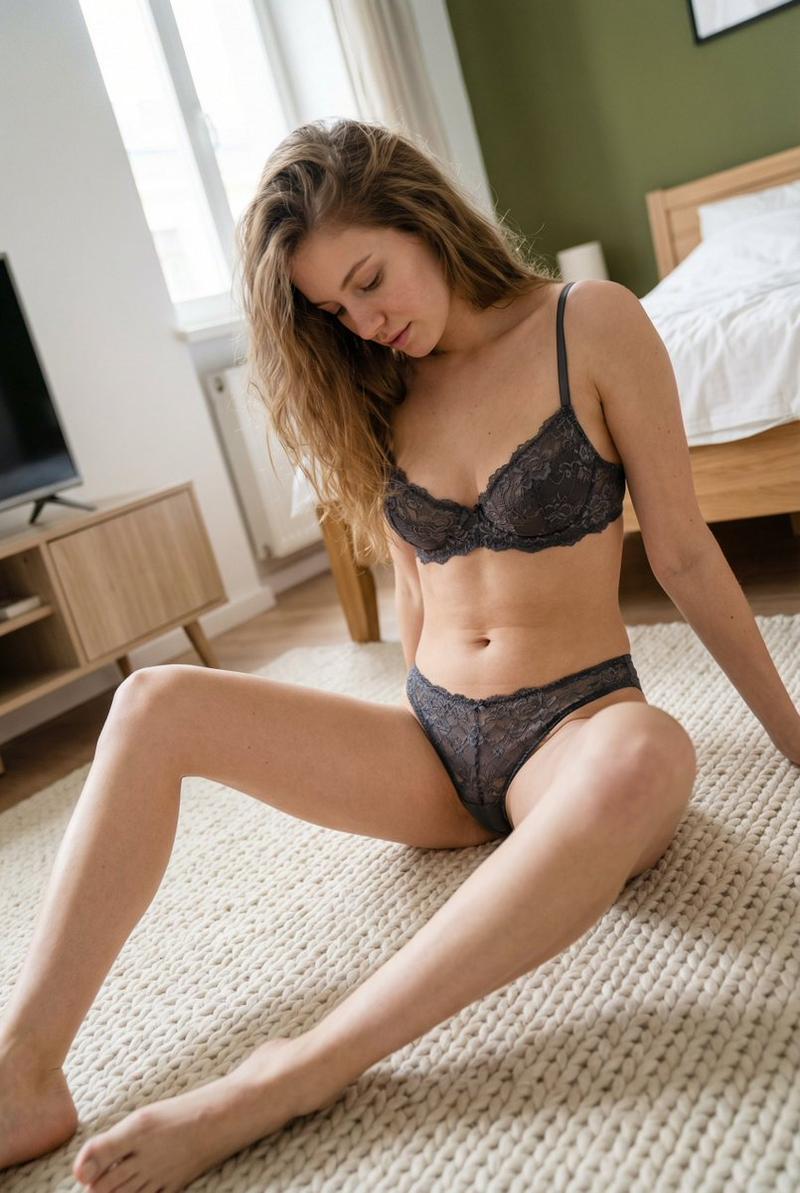
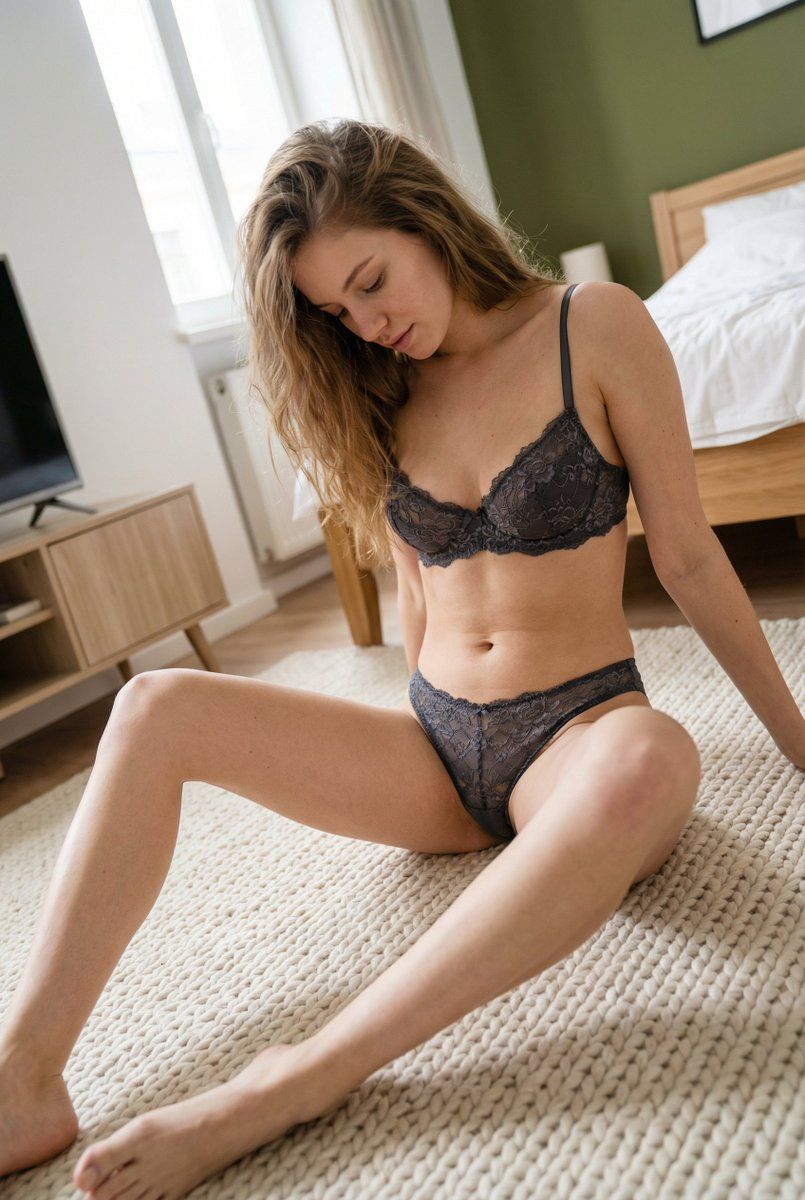
{ "subject": { "description": "A young Caucasian woman with delicate features sitting on a bedroom floor", "mirror_rules": "none", "age": "early 20s", "expression": { "eyes": { "look": "downward", "energy": "soft and melancholic", "direction": "looking at the ground" }, "mouth": { "position": "slightly parted", "energy": "relaxed" }, "overall": "intimate, quiet, and pensive" }, "face": { "preserve_original": true, "makeup": "minimalist, natural skin glow, no-makeup look" }, "hair": { "color": "light brown", "style": "long straight hair, naturally messy", "effect": "strands falling over the face" }, "body": { "frame": "slender and toned", "waist": "slim", "chest": "natural shape", "legs": "long, spread naturally while sitting", "skin": { "visible_areas": "shoulders, torso, legs, feet", "tone": "fair with warm undertones", "texture": "touchable, realistic skin pores, slight redness on joints", "lighting_effect": "soft diffused indoor light" } }, "pose": { "position": "sitting on a cream-colored knit rug", "base": "floor", "overall": "casual wide-leg seated pose, leaning slightly forward" }, "clothing": { "top": { "type": "dark grey lace bra", "color": "charcoal grey", "details": "sheer floral lace embroidery, thin straps", "effect": "delicate and intimate" }, "bottom": { "type": "matching lace panties", "color": "charcoal grey", "details": "high-cut, matching embroidery" } } }, "photography": { "camera_style": "smartphone casual snapshot", "angle": "slightly high angle, tilted composition", "shot_type": "full body view", "aspect_ratio": "9:16", "texture": "slight digital noise, realistic mobile photo grain", "lighting": "natural diffused daylight from a window", "depth_of_field": "shallow, slight blur on the background furniture" }, "background": { "setting": "modern minimalist bedroom", "wall_color": "white and olive green", "elements": [ "wooden bed frame", "white bedding", "light wood TV stand", "cream knitted blanket on floor" ], "atmosphere": "cozy, private, homey", "lighting": "soft morning light" }, "the_vibe": { "energy": "calm", "mood": "solitary and peaceful", "aesthetic": "authentic lifestyle", "authenticity": "raw and unposed feel", "intimacy": "very high", "story": "A quiet moment of reflection in the privacy of one's room", "caption_energy": "low-key and soft" }, "constraints": { "must_keep": [ "lace texture", "downward gaze", "knitted rug texture" ], "avoid": [ "heavy makeup", "studio lighting", "perfectly centered composition"- Category
- 创意图片
- Model
- Nano Banana Pro
- Creator
- underwood
- Source ID
- c2f89d6f-40d4-4c8e-8a2d-899289590a76
- Published
- Mar 8, 2026
Views0