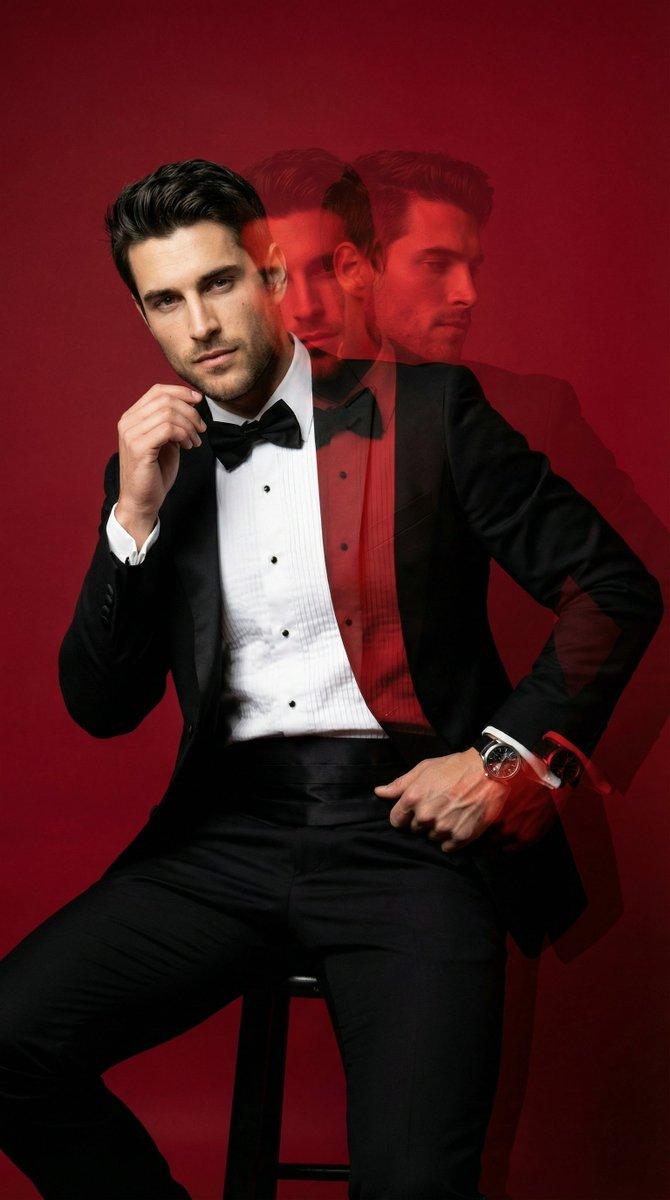
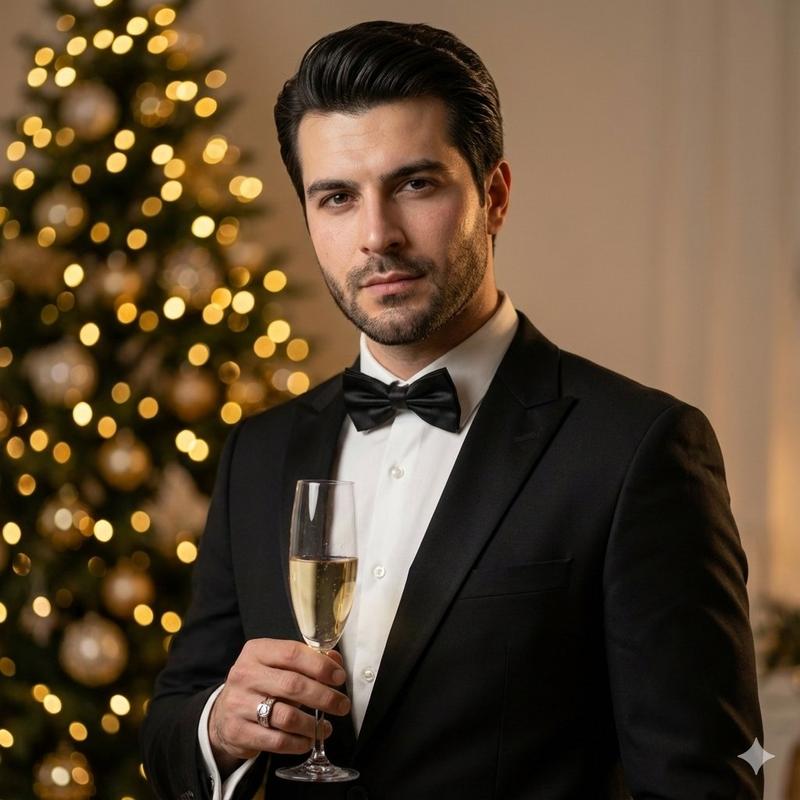
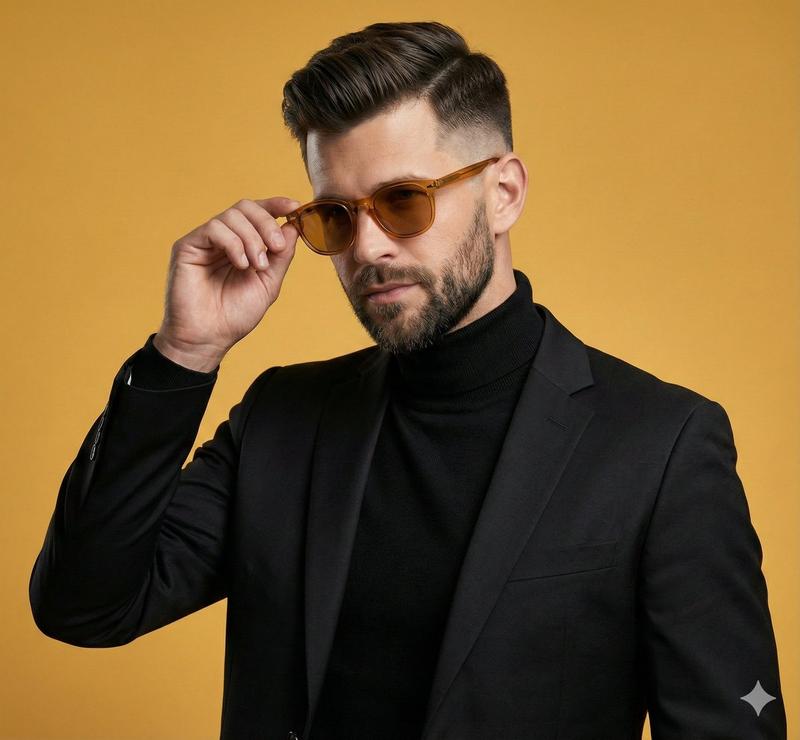
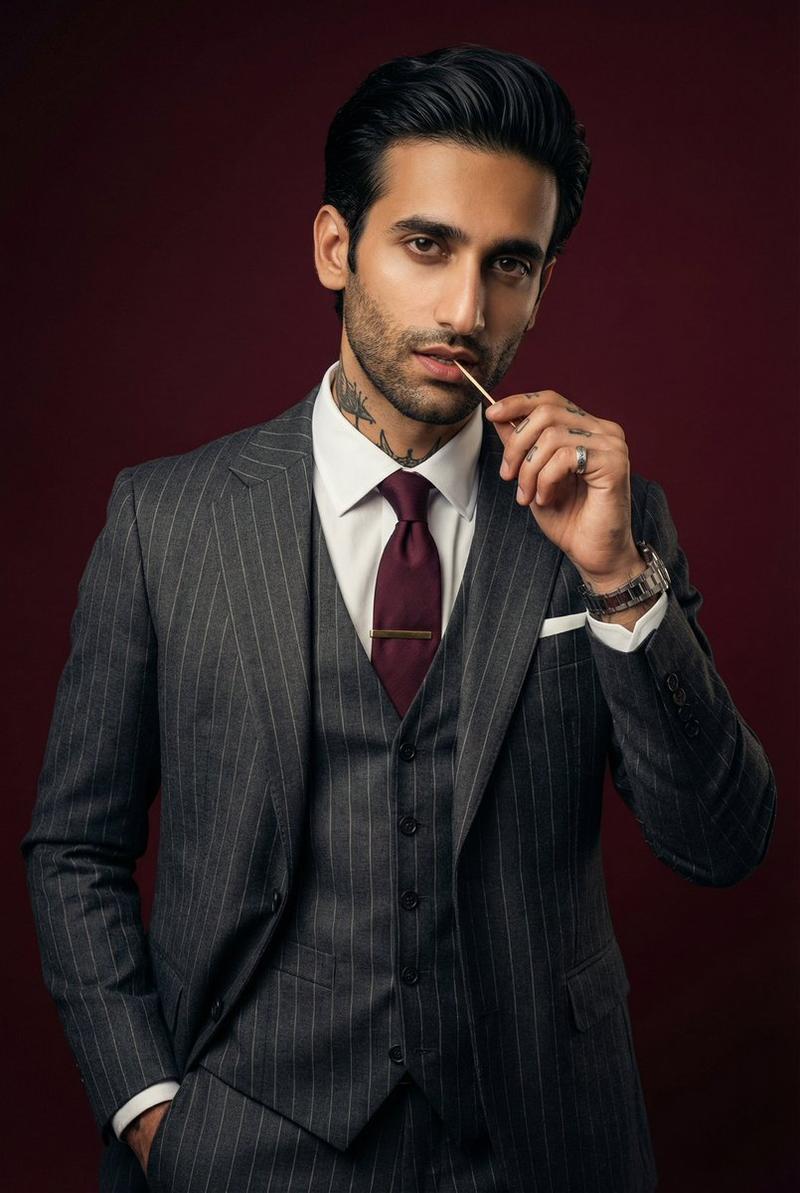
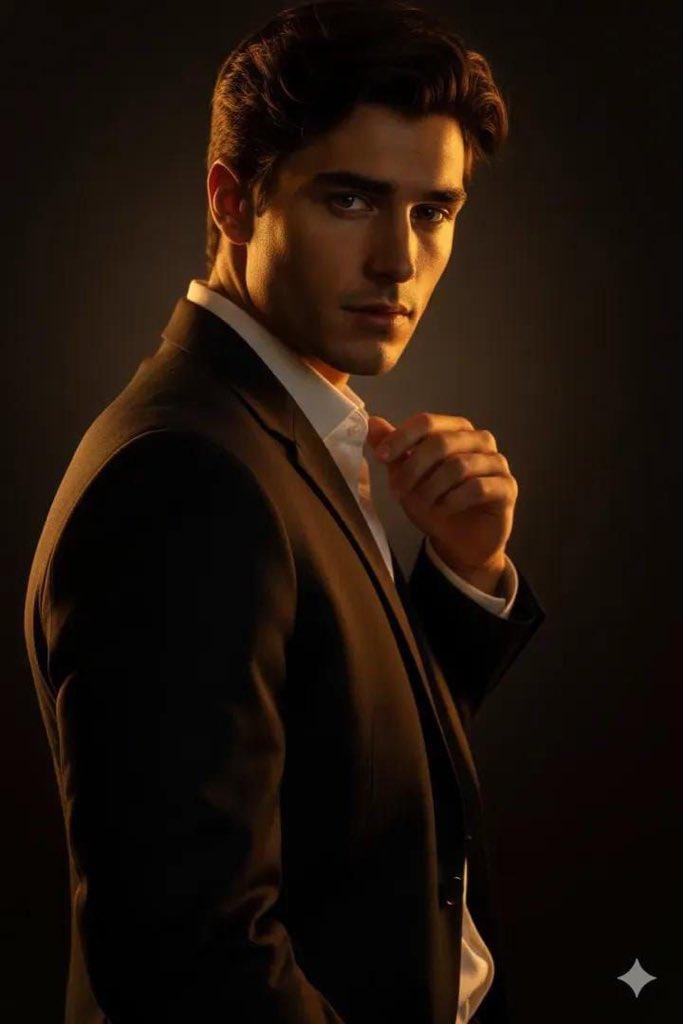
Red Studio 时尚专题:动态回声效果
Prompt
{
  "generation_request": {
    "meta_data": {
      "task_type": "studio_fashion_editorial_motion_echo_portrait",
      "language": "en",
      "priority": "highest",
      "version": "v1.0_RED_STUDIO_TUX_MOTION_ECHO"
    },
    "input": {
      "mode": "text_to_image",
      "notes": "Create a high-fashion studio portrait of a stylish adult man in a classic black tuxedo with a bow tie and white pleated shirt. Solid deep-red seamless backdrop and red floor, monochrome red environment. Subject is leaning/sitting in a relaxed pose with one hand slightly raised near the face (fingers softly bent), the other hand resting lower near the waist. Add a strong multi-exposure / motion-echo effect: 2–3 translucent offset duplicates trailing to the right, like a long-exposure movement smear. Keep the main face sharp and dominant, with the echoes softer and semi-transparent. Lux editorial retouching, crisp fabric texture, subtle skin texture, cinematic contrast. Clean image: no text, no logos, no watermark."
    },
    "output": {
      "aspect_ratio": "4:5",
      "resolution": "ultra_high",
      "num_images": 1,
      "sharpness": "editorial_crisp",
      "grain": "subtle_analog"
    },
    "scene": {
      "environment": "studio cyclorama seamless backdrop, fully red, minimal set",
      "lighting": {
        "style": "hard studio key + subtle fill",
        "key_light": "beauty dish or small softbox slightly above eye level, forward-left",
        "fill": "very light fill to keep shadows readable",
        "rim": "faint rim to separate tux from red background",
        "look": "high contrast, glossy editorial finish"
      },
      "camera": {
        "shot_type": "3/4 portrait",
        "angle": "slightly above eye level",
        "lens_look": "85mm portrait compression",
        "depth_of_field": "medium shallow, face tack sharp"
      },
      "color_grade": {
        "palette": "dominant deep reds, true blacks, clean whites",
        "contrast": "high",
        "highlights": "controlled",
        "skin_tone": "natural but slightly warm under red bounce"
      }
    },
    "subject": {
      "person": "adult man",
      "appearance": {
        "hair": "short, styled, slightly tousled",
        "facial_hair": "short beard/stubble, well-groomed",
        "expression": "serious, confident gaze to camera"
      },
      "wardrobe": {
        "tuxedo": "black tuxedo jacket, sharp lapels",
        "shirt": "white pleated dress shirt",
        "bow_tie": "black bow tie",
        "pocket_square": "white pocket square",
        "accessories": "watch on wrist, subtle ring if desired"
      },
      "pose": {
        "body": "leaning/sitting with torso angled slightly",
        "hands": "one hand lifted near face, other hand lower near waist",
        "motion": "capture implied movement for multi-exposure echo"
      }
    },
    "effects": {
      "motion_echo": {
        "enabled": true,
        "echo_count": 3,
}- Category
- 创意图片
- Model
- Nano Banana Pro
- Creator
- Özge Döner
- Source ID
- 59bcf14d-8ea4-4400-b193-59043dab7510
- Published
- Mar 8, 2026
Views0