18

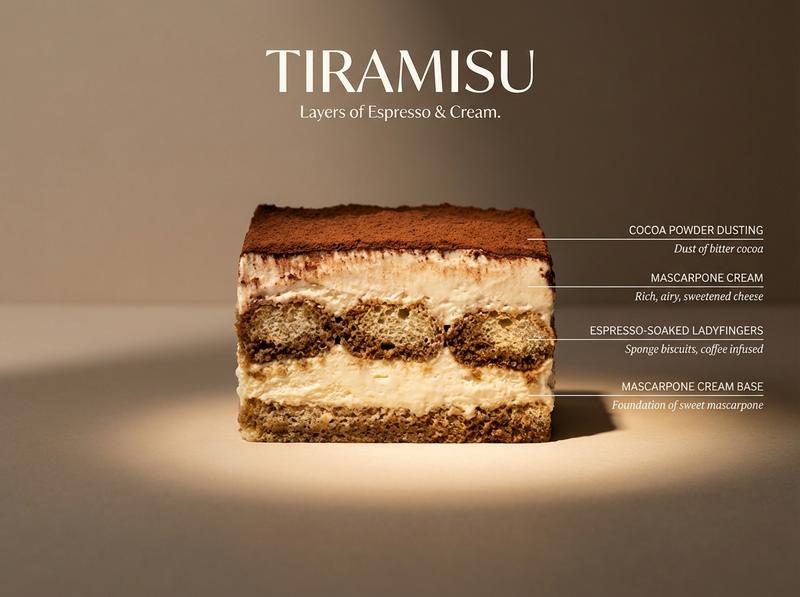
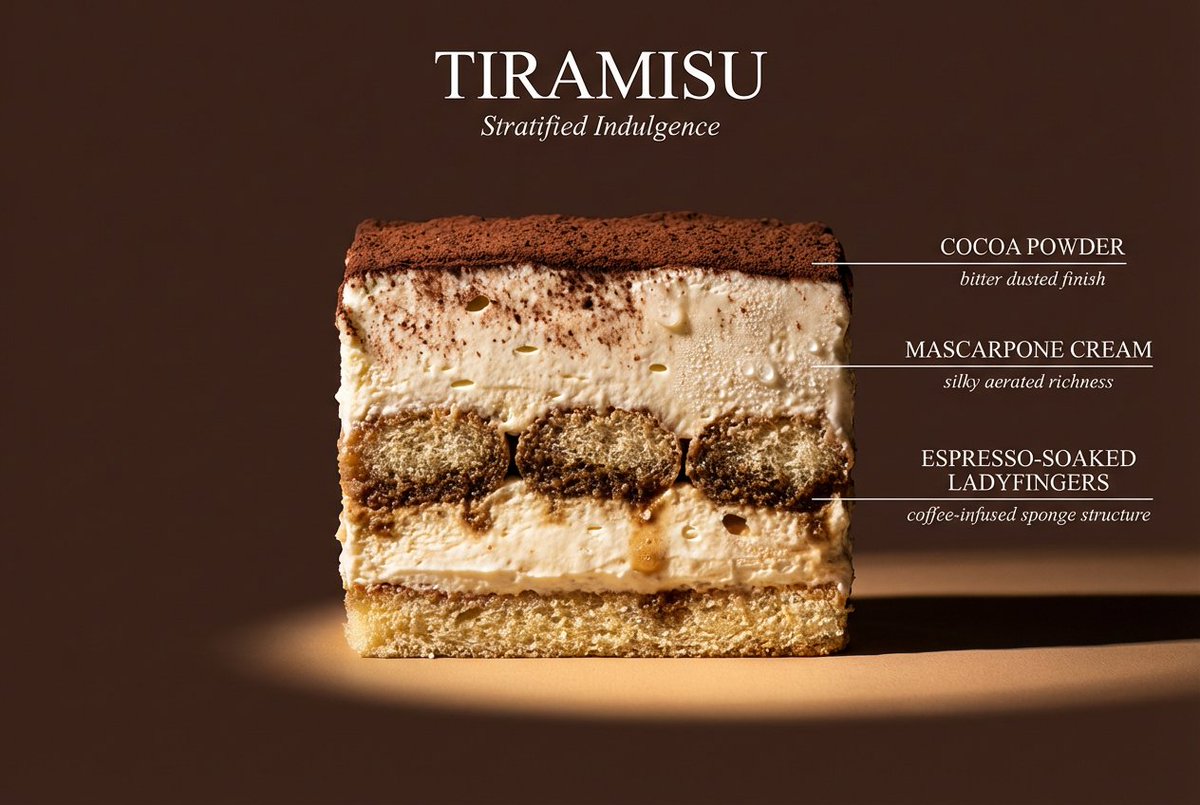
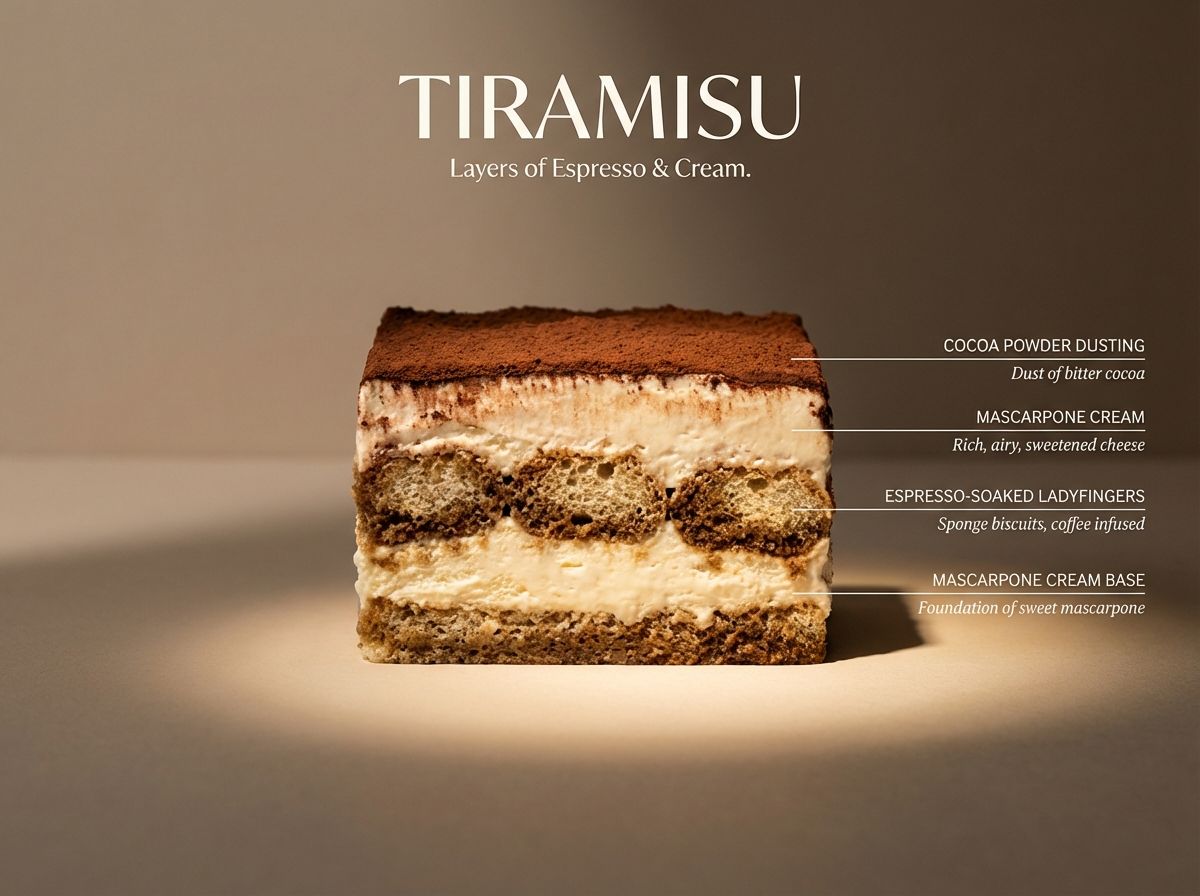
建筑提拉米苏横截面
Enlarge

建筑提拉米苏横截面

Prompt
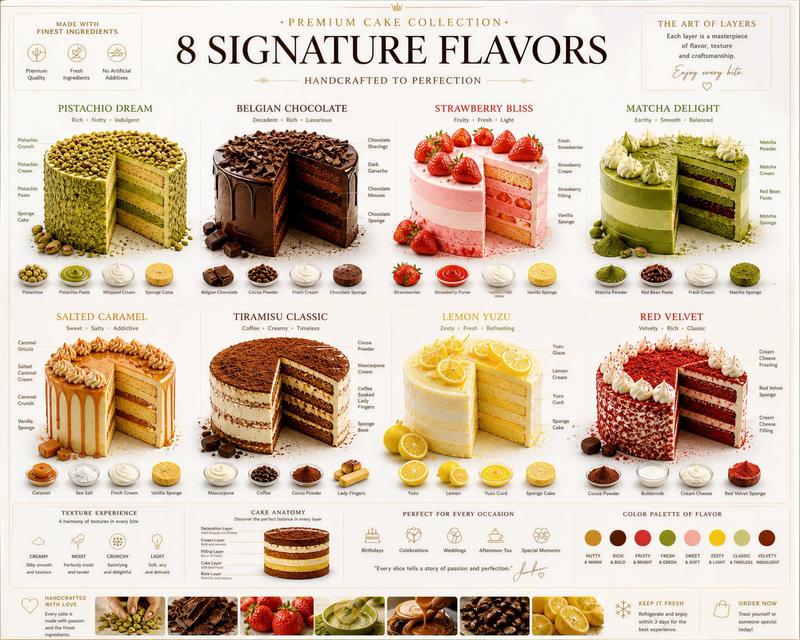
Perfect cinematic cross-section cut through a tiramisu, sliced cleanly down the center, cut face straight-on to camera like a geological flavor diagram. Clearly visible layers: cocoa powder dusting, mascarpone cream, espresso-soaked ladyfingers, mascarpone cream base — each layer labeled with thin horizontal line to the right, uppercase sans-serif ingredient name with italic descriptor below. Flat matte neutral beige background. Dramatic left side lighting casting long shadows, single warm spotlight illuminating the cut face. Hyperreal textures — visible cocoa dust, creamy air pockets, soaked sponge structure, slight moisture and softness. Mood: architectural food photography meets scientific illustration. Title “TIRAMISU” in large elegant type at top. Subtitle: “Layers of Espresso & Cream.” 4K, tack sharp, Wes Anderson symmetry meets Michelin-star kitchen.
Category
创意图片
Model
Nano Banana Pro
Creator
Genbo AI
Views0
Source ID
658d5c25-5f48-4dad-9b89-1ccc11007525
Published
Mar 8, 2026

Guide

About "建筑提拉米苏横截面"

What is this prompt for?

"建筑提拉米苏横截面" AI image prompt for Nano Banana Pro (创意图片). 一个高度具体的提示,用于生成一张提拉米苏横截面的超现实建筑风格美食照片,详细呈现可见的层次、纹理、光线(戏剧性的左侧照明),并像科学插图一样标注食材,灵感来源于韦斯·安德森(Wes Anderson)的美学…

The full copyable prompt and example visuals above are ready for AI image generation or one-click recreate in Picva.

How to use this prompt

  1. Step 1

    Open the prompt detail

    Review the example visuals, category, and full prompt text for "建筑提拉米苏横截面".

  2. Step 2

    Copy the prompt

    Copy the prompt body from this page, or load it directly in Studio.

  3. Step 3

    Pick a model (Nano Banana Pro)

    Prefer Nano Banana Pro. If you switch models, keep subject and composition and tweak style terms.

  4. Step 4

    Generate and export

    Recreate the look in Picva, or export into your workflow for editing and publishing.

FAQ

What is the "建筑提拉米苏横截面" prompt?
It is an AI image-generation prompt for Nano Banana Pro in the 创意图片 category. This page includes the full prompt text, example visuals, and a one-click recreate path in Picva.
How do I use this prompt to generate an image?
Copy the prompt from this page, or use Generate / Studio. Paste it into a compatible image model, or recreate the look in Picva with optional reference images.
Which model is this prompt for?
This page lists Nano Banana Pro. Most descriptive prompts also transfer to nearby image models such as GPT Image, Flux, or Midjourney with light style tweaks.
Can I use the result commercially?
You can usually copy the prompt for creation, but commercial use of the final image depends on the model terms, reference-image rights, and the generated content. Follow the source author and platform rules.