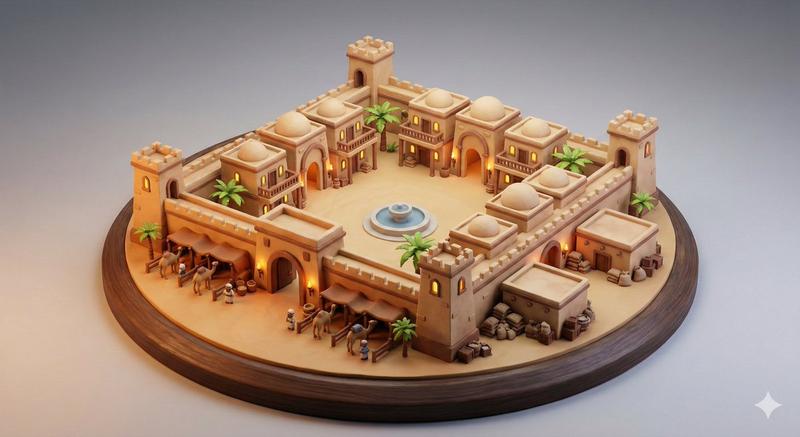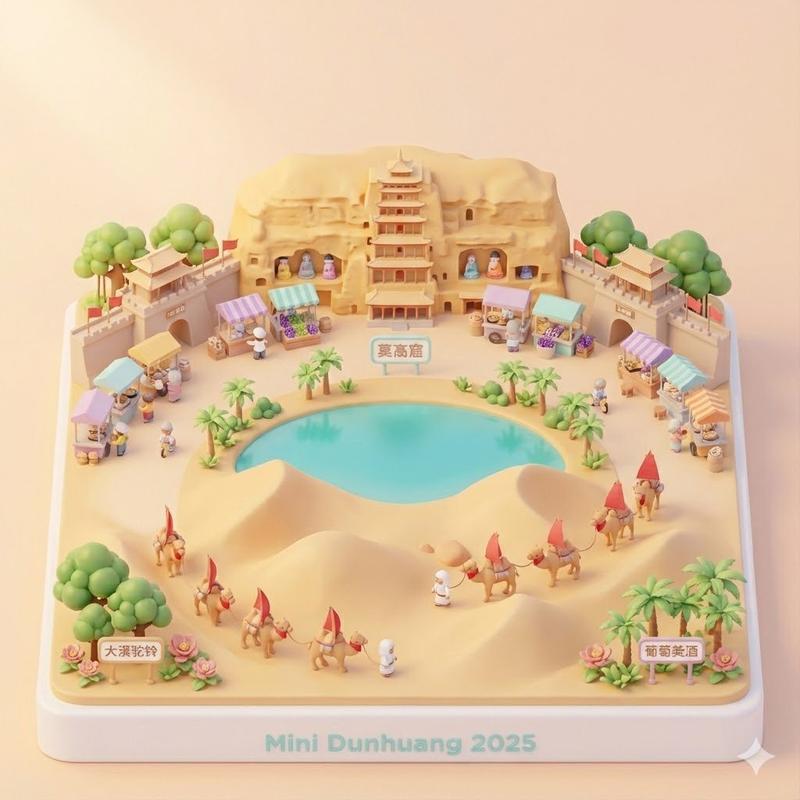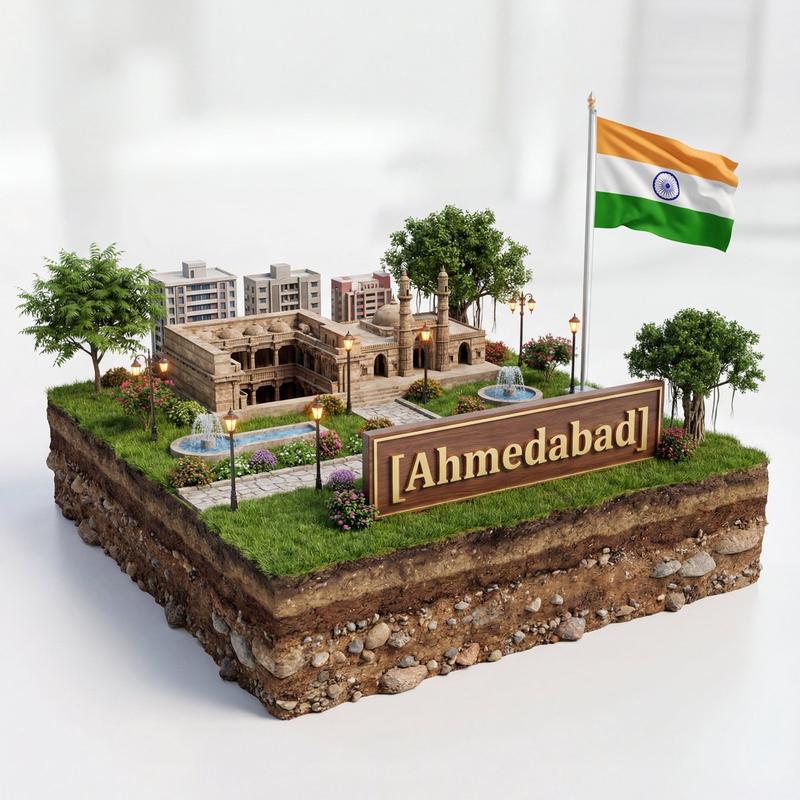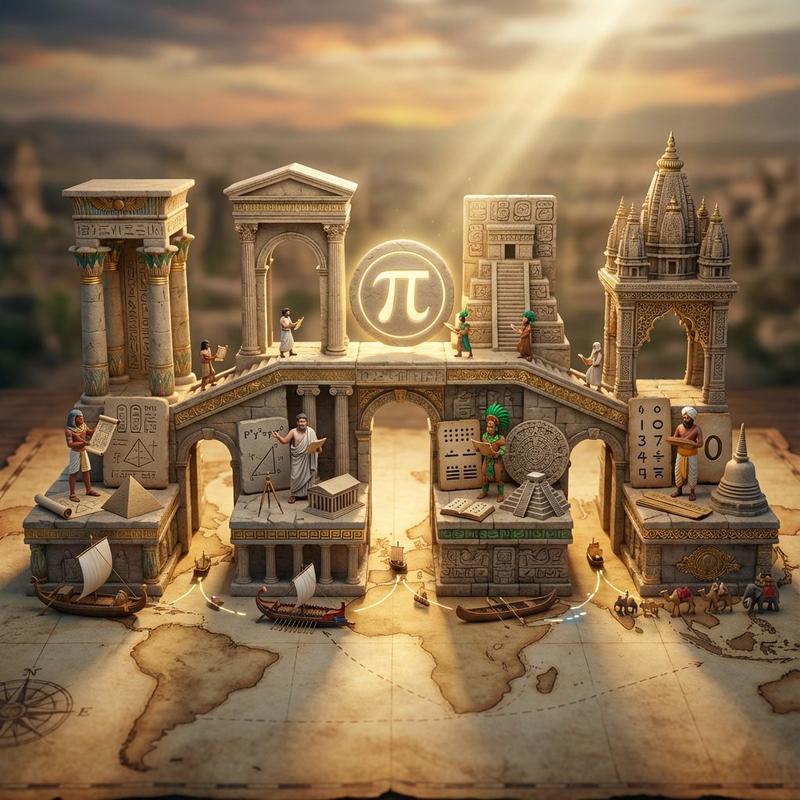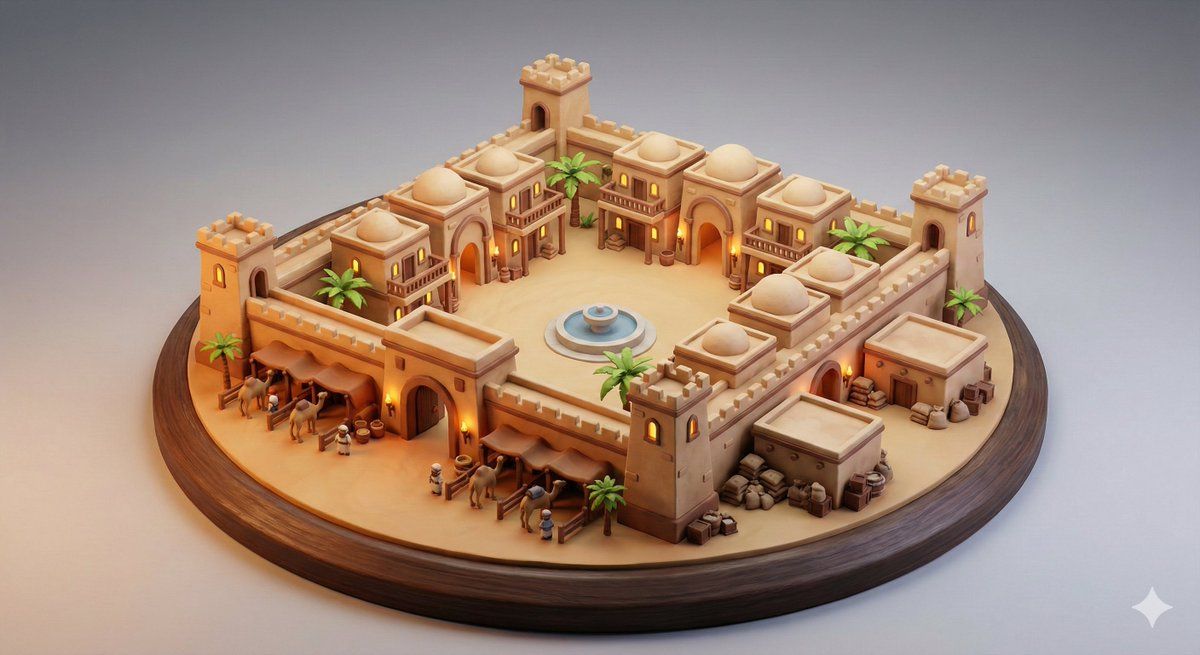
固若金汤的沙漠商队客栈的奇特立体模型
Prompt
MASTER MINIATURE DIORAMA PROMPT SHELL — CONSOLIDATED VERSION
SCENE:
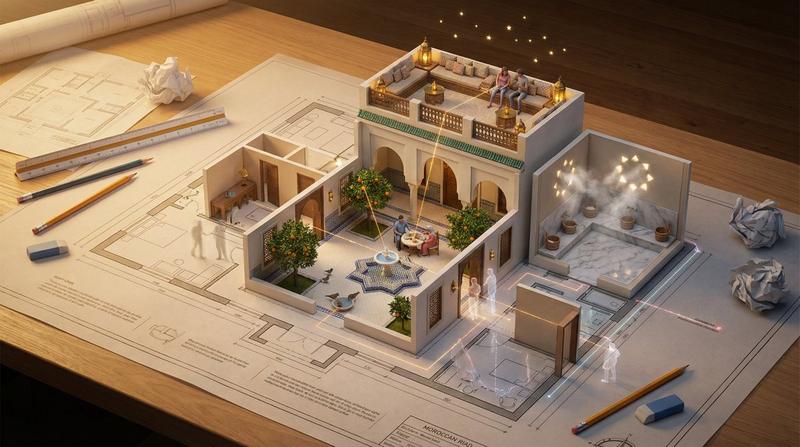
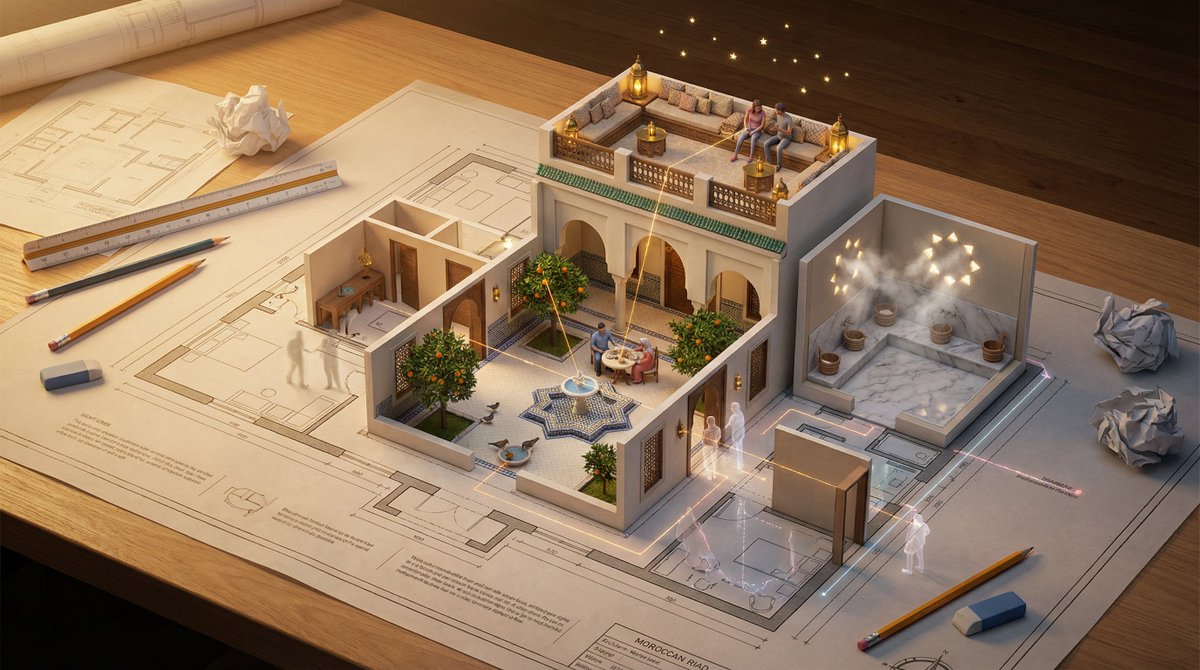
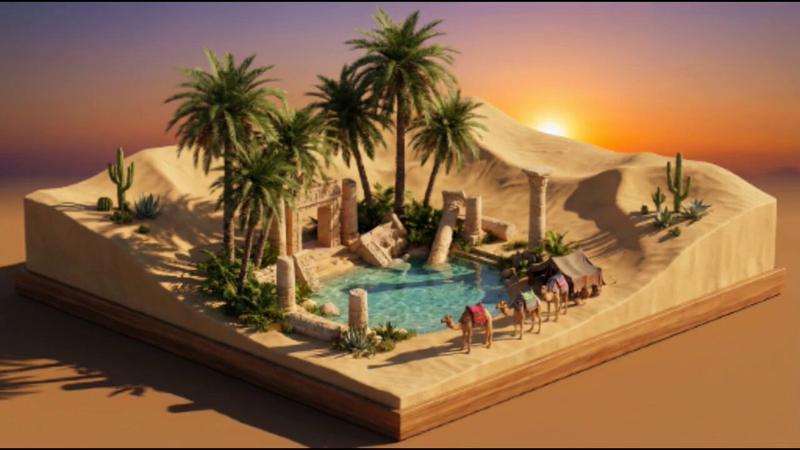
A fortified desert caravanserai featuring thick outer walls, a large central courtyard, multiple merchant lodging wings, camel stables, watchtowers, arched gateways, and clustered market storage rooms.

If no scene description is provided, generate a visually interesting culturally recognizable environment or architectural location of your own choosing. Create a cohesive miniature settlement, district, or environment with multiple structures, pathways, and environmental storytelling elements arranged into a contained display composition suitable for a collectible diorama.
When generating or inventing a scene, prioritize architectural and cultural diversity and intentionally vary the environment type, building styles, historical inspiration, regional influence, and settlement purpose so each generated miniature feels visually distinct and not a repetition of common village, temple, garden, or plaza layouts.
Ensure the architecture organizes around a natural central hub so structures cluster with believable spatial gravity, forming a cohesive miniature settlement with denser core structures and supporting elements arranged outward. Arrange the layout as a compact, layered, interconnected district filling the platform naturally without empty gaps. Ensure the entire environment clearly reads as a small handcrafted tabletop collectible model, with miniature-scale architecture and compressed model-world proportions rather than life-sized buildings.
STYLE:
Frame the camera at a stable product-display distance so the entire collectible diorama remains clearly visible with comfortable margins, avoiding close cinematic crops or environmental perspective shots. Render as a premium stylized 3D collectible miniature diorama on a fully visible, centered self-contained display base, shown from a slightly elevated 3/4 tabletop angle against a clean neutral studio gradient background. Maintain collectible figurine scale and clean display presentation.
All elements should appear sculpted from smooth matte ceramic, painted resin, or stylized polymer with rounded edges, simplified geometry, and slightly exaggerated toy-like proportions. Keep surfaces clean and intentionally stylized. Avoid fingerprints, rough handmade textures, workshop scenes, macro photography depth-of-field, or photoreal clay imperfections.
Use soft professional studio product lighting: gentle global illumination, warm key light, soft ambient bounce, controlled shadows, and optional warm interior window glow.
Render any water or translucent materials as poured clear resin with smooth transparency, subtle reflections, soft internal depth, and slightly thick stylized edges.
Include small environmental details but keep everything cohesive, simplified, and sculptural. Prioritize clean stylized modeling over photorealistic texture detail.
Over
- Category
- 创意图片
- Model
- Nano Banana Pro
- Creator
- Artingent
- Source ID
- 4f90b8fb-2adb-470e-9ba9-3cc75a324f31
- Published
- Mar 8, 2026
Views0