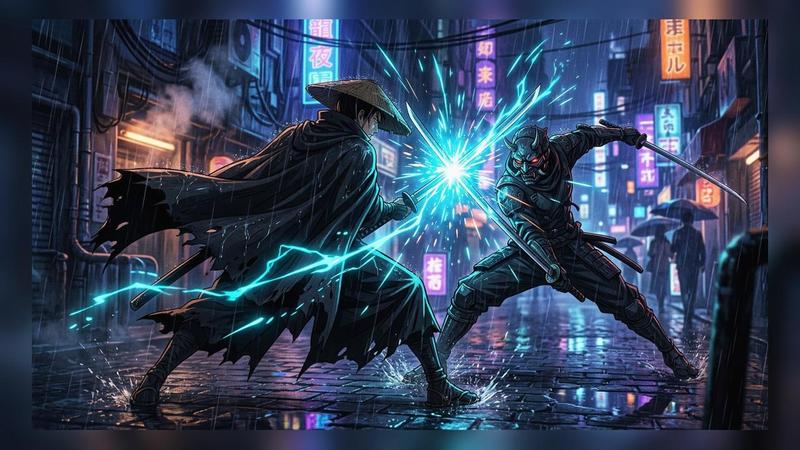
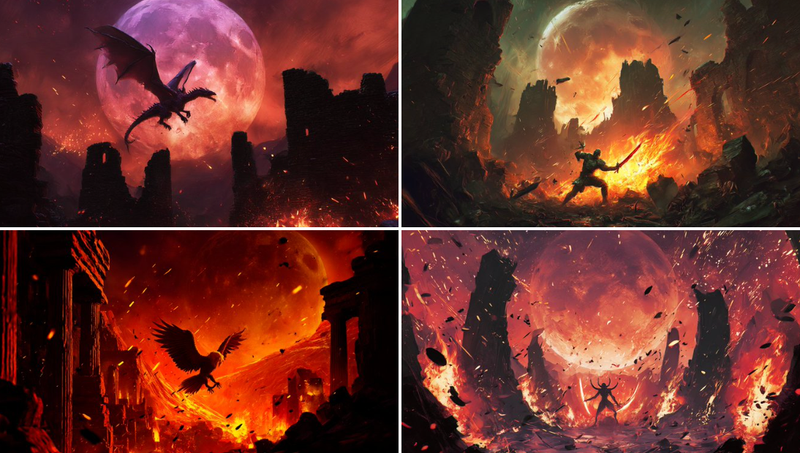
生化危机火箭筒与虚空生物
Prompt
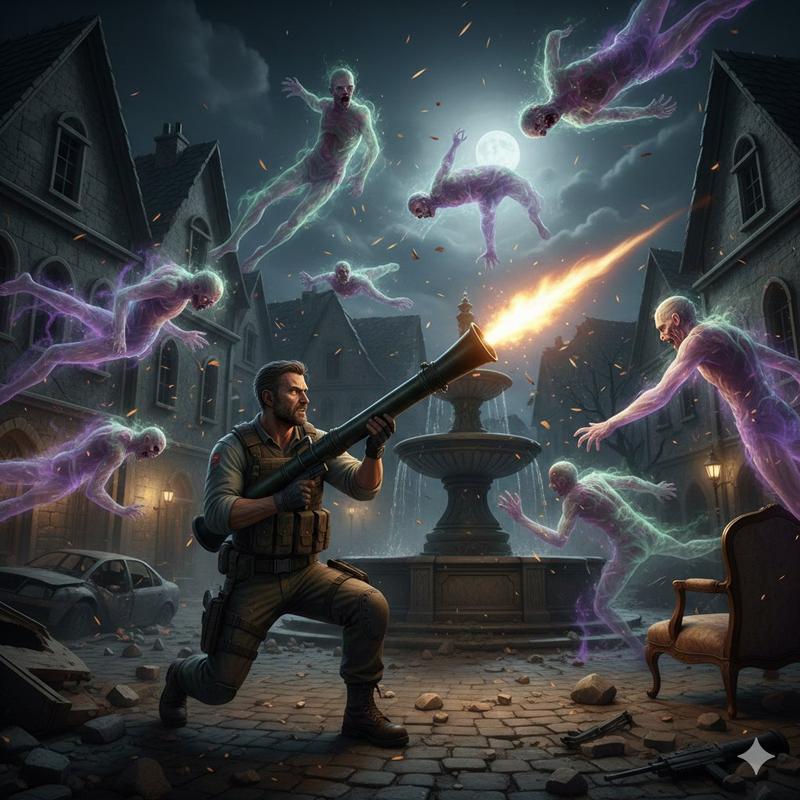
バイオハザード
ロケットランチャーを担いで
右斜め上に発射
雑魚キャラをたくさんぶっ飛ばして
ぶっ飛ばされてる雑魚キャラは
エーテル状

次
雑魚キャラをもっとたくさん
- Category
- 创意图片
- Model
- Nano Banana Pro
- Creator
- クラリネットクラリオンNOBU
- Source ID
- de64f165-a2f1-420c-9399-fdcbdc3df0c0
- Published
- Mar 8, 2026
Views0
17

バイオハザード ロケットランチャーを担いで 右斜め上に発射 雑魚キャラをたくさんぶっ飛ばして ぶっ飛ばされてる雑魚キャラは エーテル状 次 雑魚キャラをもっとたくさん
Guide
"生化危机火箭筒与虚空生物" AI image prompt for Nano Banana Pro (创意图片). 以下是与 Nano Banana Pro (Gemini 3 Pro Image) 配合使用的一系列提示,用于生成一个《生化危机》风格的动作场景:一个角色斜向上发射火箭筒,炸飞了处于虚无状态的“小怪”…
The full copyable prompt and example visuals above are ready for AI image generation or one-click recreate in Picva.
Step 1
Review the example visuals, category, and full prompt text for "生化危机火箭筒与虚空生物".
Step 2
Copy the prompt body from this page, or load it directly in Studio.
Step 3
Prefer Nano Banana Pro. If you switch models, keep subject and composition and tweak style terms.
Step 4
Recreate the look in Picva, or export into your workflow for editing and publishing.