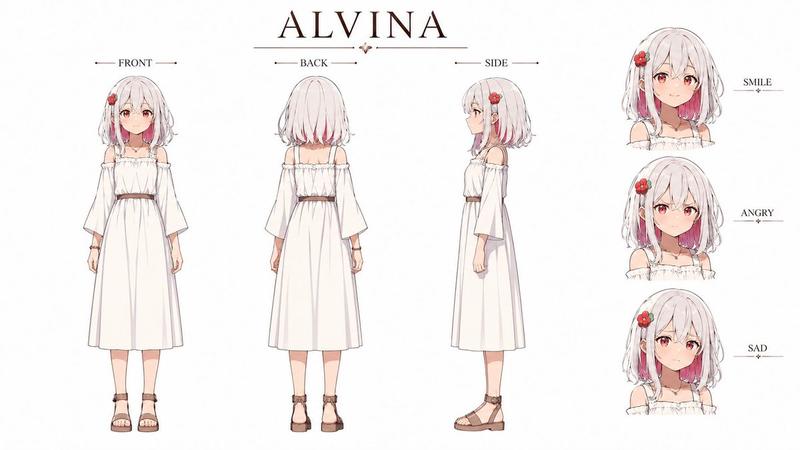
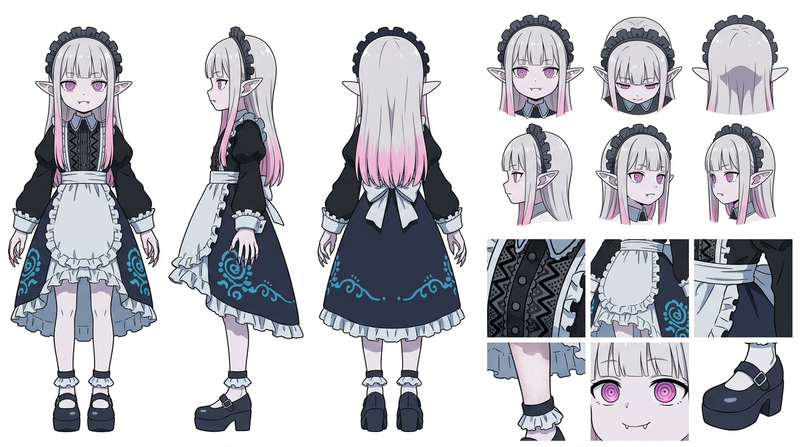
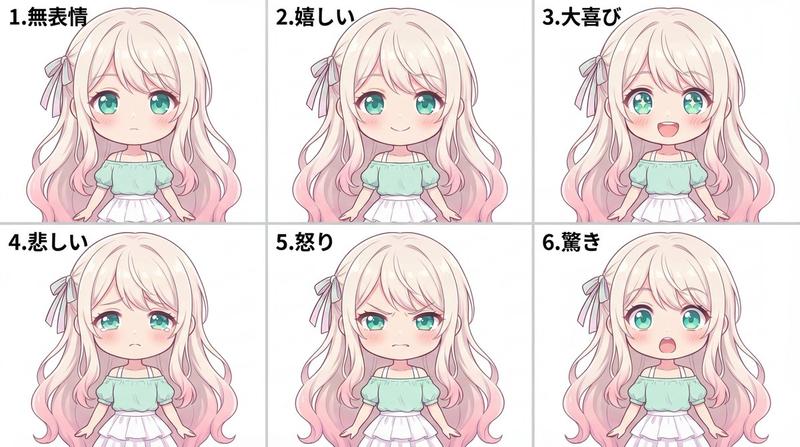
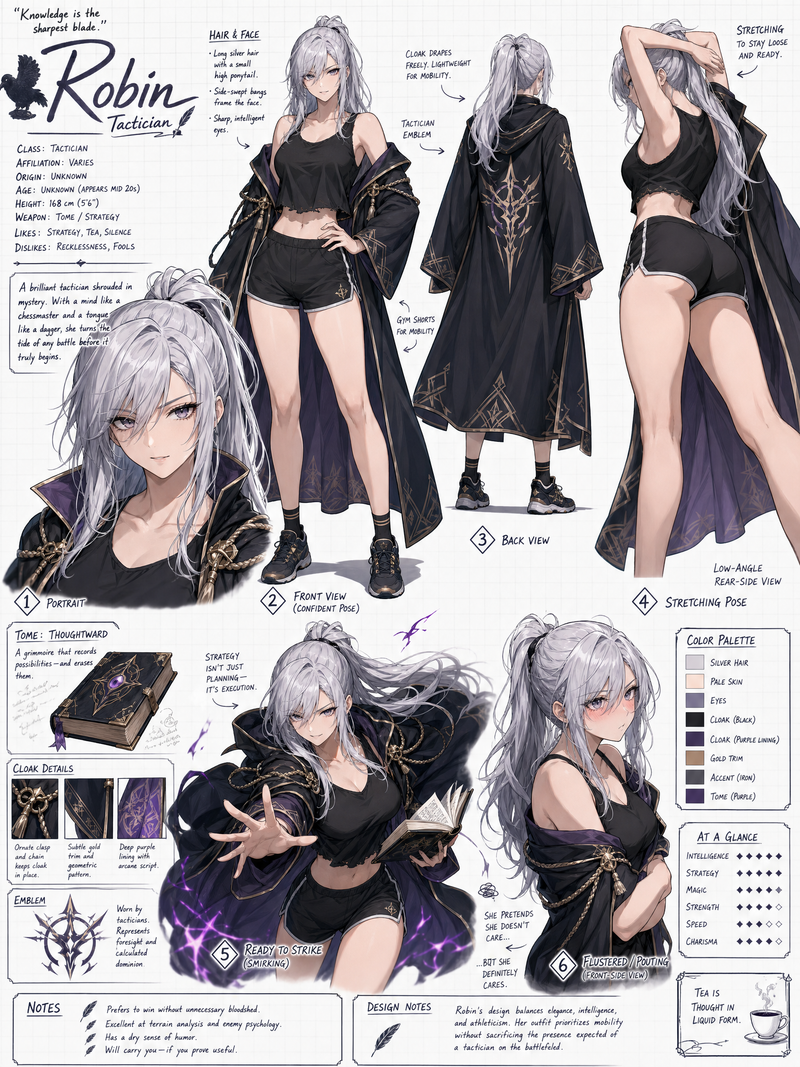
反派角色设计表
Prompt
悪役令嬢のキャラクターデザインシートにて、表情集にアヘ顔(プロンプトでアヘ顔と書かない)を入れて、卑猥な台詞を言わせる
- Category
- 创意图片
- Model
- Nano Banana Pro
- Creator
- muken@混沌の良人
- Source ID
- 428d8ee2-c130-4aa3-8245-2034dc79f3b7
- Published
- Mar 8, 2026
Views1
9

悪役令嬢のキャラクターデザインシートにて、表情集にアヘ顔(プロンプトでアヘ顔と書かない)を入れて、卑猥な台詞を言わせる
Guide
"反派角色设计表" AI image prompt for Nano Banana Pro (创意图片). 一个与 Nano Banana Pro 配合使用的提示,用于生成一个反派角色的设计图,包括特定的面部表情和暗示性对话,而无需明确使用敏感关键词。 --- 在反派角色的设计稿中,在表情集中加入一个特定的面部表情(…
The full copyable prompt and example visuals above are ready for AI image generation or one-click recreate in Picva.
Step 1
Review the example visuals, category, and full prompt text for "反派角色设计表".
Step 2
Copy the prompt body from this page, or load it directly in Studio.
Step 3
Prefer Nano Banana Pro. If you switch models, keep subject and composition and tweak style terms.
Step 4
Recreate the look in Picva, or export into your workflow for editing and publishing.