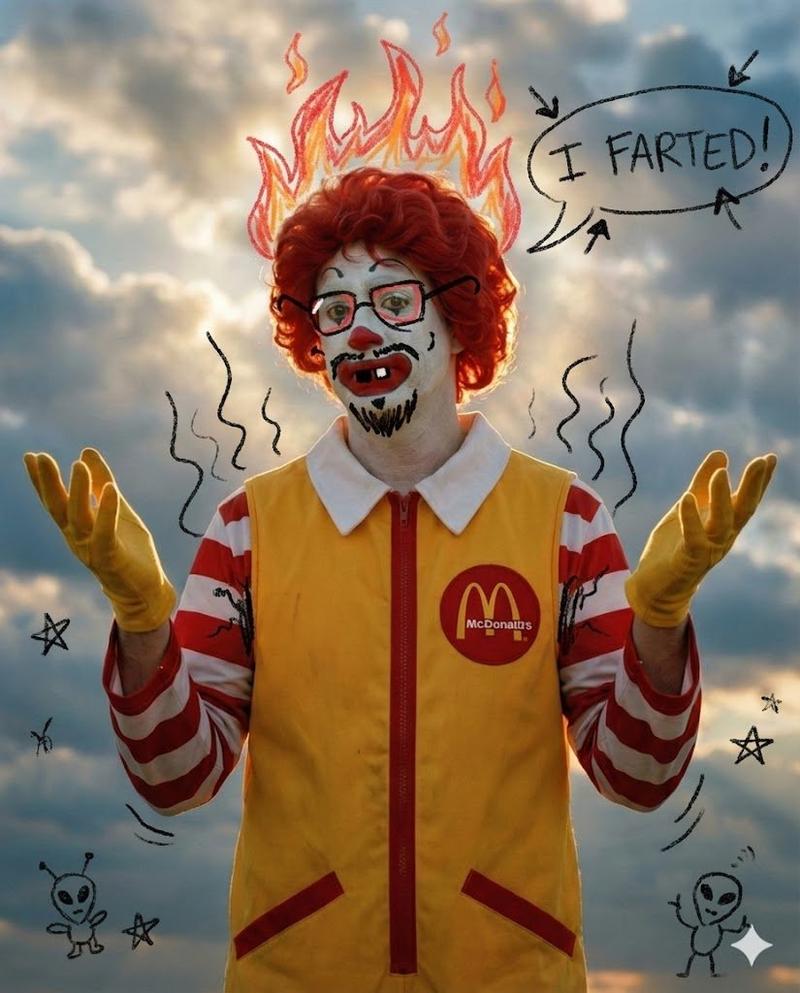
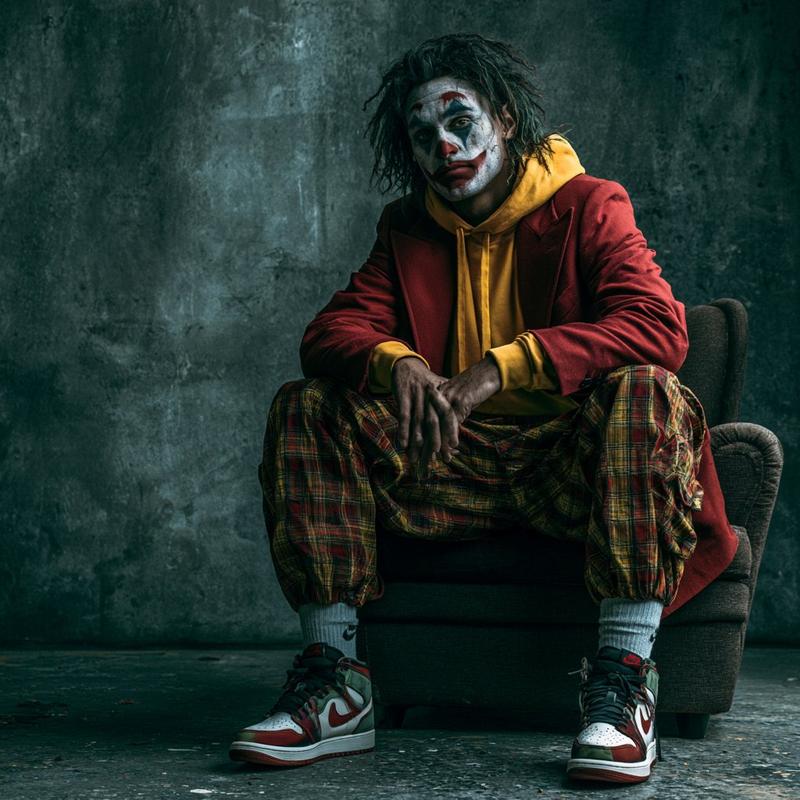
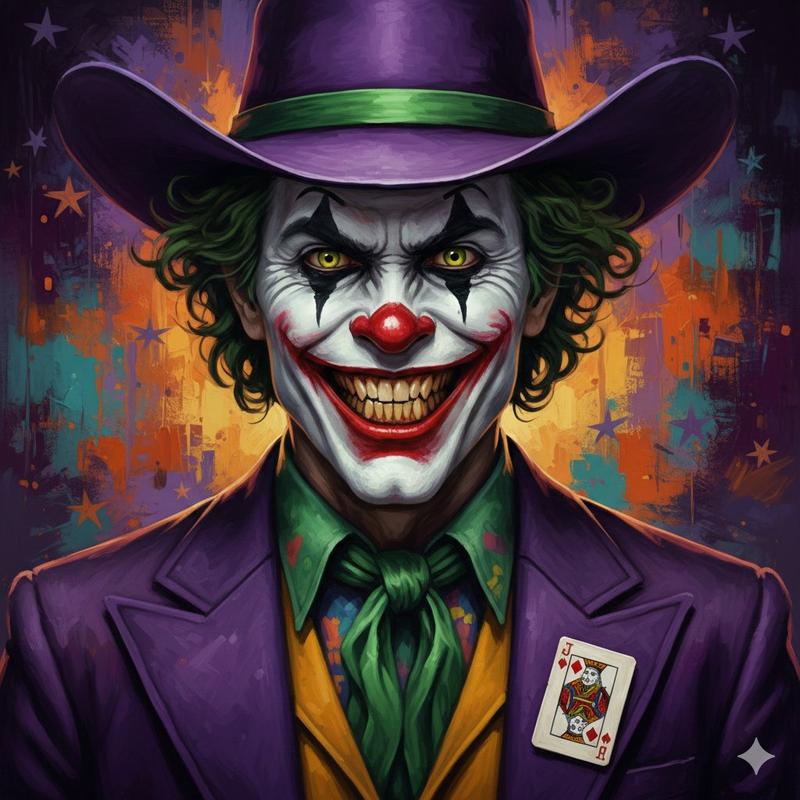
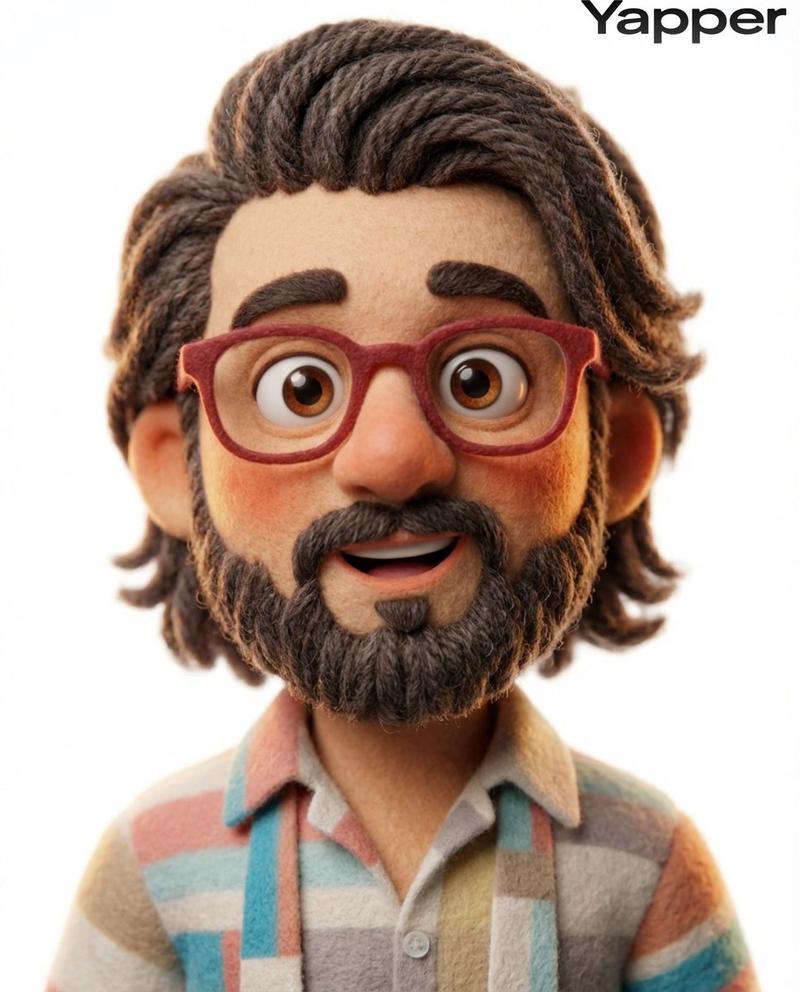
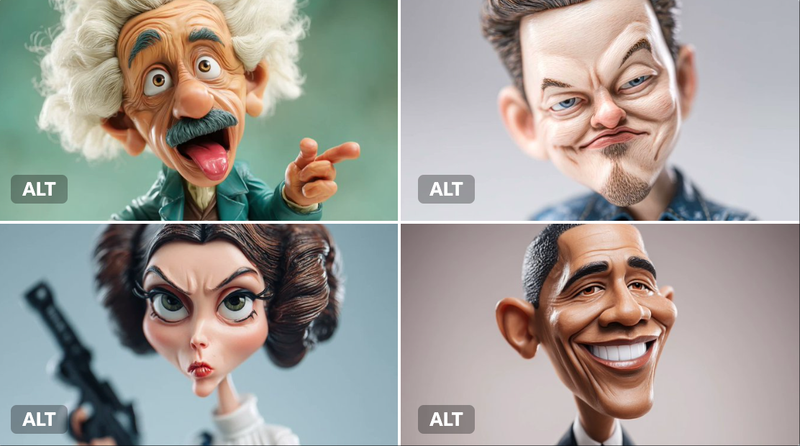
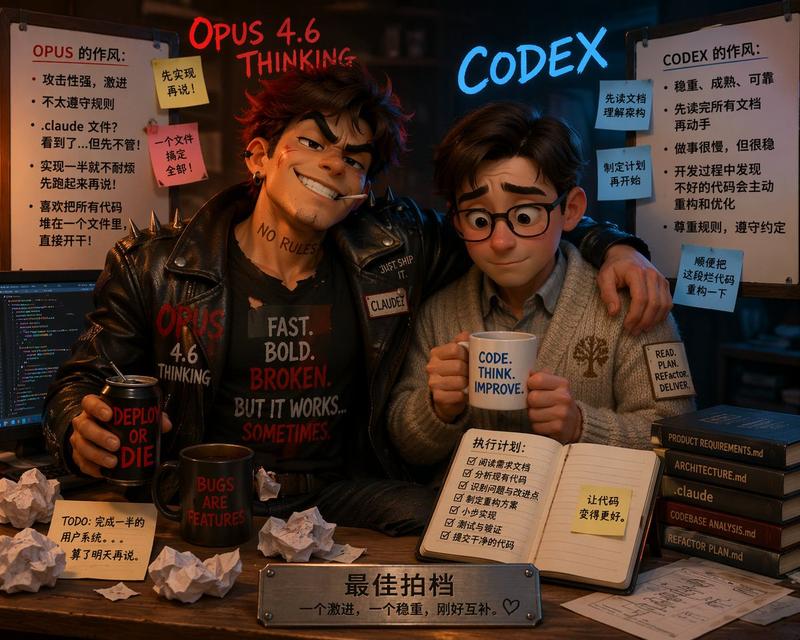
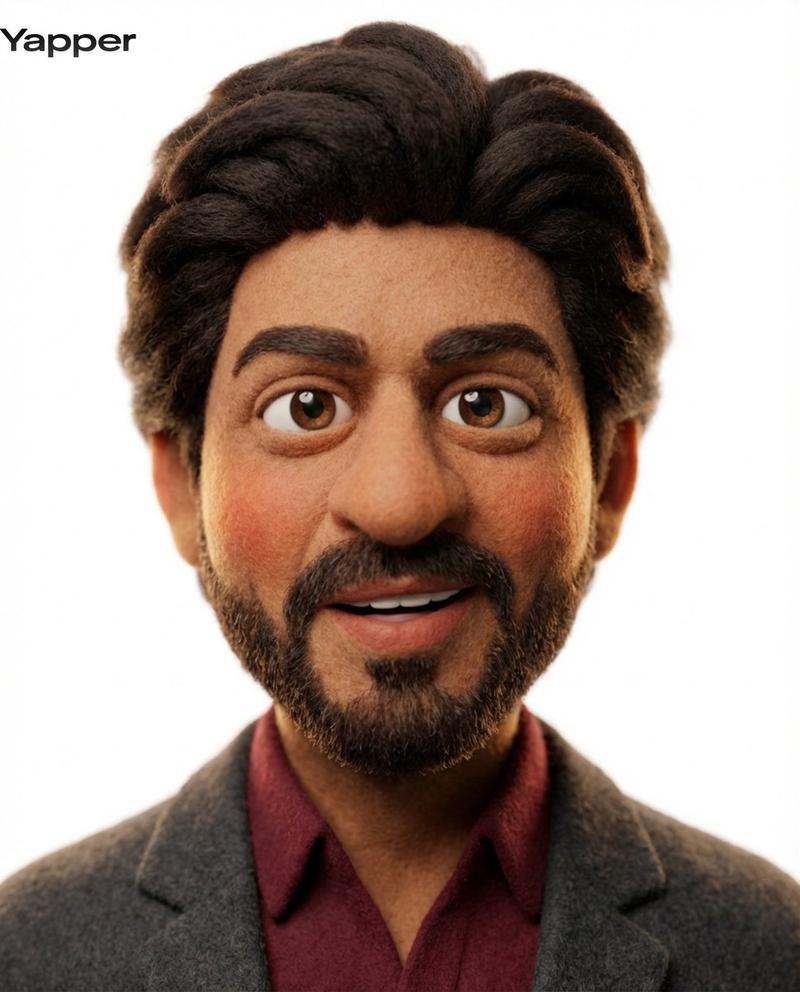
Nano Banana Pro 傻瓜涂鸦生成提示词
Prompt
A silly doodle of a {argument name="subject" default="cat wearing a tiny hat"}- Category
- 创意图片
- Model
- Nano Banana Pro
- Creator
- an303042
- Source ID
- 91b48061-f58f-4d2a-9073-14dc0ee1a3e6
- Published
- Mar 8, 2026
Views0
14
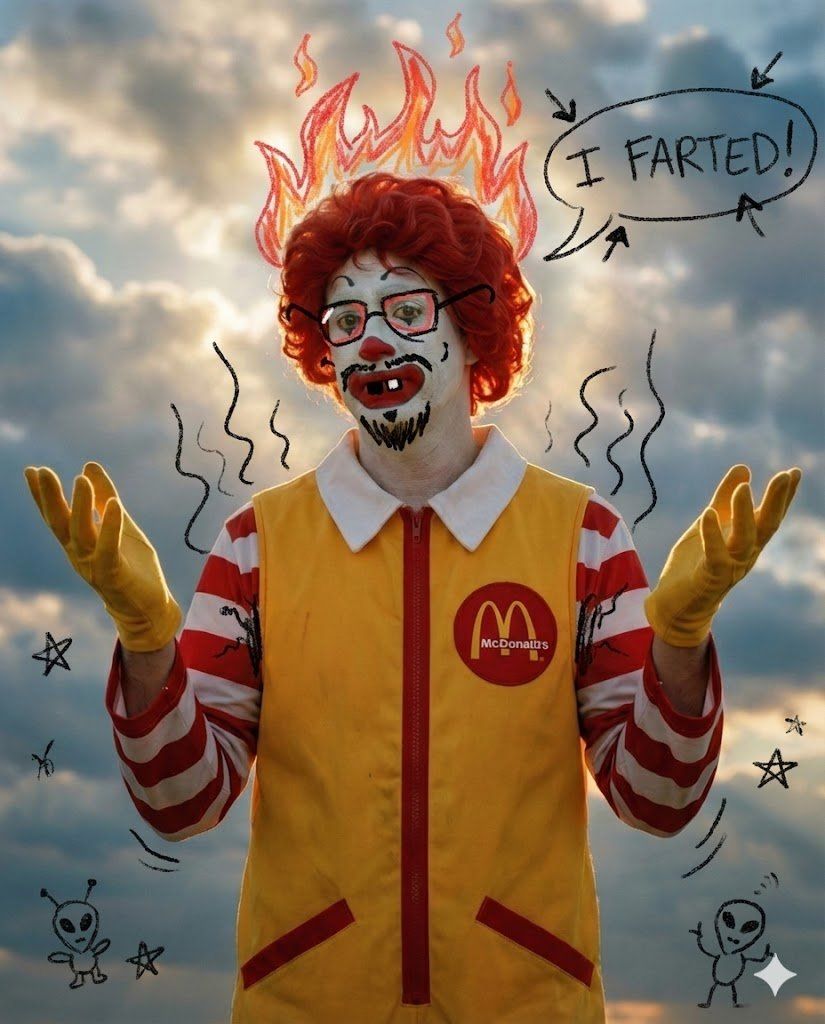
A silly doodle of a {argument name="subject" default="cat wearing a tiny hat"}Guide
"Nano Banana Pro 傻瓜涂鸦生成提示词" AI image prompt for Nano Banana Pro (创意图片). 此提示与 Nano Banana Pro 图像生成工具配合使用,以激发其“二年级小学生”般的内在特质,从而根据输入文本生成滑稽、涂鸦风格的图像。 --- 一幅关于 {argu…
The full copyable prompt and example visuals above are ready for AI image generation or one-click recreate in Picva.
Step 1
Review the example visuals, category, and full prompt text for "Nano Banana Pro 傻瓜涂鸦生成提示词".
Step 2
Copy the prompt body from this page, or load it directly in Studio.
Step 3
Prefer Nano Banana Pro. If you switch models, keep subject and composition and tweak style terms.
Step 4
Recreate the look in Picva, or export into your workflow for editing and publishing.