戏剧性高对比度编辑肖像提示
Prompt
{
"metadata": {
"image_type": "photograph",
"primary_purpose": "portrait"
},
"composition": {
"rule_applied": "rule of thirds ",
"aspect_ratio": "vertical portrait format (approx 2:3)",
"layout": "single subject",
"focal_points": [
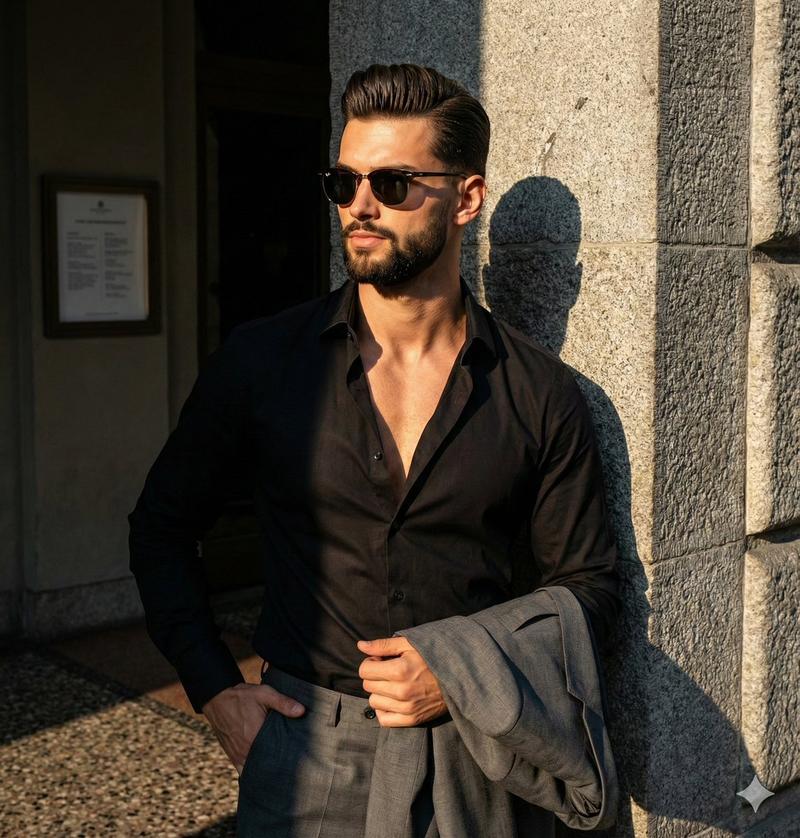
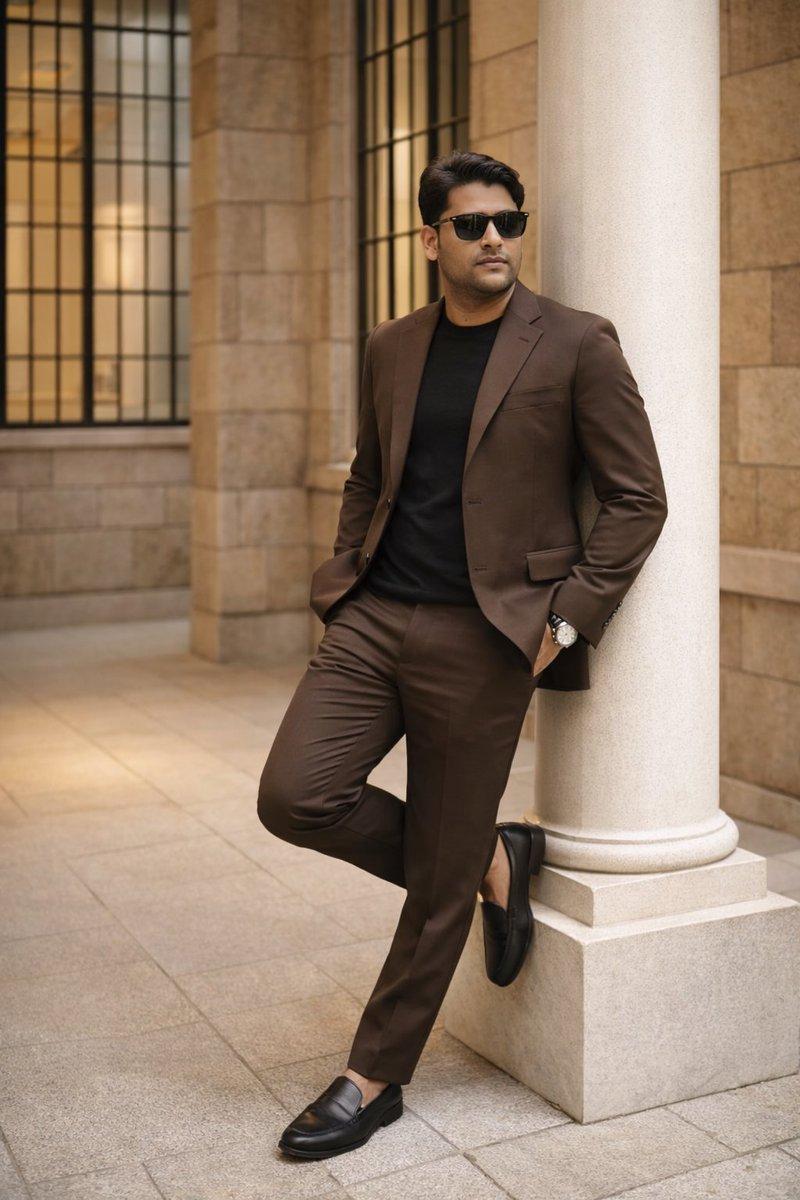
"Subject's face and sunglasses",
"Open V-neck of the black shirt"
],
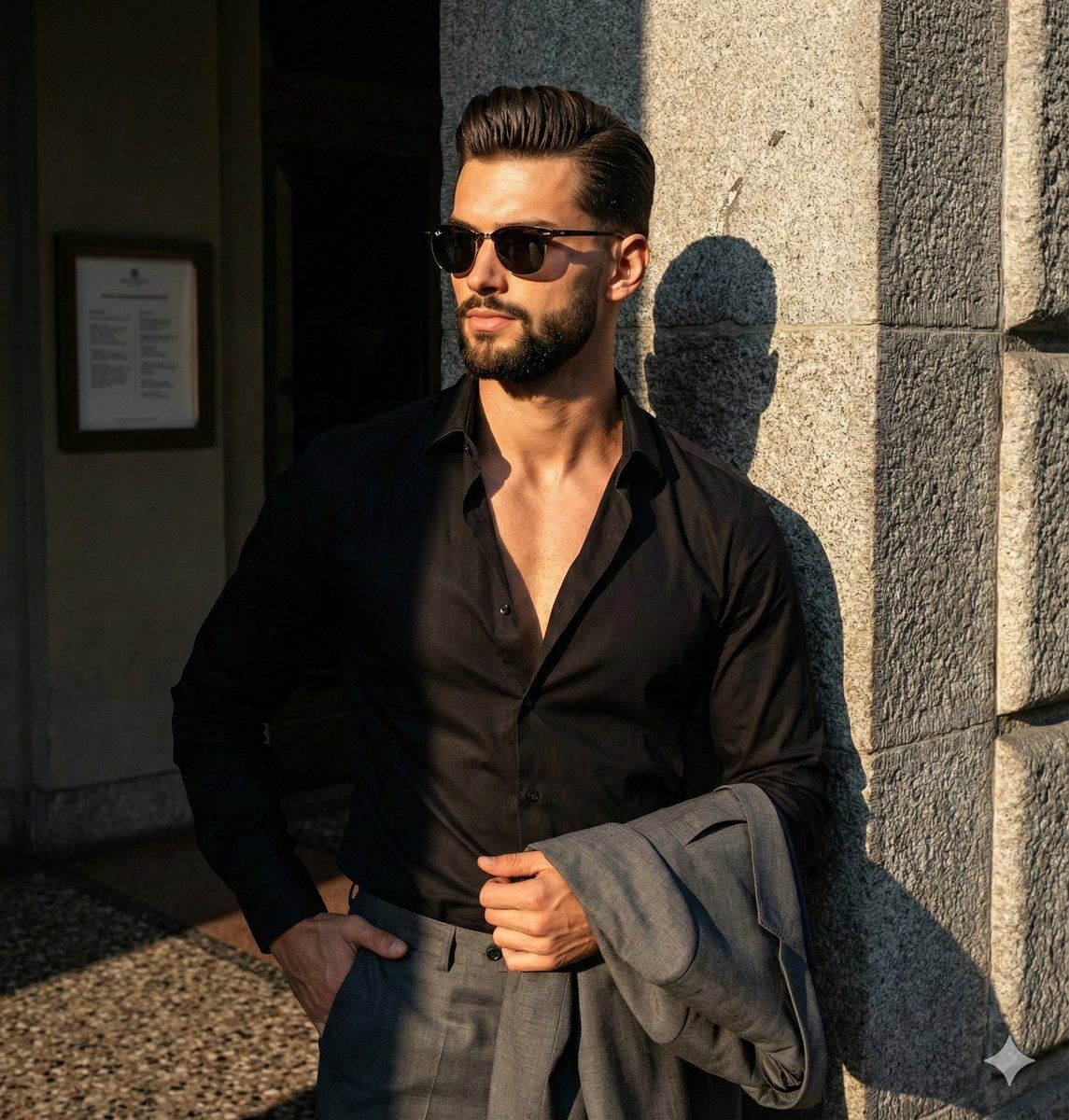
"visual_hierarchy": "Eye starts at the subject's face/sunglasses, moves down the chest exposed by the unbuttoned shirt, follows the arm down to the draped jacket, and then takes in the contrasting stone pillar.",
"balance": "asymmetric"
},
"color_profile": {
"dominant_colors": [
{
"color": "Deep Black",
"hex": "#111111",
"percentage": "40%",
"role": "primary subject"
},
{
"color": "Warm Tan/Skin Tone",
"hex": "#D29B7A",
"percentage": "15%",
"role": "accent"
},
{
"color": "Granite Grey",
"hex": "#8A8C89",
"percentage": "25%",
"role": "background"
},
{
"color": "Dark Charcoal/Grey",
"hex": "#3A3E41",
"percentage": "15%",
"role": "primary subject"
}
],
"color_palette": "neutral with warm skin accents",
"temperature": "warm",
"saturation": "moderate",
"contrast": "high contrast"
},
"lighting": {
"type": "natural sunlight mixed with shaded ambient",
"source_count": "single source",
"direction": "45-degree side",
"directionality": "highly directional ",
"quality": "hard light",
"intensity": "bright",
"contrast_ratio": "high contrast (dramatic shadows)",
"mood": "dramatic",
"shadows": {
"type": "harsh defined edges",
"density": "deep black",
"placement": "on the left side of the subject's face, neck, and behind the subject on the interior wall",
"length": "medium"
},
"highlights": {
"treatment": "preserved",
"placement": "on the right cheekbone, nose bridge, right shoulder, and the textured stone pillar"
},
"ambient_fill": "absent",
"light_temperature": "warm (golden)"
},
"technical_specs": {
"medium": "digital photography",
"style": "realistic",
"texture": "sharp",
"sharpness": "tack sharp",
"grain": "none",
"depth_of_field": "medium",
"perspective": "straight on"
},
"artistic_elements": {
"genre": "editorial",
"influences": [
"Contemporary men's fashion photography"
],
"mood": "confident",
"atmosphere": "Bold, sophisticated, and slightly mysterious due to the hard shadows and sunglasses",
"visual_style": "structured"
},
"typography": {
"present": false,
"fonts": [],
"placement": "none",
"integration": "none"
},
"subject_analysis": {
"primary_subject": "Athletic young adult male wearing a deeply unbuttoned black dress shirt, black trousers, and sunglasses",
"positioning": "center-right",
"scale": "medium",
"interaction": "isolated",
"facial_expression": {
"mouth": "closed neutral",
"smile_intensity": "no smile",
"eyes": "obscured by sunglasses, presumed direct or slightly off-camera gaze",
"eyebrows": "neutral",
"overall_emotion": "serious",
"authenticity": "posed"
},
"hair": {
"length": "short",
"cut":- Category
- 创意图片
- Model
- Nano Banana Pro
- Creator
- Picts by AI
- Source ID
- d444f511-cbb7-4146-bcf2-544dbb997f3b
- Published
- Mar 8, 2026
Views0