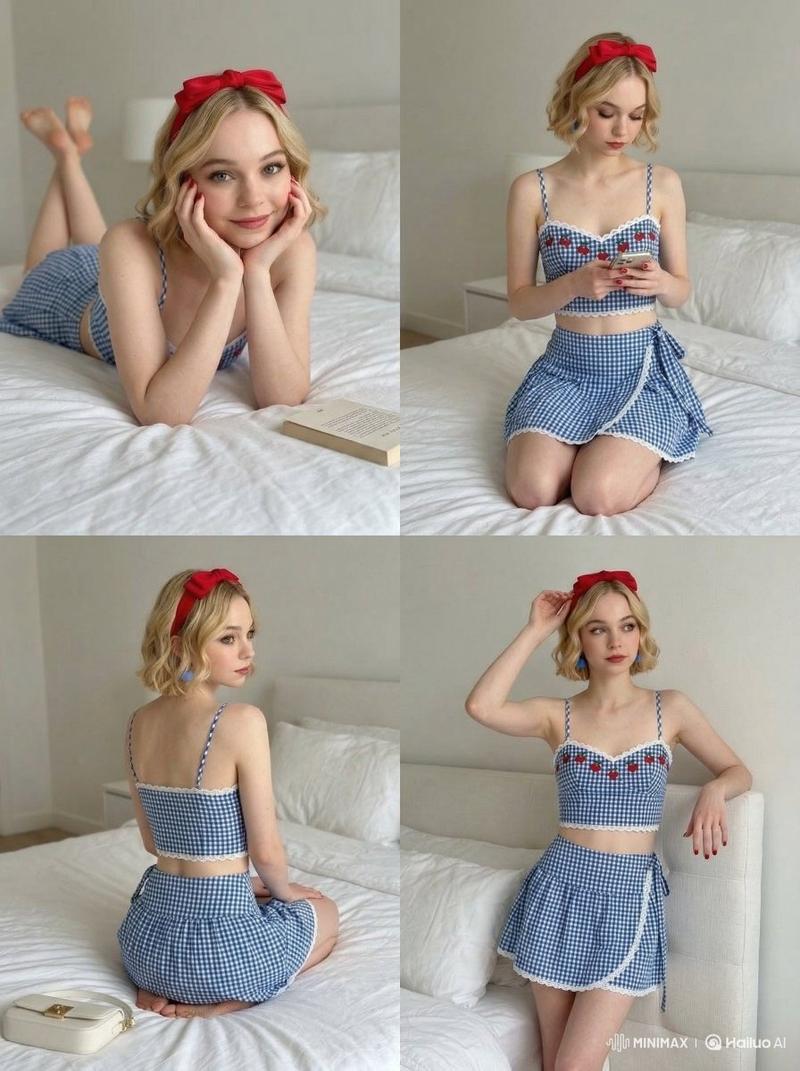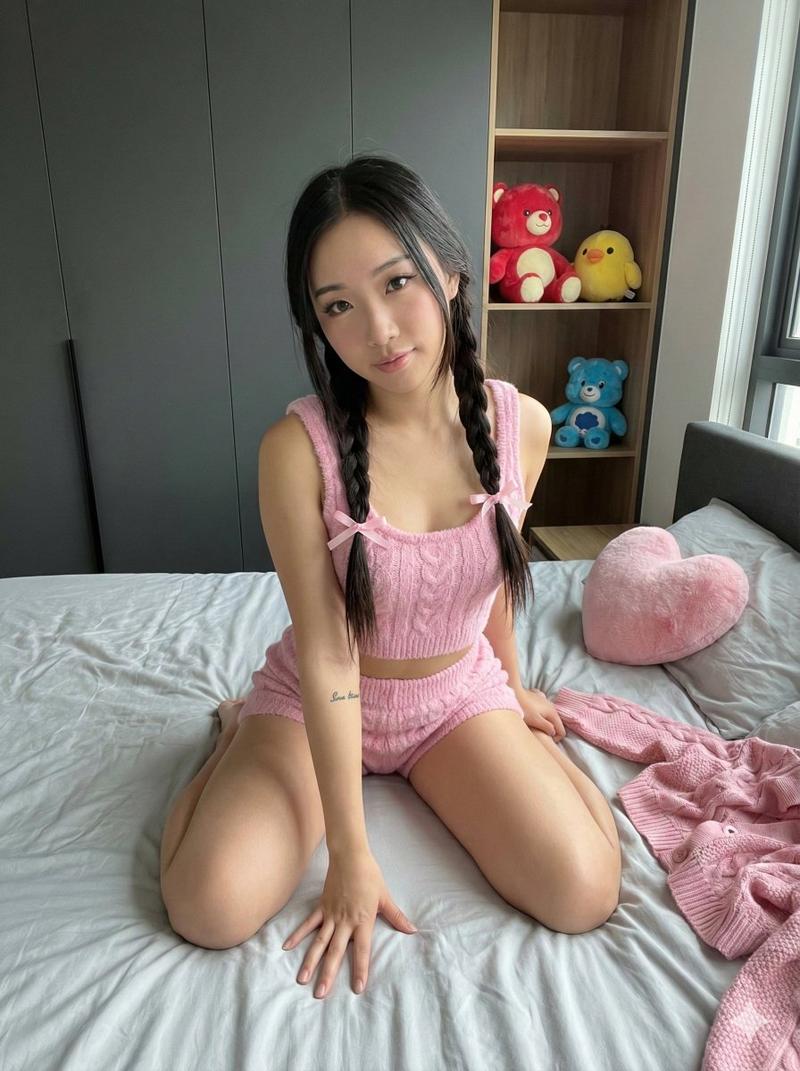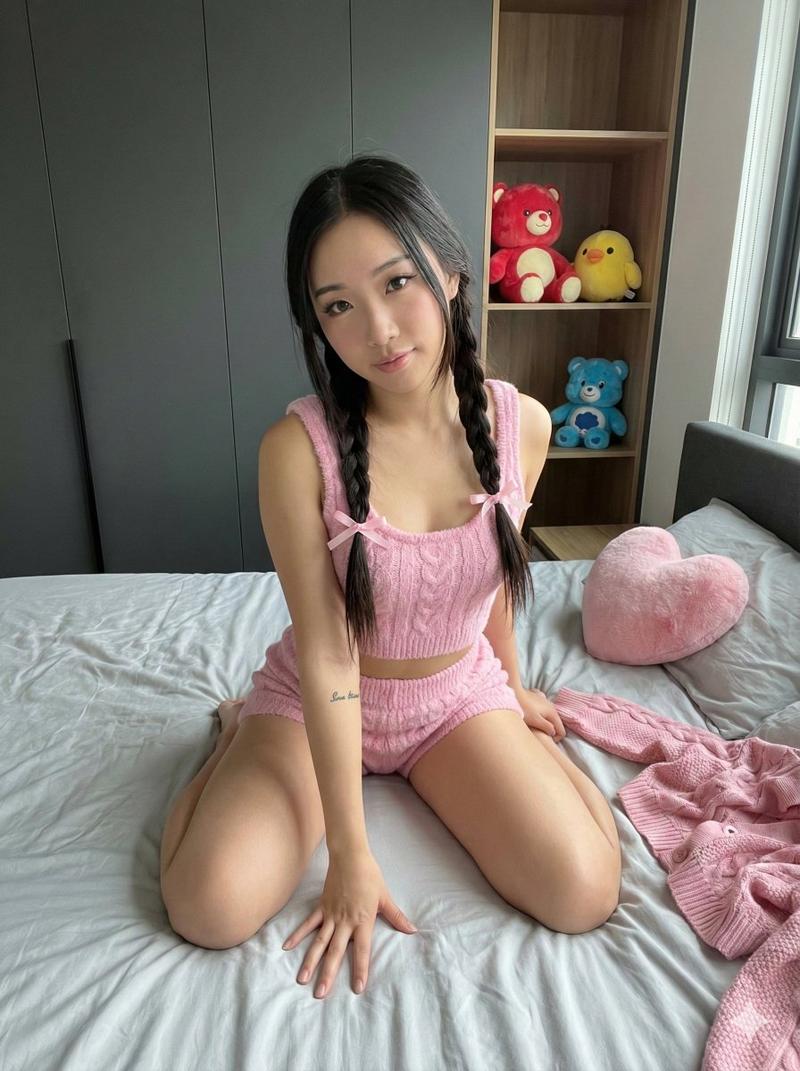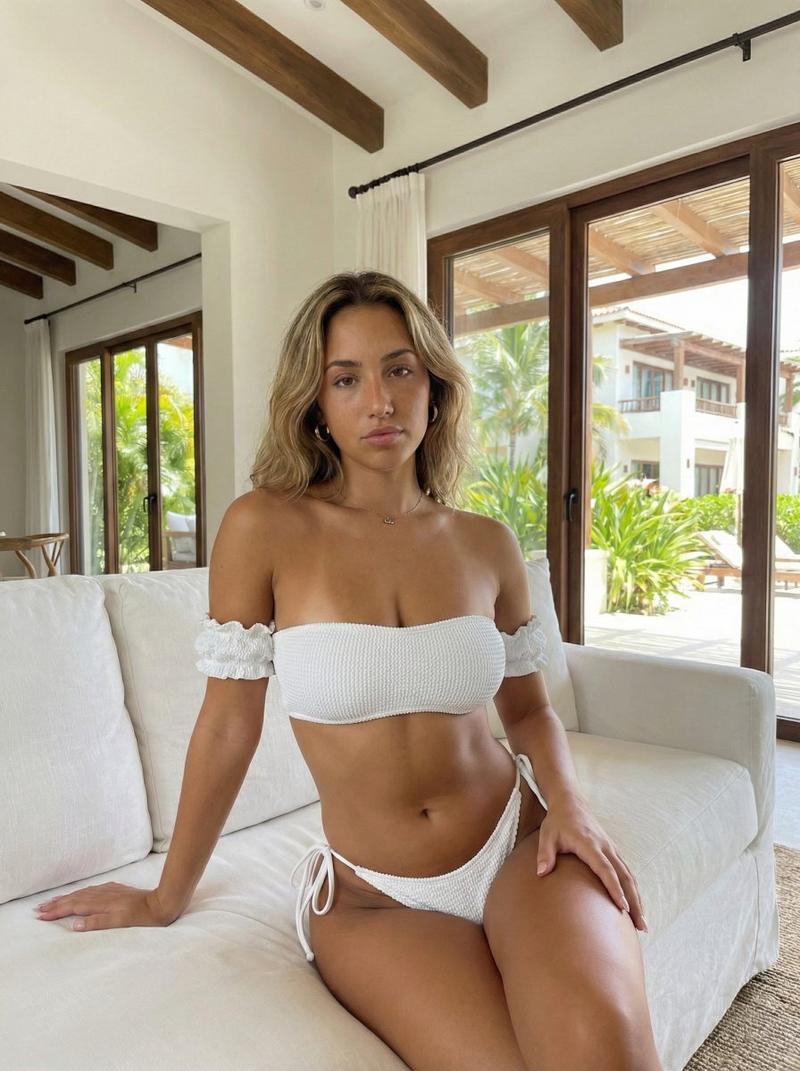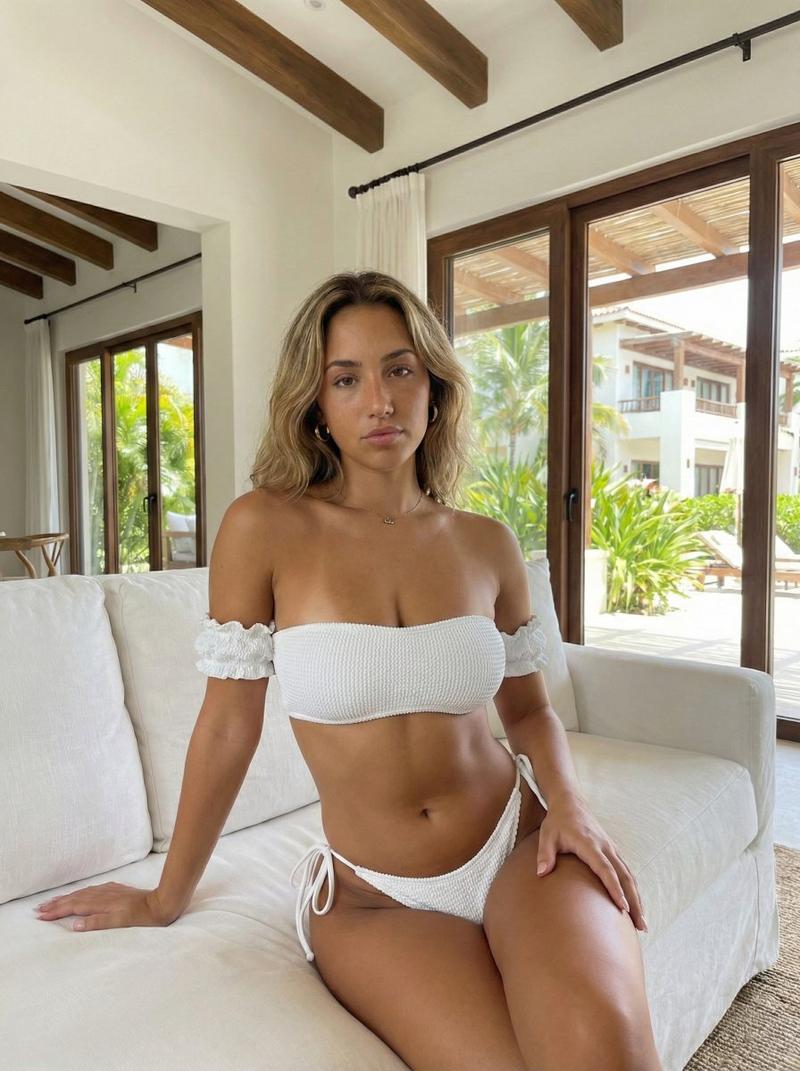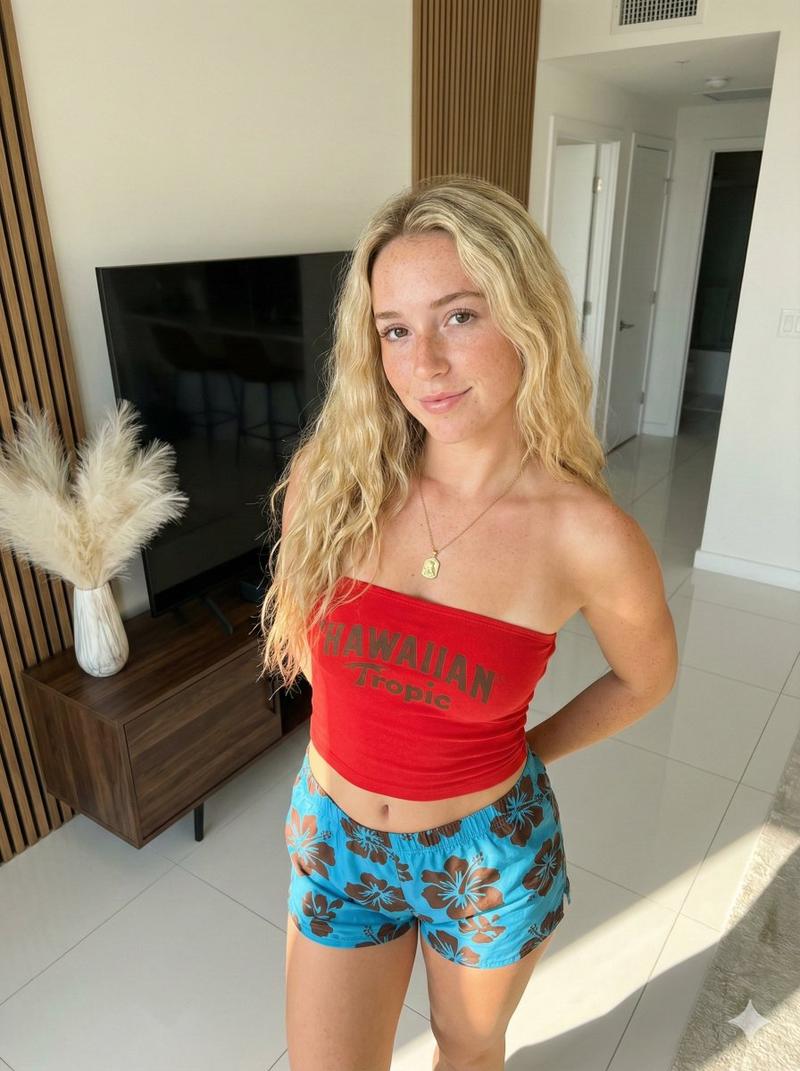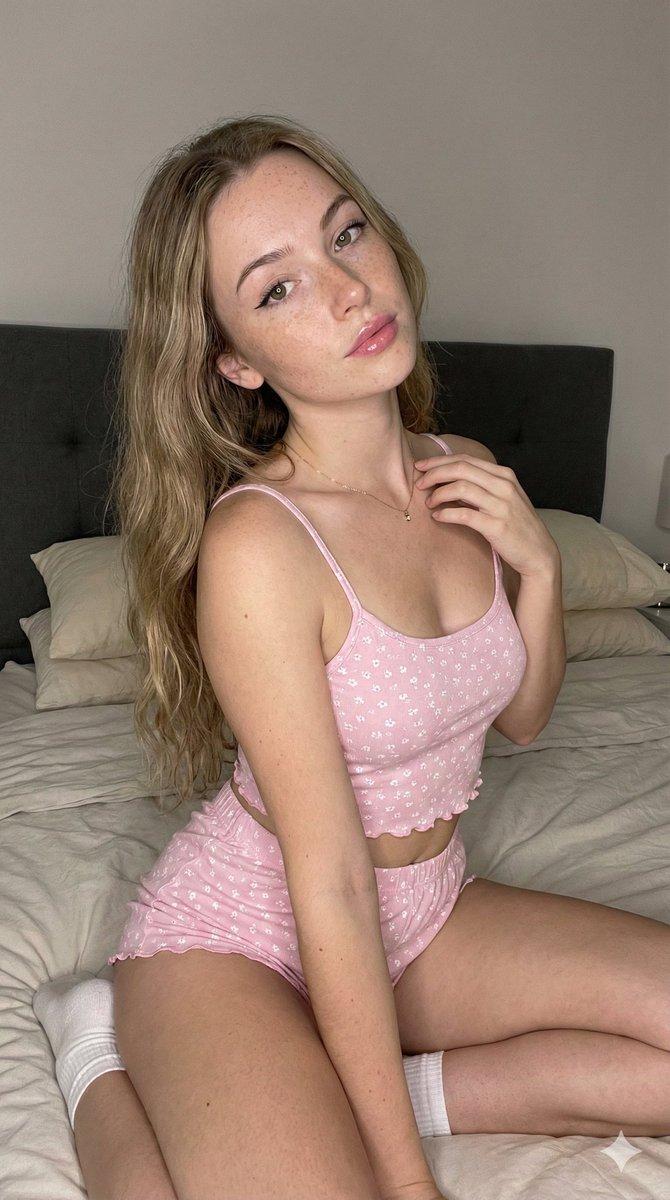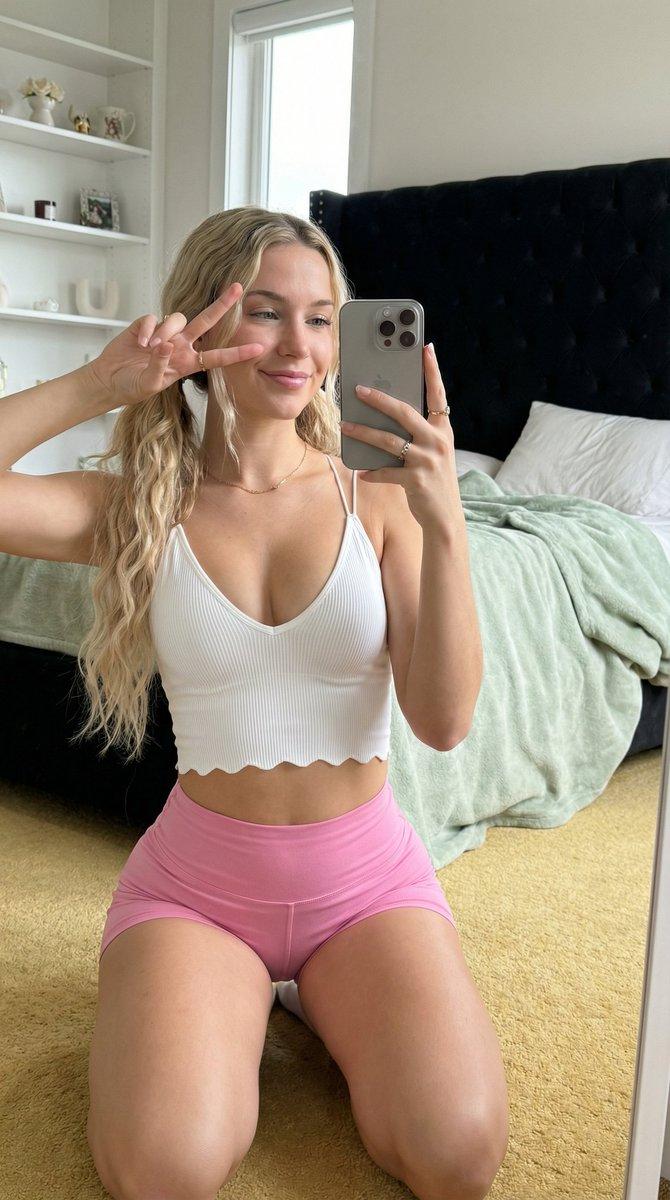
超写实网红双联画肖像
Prompt
{
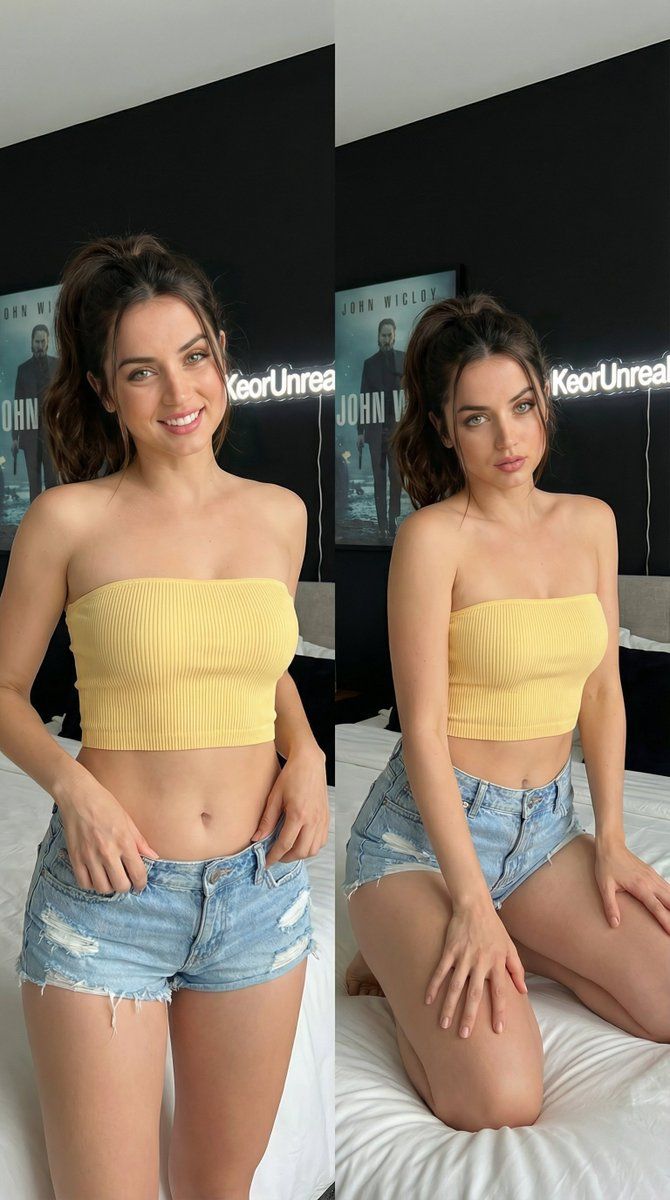
  "image_type": "photorealistic portrait diptych / side-by-side comparison, 8K ultra-detailed, sharp focus, masterpiece",
  "subject": {
    "role": "blonde_influencer_woman",
    "gender": "female",
    "age": "23-27",
    "appearance": "stunning woman resembling Gal Gadot, fair-to-tanned glowing skin, bright blue-green eyes, full glossy nude-pink lips, defined brows, long voluminous ponytail black hair cascading past shoulders, large dangling gold tassel hoop earrings, thin gold bracelet on wrist",
    "expression_left": "warm bright smile, happy and playful, looking directly at camera",
    "expression_right": "sultry neutral gaze, soft pout, direct eye contact with viewer",
    "clothing": "tight off-gold ribbed strapless bandeau tube top hugging bust and midriff, high-waisted light-red distressed denim micro-shorts with frayed raw hems, subtle visible underwear edge when shorts pulled down",
    "body_details": "athletic-toned yet curvy figure, defined abs, narrow waist, pronounced hips and thighs, realistic skin texture with subtle pores and natural sheen"
  },
  "poses": {
    "left_pose": "standing or slightly crouched, hands gripping and pulling down front of denim shorts to reveal more midriff and lower abdomen, weight shifted to one leg, playful teasing stance",
    "right_pose": "kneeling on floor with knees spread apart, hands resting on thighs or knees, torso upright, confident and inviting posture"
  },
  "environment": {
    "location": "luxury bedroom",
    "background": "plain light red wall, no distractions, huge painting of Wonder Woman movie on wall in backdrop, neon red written 'KeorUnreal' somewhere.",
    "lighting": "soft even natural daylight or diffused ring light, high-key clean illumination, subtle soft shadows under chin and on body contours, flattering beauty lighting"
  },
  "composition": {
    "layout": "side-by-side diptych: left image full upper-body to mid-thigh standing/pulling shorts pose, right image closer cropped kneeling portrait from chest to knees",
    "framing": "both images vertically aligned, equal size, thin vertical divider implied, balanced symmetry",
    "camera": "eye-level frontal shot for both, slight low angle on kneeling pose to emphasize figure, 50mm prime lens, shallow depth of field, razor-sharp focus on face, hair, skin, and clothing textures"
  },
  "style": "hyper-realistic influencer portrait photography, ultra-detailed skin pores, hair strands, fabric ribbing and denim fray threads, natural makeup glow, vibrant yet soft color grading, confident sexy-teasing mood, high-fashion social media aesthetic",
  "technical": "8K resolution, RAW photo style, cinematic color grading, best quality, ultra-detailed, sharp focus, masterpiece",
"negative_prompt": "blurry, deformed, extra limbs, bad anatomy, fused fingers, low quality, cartoon, painting, overexposed, underex- Category
- 创意图片
- Model
- Nano Banana Pro
- Creator
- KeorUnreal
- Source ID
- 49b2d852-8c50-487d-bfd3-07e90f48ad53
- Published
- Mar 8, 2026
Views2