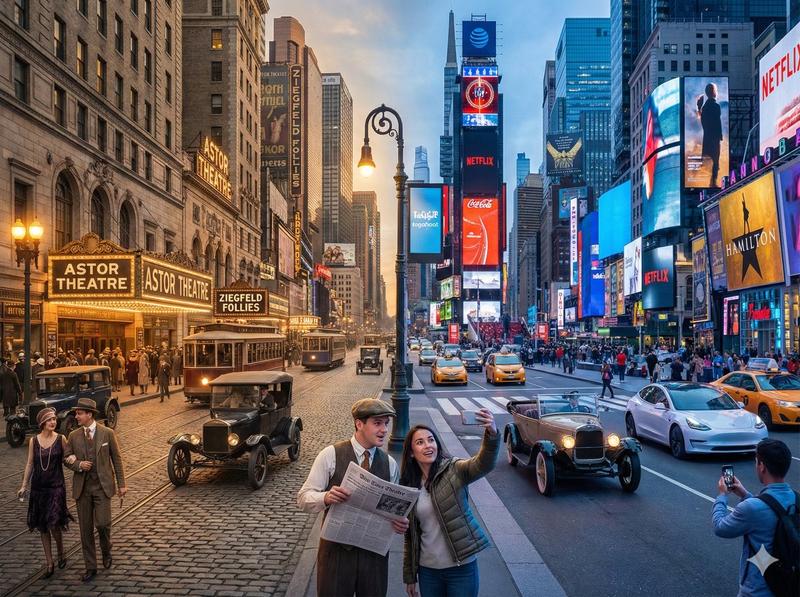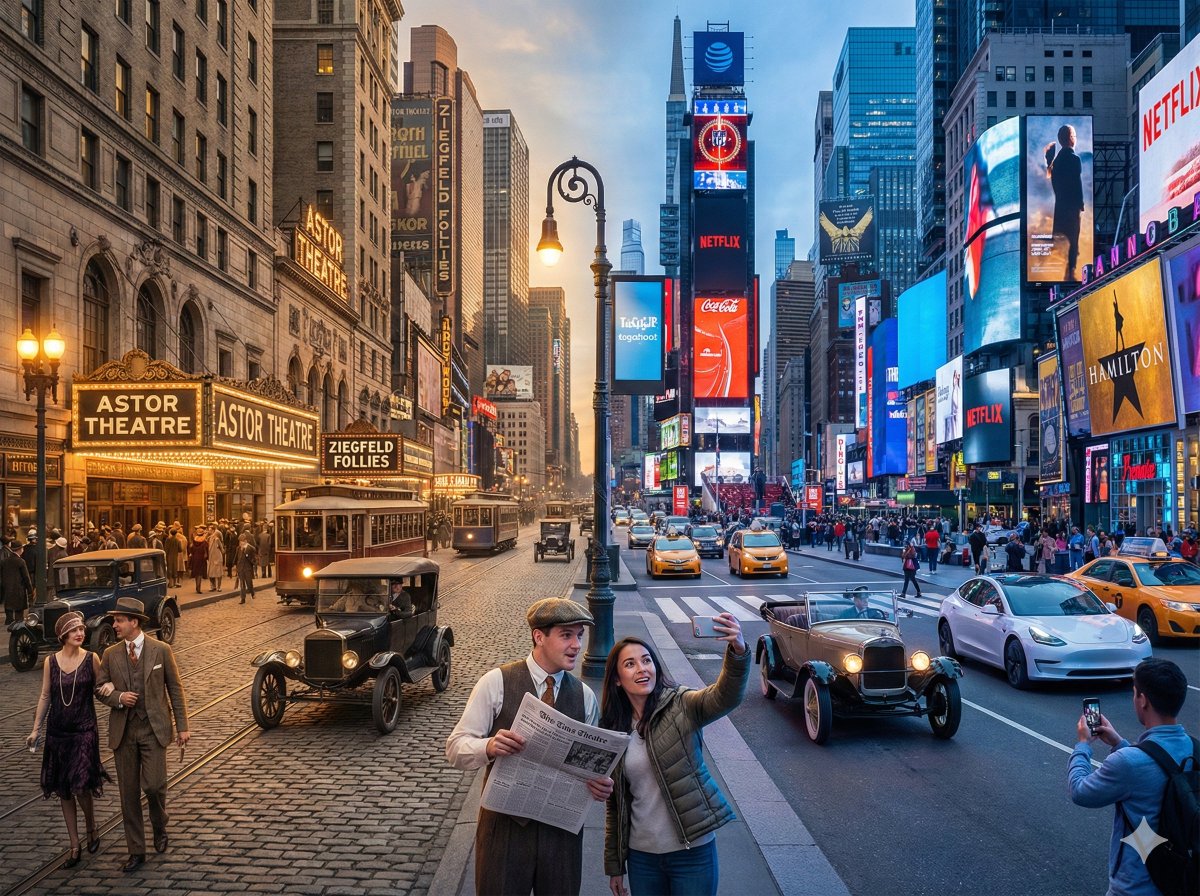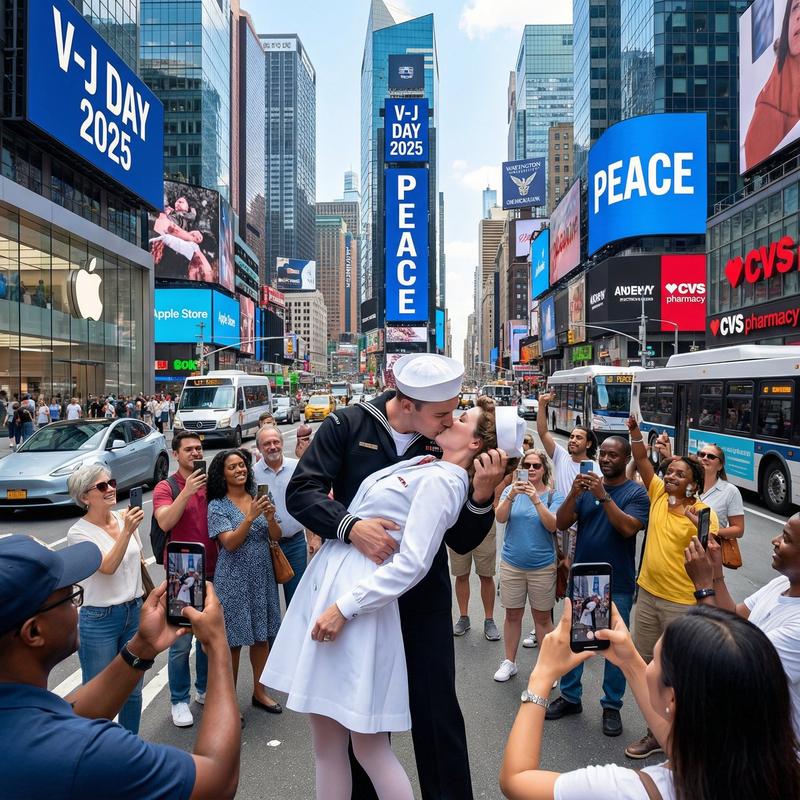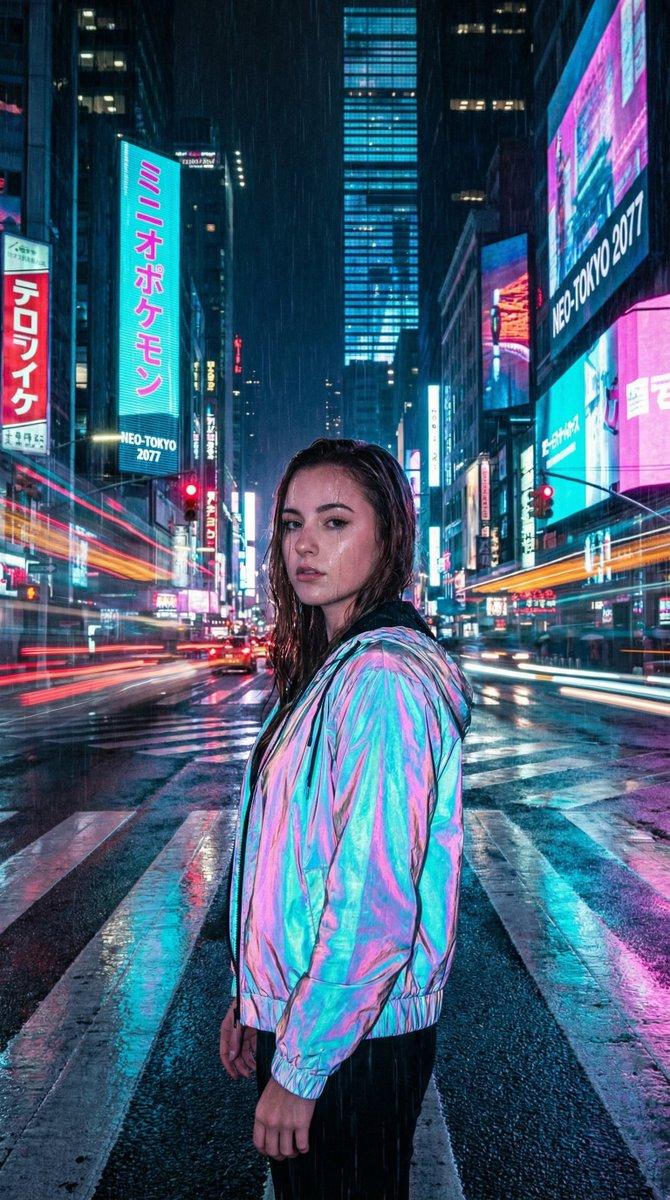
16

四季城市景观融合提示
Enlarge

四季城市景观融合提示

Prompt
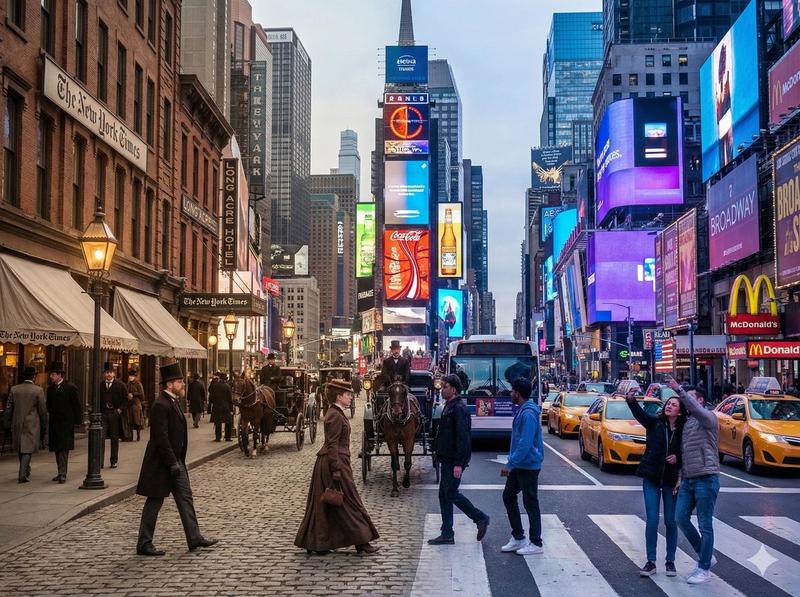
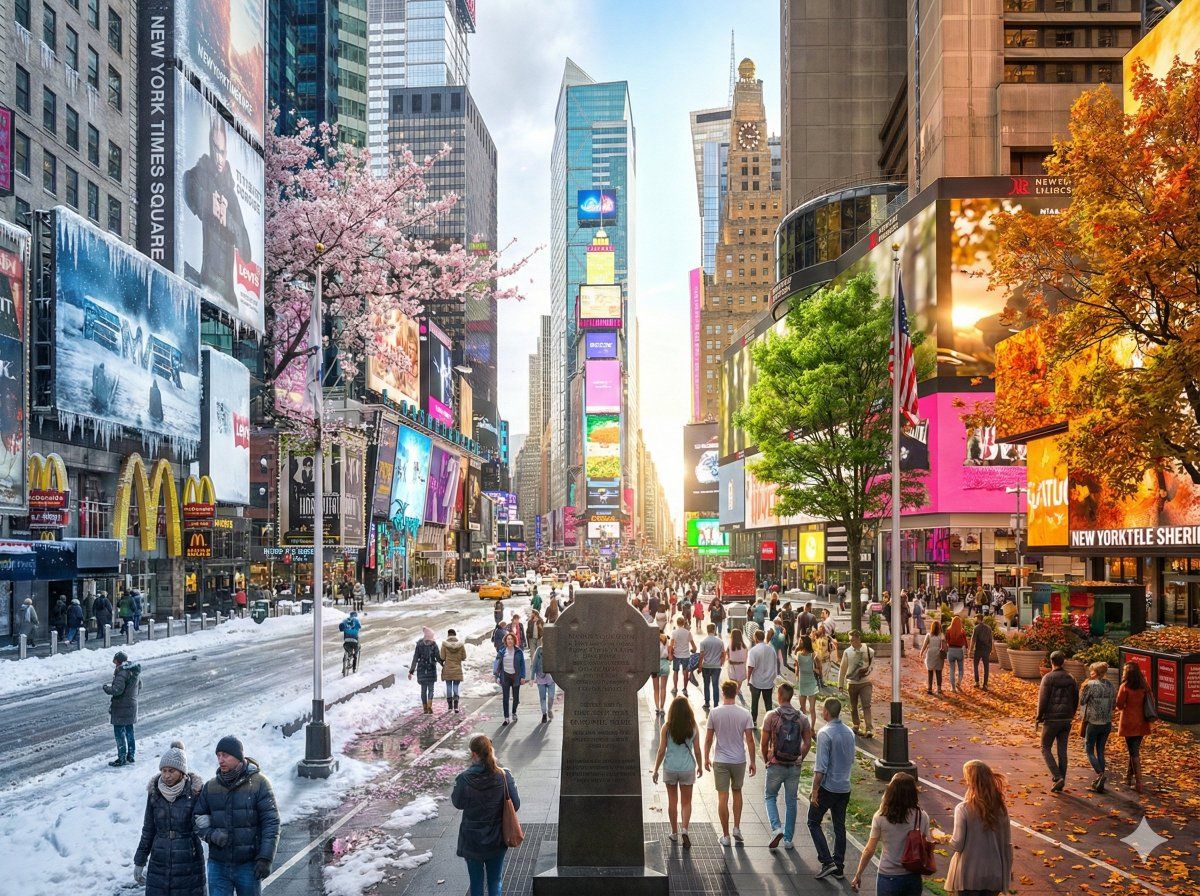
Hyper-realistic digital illustration of {argument name="Scene" default="the historic Shanghai Bund waterfront looking across the Huangpu River to the futuristic Lujiazui district"}, presented as a single continuous composition showcasing the cycle of seasons. The scene flows seamlessly from left to right in a natural progression: Winter, Spring, Summer, and Autumn.

The left side features cold snowy winter elements, gradually thawing into the fresh green buds and blooms of spring, then morphing into the lush vibrant vegetation and bright sunlight of summer, and finally transitioning into the golden, orange, and red hues of autumn on the far right.

There are no visible dividing lines between seasons; the weather, lighting, and vegetation blend smoothly to create a unified and harmonious panorama. Rich in detail, symbolic of the passage of time, cinematic lighting, 8k resolution, highly detailed textures. --ar 4:3
Category
创意图片
Model
Nano Banana Pro
Creator
宝玉
Views0
Source ID
129cebae-37cf-46a8-b9b0-517cff80fdf9
Published
Mar 8, 2026

Guide

About "四季城市景观融合提示"

What is this prompt for?

"四季城市景观融合提示" AI image prompt for Nano Banana Pro (创意图片). 一个旨在创作超现实数字插画的提示,将冬季、春季、夏季和秋季这四个季节无缝融合到一幅连续的构图中,并应用于历史悠久的上海滩滨水区。 --- 超逼真的数字插画,描绘了 {argument name="Scen…

The full copyable prompt and example visuals above are ready for AI image generation or one-click recreate in Picva.

How to use this prompt

  1. Step 1

    Open the prompt detail

    Review the example visuals, category, and full prompt text for "四季城市景观融合提示".

  2. Step 2

    Copy the prompt

    Copy the prompt body from this page, or load it directly in Studio.

  3. Step 3

    Pick a model (Nano Banana Pro)

    Prefer Nano Banana Pro. If you switch models, keep subject and composition and tweak style terms.

  4. Step 4

    Generate and export

    Recreate the look in Picva, or export into your workflow for editing and publishing.

FAQ

What is the "四季城市景观融合提示" prompt?
It is an AI image-generation prompt for Nano Banana Pro in the 创意图片 category. This page includes the full prompt text, example visuals, and a one-click recreate path in Picva.
How do I use this prompt to generate an image?
Copy the prompt from this page, or use Generate / Studio. Paste it into a compatible image model, or recreate the look in Picva with optional reference images.
Which model is this prompt for?
This page lists Nano Banana Pro. Most descriptive prompts also transfer to nearby image models such as GPT Image, Flux, or Midjourney with light style tweaks.
Can I use the result commercially?
You can usually copy the prompt for creation, but commercial use of the final image depends on the model terms, reference-image rights, and the generated content. Follow the source author and platform rules.