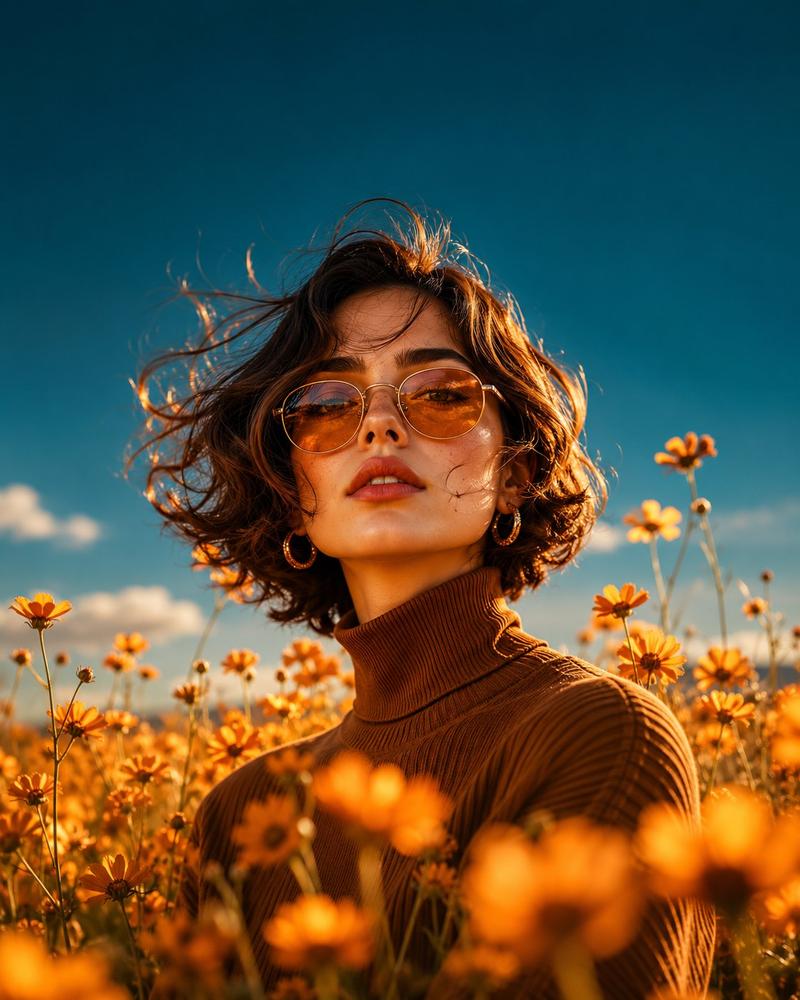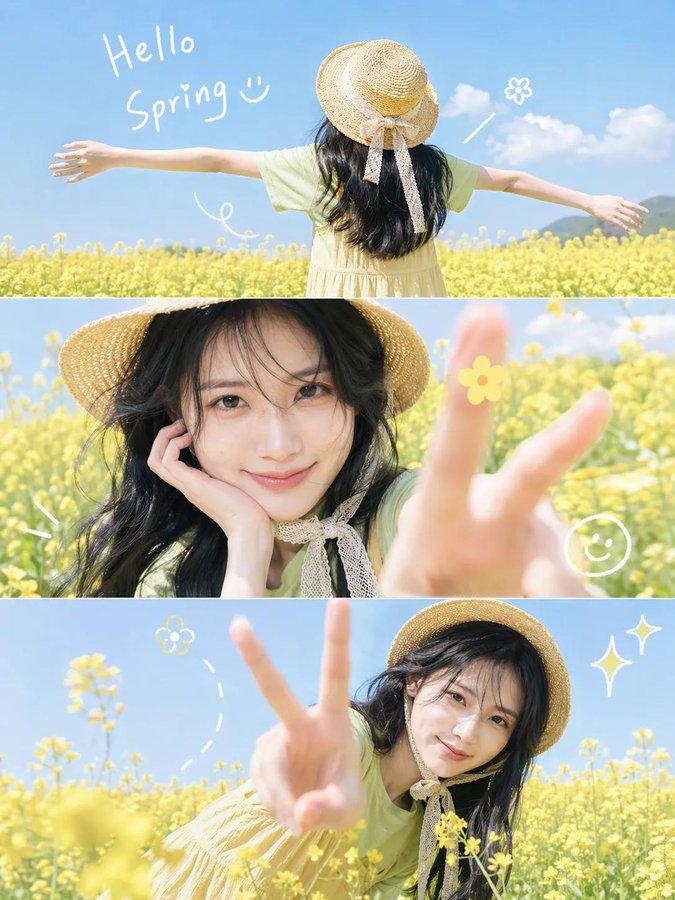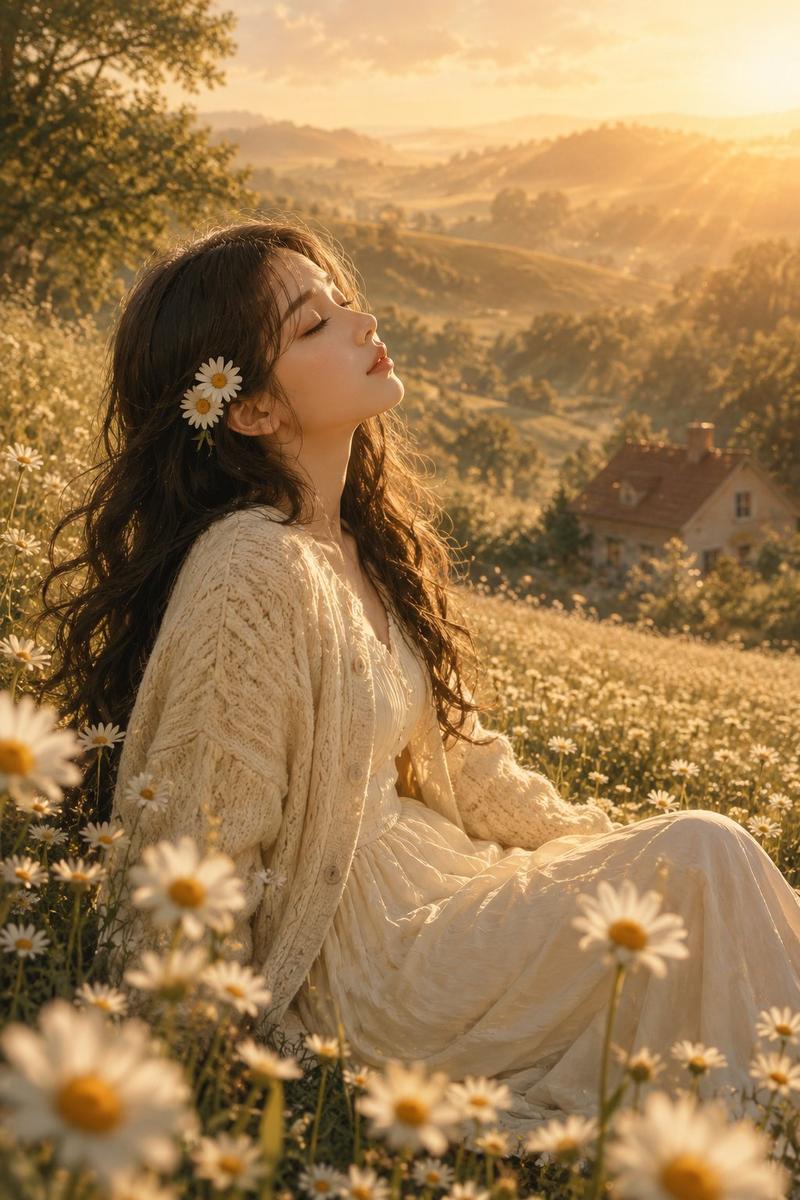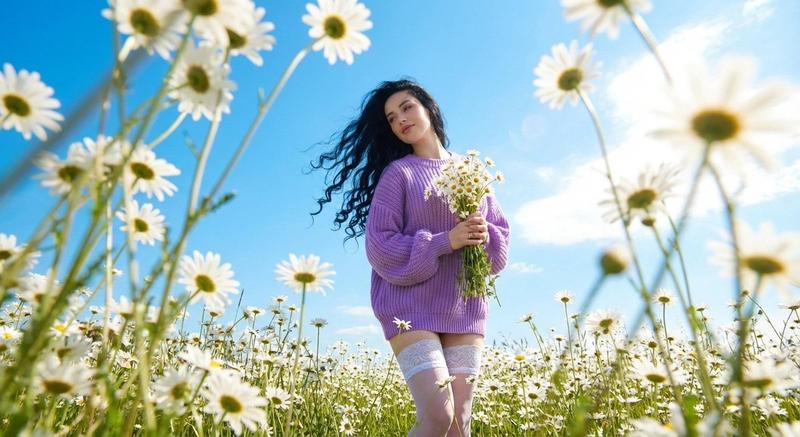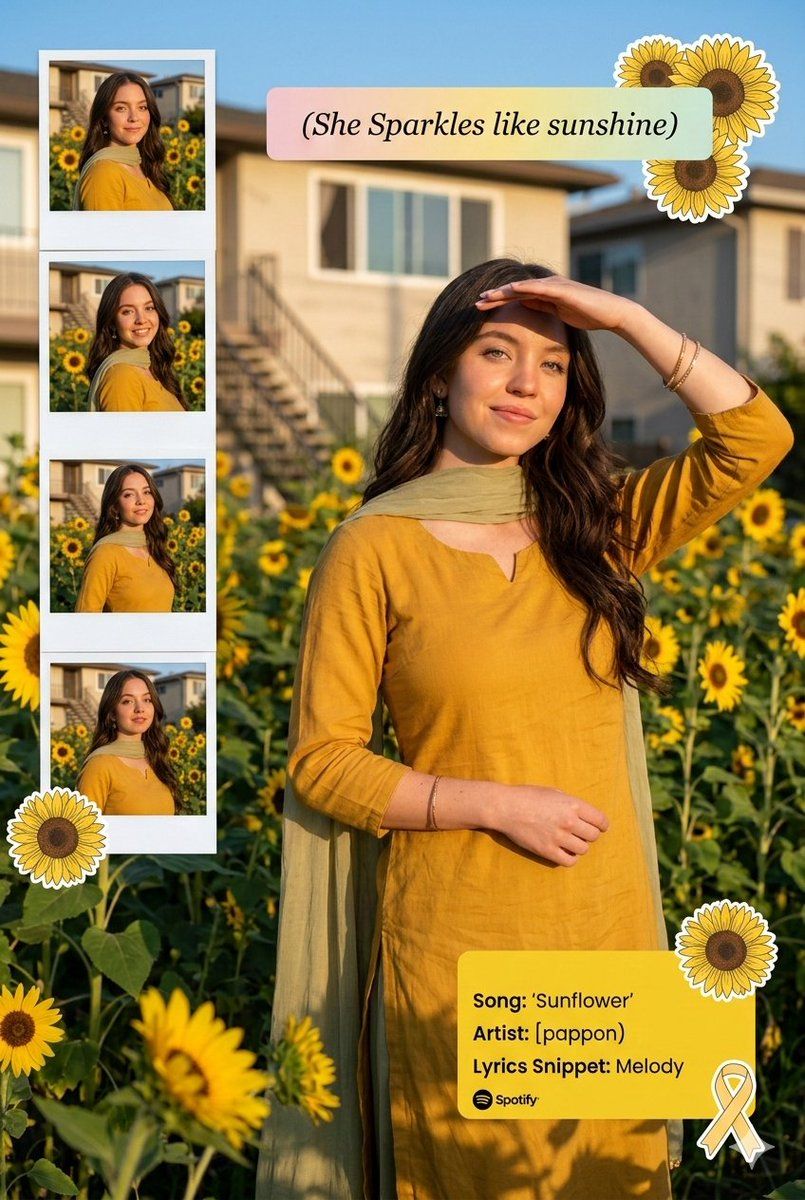
向日葵花园肖像与 Instagram 拼贴叠加效果
Prompt
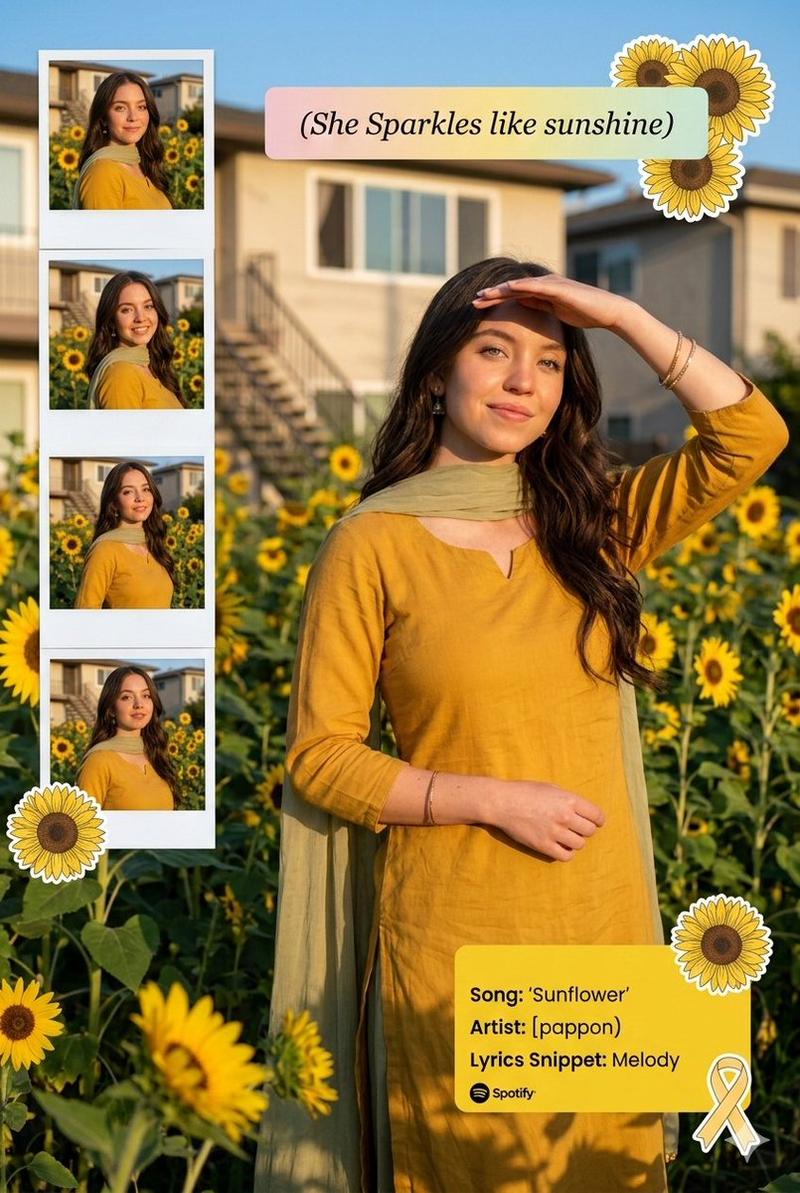
Transform this image (UPLOAD YOUR IMAGE) into a 64K DSLR-quality shot resolution ultra-hyperrealistic cinematic bright outdoor lifestyle portrait of a young woman (same face as the uploaded image) standing in a blooming sunflower garden during golden hour.

Vertical 2:3 composition with creative collage elements layered into the frame. A cheerful young woman (same face as the uploaded image) with long, wavy
dark brown hair flowing naturally over her shoulders. She is smiling softly with her eyes opened, radiating warmth and serenity. One hand is lifted to her forehead as if shielding sunlight, creating a candid sun-kissed pose. Her posture is relaxed and graceful, slightly turned to the side.

She is wearing:-

A mustard yellow traditional kurta (flowy, soft cotton fabric)

A light olive-green dupatta draped elegantly over her shoulders

Minimal jewelry (small earrings, delicate bangles)Natural makeup with warm tones and glowing skin The fabric moves slightly with a gentle breeze, adding softness and motion.

Environment & Background:-

Outdoor garden filled with bright yellow sunflowers at various heights

A residential building in the background with stairs and windows

Clear blue sky with warm sunlight casting natural shadows

Subtle garden greenery and grass in foreground Natural daylight creating soft highlights on hair and outfitArtistic & Graphic Elements:-

Creative Instagram collage layout with:

A vertical photo-strip on the left side containing

4 smaller candid images of the same woman in slightly different poses (Polaroid-style frames)

A soft pastel caption box that reads:

"{argument name="caption" default="She Sparkles like sunshine"}"

Decorative illustrated sunflower stickers placed around the main subject (one near her shoulder, one near the bottom)

A soft yellow Spotify-style music overlay card on

the right side displaying:

Song: "{argument name="song" default="Sunflower"}"

Artist: "{argument name="artist" default="[pappon)"}"Lyrics Snippet:-

"Melody"

Small ribbon/bow sticker accent near the music card

Lighting & Mood:-

Warm golden hour sunlight

Natural soft shadows

Bright, vibrant color grading

Slight glow effect for dreamy aesthetic

Cheerful, feminine, wholesome vibe

Youthful Instagram influencer aesthetic

Camera & Technical Details:-

Shot on a full-frame DSLR

50mm lens, f/2.8 aperture

Shallow depth of field (soft background blur)

High dynamic range

Ultra-detailed fabric texture and hair strands

64K resolutionClean, vibrant, high-saturation color grading

Overall Mood & Theme:-

Sunshine aesthetic

Happy, carefree, radiant energy

Soft romantic vibe

Social media reel/post cover style

Cottagecore meets modern Instagram collage.

Octane render, Ultra-hyperrealistic & Unreal

Engine 5.- Category
- 创意图片
- Model
- Nano Banana Pro
- Creator
- Shreya♡
- Source ID
- 82240402-0906-42f3-a750-20e24d00f27b
- Published
- Mar 8, 2026
Views1