18

Nano Banana 2 的全景提示(4:1 宽高比)
Enlarge

Nano Banana 2 的全景提示(4:1 宽高比)

Prompt
1、This is a 4:1 ultra-wide panoramic photo taken with a smartphone. The image shows a lush tropical jungle landscape viewed from my small wooden cabin balcony. Dense green foliage fills the frame from left to right, layered depth, natural morning light, realistic colors, high dynamic range, cinematic wide-angle lens effect, highly detailed vegetation, slight atmospheric haze in the distance, photorealistic, 4k resolution.
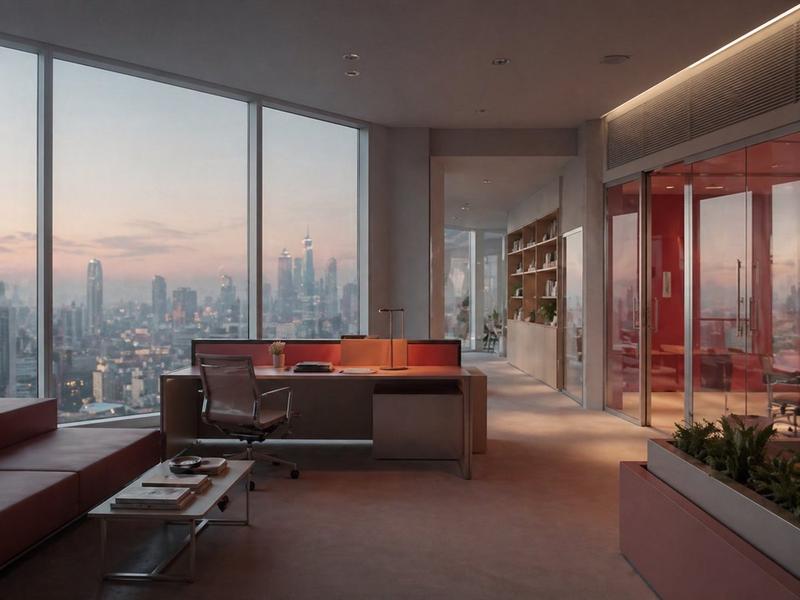
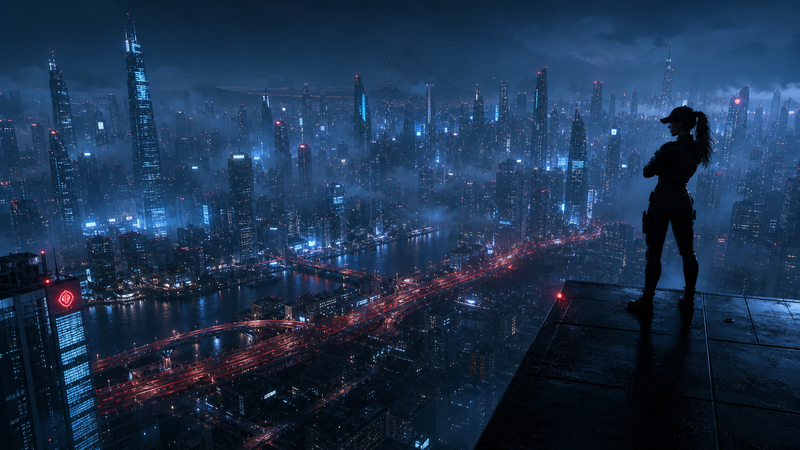
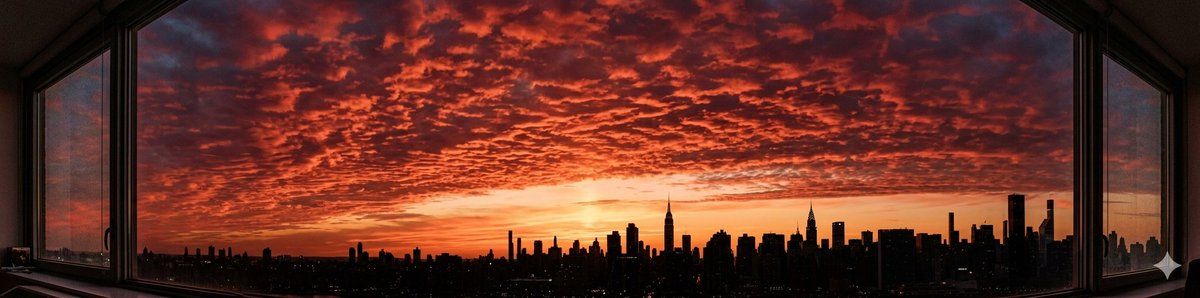
2、A 4:1 ultra-wide panoramic photo taken with a smartphone from my apartment window. The sunset sky is dramatic and breathtaking, filled with rows of deep crimson altocumulus clouds stretching across the entire horizon. The city skyline appears in silhouette at the bottom edge of the frame. Warm golden and deep red tones dominate the sky, soft gradient transition, high dynamic range, cinematic lighting, realistic atmosphere, sharp details, 4k, photorealistic.
Category
创意图片
Model
Nano Banana Pro
Creator
Huaxa
Views0
Source ID
267c12aa-d5f0-4a77-b8a9-bb2d878be4d4
Published
Mar 8, 2026

Guide

About "Nano Banana 2 的全景提示(4:1 宽高比)"

What is this prompt for?

"Nano Banana 2 的全景提示(4:1 宽高比)" AI image prompt for Nano Banana Pro (创意图片). 以下是两个详细的提示,旨在利用 Nano Banana 2 新的 4:1 宽高比来生成超宽全景图像:一个是从小木屋阳台看到的**热带丛林**,另一个是**城市天际线上的…

The full copyable prompt and example visuals above are ready for AI image generation or one-click recreate in Picva.

How to use this prompt

  1. Step 1

    Open the prompt detail

    Review the example visuals, category, and full prompt text for "Nano Banana 2 的全景提示(4:1 宽高比)".

  2. Step 2

    Copy the prompt

    Copy the prompt body from this page, or load it directly in Studio.

  3. Step 3

    Pick a model (Nano Banana Pro)

    Prefer Nano Banana Pro. If you switch models, keep subject and composition and tweak style terms.

  4. Step 4

    Generate and export

    Recreate the look in Picva, or export into your workflow for editing and publishing.

FAQ

What is the "Nano Banana 2 的全景提示(4:1 宽高比)" prompt?
It is an AI image-generation prompt for Nano Banana Pro in the 创意图片 category. This page includes the full prompt text, example visuals, and a one-click recreate path in Picva.
How do I use this prompt to generate an image?
Copy the prompt from this page, or use Generate / Studio. Paste it into a compatible image model, or recreate the look in Picva with optional reference images.
Which model is this prompt for?
This page lists Nano Banana Pro. Most descriptive prompts also transfer to nearby image models such as GPT Image, Flux, or Midjourney with light style tweaks.
Can I use the result commercially?
You can usually copy the prompt for creation, but commercial use of the final image depends on the model terms, reference-image rights, and the generated content. Follow the source author and platform rules.