17

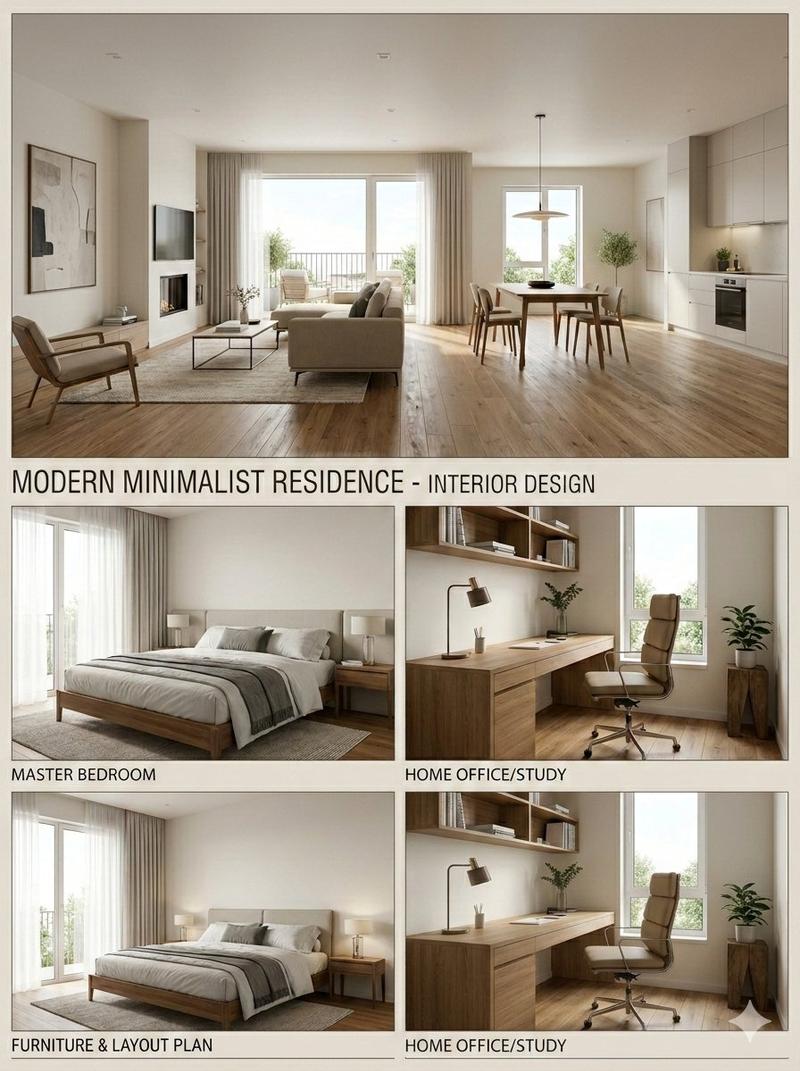
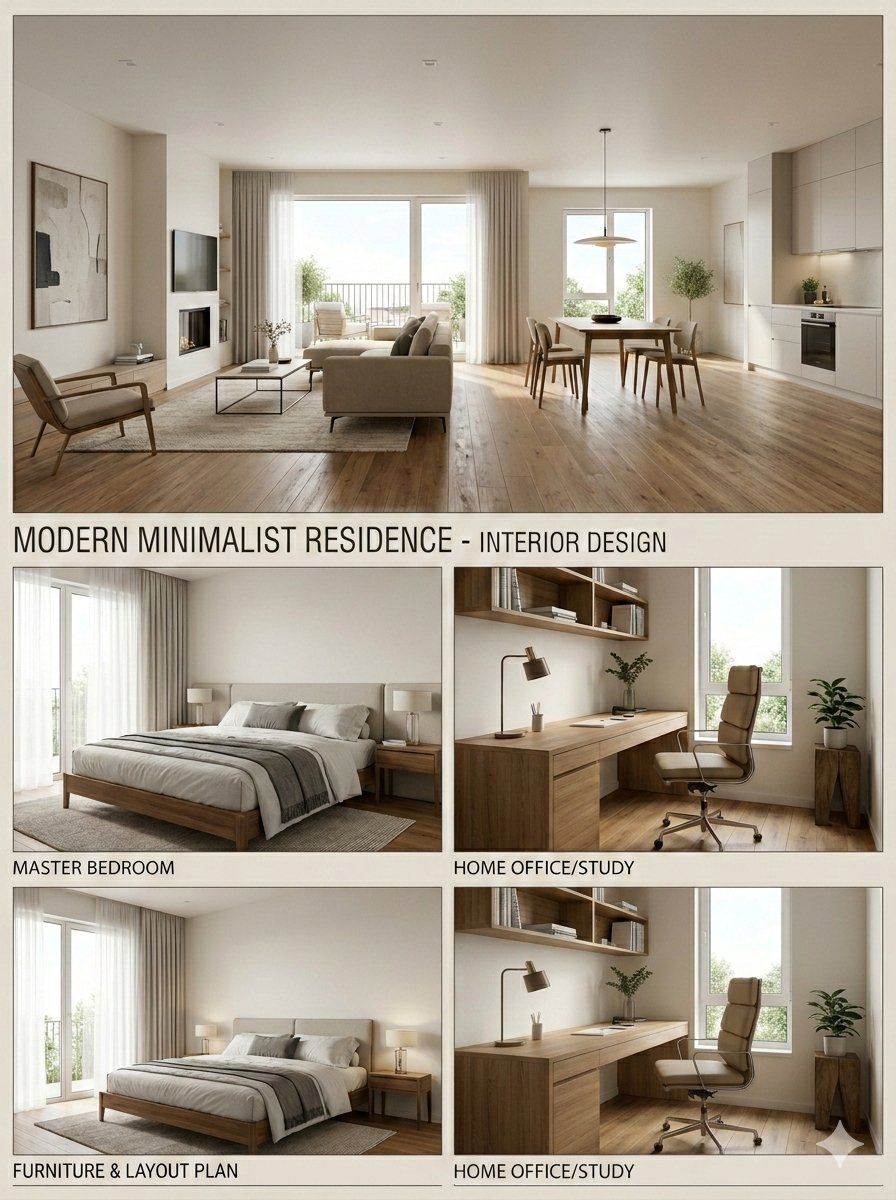
现代简约室内设计展示板
Enlarge

现代简约室内设计展示板

Prompt
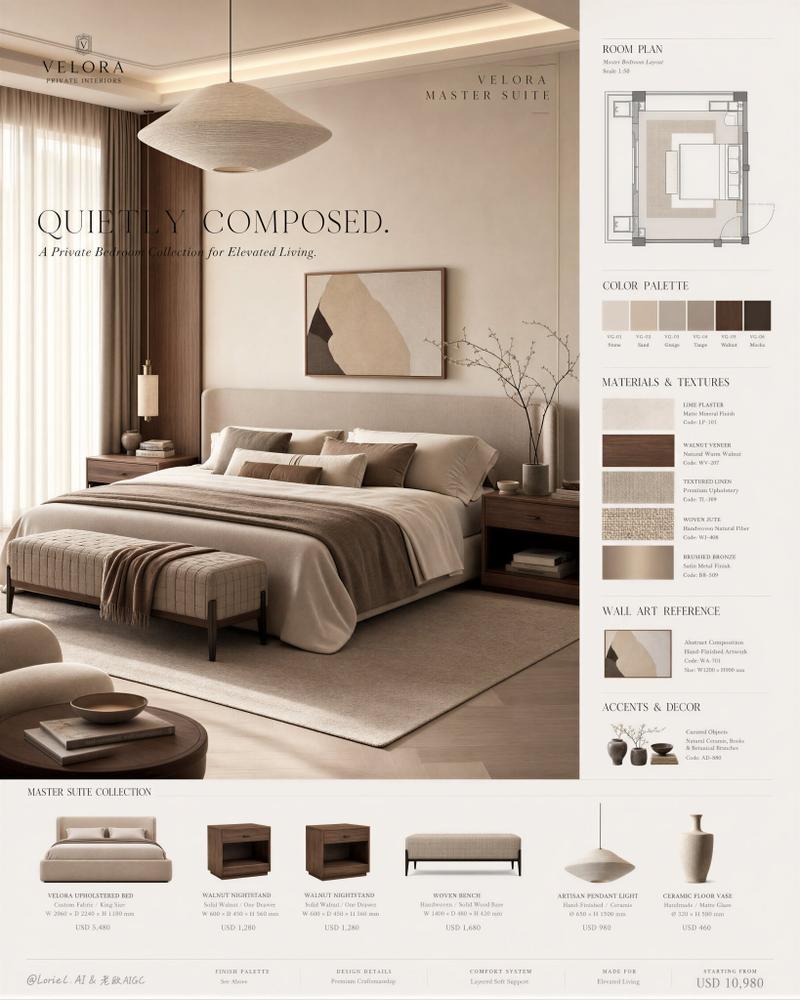
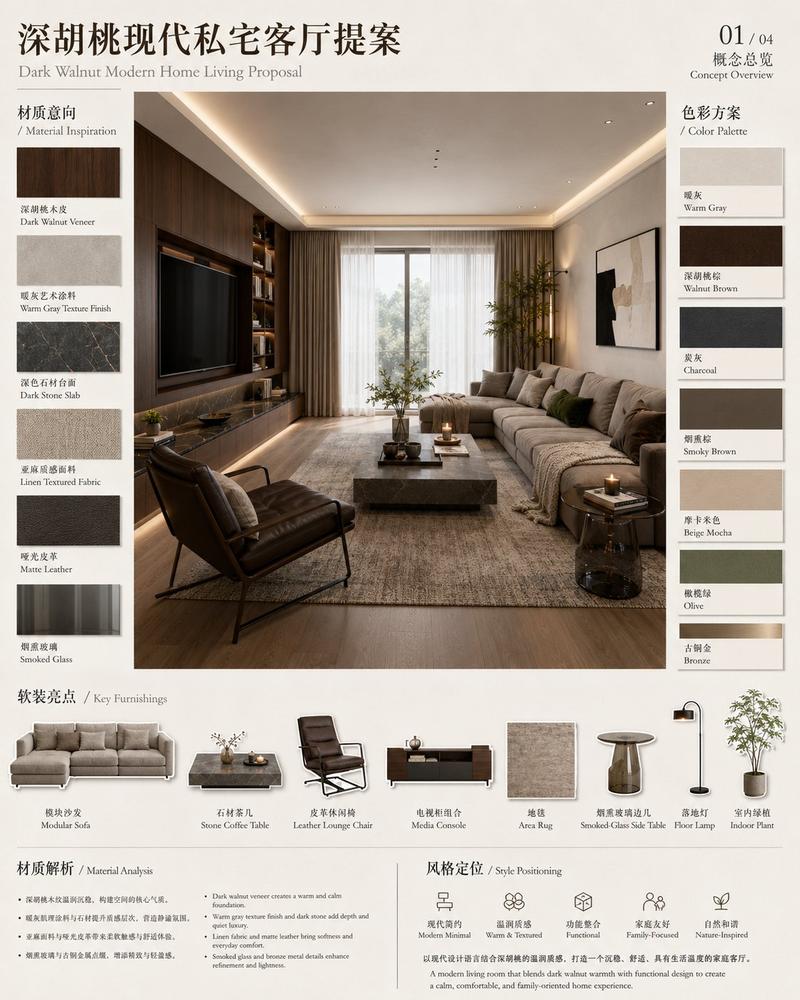
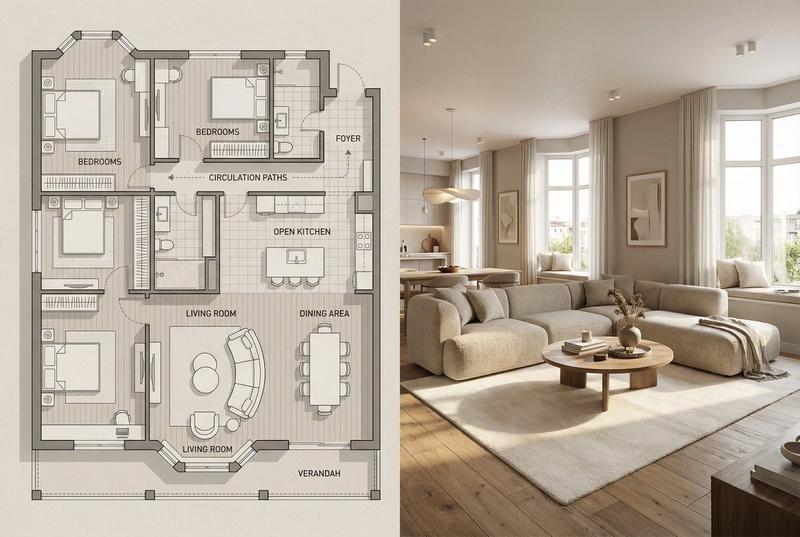
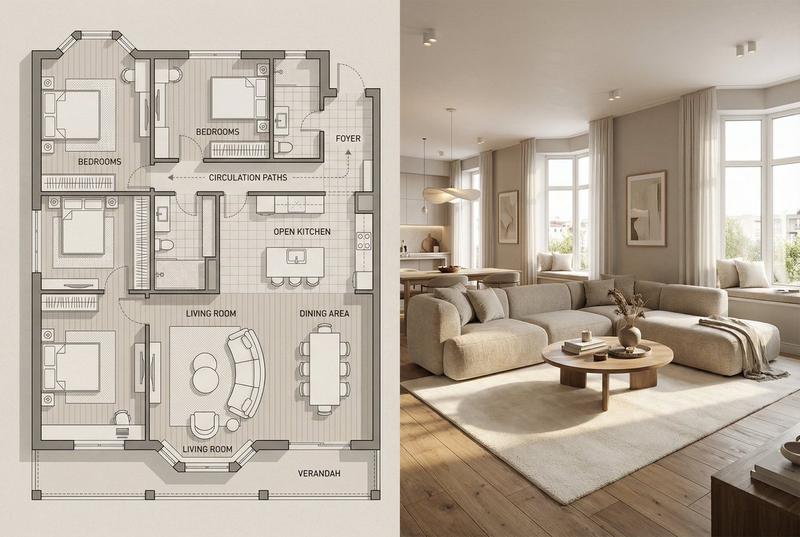
Based on the uploaded 2D floor plan, generate a professional interior design presentation board in a single image. Layout : The final image should be a collage with one large main image at the top, and several smaller images below it. Content of Each Panel :

1. Main Image (Top) : A wide-angle perspective view of the main living area , showing the connection between the living room and dining area.

2. Small Image (Bottom Left) : A view of the Master Bedroom , focusing on the bed and window.

3. Small Image (Bottom Middle) : A view of the Home Office / Study room .

4. Small Image (Bottom Right) : A 3D top-down floor plan view showing the furniture layout. Overall Style : Apply a consistent Modern Minimalist style with warm oak wood flooring and off-white walls across ALL images. Quality : Photorealistic rendering, soft natural lighting.
Image Ratio 3:4
Category
创意图片
Model
Nano Banana Pro
Creator
Shreya♡
Views10
Source ID
bf571f3f-d01e-40c8-868f-8731afda228f
Published
Mar 8, 2026

Guide

About "现代简约室内设计展示板"

What is this prompt for?

"现代简约室内设计展示板" AI image prompt for Nano Banana Pro (创意图片). 一个用于根据上传的 2D 平面图生成专业室内设计展示板的提示。输出应为一个拼贴画,其中包含一张较大的客厅/餐厅主图和三张较小的图片,分别展示主卧室、家庭办公室和 3D 俯视平面图,所有图像均以一致的现代…

The full copyable prompt and example visuals above are ready for AI image generation or one-click recreate in Picva.

How to use this prompt

  1. Step 1

    Open the prompt detail

    Review the example visuals, category, and full prompt text for "现代简约室内设计展示板".

  2. Step 2

    Copy the prompt

    Copy the prompt body from this page, or load it directly in Studio.

  3. Step 3

    Pick a model (Nano Banana Pro)

    Prefer Nano Banana Pro. If you switch models, keep subject and composition and tweak style terms.

  4. Step 4

    Generate and export

    Recreate the look in Picva, or export into your workflow for editing and publishing.

FAQ

What is the "现代简约室内设计展示板" prompt?
It is an AI image-generation prompt for Nano Banana Pro in the 创意图片 category. This page includes the full prompt text, example visuals, and a one-click recreate path in Picva.
How do I use this prompt to generate an image?
Copy the prompt from this page, or use Generate / Studio. Paste it into a compatible image model, or recreate the look in Picva with optional reference images.
Which model is this prompt for?
This page lists Nano Banana Pro. Most descriptive prompts also transfer to nearby image models such as GPT Image, Flux, or Midjourney with light style tweaks.
Can I use the result commercially?
You can usually copy the prompt for creation, but commercial use of the final image depends on the model terms, reference-image rights, and the generated content. Follow the source author and platform rules.