16

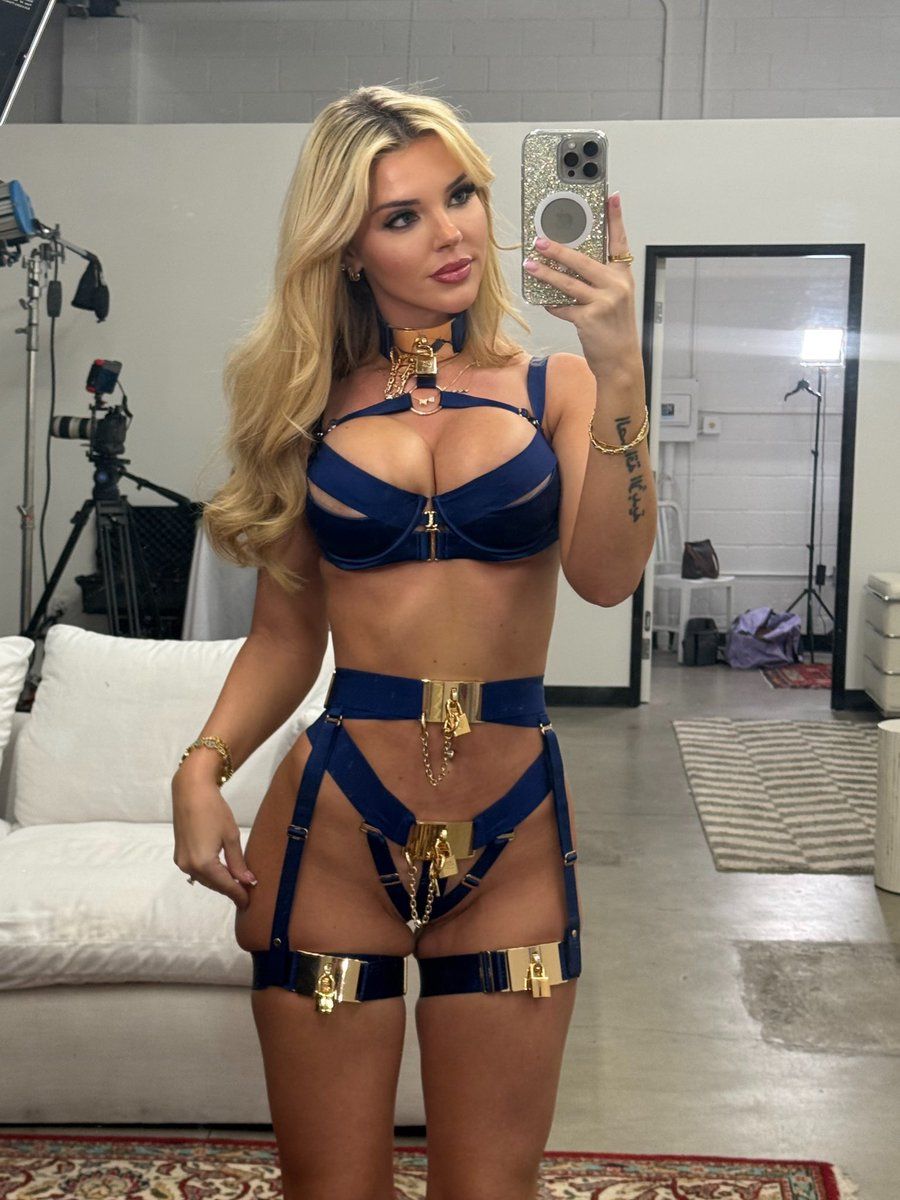
金皇家华丽镜面自拍
Enlarge

金皇家华丽镜面自拍

Prompt
{
  "title": "Golden Royal Glam",
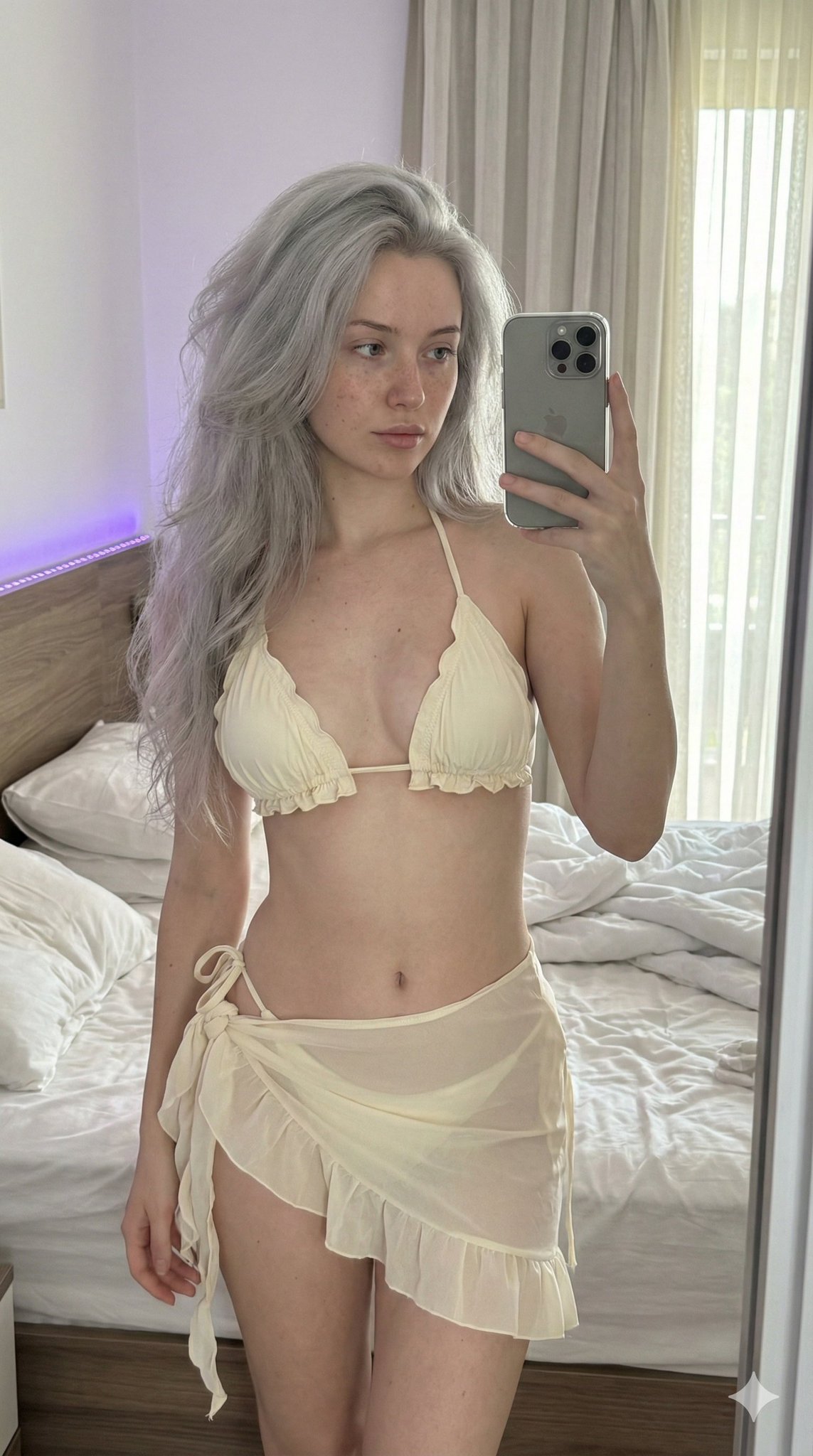
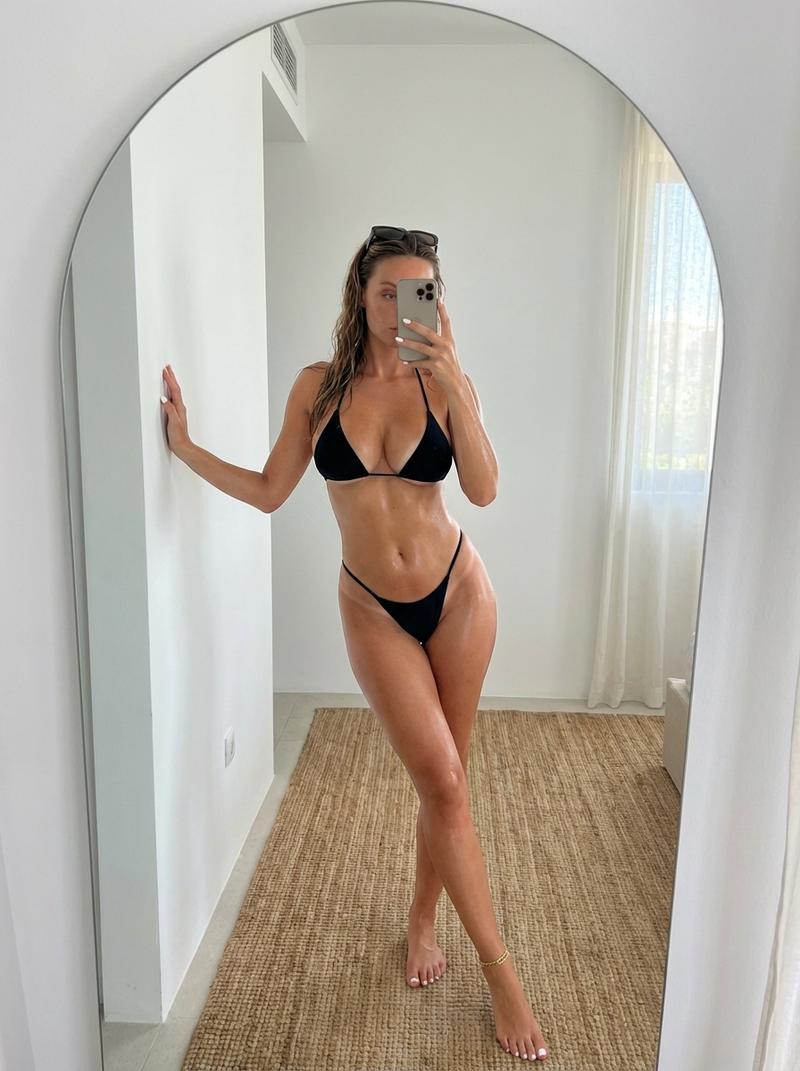
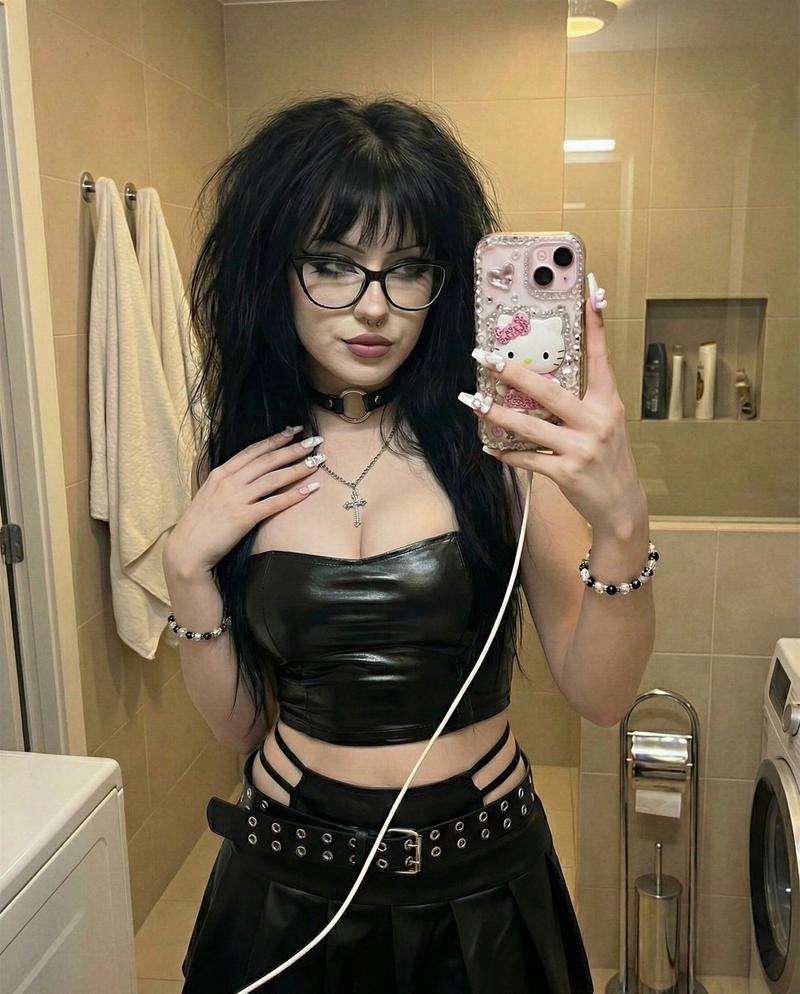
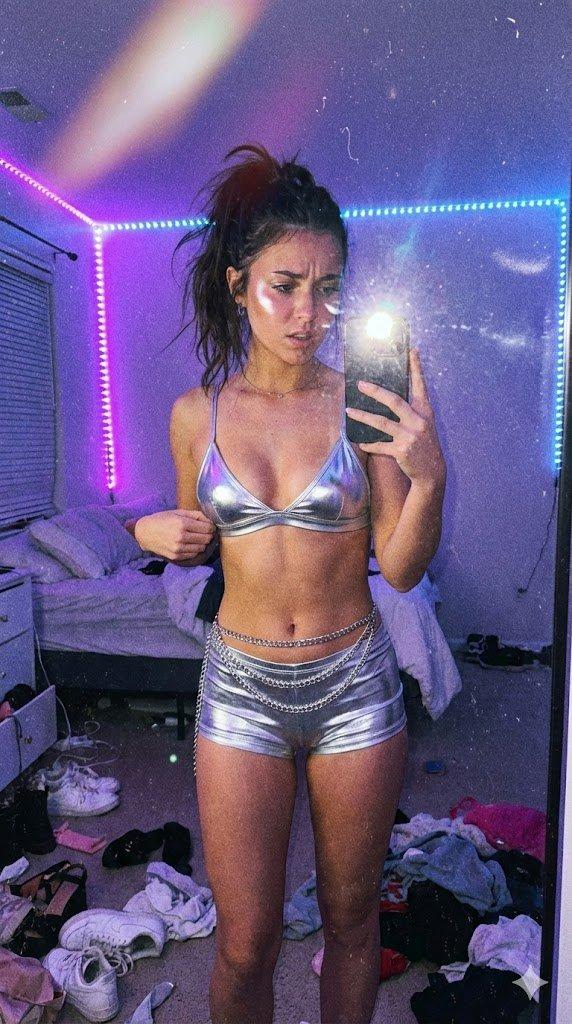
  "description": "A confident mirror selfie featuring a glamorous navy blue and gold statement outfit. The look is bold and luxurious with metallic gold accessories and stylish details, captured in a studio setting with soft lighting.",
  "outfit": {
    "color_theme": "Navy Blue and Gold",
    "style": "Bold, Glamorous, Statement",
    "accessories": ["Gold choker", "Metallic belt", "Gold chains", "Thigh straps"],
    "vibe": "Confident, Luxurious, Fashion-forward"
  },
  "setting": {
    "location_type": "Indoor Studio",
    "lighting": "Soft professional lighting",
    "background_elements": ["White couch", "Studio equipment", "Mirror"]
  },
  "mood": "Confident and stylish"
}
Category
创意图片
Model
Nano Banana Pro
Views7
Source ID
ac12c2d7-3037-4cff-a743-1f8b1646cede
Published
Mar 8, 2026

Guide

About "金皇家华丽镜面自拍"

What is this prompt for?

"金皇家华丽镜面自拍" AI image prompt for Nano Banana Pro (创意图片). 一个 JSON 提示,用于在影棚环境中生成一张迷人的镜面自拍,强调海军蓝和金色主题、金属配饰以及大胆、奢华、时尚前卫的氛围。 --- ```json { "title": "金色皇家魅力", "descri…

The full copyable prompt and example visuals above are ready for AI image generation or one-click recreate in Picva.

How to use this prompt

  1. Step 1

    Open the prompt detail

    Review the example visuals, category, and full prompt text for "金皇家华丽镜面自拍".

  2. Step 2

    Copy the prompt

    Copy the prompt body from this page, or load it directly in Studio.

  3. Step 3

    Pick a model (Nano Banana Pro)

    Prefer Nano Banana Pro. If you switch models, keep subject and composition and tweak style terms.

  4. Step 4

    Generate and export

    Recreate the look in Picva, or export into your workflow for editing and publishing.

FAQ

What is the "金皇家华丽镜面自拍" prompt?
It is an AI image-generation prompt for Nano Banana Pro in the 创意图片 category. This page includes the full prompt text, example visuals, and a one-click recreate path in Picva.
How do I use this prompt to generate an image?
Copy the prompt from this page, or use Generate / Studio. Paste it into a compatible image model, or recreate the look in Picva with optional reference images.
Which model is this prompt for?
This page lists Nano Banana Pro. Most descriptive prompts also transfer to nearby image models such as GPT Image, Flux, or Midjourney with light style tweaks.
Can I use the result commercially?
You can usually copy the prompt for creation, but commercial use of the final image depends on the model terms, reference-image rights, and the generated content. Follow the source author and platform rules.