14

超逼真可食用产品转化提示(图像和视频)
Enlarge

超逼真可食用产品转化提示(图像和视频)

Prompt
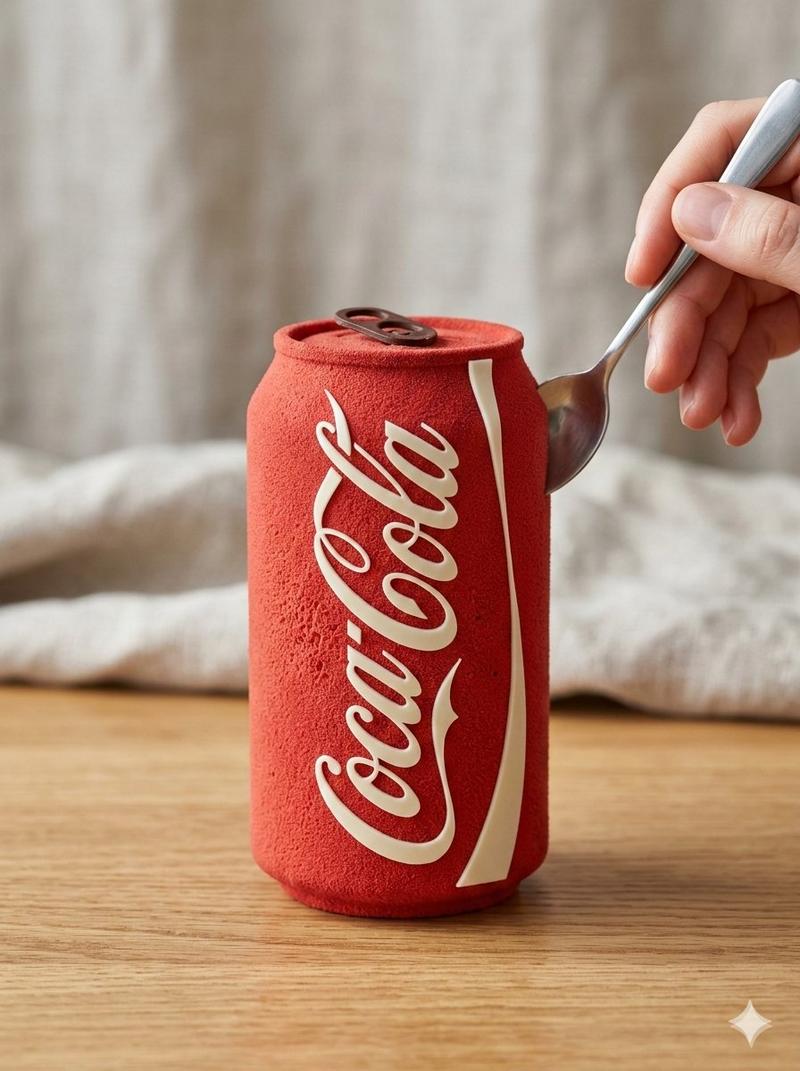
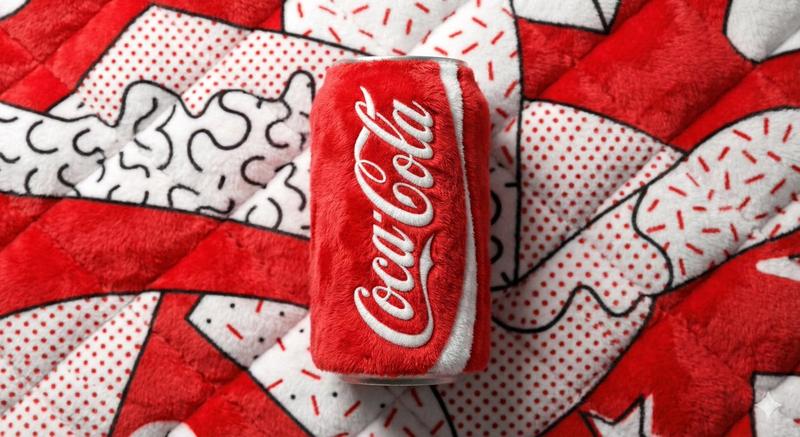
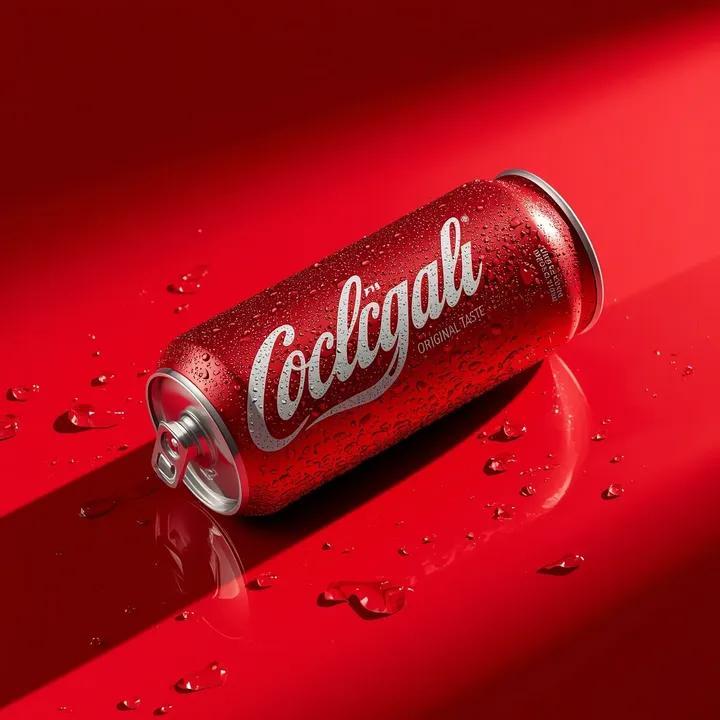
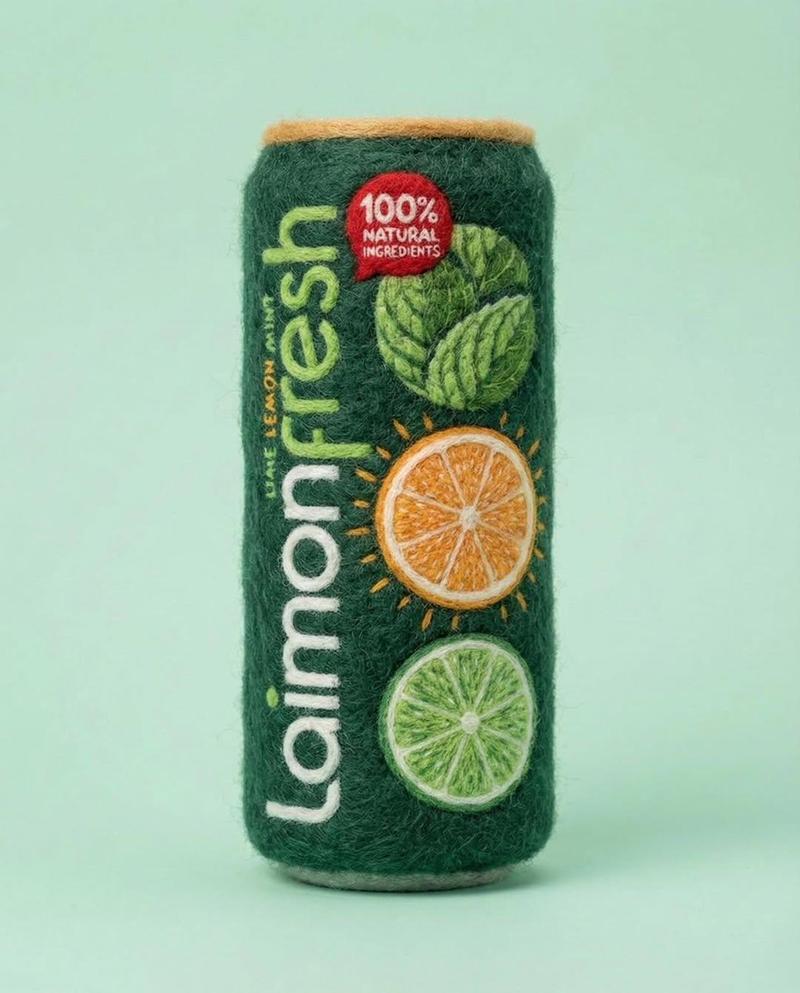
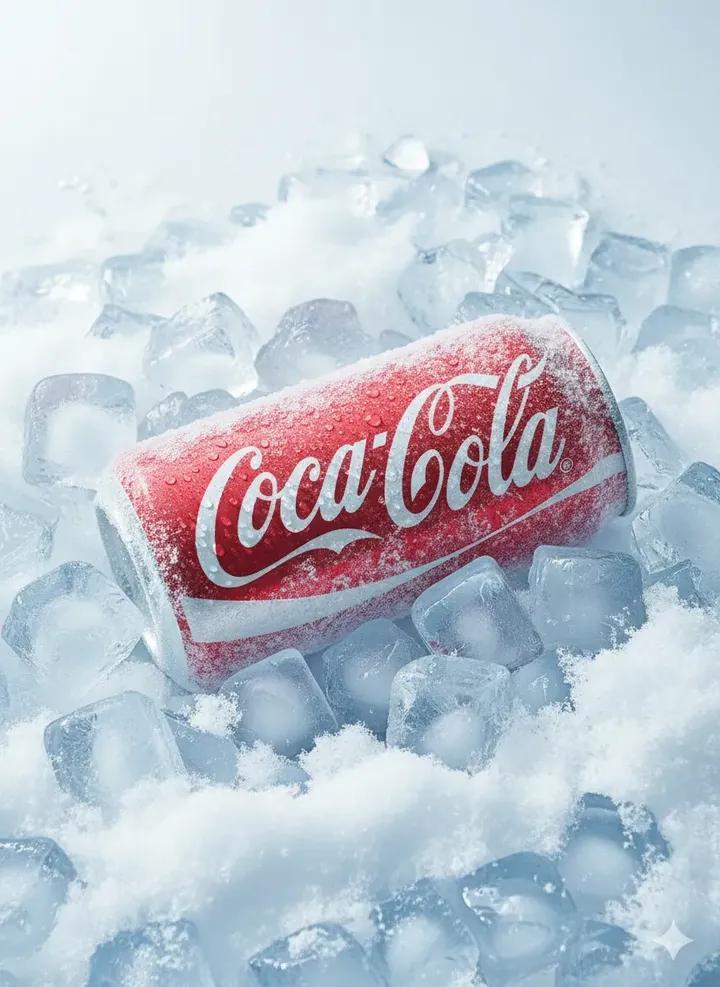
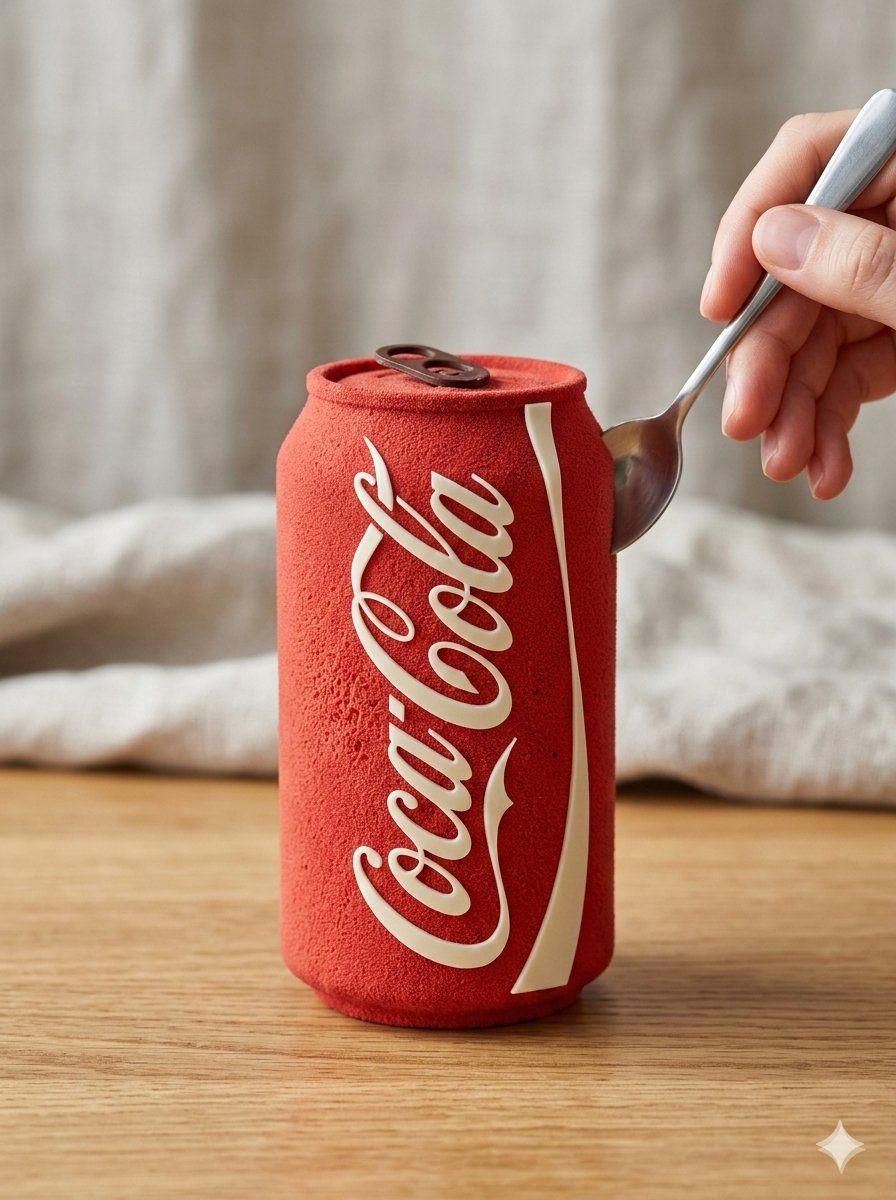
Nano Banana 2 :- Hyper realistic edible version of uploaded product,preserve exact original shape, proportions and silhouette, product fully intact and uncut, surface transformed into soft matte mousse texture, natural sponge-like edible detailing, no glossy or shiny finish, subtle velvet spray coating, straight front view, eye-level camera angle, camera positioned directly in front of the product, centered symmetrical composition, natural soft daylight coming from a nearby window, realistic gentle shadows, placed on a wooden or beige marble table, soft neutral linen fabric background, bright natural lighting, not overexposed, shallow depth of field, macro lens photography, premium yet natural dessert styling, hand holding a simple spoon close to the surface but not cutting, ultra realistic, 8k high detailfinal image in 3:4.

Veo 3.1 :- Turn the uploaded product into a hyper realistic edible cake, preserve exact shape and front view. Soft matte mousse texture, no gloss.Natural daylight setting.A spoon gently cuts one edge, surface breaks softly, inside reveals layered sponge cake and cream.Slow smooth motion, macro lens, ultra realistic.
Category
创意图片
Model
Nano Banana Pro
Creator
𝐌
Views0
Source ID
cf63cdaf-d7c8-4f71-992a-60f43d275b73
Published
Mar 8, 2026

Guide

About "超逼真可食用产品转化提示(图像和视频)"

What is this prompt for?

"超逼真可食用产品转化提示(图像和视频)" AI image prompt for Nano Banana Pro (创意图片). 这是一组双重提示,用于将上传的产品图片转换为超逼真的可食用甜点。第一个提示(Nano Banana 2)侧重于生成具有柔和哑光慕斯质地和自然日光效果的静态图像。第二个提示(Veo 3.1…

The full copyable prompt and example visuals above are ready for AI image generation or one-click recreate in Picva.

How to use this prompt

  1. Step 1

    Open the prompt detail

    Review the example visuals, category, and full prompt text for "超逼真可食用产品转化提示(图像和视频)".

  2. Step 2

    Copy the prompt

    Copy the prompt body from this page, or load it directly in Studio.

  3. Step 3

    Pick a model (Nano Banana Pro)

    Prefer Nano Banana Pro. If you switch models, keep subject and composition and tweak style terms.

  4. Step 4

    Generate and export

    Recreate the look in Picva, or export into your workflow for editing and publishing.

FAQ

What is the "超逼真可食用产品转化提示(图像和视频)" prompt?
It is an AI image-generation prompt for Nano Banana Pro in the 创意图片 category. This page includes the full prompt text, example visuals, and a one-click recreate path in Picva.
How do I use this prompt to generate an image?
Copy the prompt from this page, or use Generate / Studio. Paste it into a compatible image model, or recreate the look in Picva with optional reference images.
Which model is this prompt for?
This page lists Nano Banana Pro. Most descriptive prompts also transfer to nearby image models such as GPT Image, Flux, or Midjourney with light style tweaks.
Can I use the result commercially?
You can usually copy the prompt for creation, but commercial use of the final image depends on the model terms, reference-image rights, and the generated content. Follow the source author and platform rules.