10

技术信息图解剖面图提示
Enlarge

技术信息图解剖面图提示

Prompt
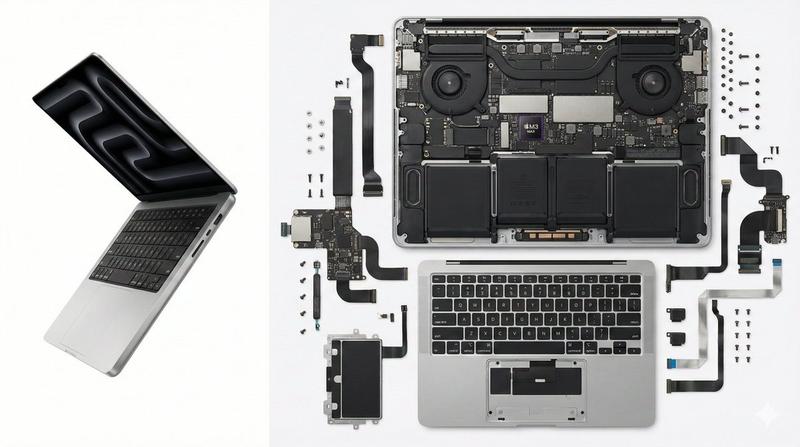
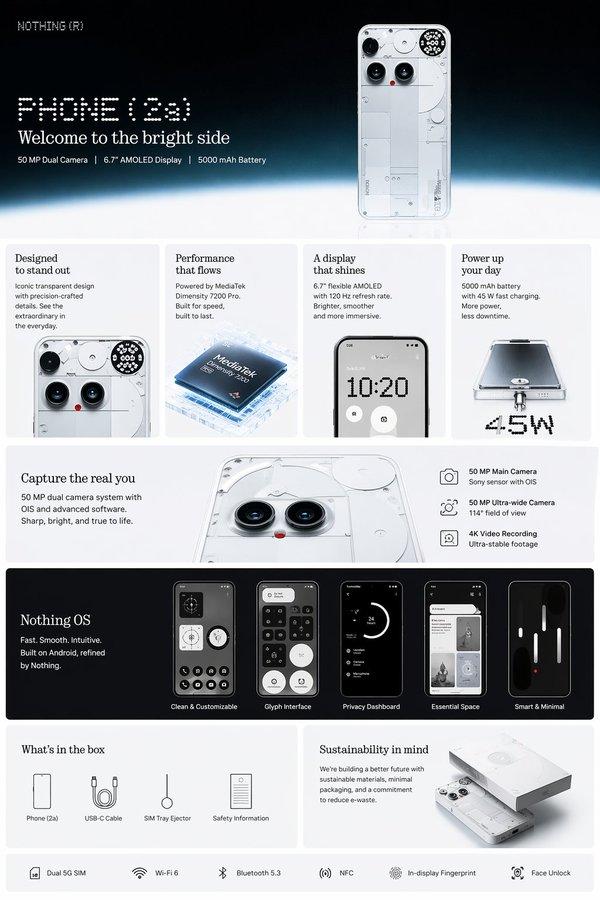
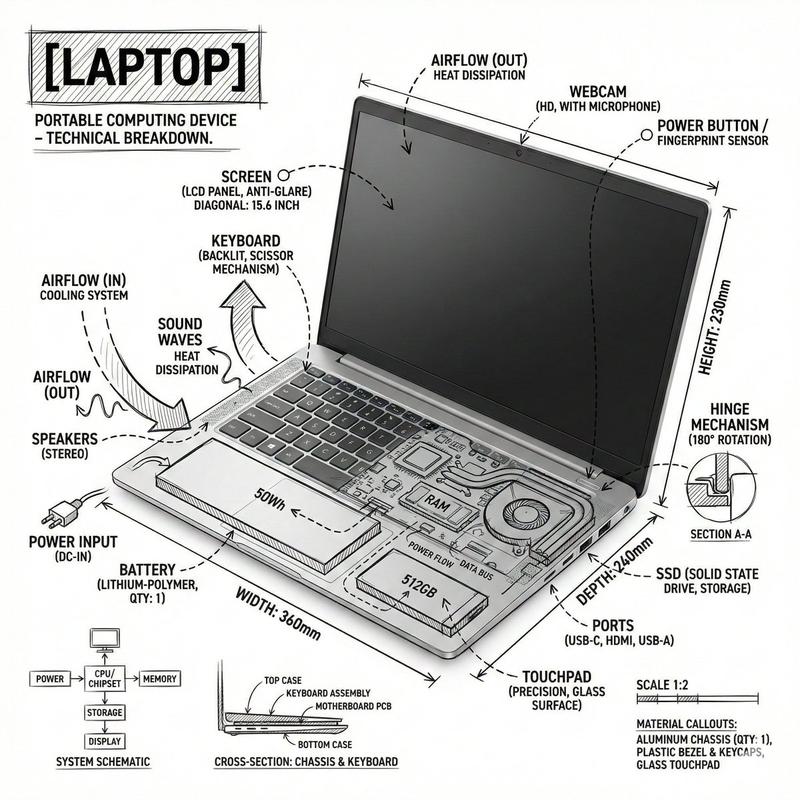
Create a high-resolution professional infographic of [{argument name="object name" default="OBJECT NAME"}].
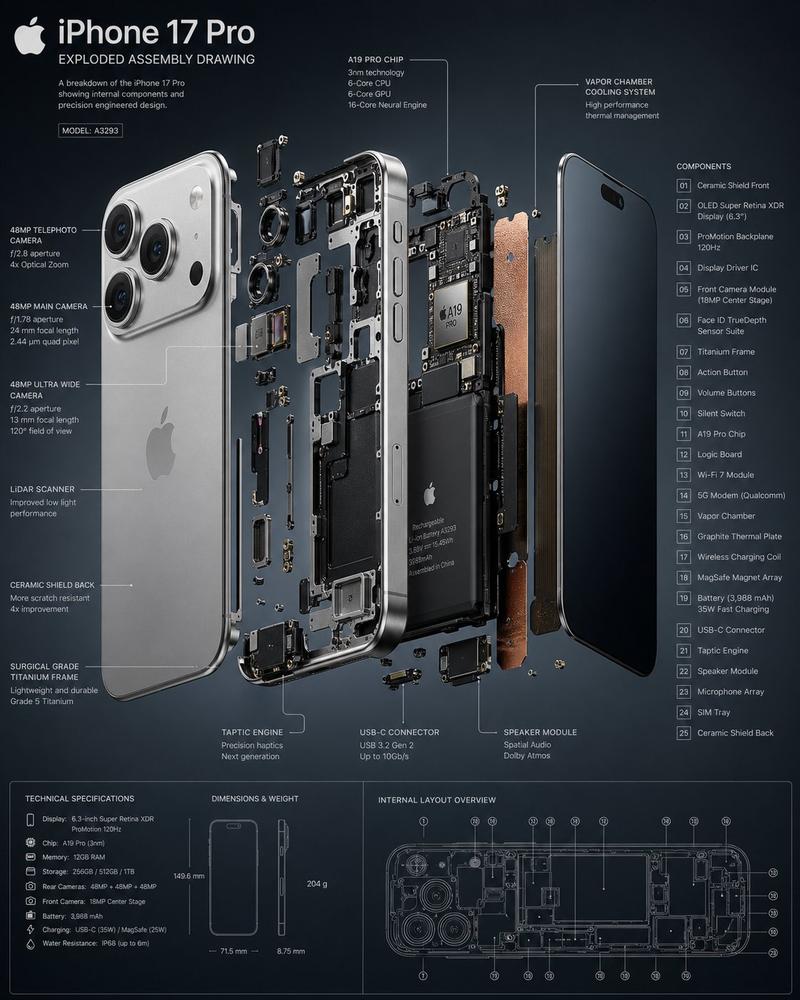
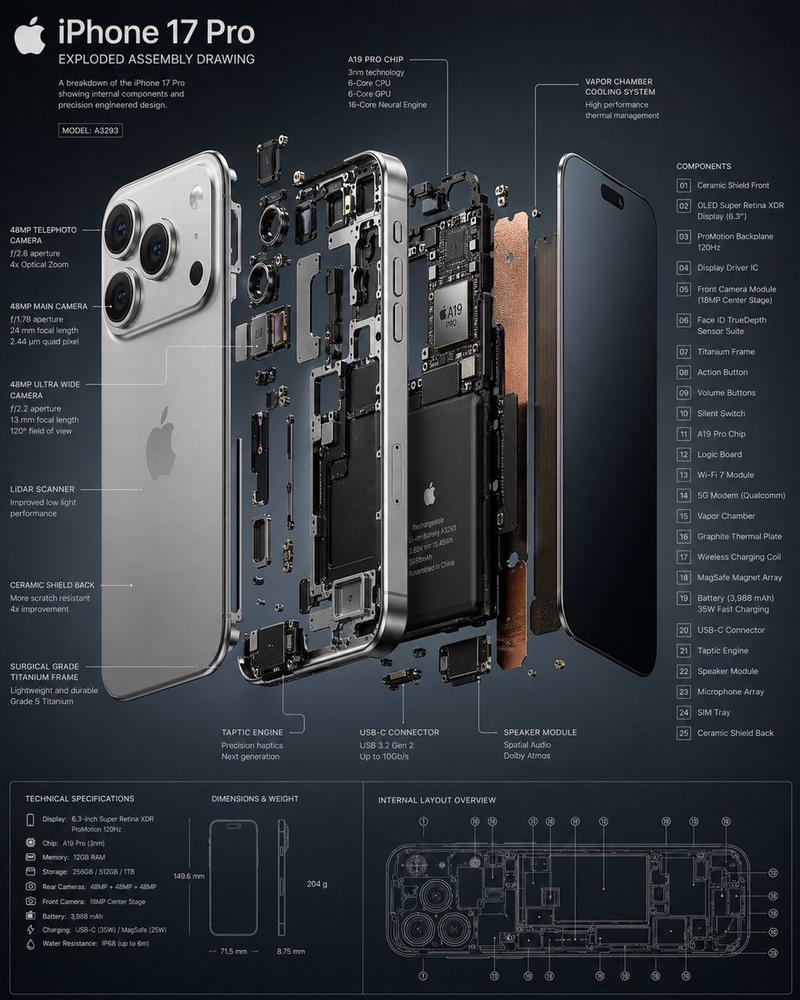
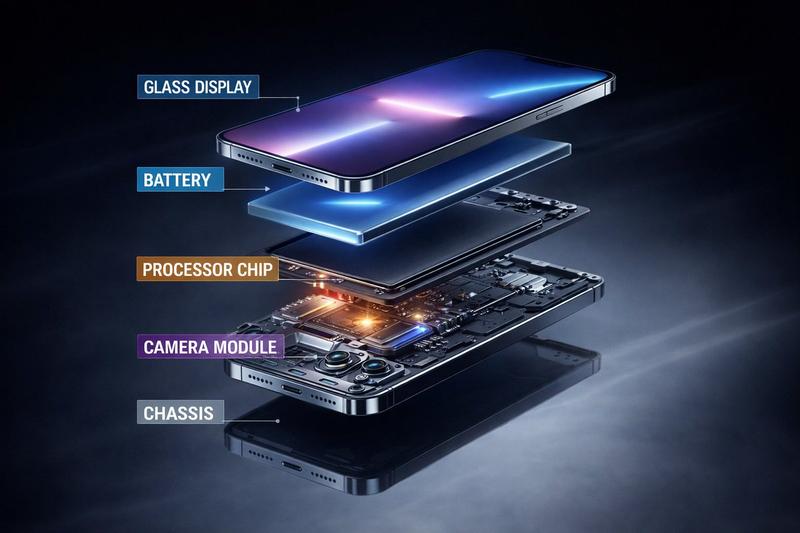
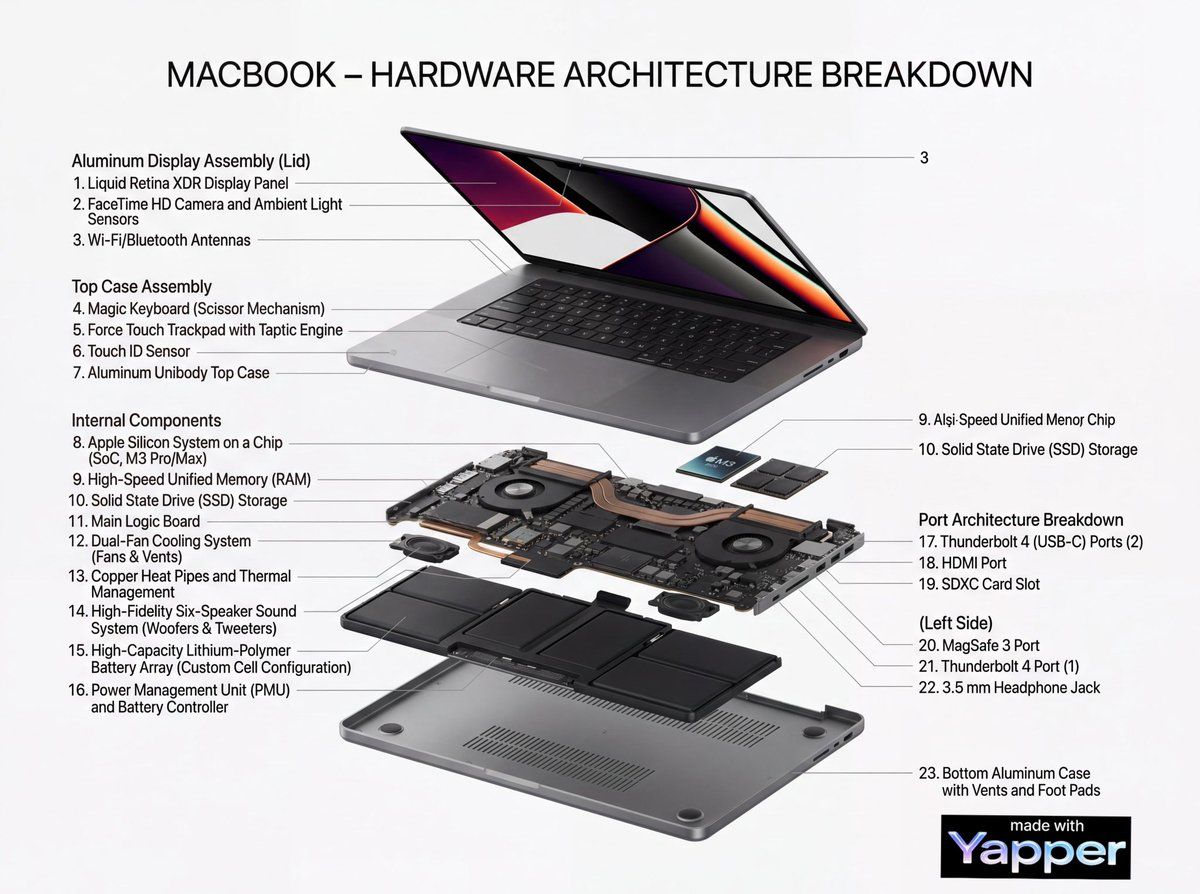
Display the object in a clean, semi-realistic technical illustration style. Include both external structure and internal components using a cutaway view, cross-section, or exploded layout where appropriate.
Automatically detect and label all major structural, mechanical, electronic, or functional components using accurate technical terminology.
Use thin leader lines connecting each label precisely to the correct part. Ensure labels are clear, readable, and professionally formatted.
Add a bold headline at the top:
“OBJECT NAME – Complete Structural Breakdown”
Layout should be balanced and organized like a modern engineering manual or product teardown poster.
Background: clean white or light neutral tone.
Lighting: neutral studio lighting with soft shadows for depth.
Materials and textures must look realistic and detailed.
Use modern sans-serif typography with clear hierarchy (bold headings, smaller technical labels).
Ultra-detailed, sharp focus, 4K resolution, professional educational infographic style.
No artistic distortion, no clutter, no decorative elements unrelated to structure.
Category
创意图片
Model
Nano Banana Pro
Creator
Weinberg
Views2
Source ID
9dfd2fab-8a1c-46ec-b9a0-80e1b93dad63
Published
Mar 8, 2026

Guide

About "技术信息图解剖面图提示"

What is this prompt for?

"技术信息图解剖面图提示" AI image prompt for Nano Banana Pro (创意图片). 一个用于生成物体高分辨率、专业技术信息图的提示模板。它需要一个清晰、半写实的剖面图,展示内部组件,并自动标注技术术语,以及一个适合工程手册的平衡布局。 --- 创建一份关于 [{argument nam…

The full copyable prompt and example visuals above are ready for AI image generation or one-click recreate in Picva.

How to use this prompt

  1. Step 1

    Open the prompt detail

    Review the example visuals, category, and full prompt text for "技术信息图解剖面图提示".

  2. Step 2

    Copy the prompt

    Copy the prompt body from this page, or load it directly in Studio.

  3. Step 3

    Pick a model (Nano Banana Pro)

    Prefer Nano Banana Pro. If you switch models, keep subject and composition and tweak style terms.

  4. Step 4

    Generate and export

    Recreate the look in Picva, or export into your workflow for editing and publishing.

FAQ

What is the "技术信息图解剖面图提示" prompt?
It is an AI image-generation prompt for Nano Banana Pro in the 创意图片 category. This page includes the full prompt text, example visuals, and a one-click recreate path in Picva.
How do I use this prompt to generate an image?
Copy the prompt from this page, or use Generate / Studio. Paste it into a compatible image model, or recreate the look in Picva with optional reference images.
Which model is this prompt for?
This page lists Nano Banana Pro. Most descriptive prompts also transfer to nearby image models such as GPT Image, Flux, or Midjourney with light style tweaks.
Can I use the result commercially?
You can usually copy the prompt for creation, but commercial use of the final image depends on the model terms, reference-image rights, and the generated content. Follow the source author and platform rules.