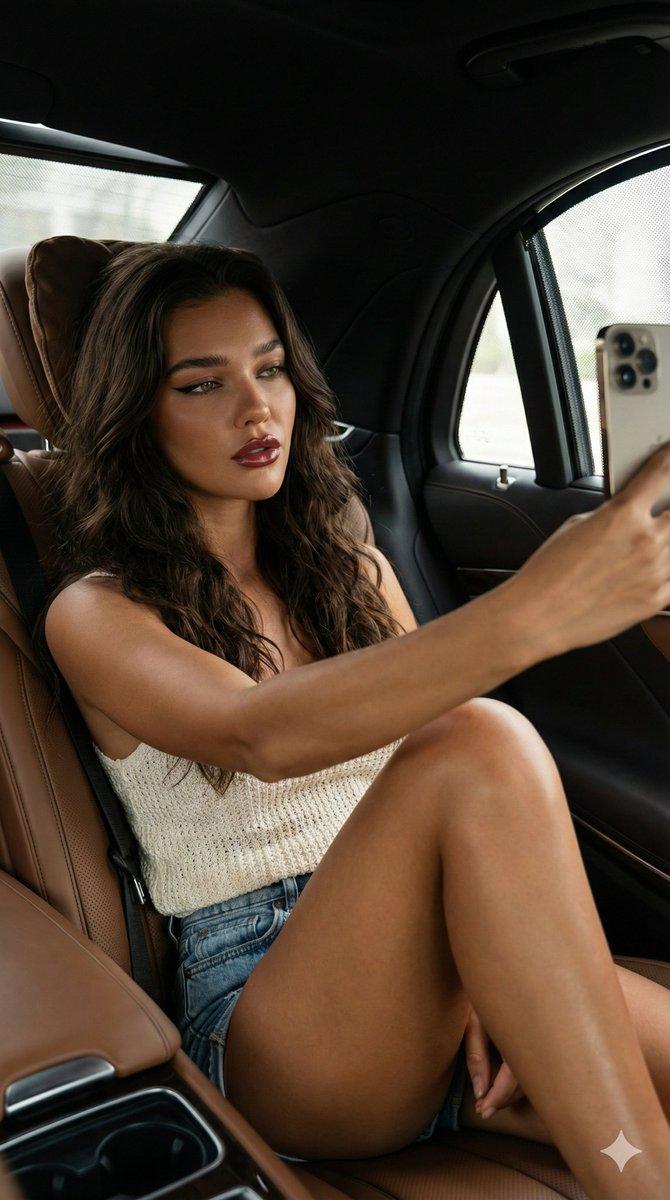
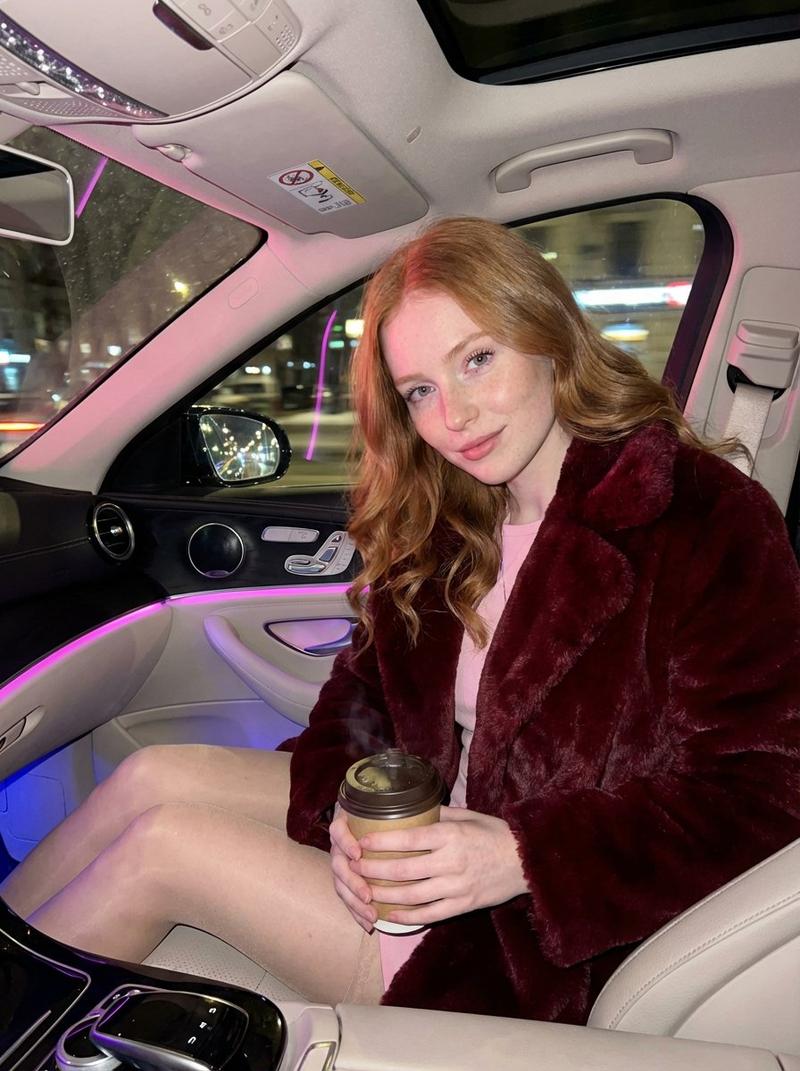
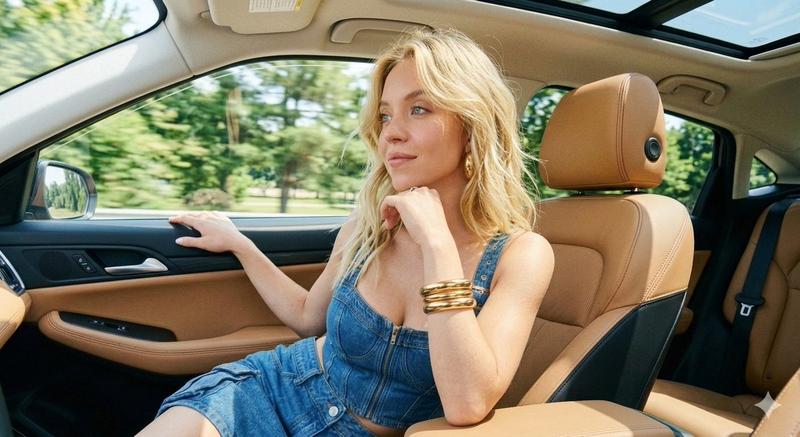
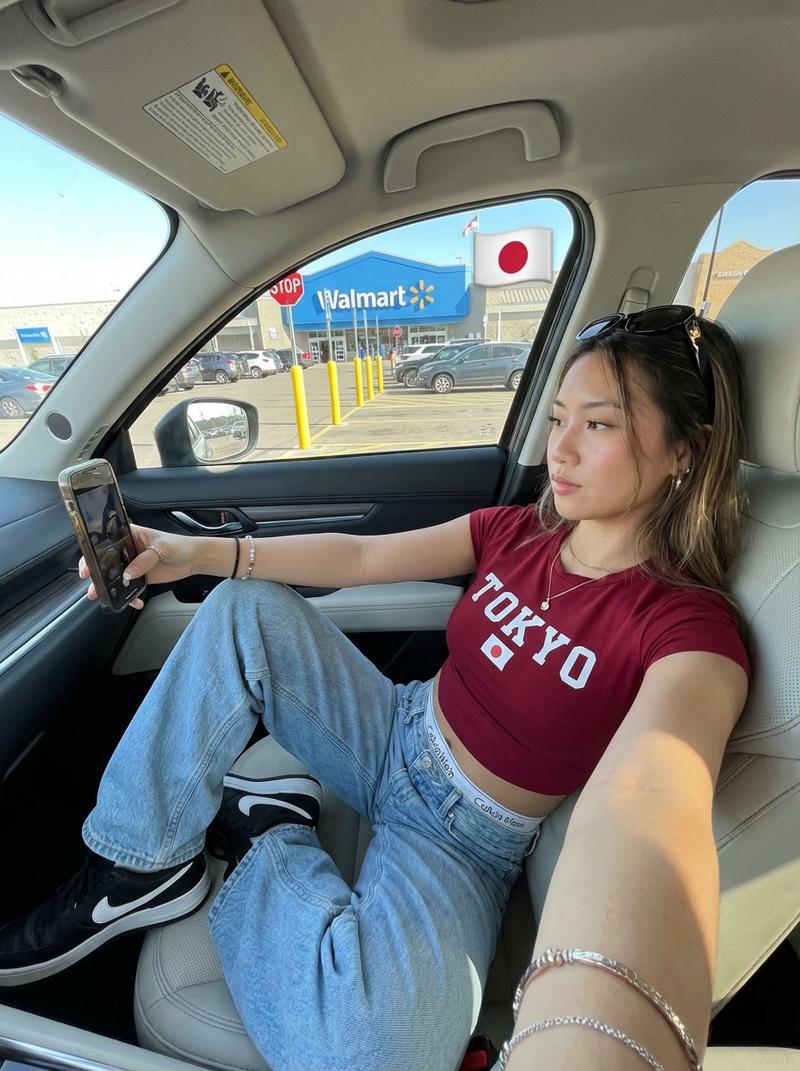
豪华汽车编辑照片提示
Prompt
{
"metadata": {
"image_type": "photograph",
"primary_purpose": "editorial"
},
"composition": {
"rule_applied": "rule of thirds",
"aspect_ratio": "3:4",
"layout": "layered",
"focal_points": [
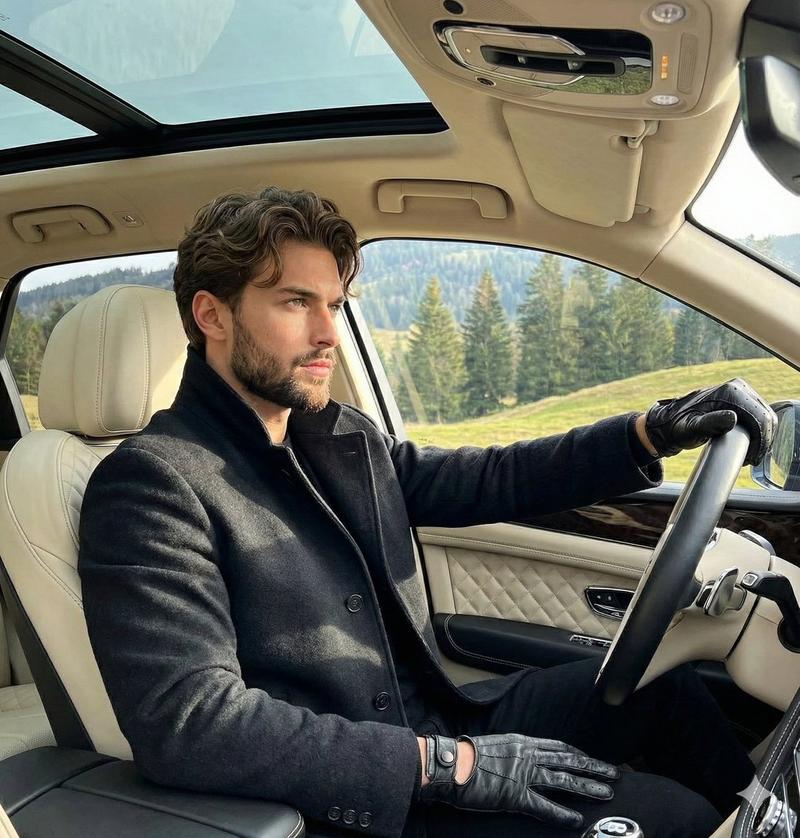
"Subject's face illuminated by natural light",
"Black gloved left hand resting on the steering wheel"
],
"visual_hierarchy": "Eye starts at the subject's brightly lit face, moves down to the black gloved left hand on the steering wheel, sweeps right across the center console to the relaxed right hand, and finally moves up to the exterior landscape visible through the windows.",
"balance": "asymmetric"
},
"color_profile": {
"dominant_colors": [
{
"color": "Black",
"hex": "#111111",
"percentage": "50%",
"role": "primary subject clothing, driving gloves, and vehicle interior"
},
{
"color": "Pine Green",
"hex": "#2D4C1E",
"percentage": "15%",
"role": "background landscape"
},
{
"color": "Sky Blue",
"hex": "#4A90E2",
"percentage": "10%",
"role": "background sky through sunroof"
},
{
"color": "Warm Tan",
"hex": "#C49A6C",
"percentage": "10%",
"role": "accent interior wood trim"
}
],
"color_palette": "complementary",
"temperature": "neutral",
"saturation": "moderate",
"contrast": "high contrast"
},
"lighting": {
"type": "natural window",
"source_count": "multiple sources",
"direction": "front-top",
"directionality": "highly directional",
"quality": "soft light",
"intensity": "bright",
"contrast_ratio": "high contrast (dramatic shadows)",
"mood": "sophisticated",
"shadows": {
"type": "soft gradual edges",
"density": "deep black",
"placement": "under the jaw, across the right side of the face, deep in the lower footwell of the car",
"length": "short"
},
"highlights": {
"treatment": "preserved",
"placement": "on face, cheekbones, nose bridge, steering wheel chrome accents, and center console silver switches"
},
"ambient_fill": "present",
"light_temperature": "neutral"
},
"technical_specs": {
"medium": "digital photography",
"style": "realistic",
"texture": "sharp",
"sharpness": "tack sharp",
"grain": "none",
"depth_of_field": "medium",
"perspective": "straight on"
},
"artistic_elements": {
"genre": "editorial",
"influences": [
"Luxury automotive lifestyle photography"
],
"mood": "sophisticated",
"atmosphere": "luxurious, calm, and highly polished aesthetic conveying wealth and leisure",
"visual_style": "clean"
},
"typography": {
"present": false,
"fonts": [],
"placement": "none",
"integration": "none"
},
"subject_analysis": {
"primary_subject": "Young male model sitting in driver's seat of luxury SUV wearing black coat and black leather gloves",
"positioning": "left",
"scale": "medium",
"interaction": "interacting with environment",
"facial_expression": {
"mouth": "closed neutral",
"smile_intensity": "no smile",
"eyes": "looking away upward",
"eyebrows": "relaxed",
"overall_emotion": "confident",
"aut- Category
- 创意图片
- Model
- Nano Banana Pro
- Creator
- Picts by AI
- Source ID
- fb523b7e-a5f3-47b7-8312-d3322ccaca43
- Published
- Mar 8, 2026
Views1