19

强迫透视街头时尚摄影提示
Enlarge

强迫透视街头时尚摄影提示

Prompt
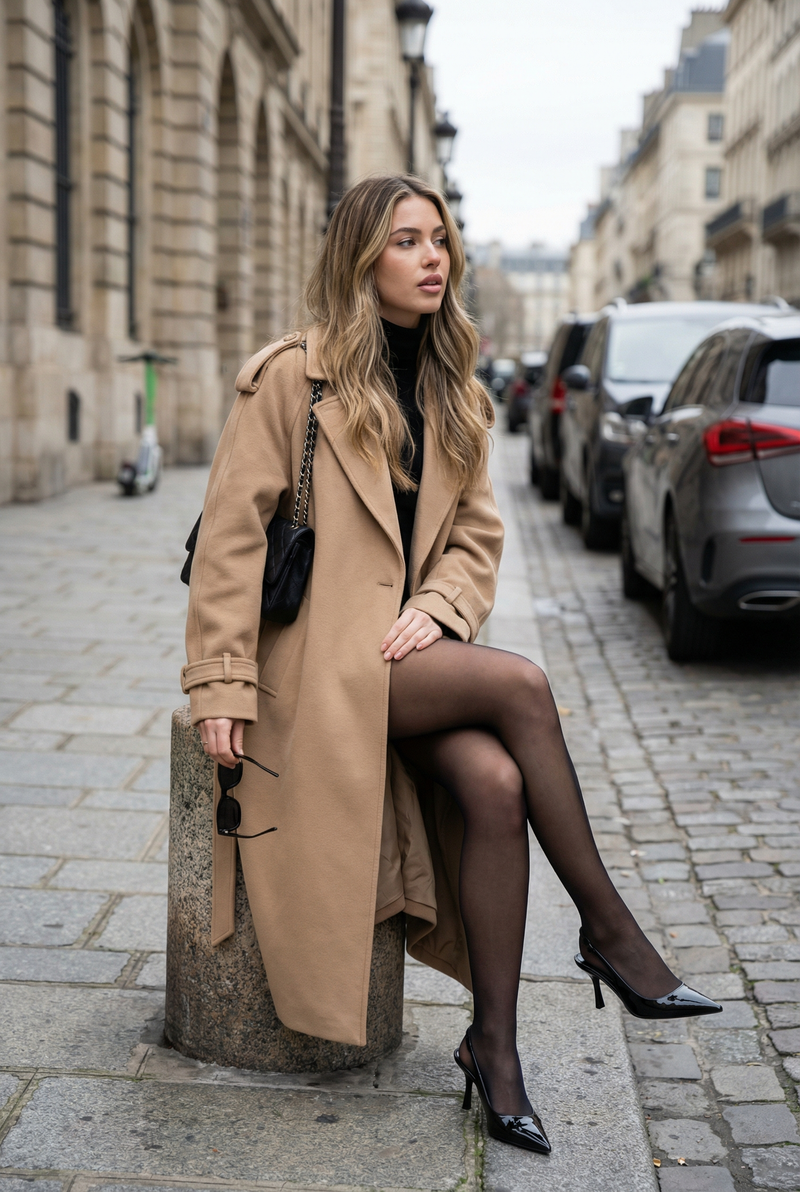
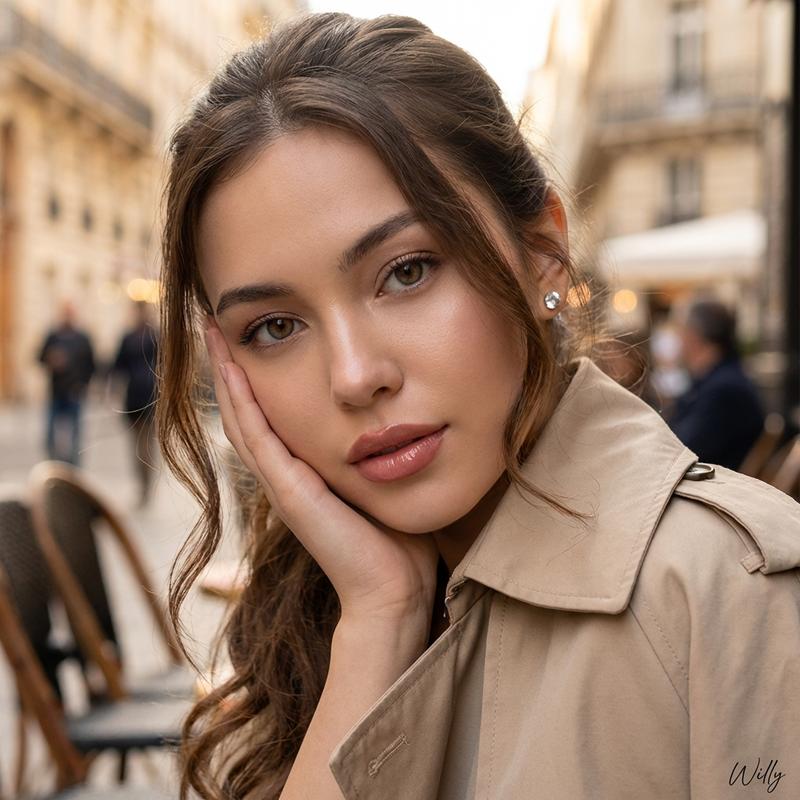
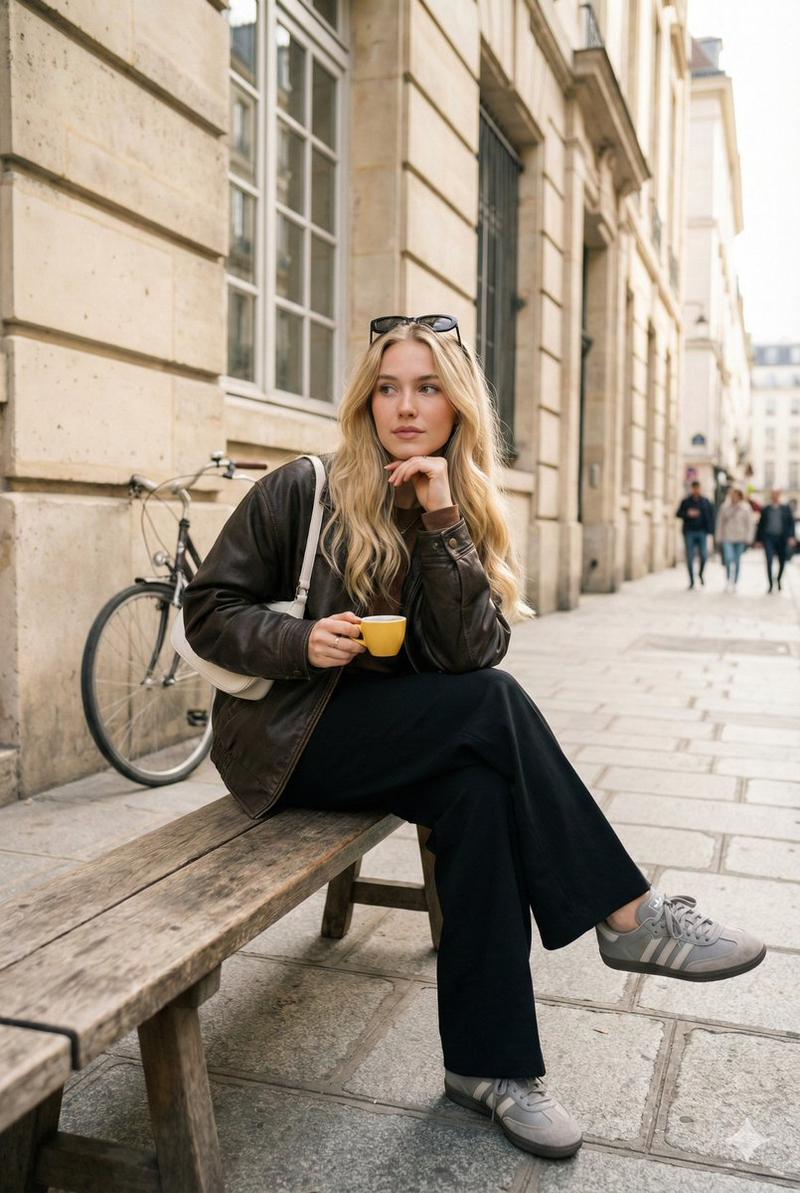
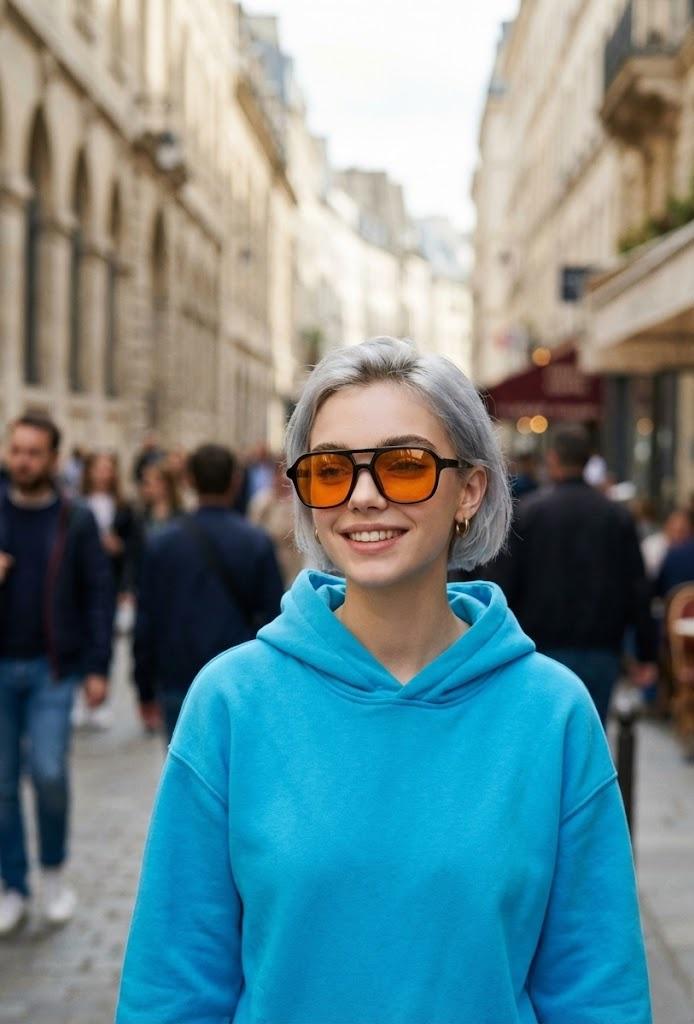
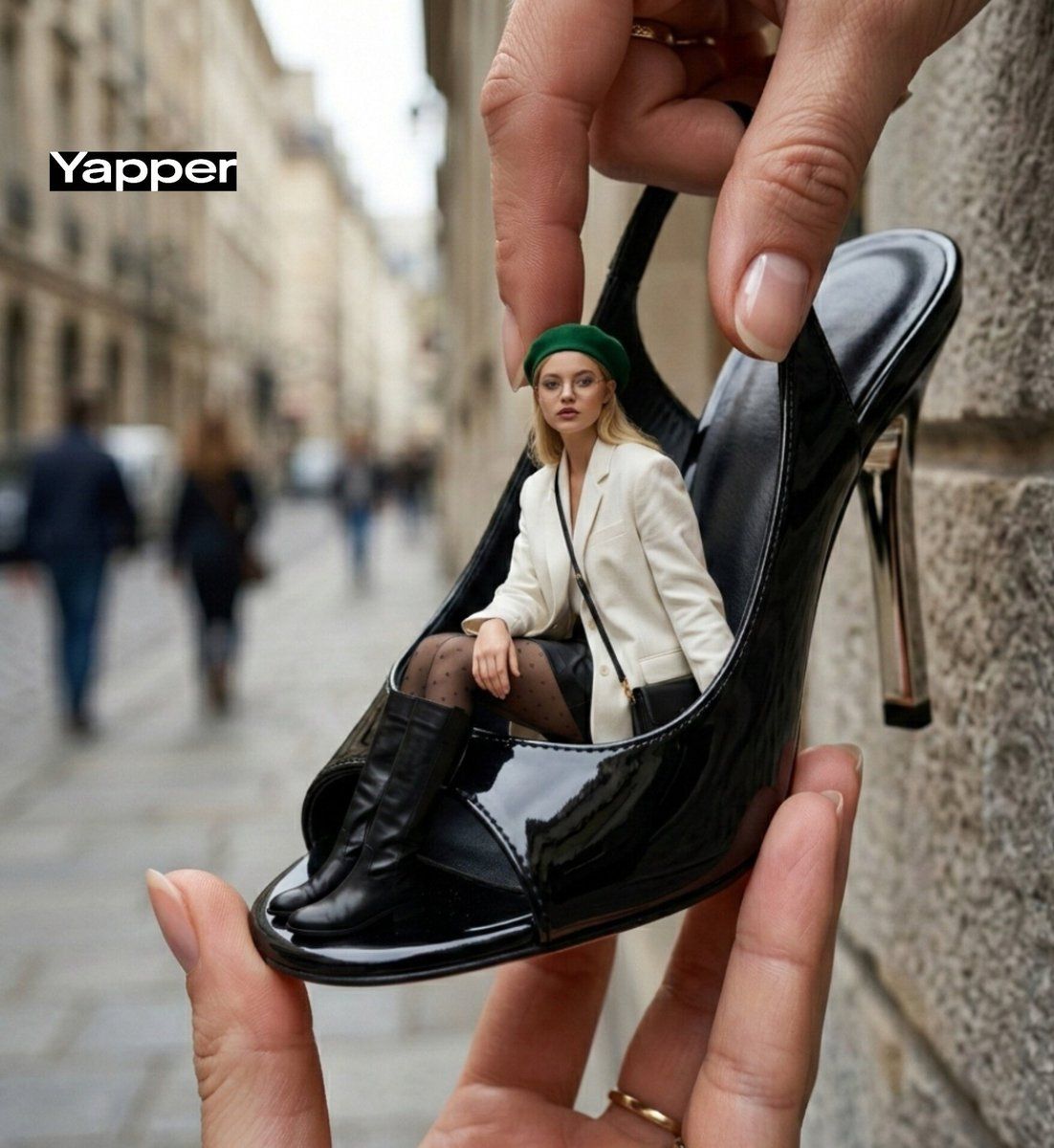
A creative forced-perspective street fashion photo of a tiny stylish young woman sitting inside a giant glossy black high-heel mule shoe, which is being held between two fingers in the foreground. The background is a textured gray stone wall, natural daylight, shallow depth of field, ultra-realistic details.
She is wearing a chic white oversized blazer, fitted black mini skirt, sheer black tights, and knee-high leather boots. She carries a small black designer handbag resting on her lap. Her loose wavy hair flows naturally under a beige beret, soft glam makeup, confident editorial expression, slightly looking to the side.
The oversized shoe is shiny patent black with metallic heel detail, dramatic fashion photography, playful scale illusion, high-end magazine aesthetic, sharp focus, 4K realism, cinematic color grading.*
Category
创意图片
Model
Nano Banana Pro
Views0
Source ID
23cce40e-a982-4300-83d0-20dd1a2067a3
Published
Mar 8, 2026

Guide

About "强迫透视街头时尚摄影提示"

What is this prompt for?

"强迫透视街头时尚摄影提示" AI image prompt for Nano Banana Pro (创意图片). 一个详细的提示,用于生成一张创意十足的强迫透视街头时尚照片。场景中,一位娇小的时尚年轻女子坐在一只巨大的、光泽的黑色高跟穆勒鞋里,这只鞋被两根手指夹着,强调超现实的细节、高端杂志美学和电影级的色彩分级…

The full copyable prompt and example visuals above are ready for AI image generation or one-click recreate in Picva.

How to use this prompt

  1. Step 1

    Open the prompt detail

    Review the example visuals, category, and full prompt text for "强迫透视街头时尚摄影提示".

  2. Step 2

    Copy the prompt

    Copy the prompt body from this page, or load it directly in Studio.

  3. Step 3

    Pick a model (Nano Banana Pro)

    Prefer Nano Banana Pro. If you switch models, keep subject and composition and tweak style terms.

  4. Step 4

    Generate and export

    Recreate the look in Picva, or export into your workflow for editing and publishing.

FAQ

What is the "强迫透视街头时尚摄影提示" prompt?
It is an AI image-generation prompt for Nano Banana Pro in the 创意图片 category. This page includes the full prompt text, example visuals, and a one-click recreate path in Picva.
How do I use this prompt to generate an image?
Copy the prompt from this page, or use Generate / Studio. Paste it into a compatible image model, or recreate the look in Picva with optional reference images.
Which model is this prompt for?
This page lists Nano Banana Pro. Most descriptive prompts also transfer to nearby image models such as GPT Image, Flux, or Midjourney with light style tweaks.
Can I use the result commercially?
You can usually copy the prompt for creation, but commercial use of the final image depends on the model terms, reference-image rights, and the generated content. Follow the source author and platform rules.