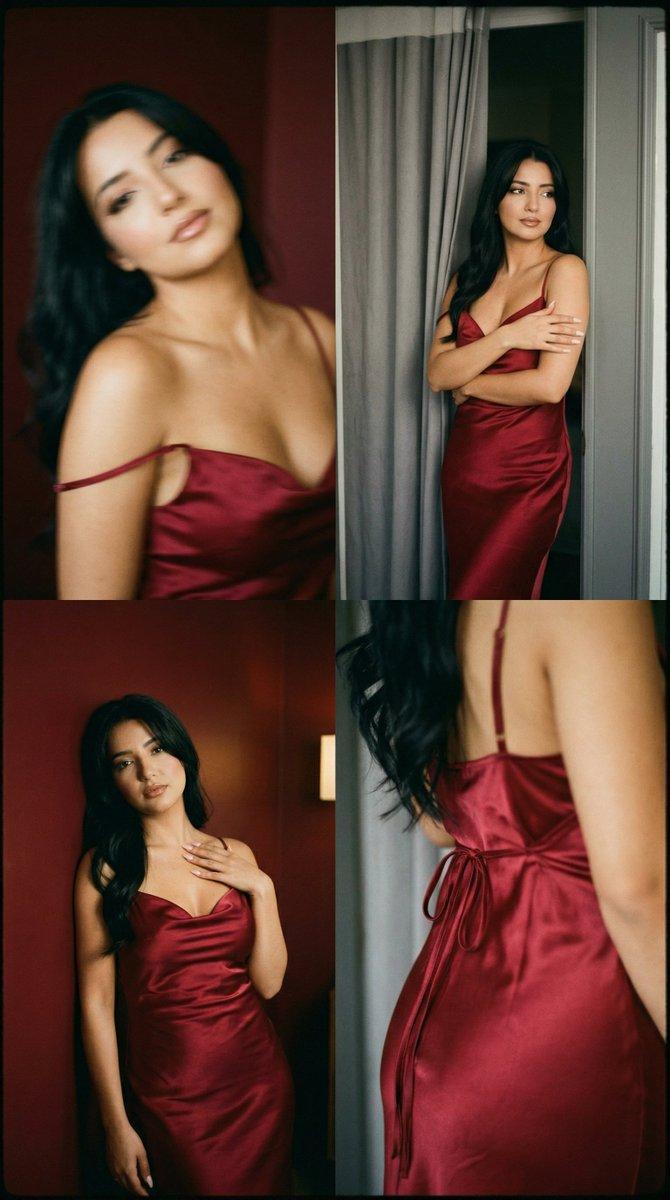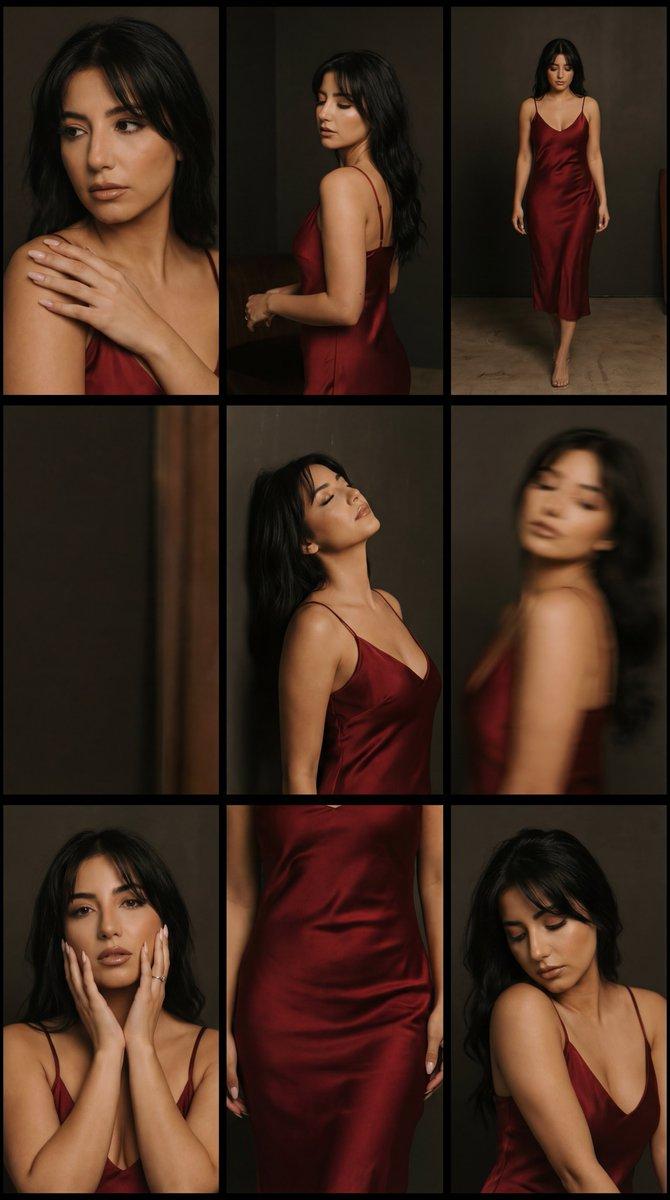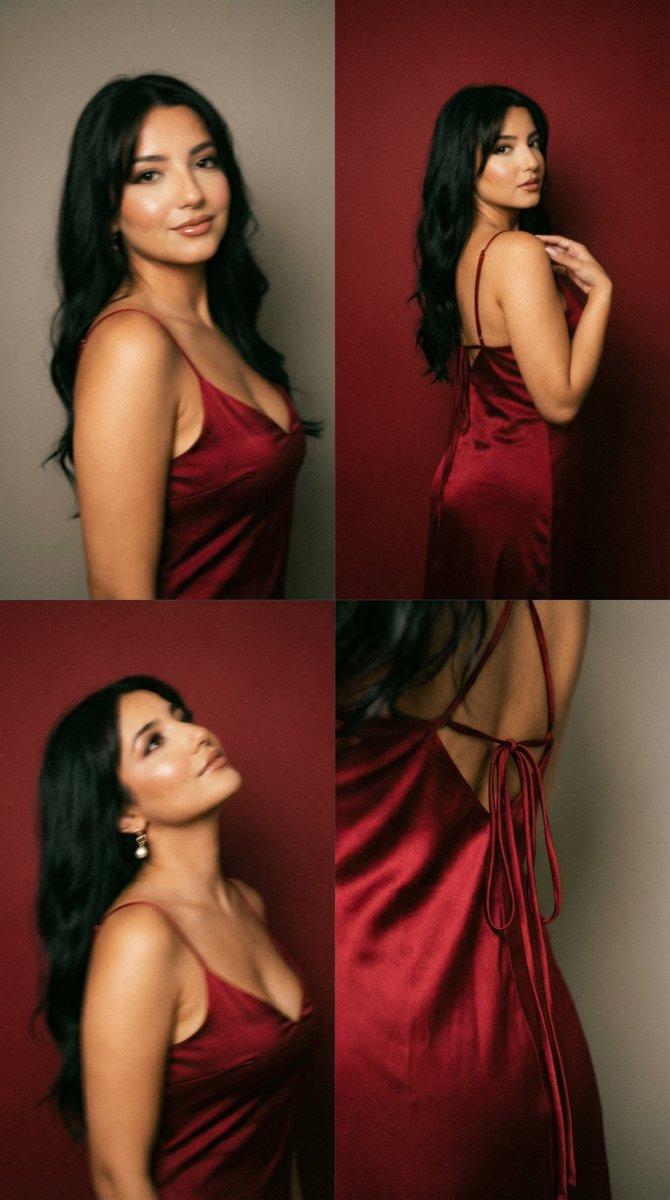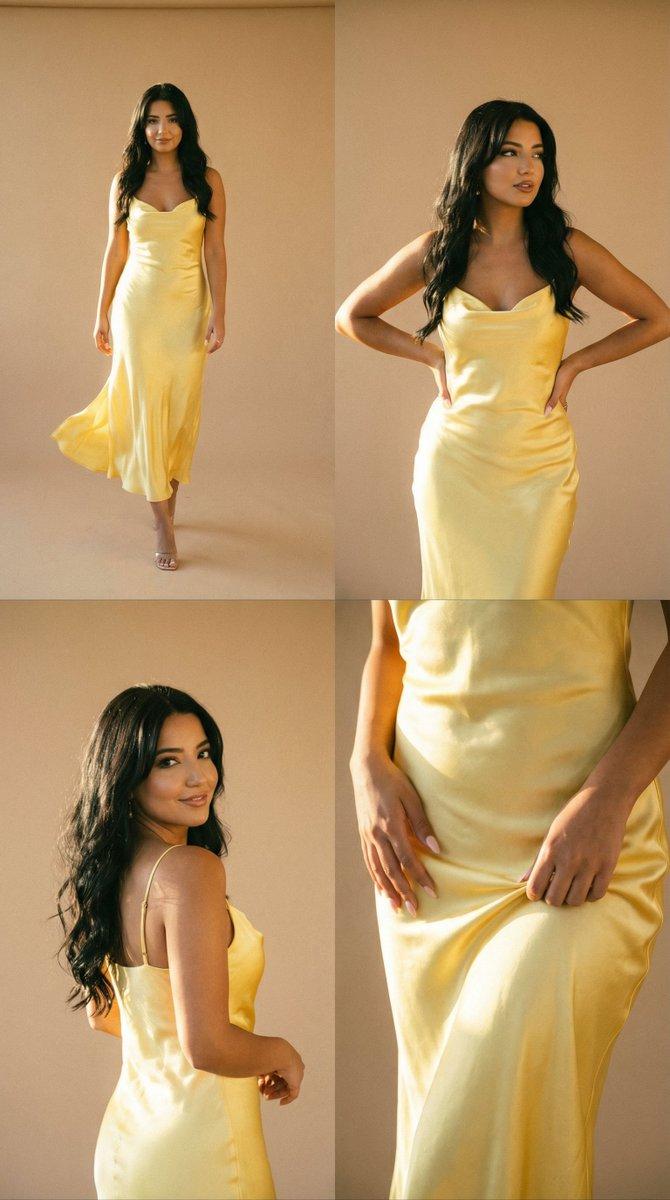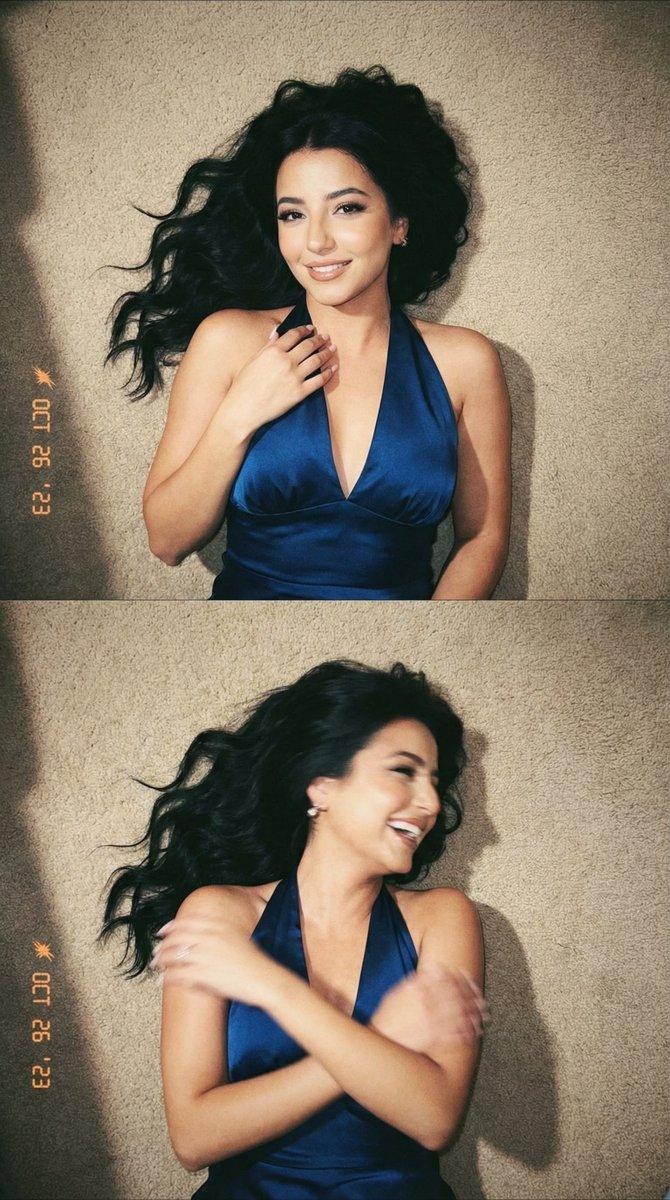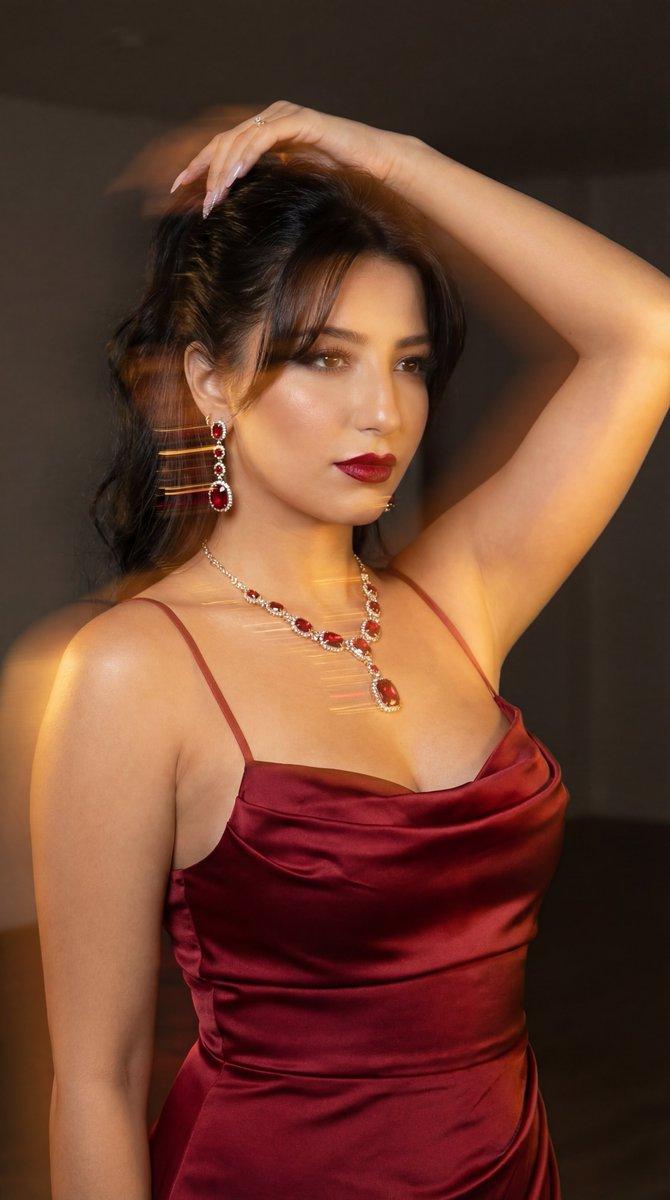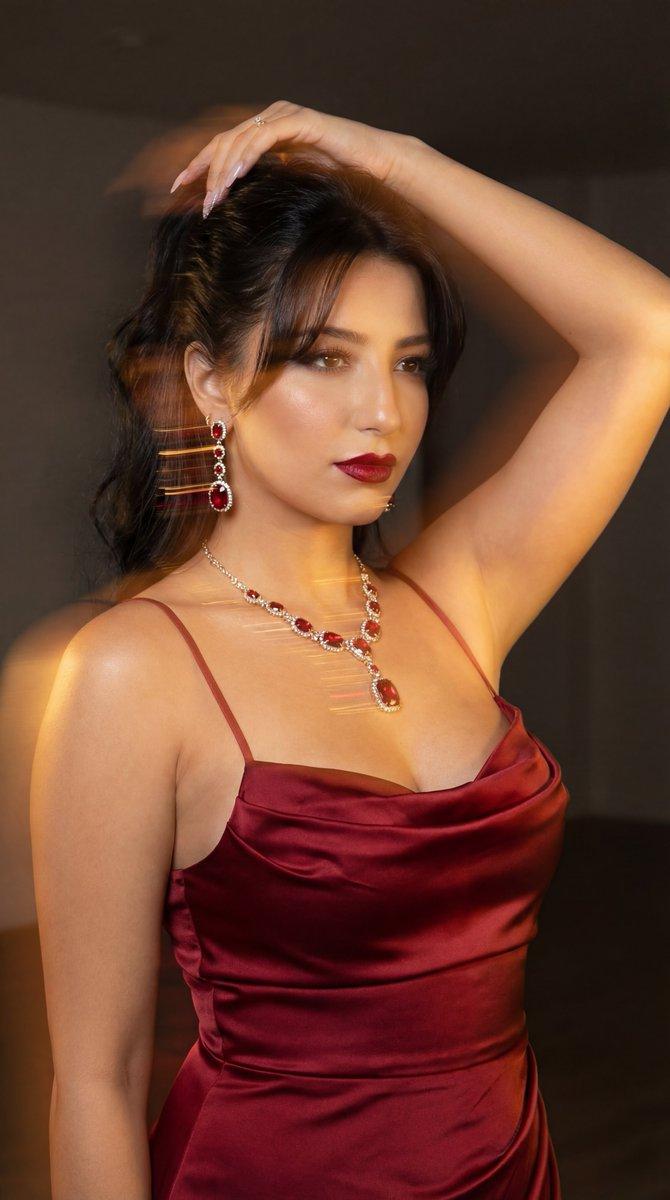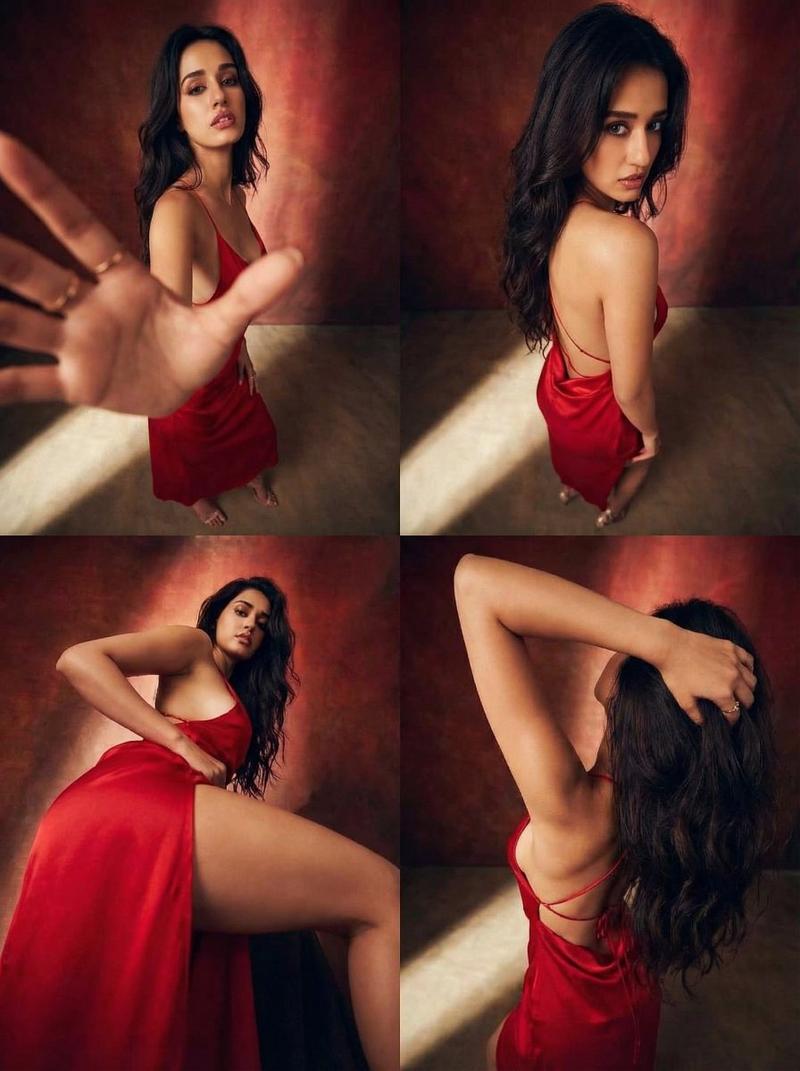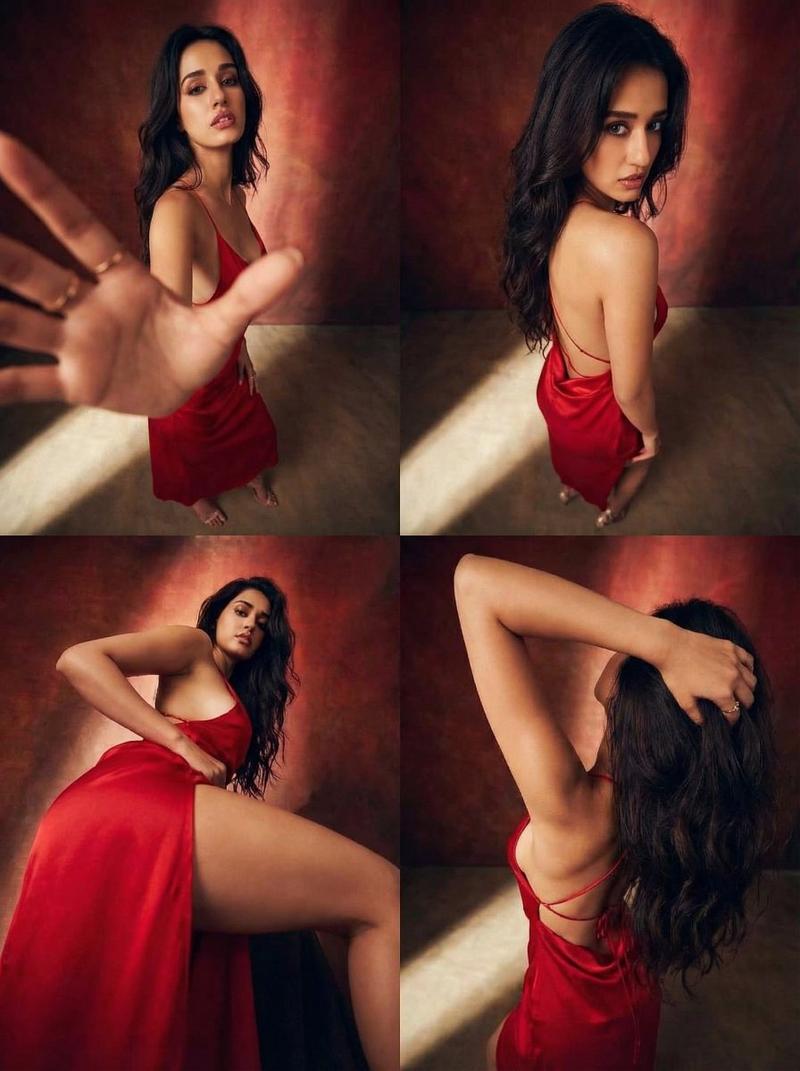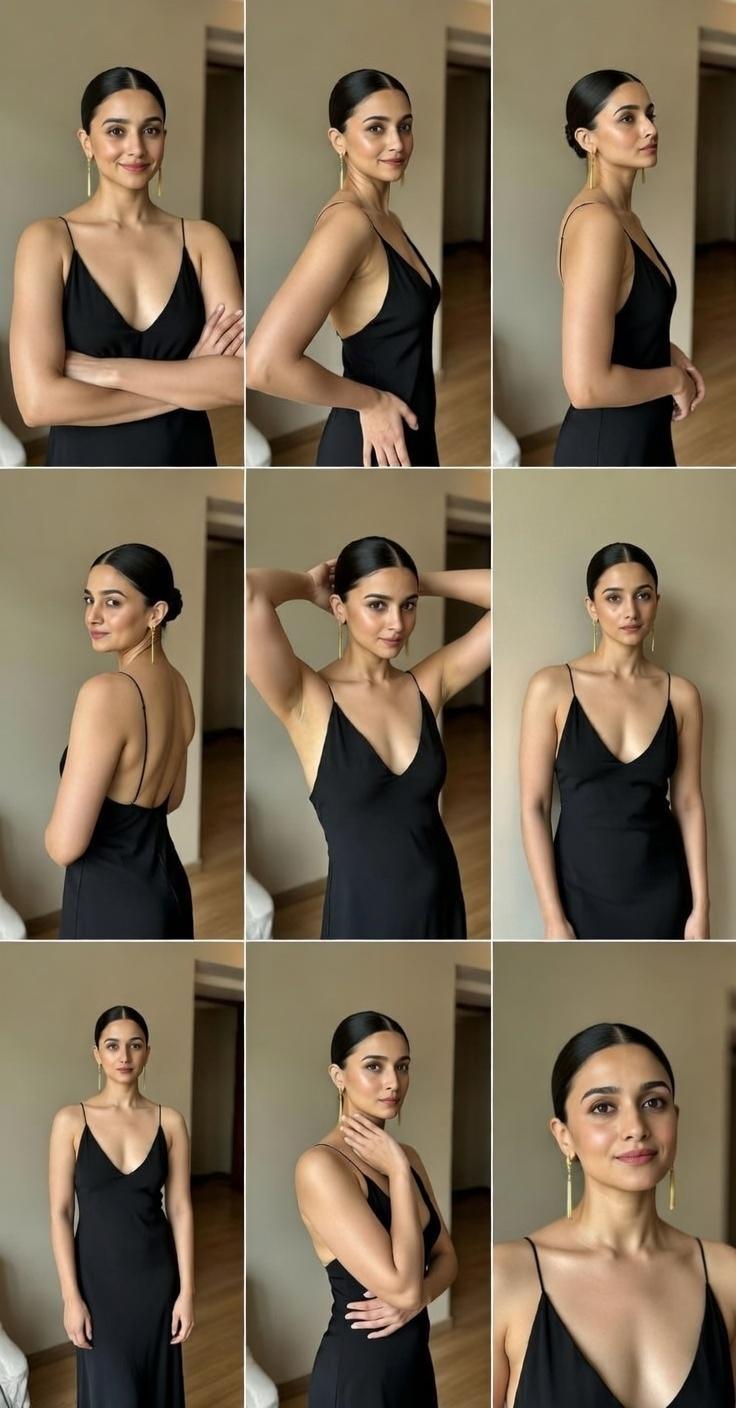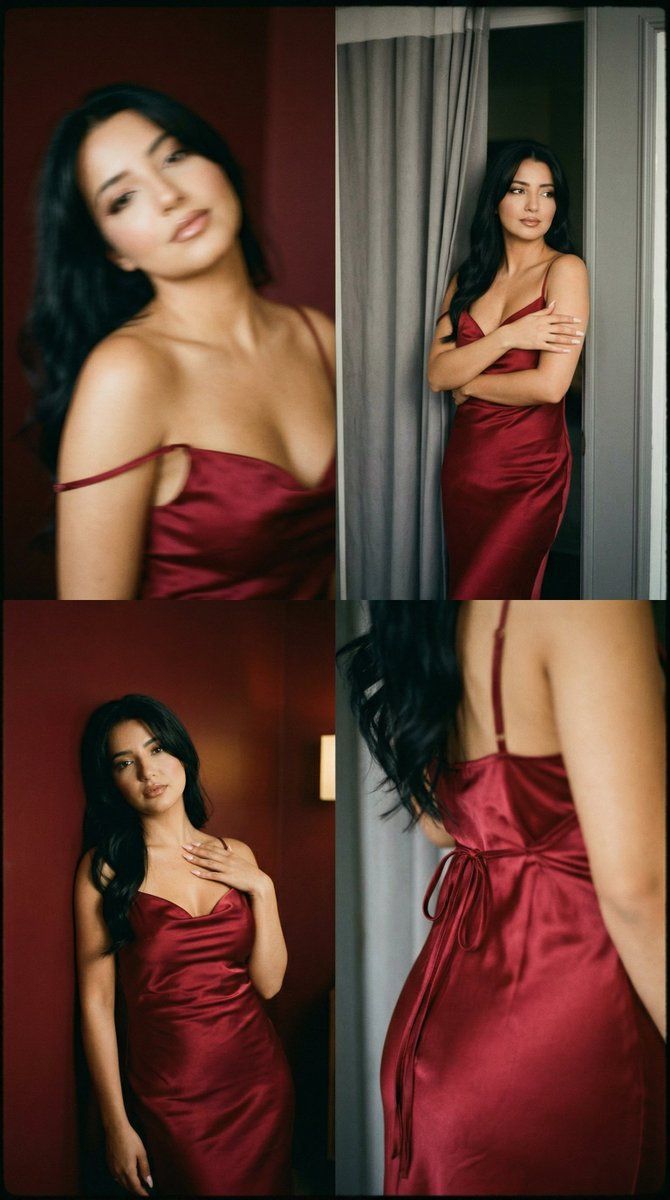
低保真模拟闺房 2x2 网格联系表
Prompt
{
  "generation_request": {
    "meta_data": {
      "tool": "NanoBanana Pro",
      "task_type": "lofi_analog_boudoir_red_satin_grid_2x2_no_text",
      "language": "en",
      "priority": "highest",
      "version": "v1.0_LOFI_RED_SATIN_BOUdoir_2X2_FILMROLL"
    },
    "input": {
      "mode": "image_to_image",
      "reference_image_usage": "maximum",
      "preserve_identity": true,
      "preserve_facial_features": true,
      "preserve_hairstyle": true,
      "preserve_wardrobe": true,
      "notes": "Use the reference as the primary style anchor. Create a 2x2 grid with the SAME adult woman identity and the SAME red satin dress across all panels. Lo-fi analog film look, heavy grain, soft focus, slight motion blur from movement, intimate boudoir mood. Background alternates between deep red wall and a gray curtain/doorway edge. No text, no logos, no watermark."
    },
    "output_settings": {
      "aspect_ratio": "1:1",
      "resolution_target": "ultra_high_res",
      "num_images": 1,
      "layout": {
        "type": "grid",
        "rows": 2,
        "cols": 2,
        "gutter": "thin",
        "outer_border": "none",
        "panel_consistency": "high"
      },
      "sharpness": "soft_film",
      "grain": "heavy_analog",
      "render_style": "lofi_intimate_film"
    },
    "scene": {
      "concept": "analog film boudoir contact sheet",
      "environment": "minimal interior, deep red wall + gray curtain/doorframe edge, low light",
      "lighting": {
        "style": "dim warm practical light",
        "key_light": "soft warm side light with gentle falloff",
        "fill": "minimal",
        "avoid": "flash, HDR, crisp modern beauty lighting"
      },
      "camera": {
        "lens": "50mm",
        "look": "handheld film snapshot",
        "focus": "intentionally soft; allow slight motion blur",
        "motion_blur_rule": "blur allowed on hair and face edges only, never melt anatomy"
      }
    },
    "subject": {
      "type": "adult woman",
      "wardrobe": "deep red satin slip dress with draped neckline and thin straps, subtle side slit, tied back detail, no logos",
      "hair": "dark hair with soft fringe/bangs, slightly messy",
      "makeup": "minimal, natural lips, soft eyeliner",
      "anatomy_rules": "realistic proportions, correct hands and fingers, no warped torso"
    },
    "panel_direction": {
      "global_rule": "same identity + same dress; each panel a different pose; keep intimate, elegant body language; avoid explicit nudity",
      "panel_01": "soft motion blur portrait, head tilted, shoulder strap slightly off-shoulder, dreamy expression",
      "panel_02": "standing 3/4 by gray curtain/doorway, arms crossed lightly over chest, subtle gaze",
      "panel_03": "against deep red wall, head thrown slightly back, hand on collarbone, satin highlights visible",
"panel_04": "tight crop of the dress back/side detail showing tied straps and satin folds (no explicit body exposure)"- Category
- 创意图片
- Model
- Nano Banana Pro
- Creator
- Özge Döner
- Source ID
- 3ce9aa74-9a8a-4534-896a-77627815fb24
- Published
- Mar 8, 2026
Views9