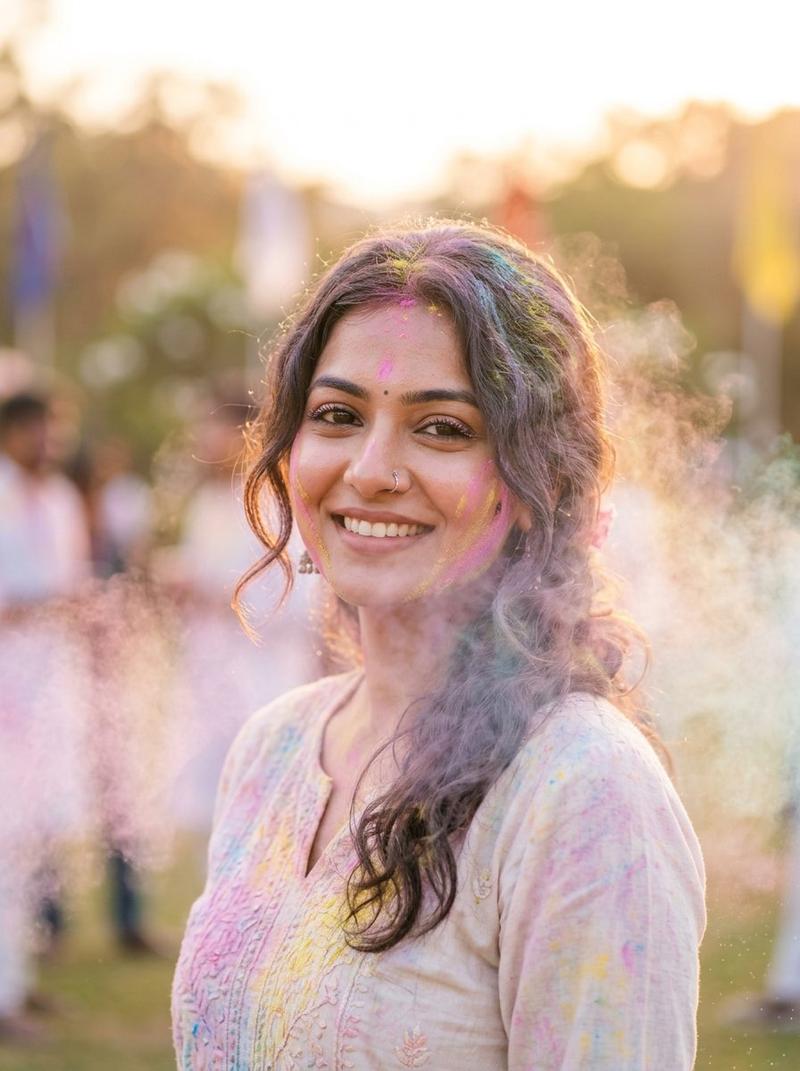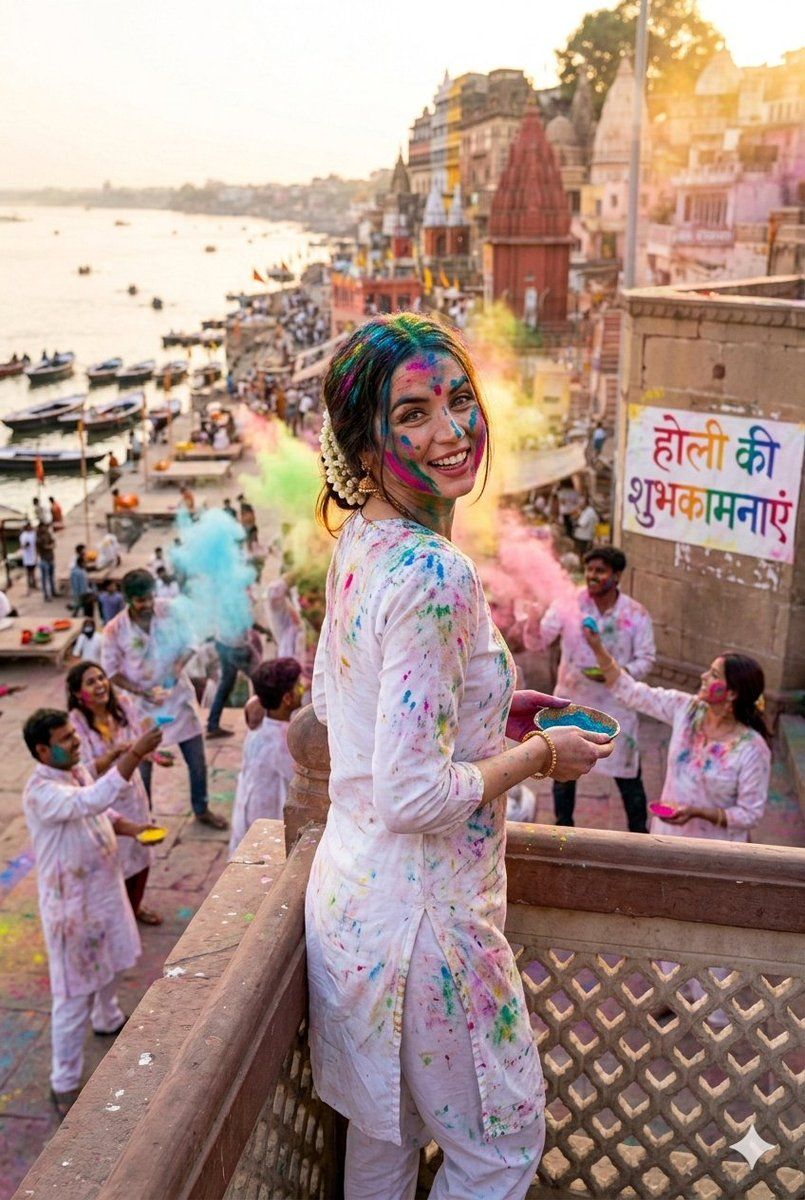
超逼真洒红节肖像提示
Prompt
{
  "image_parameters": {
    "subject": {
      "count": 1,
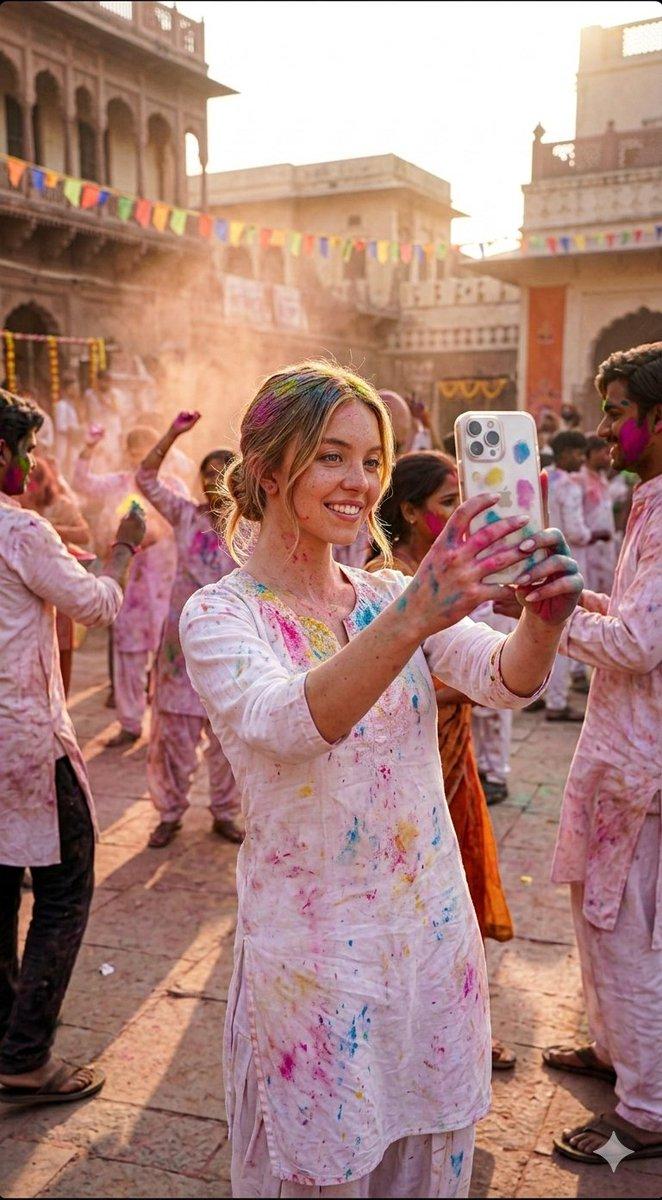
      "description": "Sydney Sweeney taking a mirror selfie",
      "action": "Smiling warmly while holding a smartphone with a patterned case",
      "attire": {
        "style": "Traditional Indian white cotton Salwar Kameez",
        "details": "Lightweight fabric heavily splattered with vibrant Holi pigments",
        "colors": ["Magenta", "Cyan", "Turmeric Yellow", "Electric Green"]
      },
      "physical_attributes": {
        "hair": "Blonde, messy 'festival' style, wet with colored water and dry powder",
        "skin": "Fair skin visible with realistic smears of gulal powder across cheeks and forehead"
      }
    },
    "environment": {
      "location": "A grand ancient Indian courtyard (Haveli)",
      "architecture": "Intricate Rajasthani sandstone carvings, arched balconies, and temple-style pillars",
      "atmosphere": "Festive, energetic, and crowded with people playing Holi in the background",
      "background_elements": ["Flying colored dust (gulal)", "People dancing", "Traditional marigold decorations"]
    },
    "technical_specs": {
      "lighting": "Bright, natural golden hour sunlight filtering through colored dust clouds",
      "camera_angle": "Eye-level mirror selfie perspective",
      "style": "Hyper-realistic photography, high contrast, 8k resolution",
      "color_palette": "Vibrant, warm, and saturation-heavy"
    },
    "negative_prompt": "Plain background, modern bathroom, towel, simple clothing, blurry, low resolution, distorted hands, lack of color"
  }
}- Category
- 创意图片
- Model
- Nano Banana Pro
- Creator
- Shourya
- Source ID
- f8f00076-1a16-4bfe-aec3-24e79a570a08
- Published
- Mar 8, 2026
Views0