14

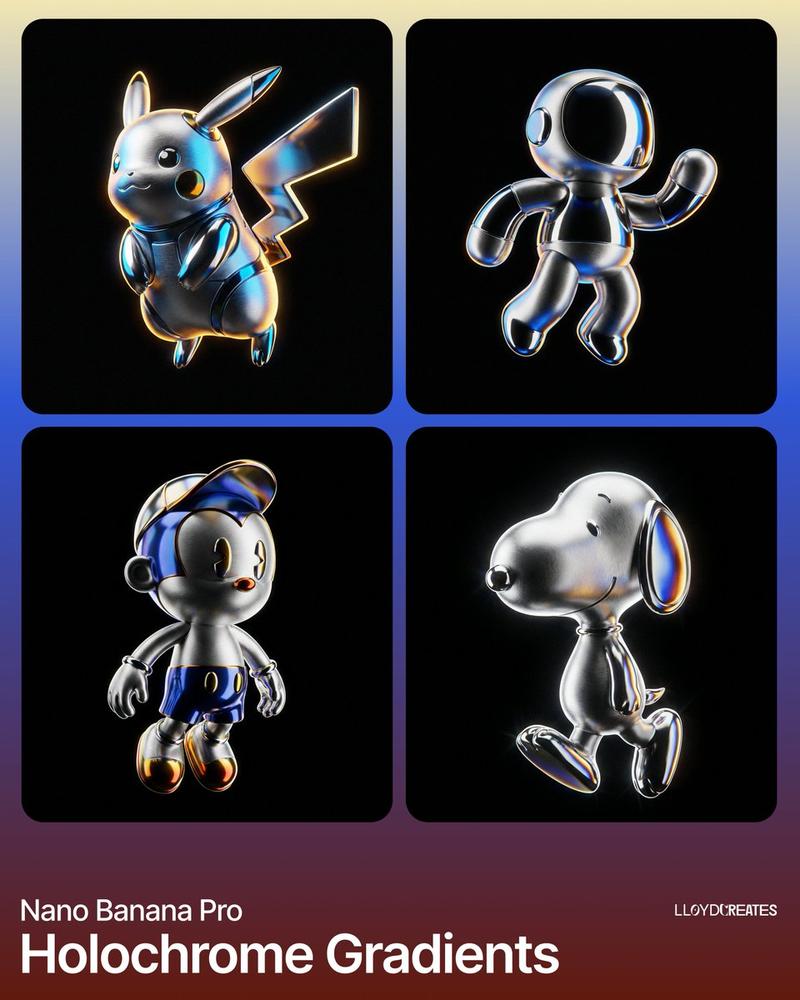
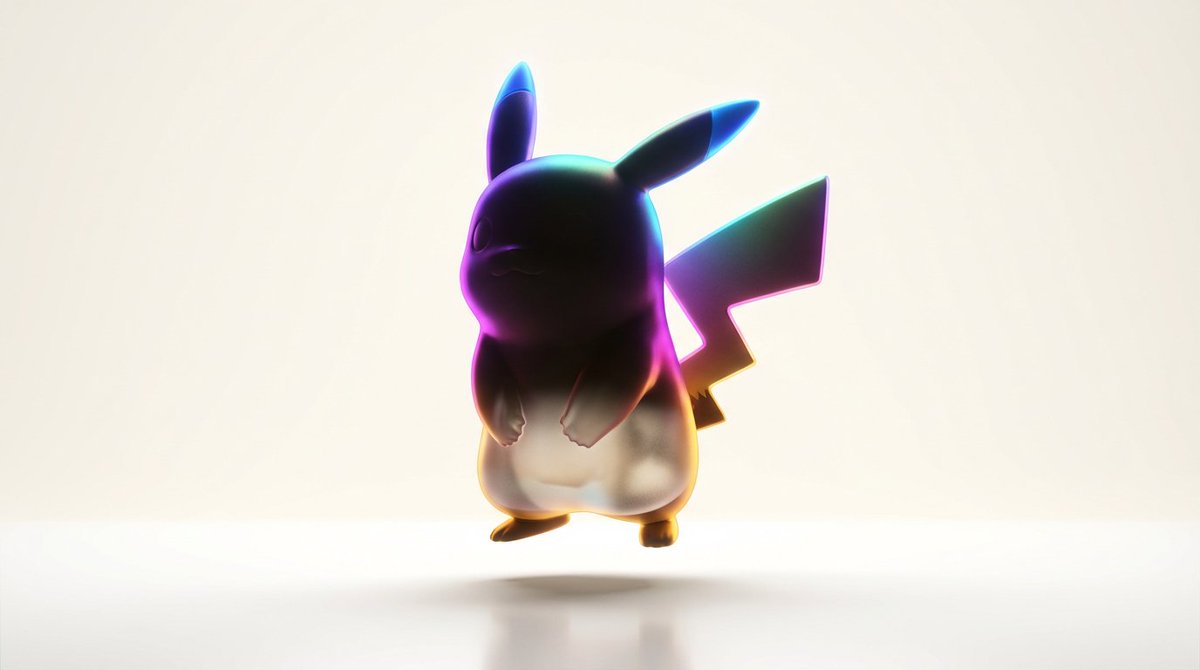
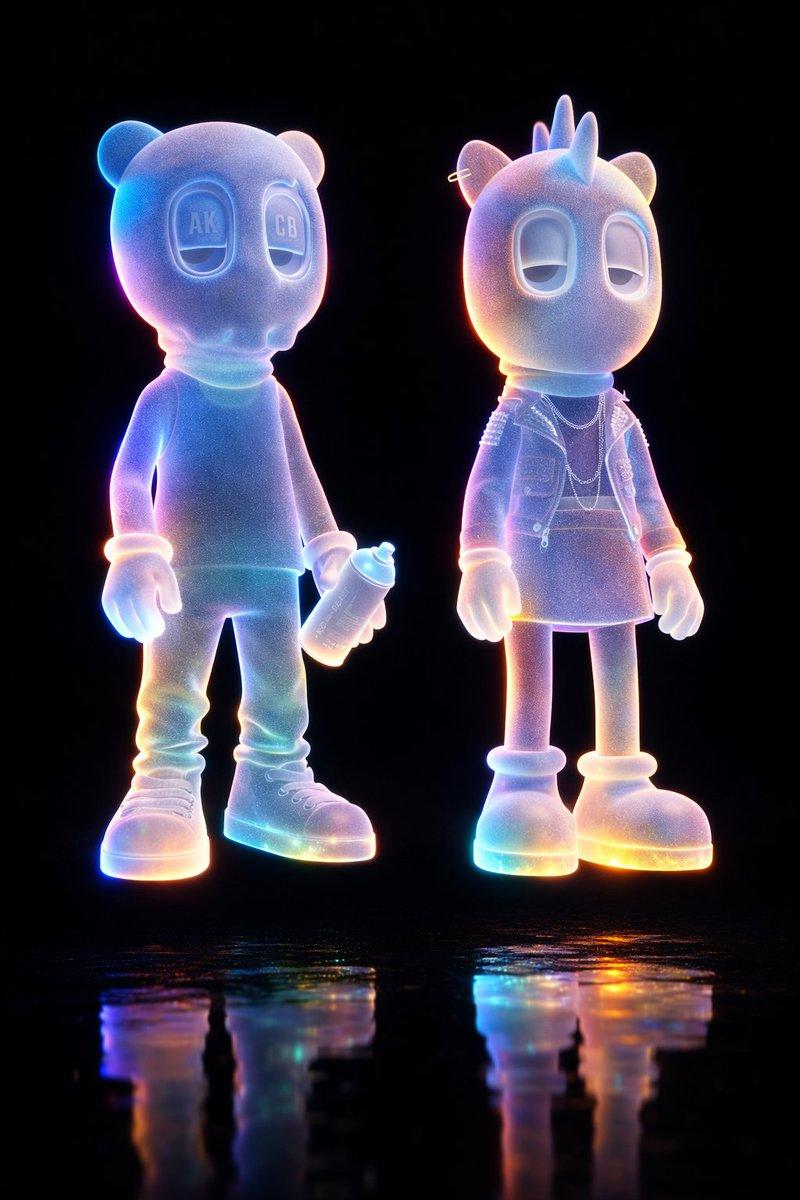
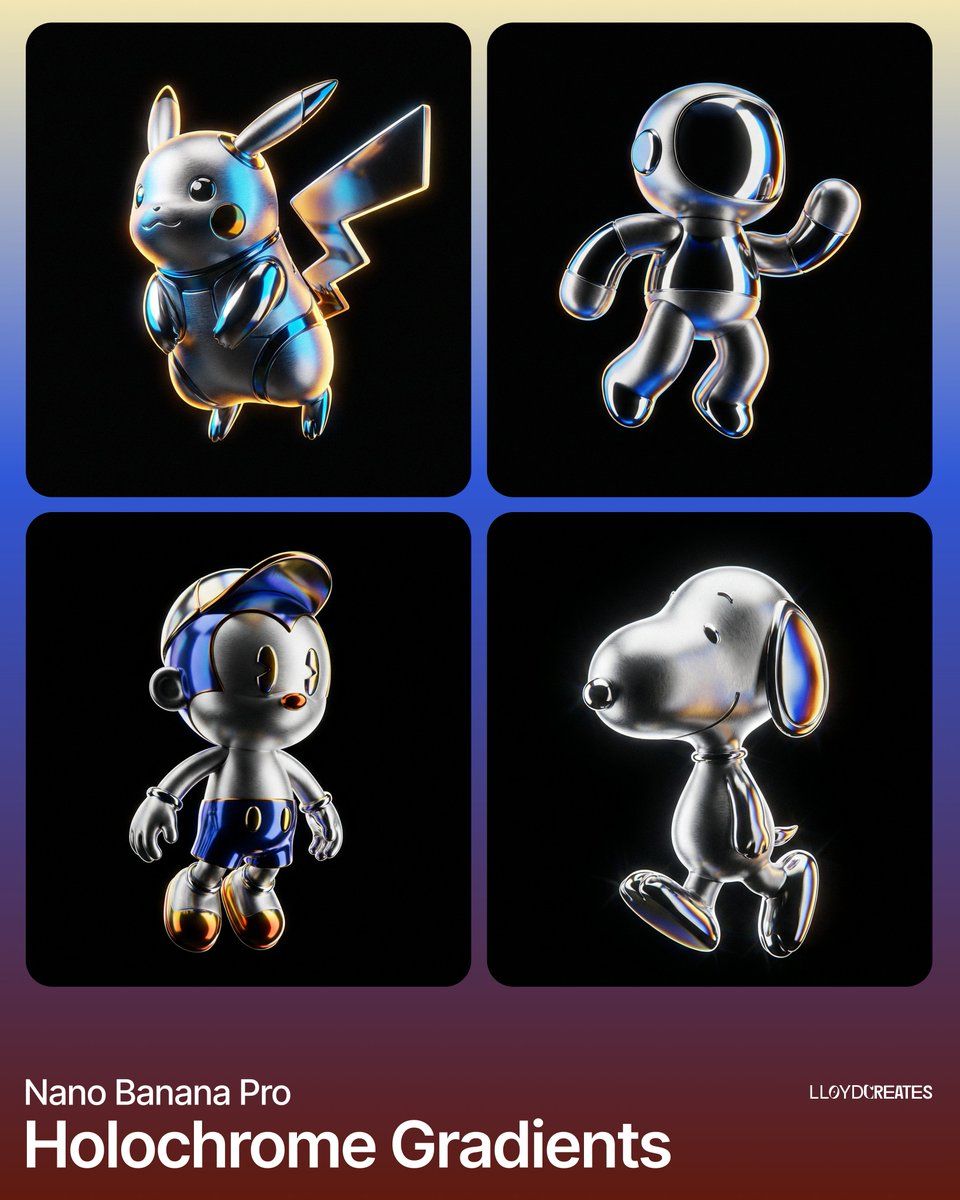
超逼真产品渲染,搭配 Holochrome 渐变
Enlarge

超逼真产品渲染,搭配 Holochrome 渐变

Prompt
Create a hyper-realistic 8K product render of {argument name="product name" default="[INSERT YOUR PRODUCT HERE]"}

The subject should be perfectly centered and levitating in mid-air, floating in a void with no surface, platform, stand, or floor. Show the full product with zero cropping and visible margins on all sides.
Use a dynamic macro 45-degree hero angle.

The background must be solid pure black (#000000).

Lighting should feature hard edge lighting with strong rim light highlights. Use a high-contrast chiaroscuro look with thin chromatic aberration along metallic edges. Include reflective caustic light hits and an oily iridescent sheen on polished surfaces.

Color palette:

Background: #000000
Metal highlights: #E0E0E0
Iridescent accents: #4169E1, #FFD700, #FF4500

Materials and textures should combine micro-brushed sandblasted aluminum with mirror-finish chrome. Add subtle prismatic dispersion and thin-film interference along metal curves. Include fine film grain for tactile realism.

Do not include any props or additional objects.
No light boxes, umbrellas, softboxes, pedestals, cables, tripods, or hands.
No cropped edges or cut-off parts.
No text, logos, watermarks, blur, bokeh background, dust, or scratches.

Style reference: Industrial Design meets luxury hardware photography.
Category
创意图片
Model
Nano Banana Pro
Views0
Source ID
8bbb5969-ee07-4b19-8e0b-5be47ddc5694
Published
Mar 8, 2026

Guide

About "超逼真产品渲染,搭配 Holochrome 渐变"

What is this prompt for?

"超逼真产品渲染,搭配 Holochrome 渐变" AI image prompt for Nano Banana Pro (创意图片). 一个用于生成超逼真 8K 产品渲染图的高度技术性提示。它在灯光(硬边缘光、轮廓光、明暗对比)、材质(拉丝铝、镜面镀铬)和构图(居中、悬浮在纯黑虚空中)方面指定了极致的细节,同时…

The full copyable prompt and example visuals above are ready for AI image generation or one-click recreate in Picva.

How to use this prompt

  1. Step 1

    Open the prompt detail

    Review the example visuals, category, and full prompt text for "超逼真产品渲染,搭配 Holochrome 渐变".

  2. Step 2

    Copy the prompt

    Copy the prompt body from this page, or load it directly in Studio.

  3. Step 3

    Pick a model (Nano Banana Pro)

    Prefer Nano Banana Pro. If you switch models, keep subject and composition and tweak style terms.

  4. Step 4

    Generate and export

    Recreate the look in Picva, or export into your workflow for editing and publishing.

FAQ

What is the "超逼真产品渲染,搭配 Holochrome 渐变" prompt?
It is an AI image-generation prompt for Nano Banana Pro in the 创意图片 category. This page includes the full prompt text, example visuals, and a one-click recreate path in Picva.
How do I use this prompt to generate an image?
Copy the prompt from this page, or use Generate / Studio. Paste it into a compatible image model, or recreate the look in Picva with optional reference images.
Which model is this prompt for?
This page lists Nano Banana Pro. Most descriptive prompts also transfer to nearby image models such as GPT Image, Flux, or Midjourney with light style tweaks.
Can I use the result commercially?
You can usually copy the prompt for creation, but commercial use of the final image depends on the model terms, reference-image rights, and the generated content. Follow the source author and platform rules.