18

Sunny Park 肖像提示词(萨迪·辛克)
Enlarge

Sunny Park 肖像提示词(萨迪·辛克)

Prompt
{
  "title": "Sunny Park Portrait",
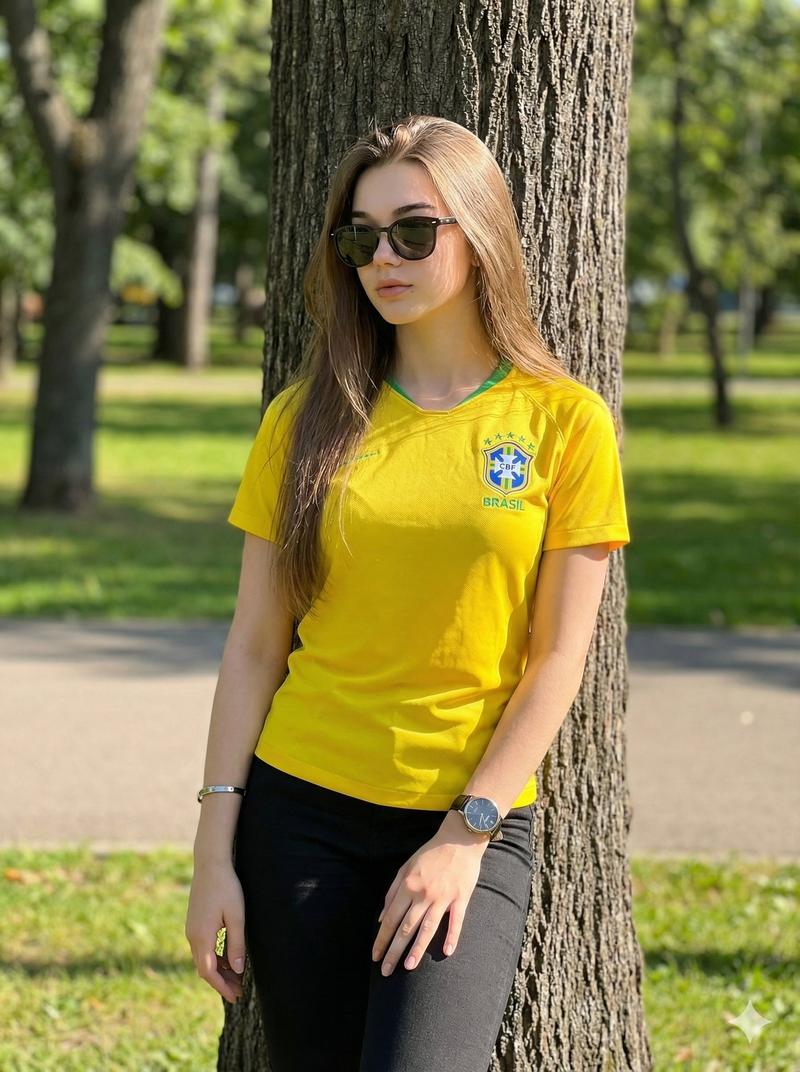
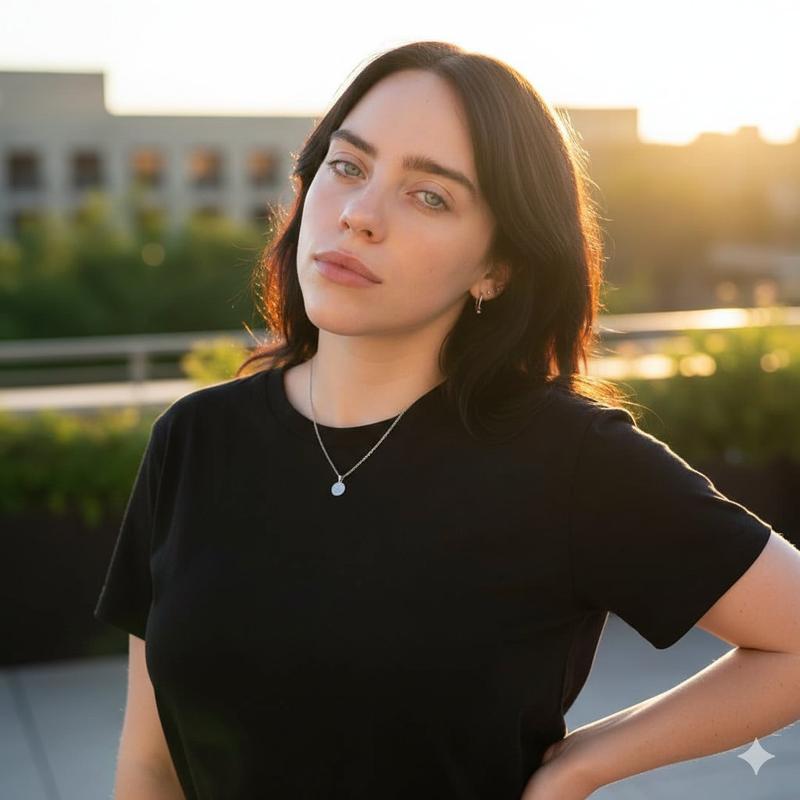
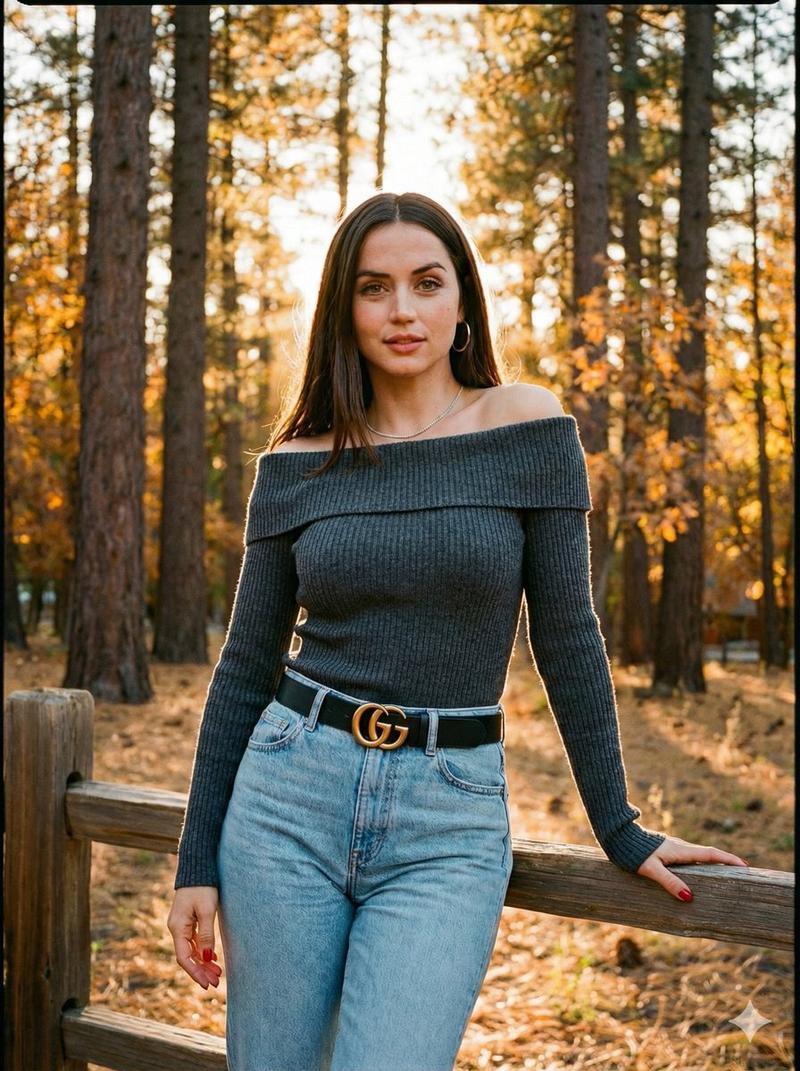
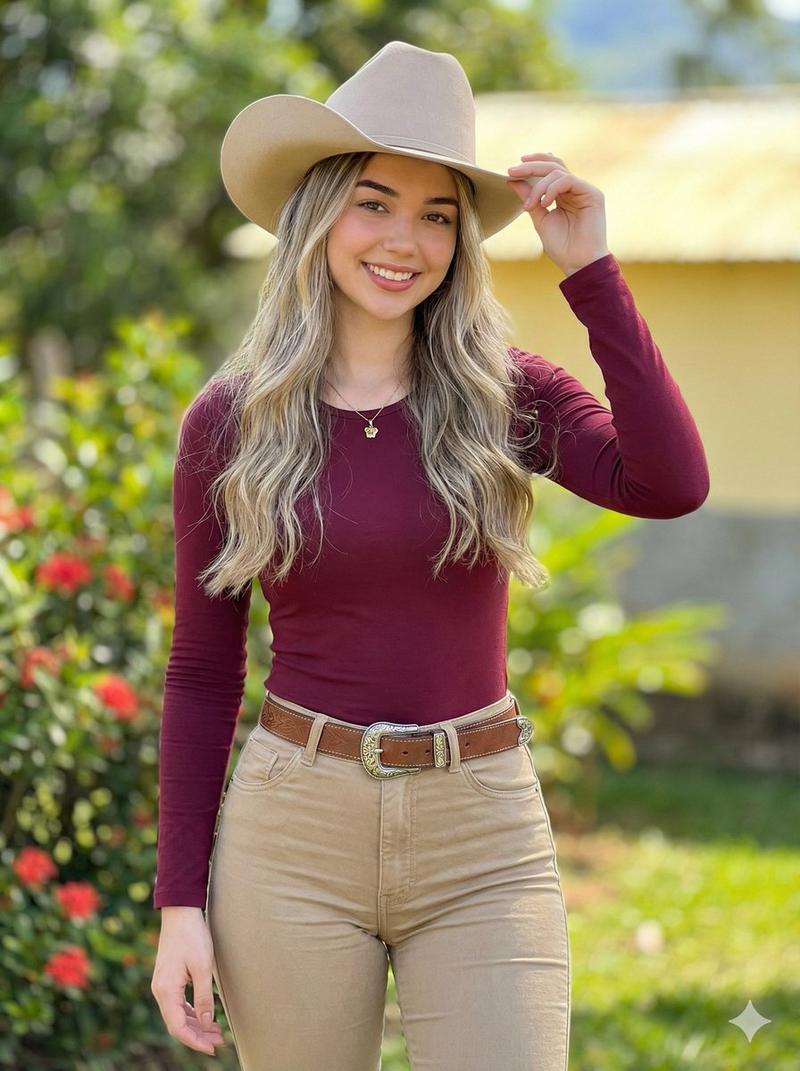
  "description": "A young woman with {argument name="hair style" default="curly red hair"} standing in a sunny park. She is smiling softly and wearing a light yellow sleeveless crop top with a small logo and a round pendant necklace. The background shows green trees, grass, and a blurred pathway, giving a warm natural outdoor vibe.",
  "appearance": {
    "hair_color": "red",
    "hair_style": "curly shoulder-length",
    "expression": "soft smile",
    "skin_tone": "fair"
  },
  "clothing": {
    "top": "light yellow sleeveless crop top",
    "bottom": "white and blue striped pants",
    "accessories": ["round pendant necklace"]
  },
  "environment": {
    "location": "park",
    "lighting": "natural sunlight",
    "background": "green trees, grass, and a pathway"
  },
  "mood": "fresh, calm, and cheerful"
}
Category
创意图片
Model
Nano Banana Pro
Views0
Source ID
fa55bc5f-58c5-4cf9-b2cb-f49a3cb0fdf5
Published
Mar 8, 2026

Guide

About "Sunny Park 肖像提示词(萨迪·辛克)"

What is this prompt for?

"Sunny Park 肖像提示词(萨迪·辛克)" AI image prompt for Nano Banana Pro (创意图片). 一个 JSON 提示,用于生成一张年轻女性(长相酷似 Sadie Sink)的开朗肖像,她有一头红色卷发,站在阳光明媚的公园里,身穿浅黄色露脐上衣和条纹裤,强调清新、平静的心情。…

The full copyable prompt and example visuals above are ready for AI image generation or one-click recreate in Picva.

How to use this prompt

  1. Step 1

    Open the prompt detail

    Review the example visuals, category, and full prompt text for "Sunny Park 肖像提示词(萨迪·辛克)".

  2. Step 2

    Copy the prompt

    Copy the prompt body from this page, or load it directly in Studio.

  3. Step 3

    Pick a model (Nano Banana Pro)

    Prefer Nano Banana Pro. If you switch models, keep subject and composition and tweak style terms.

  4. Step 4

    Generate and export

    Recreate the look in Picva, or export into your workflow for editing and publishing.

FAQ

What is the "Sunny Park 肖像提示词(萨迪·辛克)" prompt?
It is an AI image-generation prompt for Nano Banana Pro in the 创意图片 category. This page includes the full prompt text, example visuals, and a one-click recreate path in Picva.
How do I use this prompt to generate an image?
Copy the prompt from this page, or use Generate / Studio. Paste it into a compatible image model, or recreate the look in Picva with optional reference images.
Which model is this prompt for?
This page lists Nano Banana Pro. Most descriptive prompts also transfer to nearby image models such as GPT Image, Flux, or Midjourney with light style tweaks.
Can I use the result commercially?
You can usually copy the prompt for creation, but commercial use of the final image depends on the model terms, reference-image rights, and the generated content. Follow the source author and platform rules.