17

特写肖像提示
Enlarge

特写肖像提示

Prompt
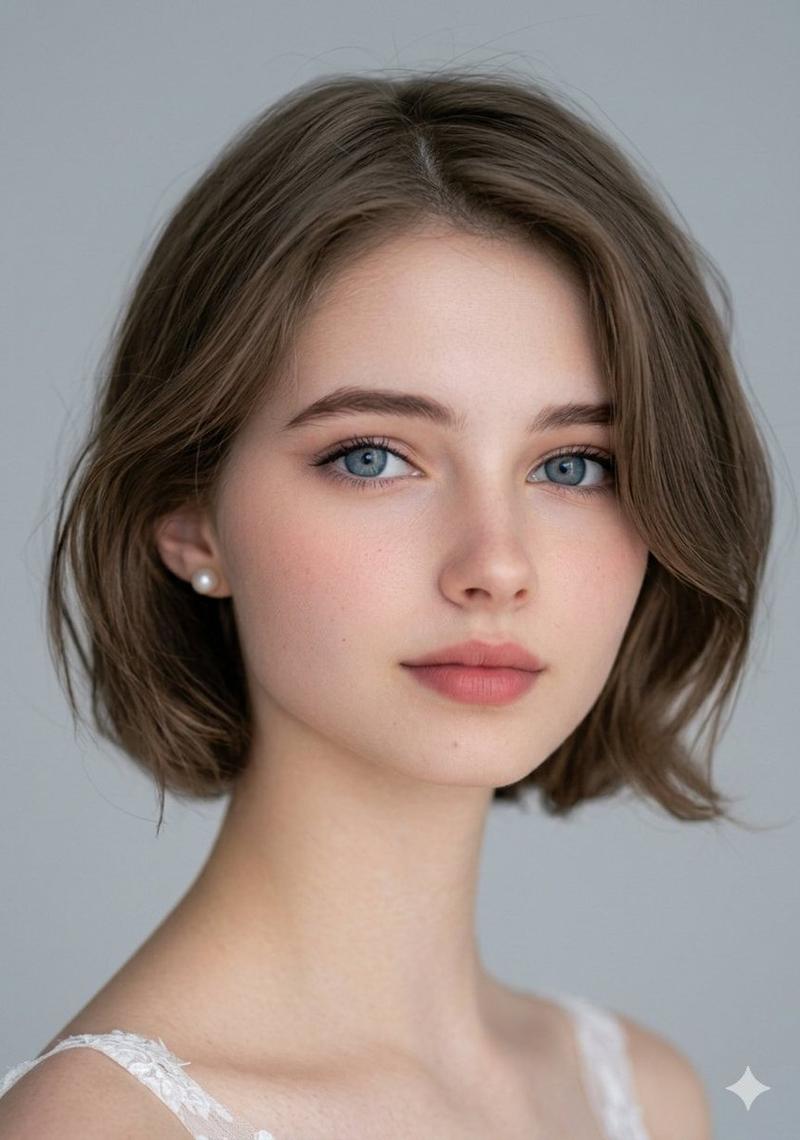
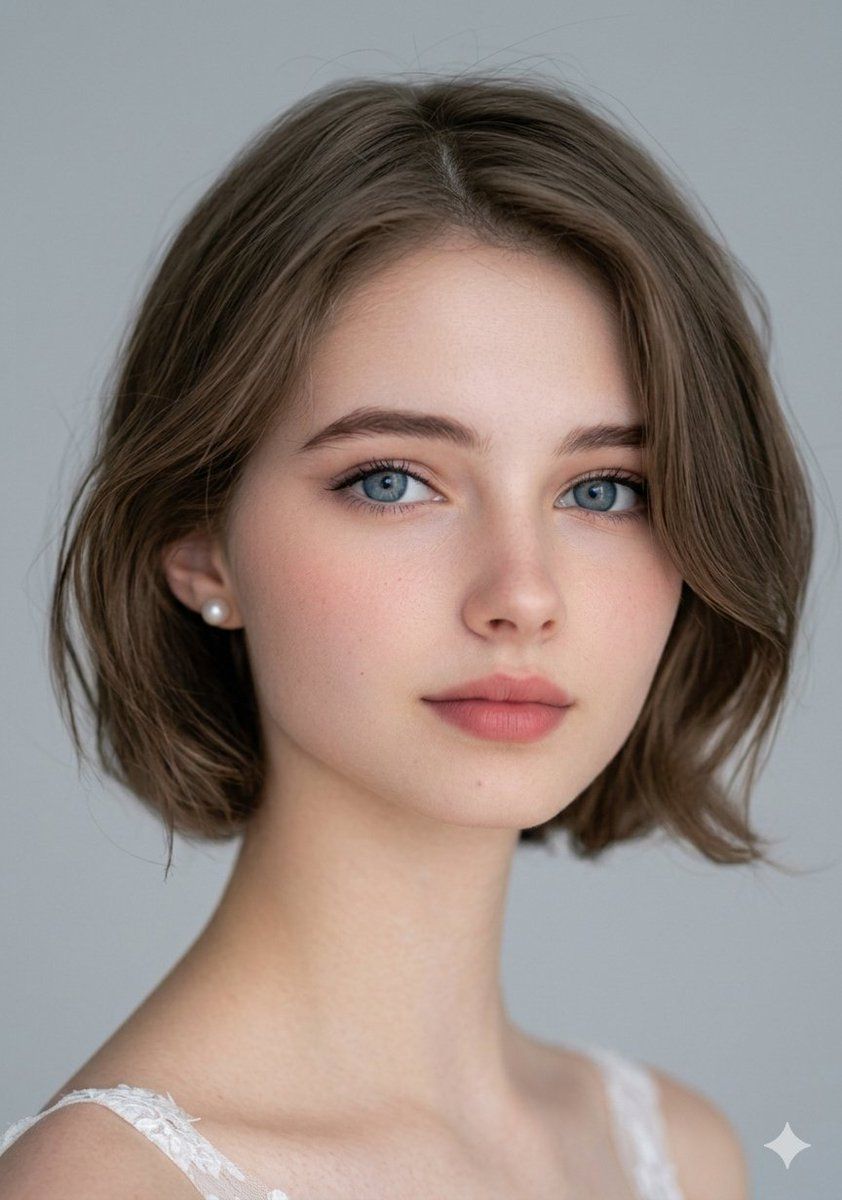
Extreme close-up portrait of a young woman facing the camera directly. She has a short brown bob haircut with a precise center part, smooth and neatly styled. Her eyes are large and bright blue, with natural reflections that enhance their depth and clarity. She is wearing soft, natural makeup with subtle foundation, lightly flushed cheeks, softly defined brows, a touch of mascara, and a nude-toned lip color. Small, elegant pearl earrings add a delicate and refined touch to her appearance.
Her expression is innocent, calm, and slightly curious, with relaxed facial muscles and a gentle gaze. Her skin texture is highly detailed and realistic, showing natural pores, soft highlights, and smooth tonal transitions. The lighting is professional studio lighting, soft and diffused, evenly illuminating her face without harsh shadows, creating gentle highlights on the cheekbones and subtle shadows under the jawline.
The background is clean and minimalistic, light gray in color, softly blurred to keep full focus on the subject. The composition is centered and balanced, with sharp focus on the eyes and shallow depth of field. The image is photorealistic, ultra-high resolution, hyper-detailed skin texture, cinematic quality, HDR effect, sharp focus, 8K resolution, realistic color grading, natural skin tones, and professional portrait photography style.
Category
创意图片
Model
Nano Banana Pro
Creator
Aylin
Views1
Source ID
aadcf35d-3565-4fb3-a954-9ed329629f96
Published
Mar 8, 2026

Guide

About "特写肖像提示"

What is this prompt for?

"特写肖像提示" AI image prompt for Nano Banana Pro (创意图片). 一个高度详细的提示,用于生成一张年轻女性的超特写、超逼真肖像照,她留着棕色短波波头。该提示详细说明了光线、妆容、表情以及 8K 分辨率和超精细皮肤纹理等技术细节,适用于专业的肖像摄影。 --- 一位年轻女性的特写…

The full copyable prompt and example visuals above are ready for AI image generation or one-click recreate in Picva.

How to use this prompt

  1. Step 1

    Open the prompt detail

    Review the example visuals, category, and full prompt text for "特写肖像提示".

  2. Step 2

    Copy the prompt

    Copy the prompt body from this page, or load it directly in Studio.

  3. Step 3

    Pick a model (Nano Banana Pro)

    Prefer Nano Banana Pro. If you switch models, keep subject and composition and tweak style terms.

  4. Step 4

    Generate and export

    Recreate the look in Picva, or export into your workflow for editing and publishing.

FAQ

What is the "特写肖像提示" prompt?
It is an AI image-generation prompt for Nano Banana Pro in the 创意图片 category. This page includes the full prompt text, example visuals, and a one-click recreate path in Picva.
How do I use this prompt to generate an image?
Copy the prompt from this page, or use Generate / Studio. Paste it into a compatible image model, or recreate the look in Picva with optional reference images.
Which model is this prompt for?
This page lists Nano Banana Pro. Most descriptive prompts also transfer to nearby image models such as GPT Image, Flux, or Midjourney with light style tweaks.
Can I use the result commercially?
You can usually copy the prompt for creation, but commercial use of the final image depends on the model terms, reference-image rights, and the generated content. Follow the source author and platform rules.