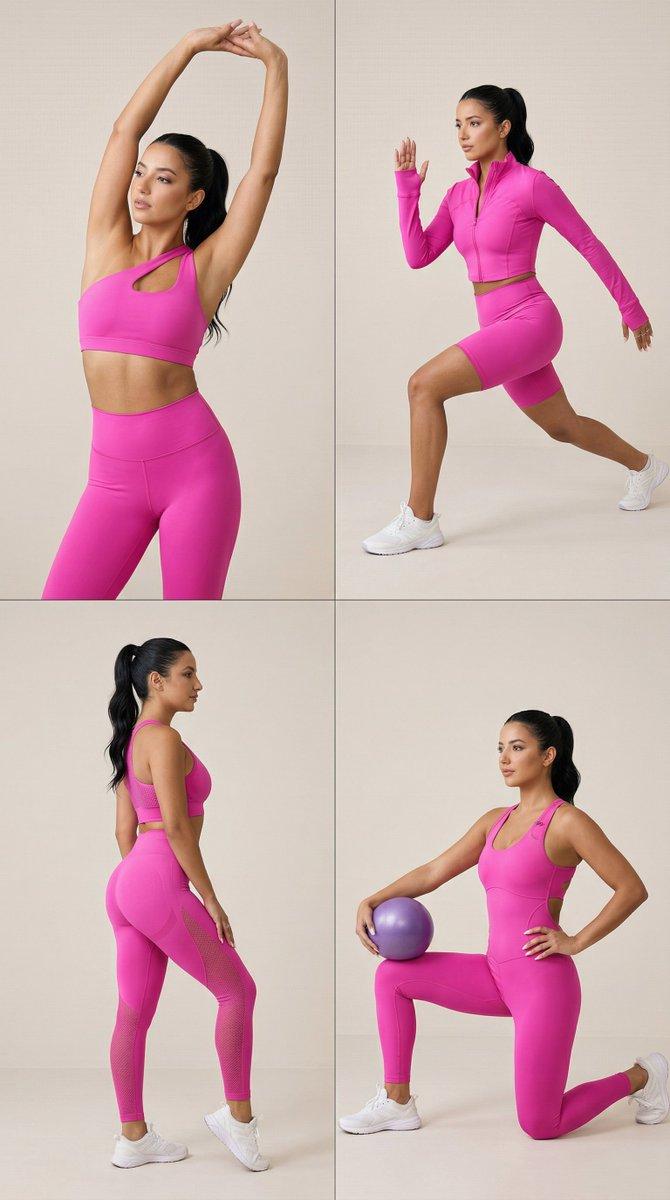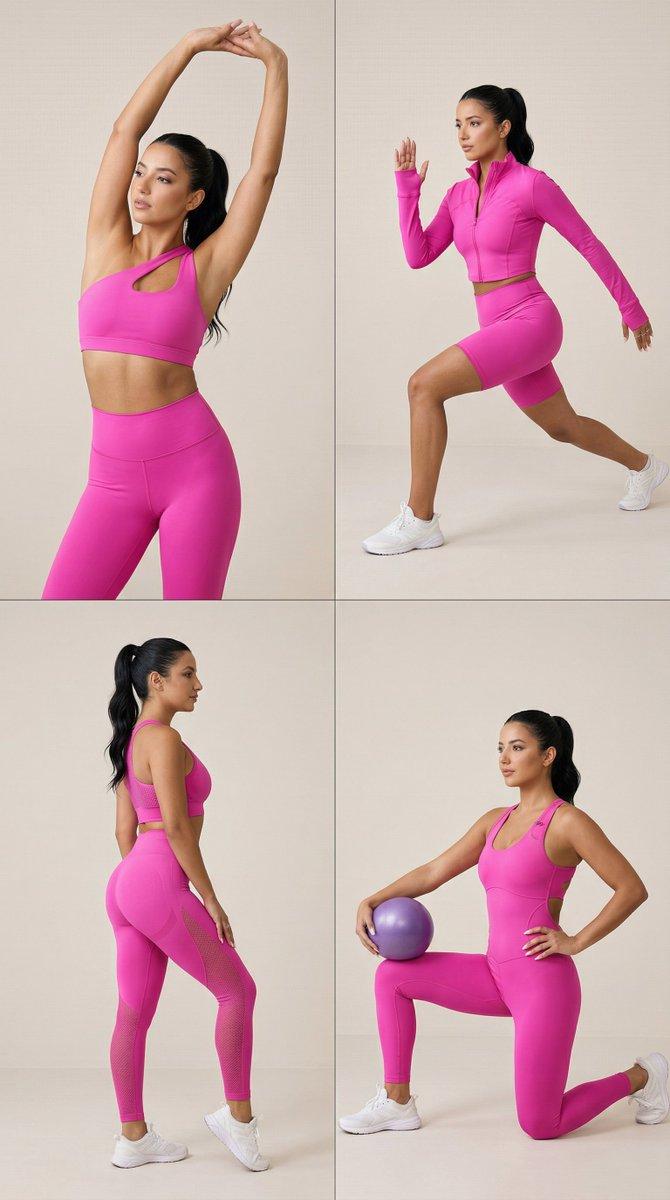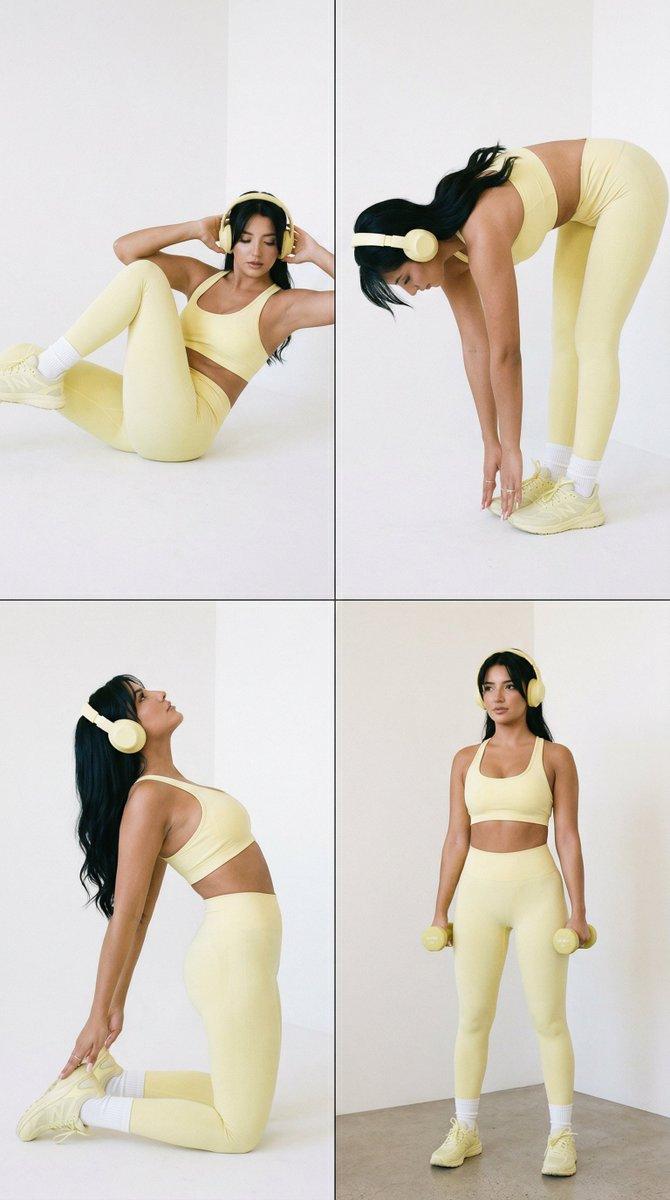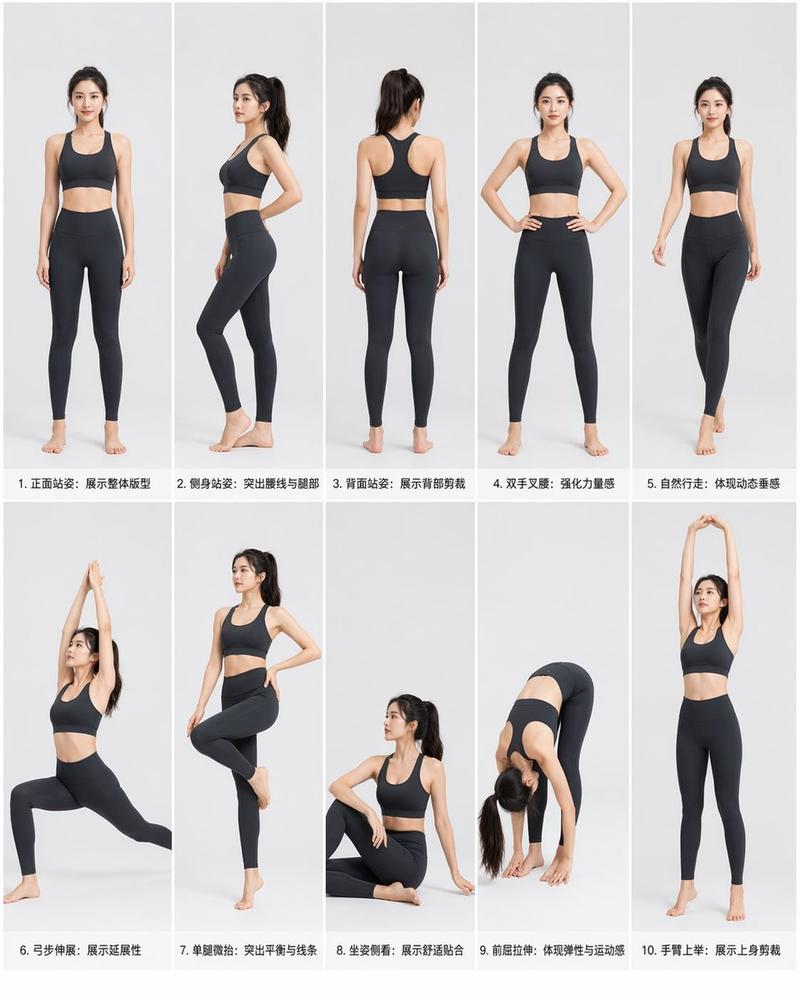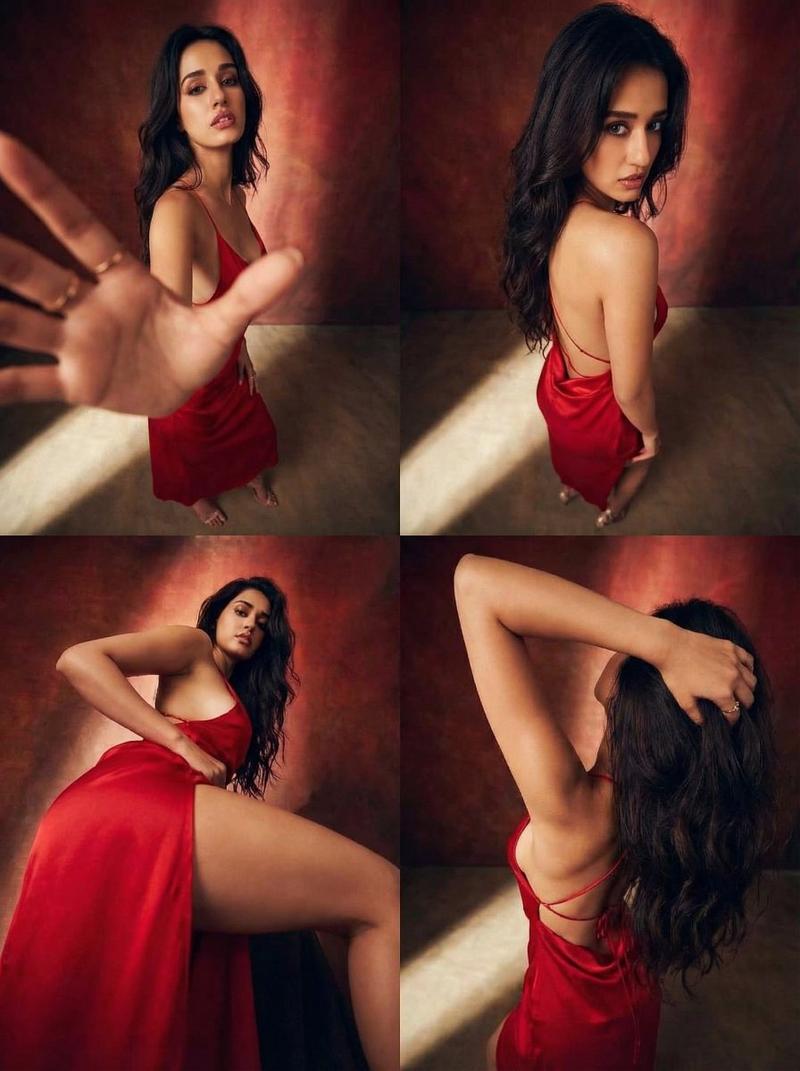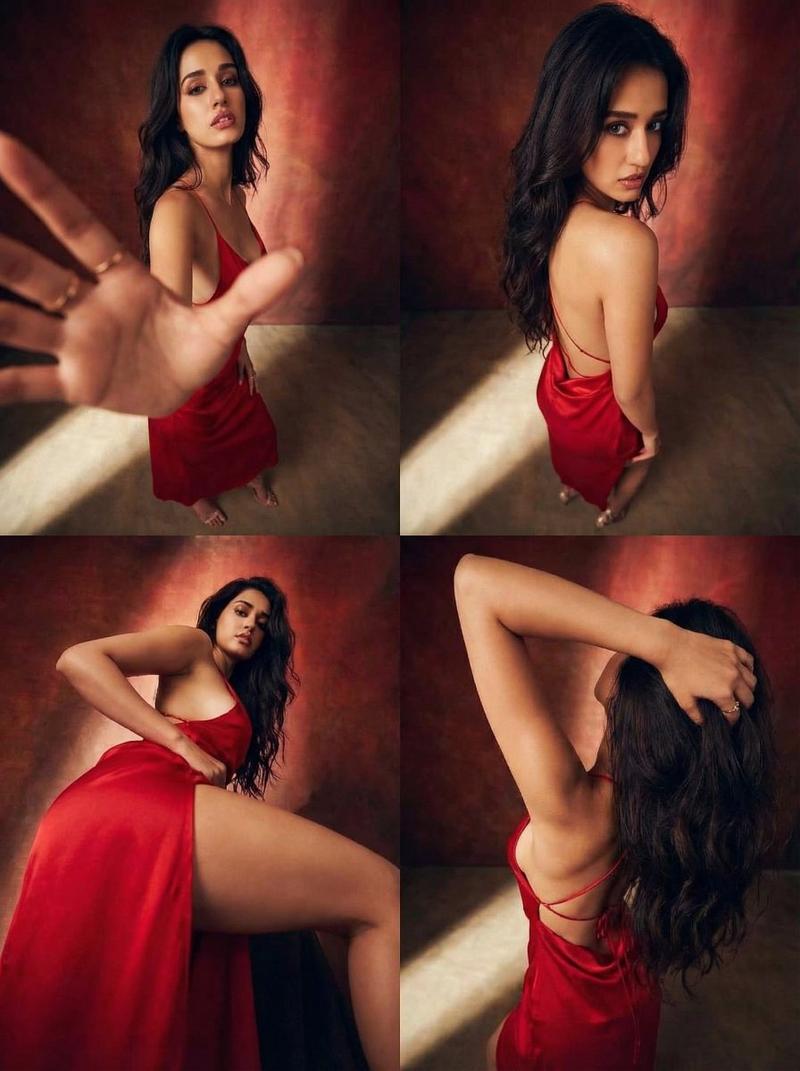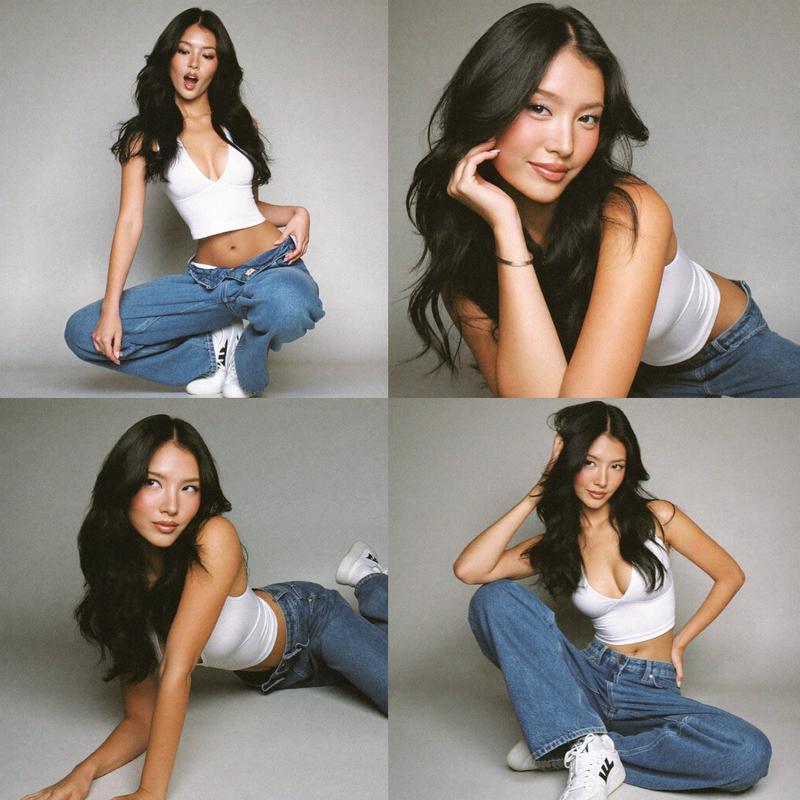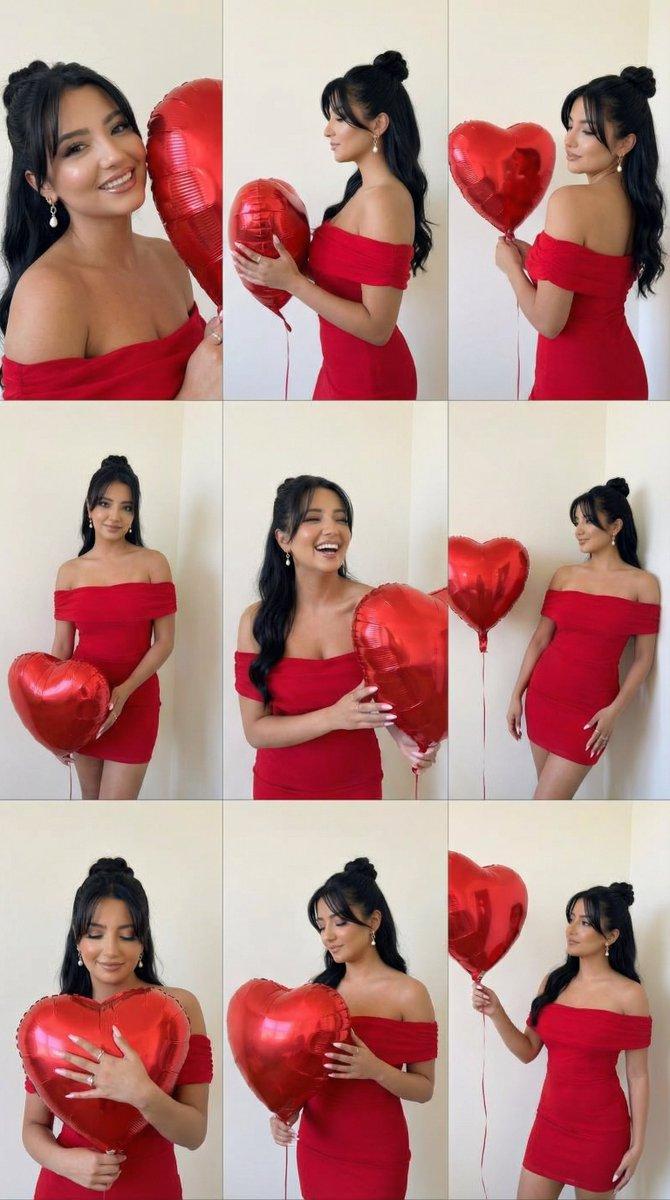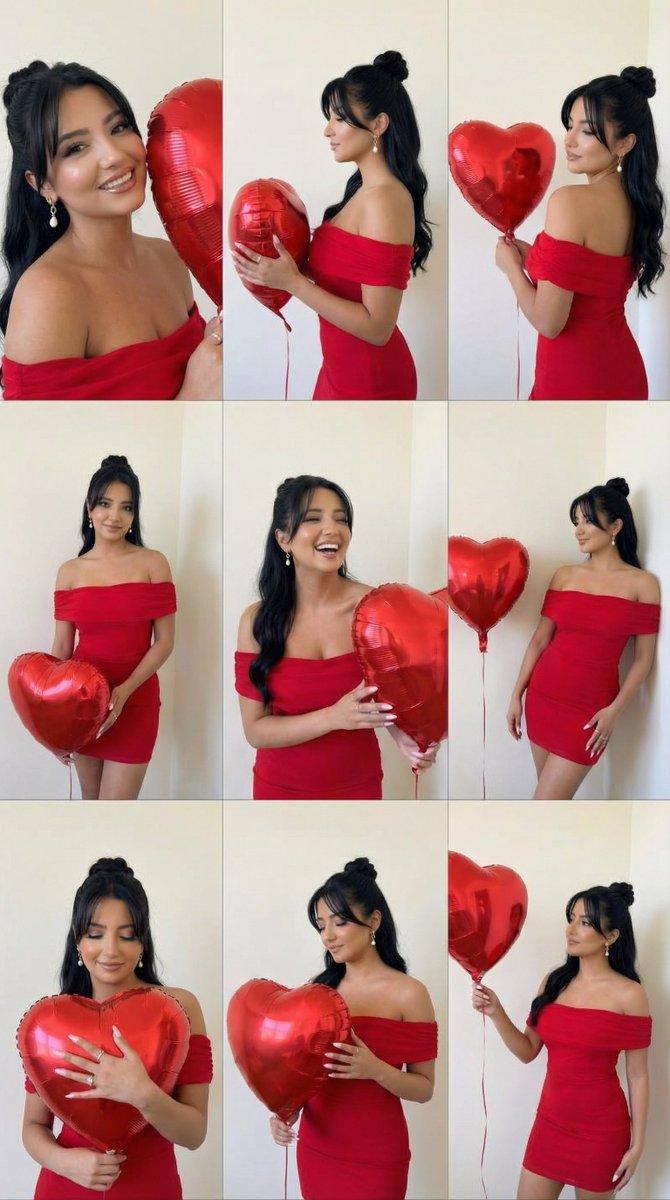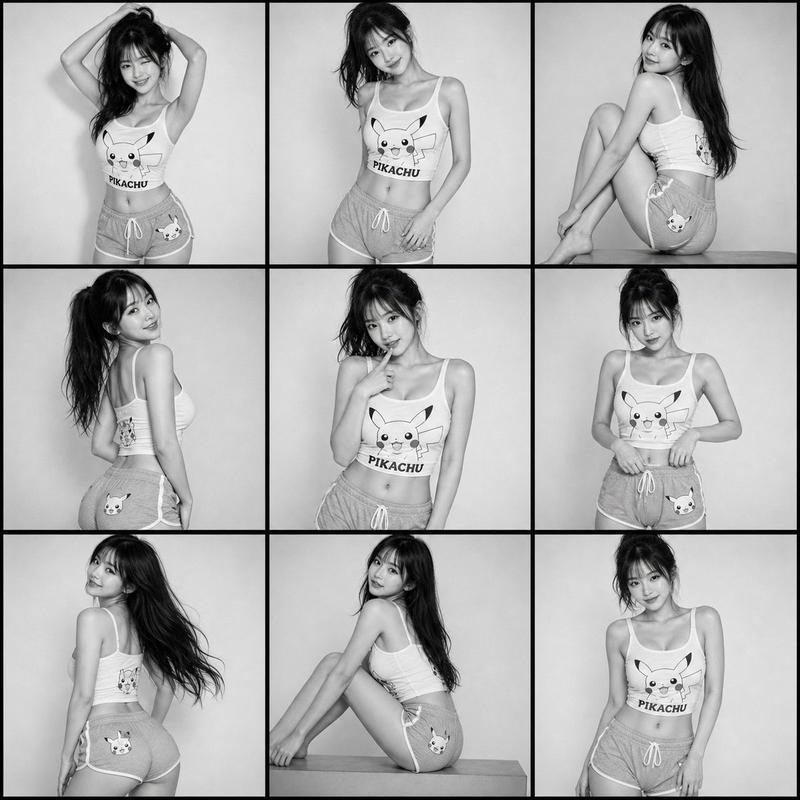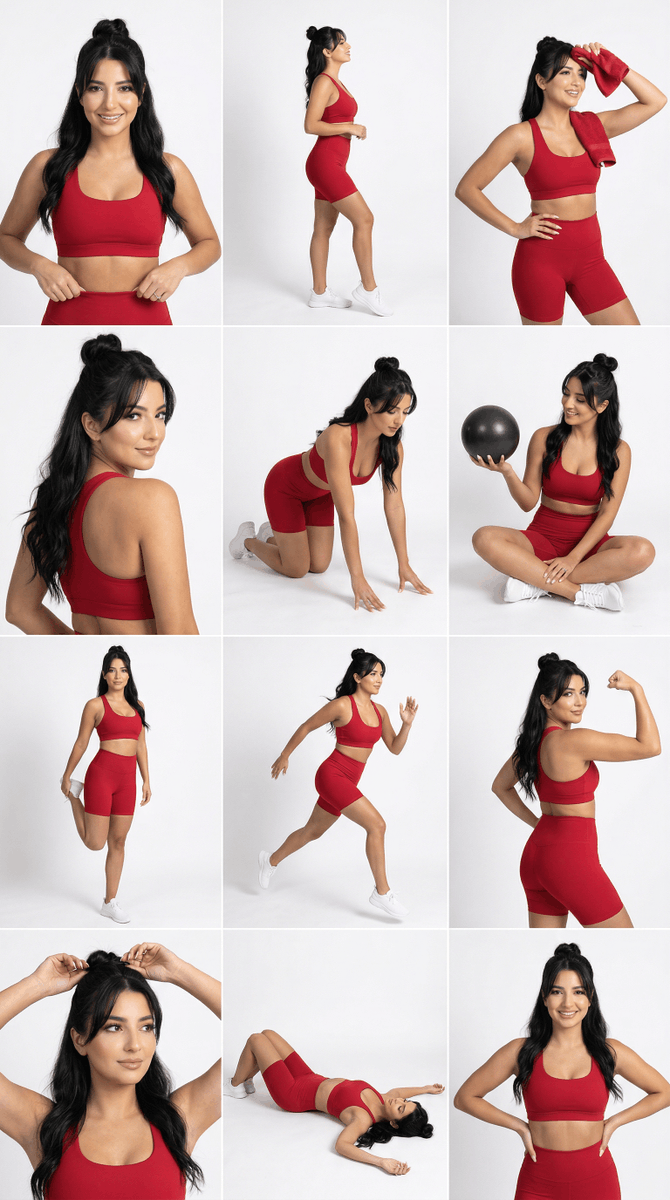
Strict Identity 运动服网格生成
Prompt
{
 "generation_request": {
 "meta_data": {
 "tool": "NanoBanana Pro",
 "task_type": "studio_activewear_4x3_grid_strict_identity",
 "language": "en",
 "priority": "highest",
 "version": "v3.1_RED_ACTIVEWEAR_GRID_FACELOCK"
 },

 "input": {
 "mode": "image_to_image",
 "reference_image_usage": "maximum",
 "preserve_identity": true,
 "preserve_facial_features": true,
 "preserve_pose": true,
 "preserve_framing": true,
 "notes": "Match the uploaded grid’s composition, camera angles, and pose variety. Keep the SAME woman identity from the uploaded face reference (exact facial structure). Only change the outfit color to a bold rich RED. No logos, no text."
 },

 "identity_lock": {
 "face_priority": "absolute",
 "face_geometry_lock": true,
 "bone_structure_lock": true,
 "eye_spacing_lock": true,
 "lip_shape_lock": true,
 "jawline_lock": true,
 "eyebrow_shape_lock": true,
 "no_beautification": true,
 "no_symmetry_adjustment": true,
 "face_embedding_weight": 2.2,
 "structure_strength": 0.98
 },

 "output_settings": {
 "aspect_ratio": "1:1",
 "resolution_target": "ultra_high_res",
 "num_images": 1,
 "layout": {
 "type": "grid",
 "rows": 4,
 "cols": 3,
 "gutter": "thin",
 "outer_border": "none",
 "panel_consistency": "high"
 },
 "sharpness": "editorial_crisp",
 "grain": "subtle_studio"
 },

 "scene": {
 "environment": "clean white seamless studio background",
 "lighting": {
 "style": "soft studio fashion lighting",
 "key_light": "large softbox front-left",
 "fill": "soft fill front-right",
 "shadow": "light soft shadow on floor and backdrop"
 },
 "camera": {
 "lens": "50-85mm",
 "look": "ecommerce fitness campaign, clean and crisp",
 "focus": "eyes and fabric texture sharp"
 }
 },

 "wardrobe": {
 "set": "sports bra + high-waist biker shorts activewear set",
 "color": "solid bold rich red",
 "material": "matte performance fabric with slight compression sheen",
 "rules": "no logos, no brand marks, no text"
 },

 "styling": {
 "hair": "same as reference (do not change hairstyle structure)",
 "makeup": "natural clean sporty glam, not heavy",
 "accessories": "optional small simple earrings only"
 },

 "props": {
 "allow": ["small black workout ball in 1 panel"],
 "avoid": ["readable labels", "phones with text", "water bottles with logos"]
 },

 "anatomy_and_hands": {
 "hands_priority": "maximum",
 "avoid": ["extra fingers", "missing fingers", "warped wrists", "broken elbows", "uneven shoulders"]
 },

 "quality_control": {
 "avoid": [
 "identity drift",
 "different face",
 "face morphing",
 "cartoon/anime",
 "plastic skin",
 "blur",
 "text",
 "watermark",
 "logo",
 "extra people"
 ]
 },

 "negative_prompt": [
 "brand logo",
 "text",
 "watermark",
 "extra people",
 "wrong face",
 "face changes",
 "distorted hands",
 "extra fingers",
 "missing fingers",
 "lowres",
 "blurry"
 ]
 }
}- Category
- 创意图片
- Model
- Nano Banana Pro
- Creator
- Özge Döner
- Source ID
- 06be6619-c5ba-4ca3-a315-45a1420dd64b
- Published
- Mar 8, 2026
Views0