20

图片编辑和背景替换工作流程
Enlarge

图片编辑和背景替换工作流程

Prompt
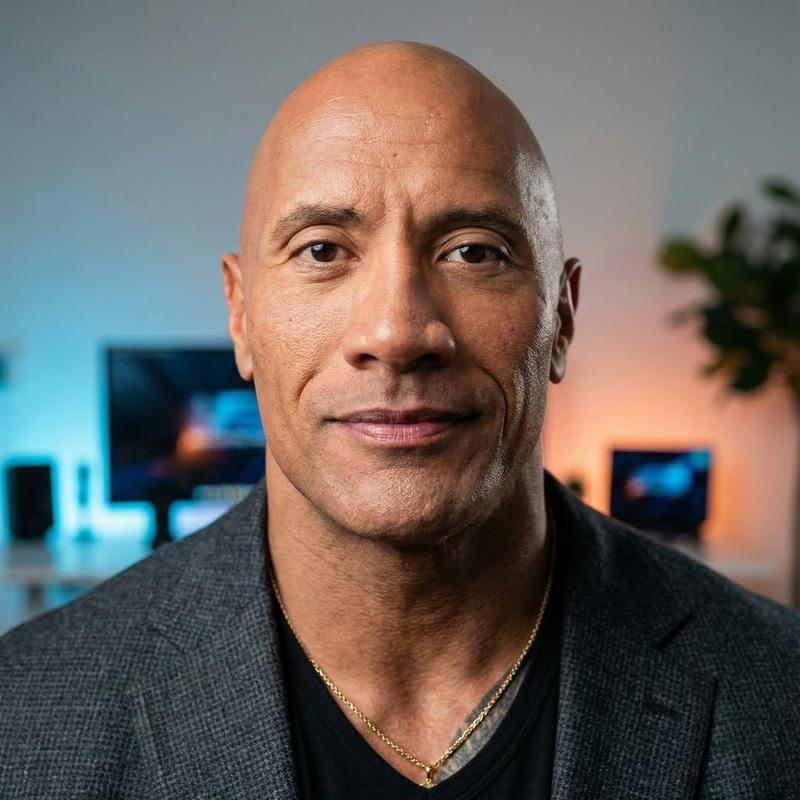
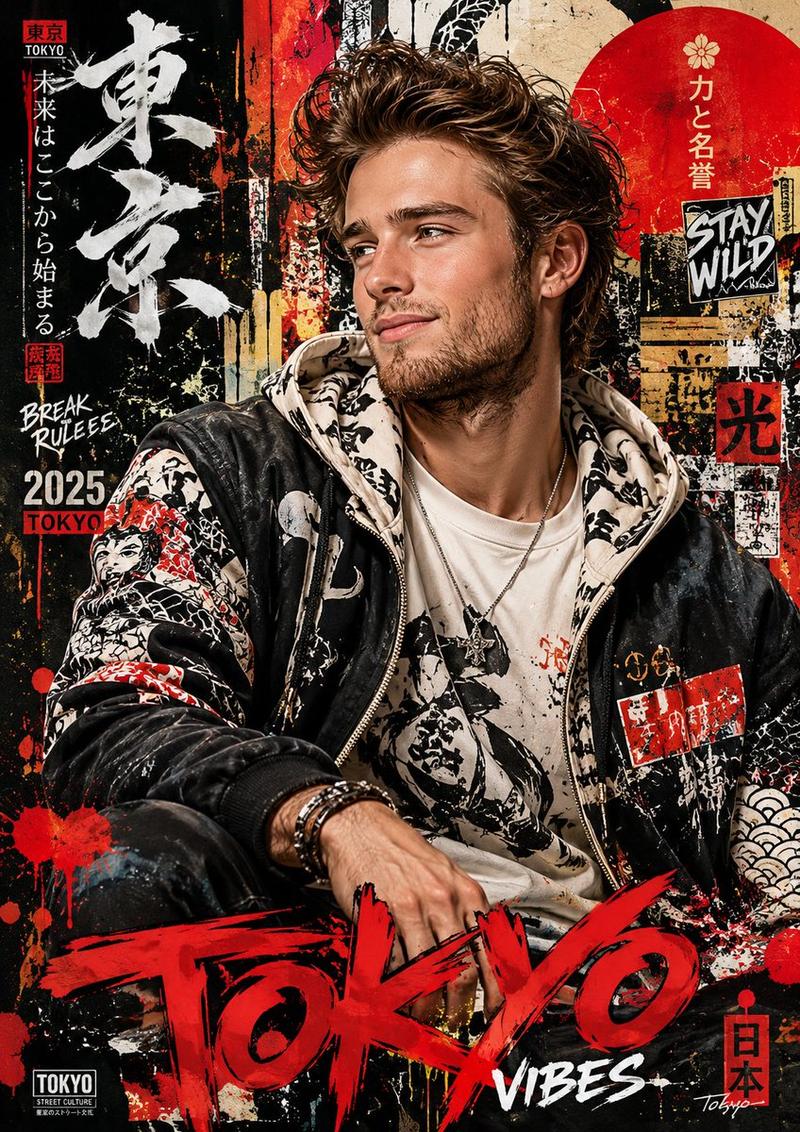
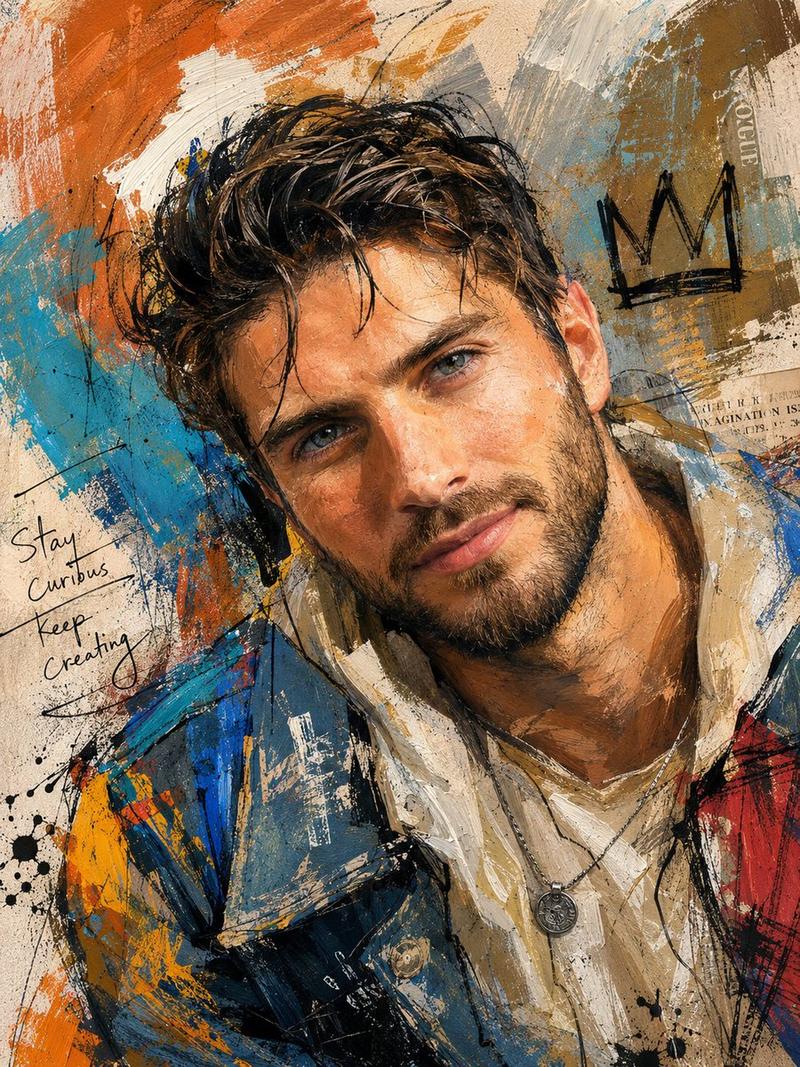
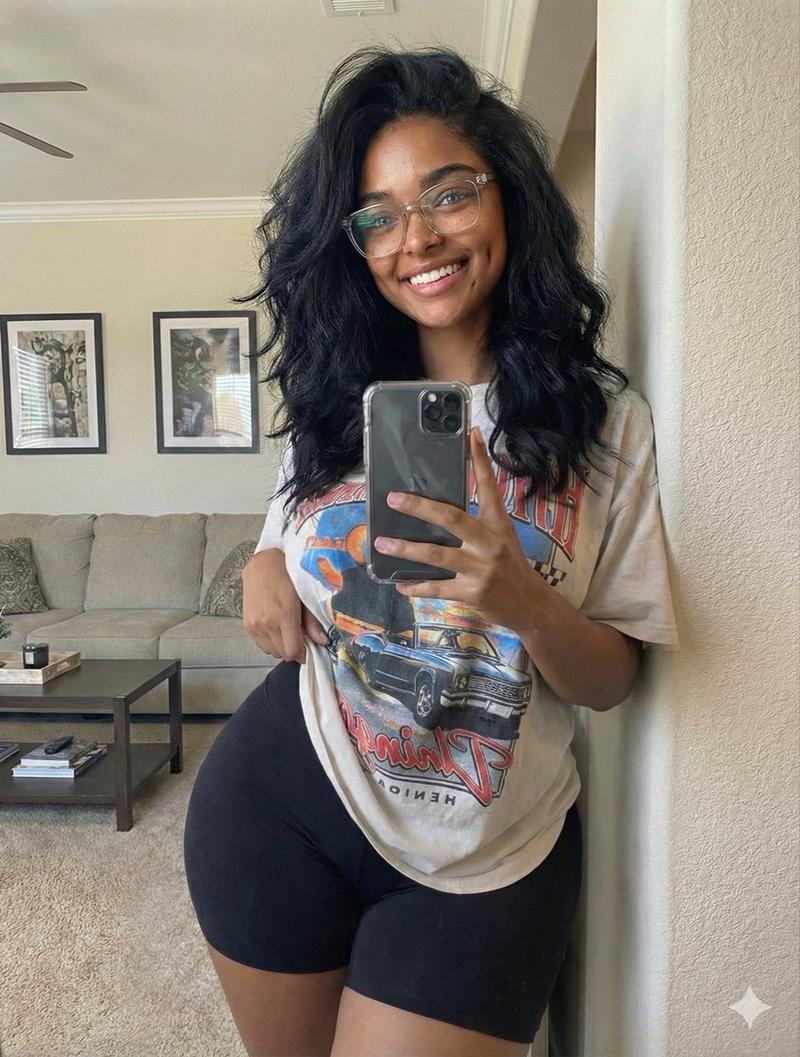
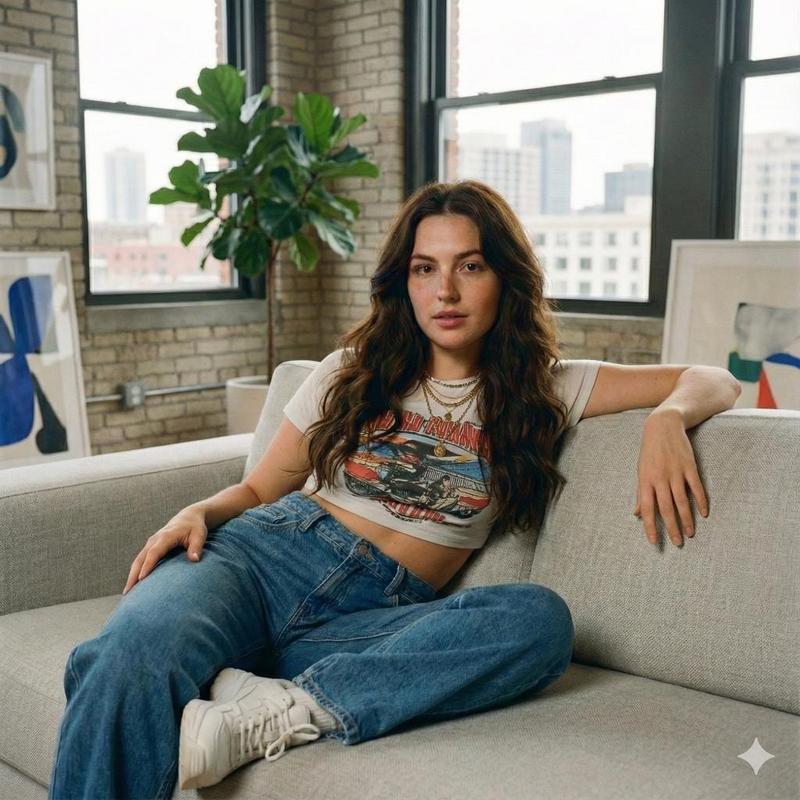
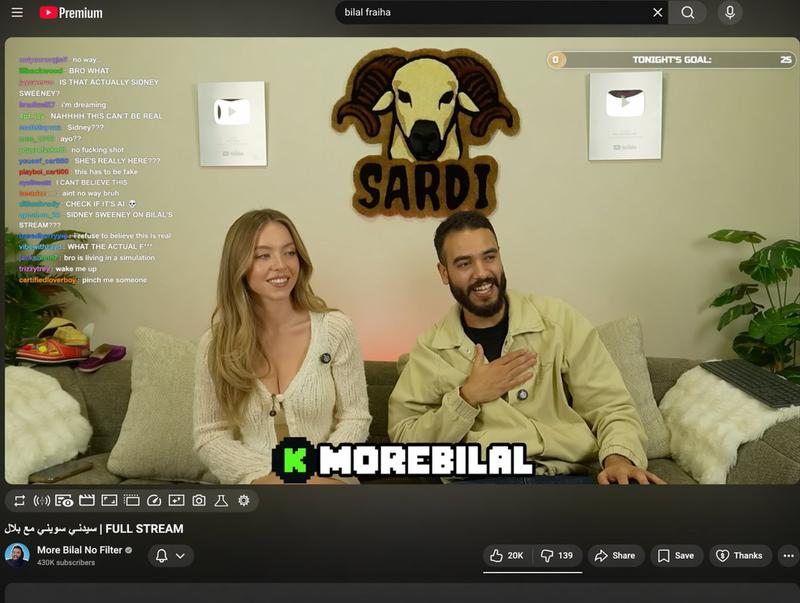
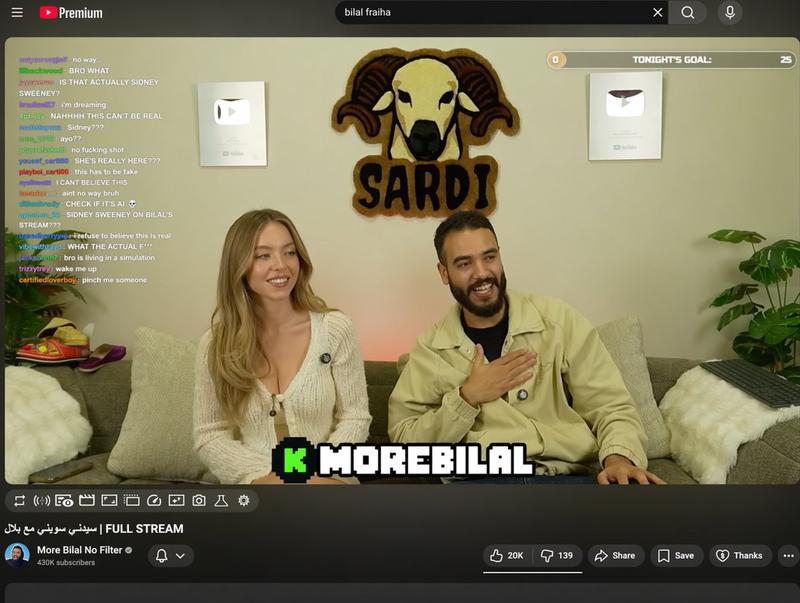
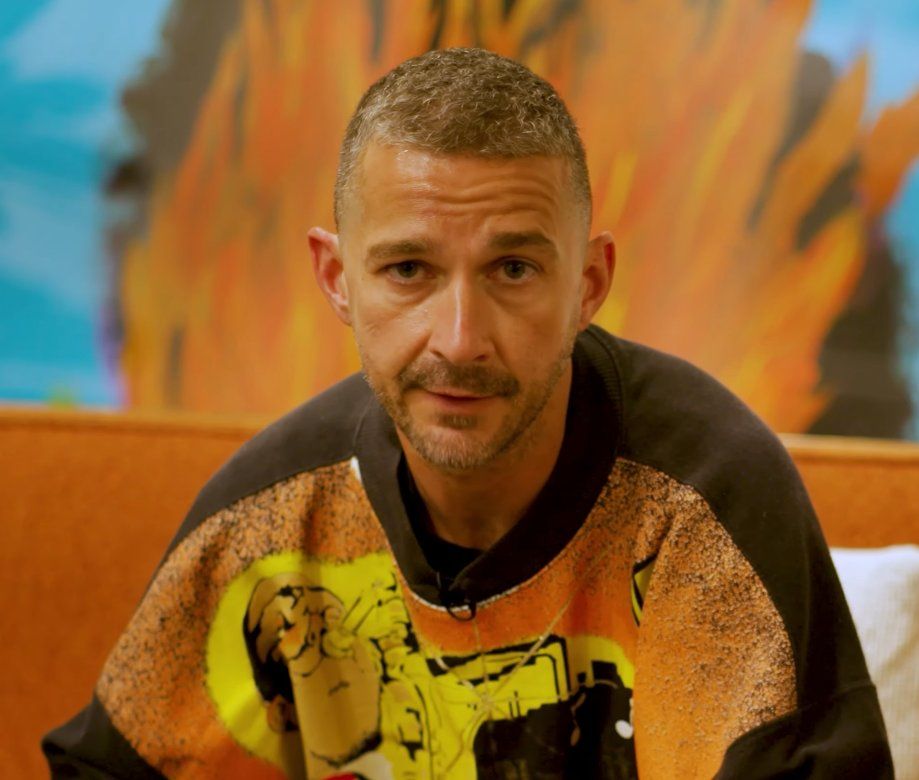
Replace the grey shirt man in image 1 with the orange sweater man from image 2. Match the exact pose from image 1 Remove the caption text "HEY COME HERE" Remove the black from the top right corner

While maintaining the exact pose, change the location in the background to on an empty new orleans street sidewalk. The POV is from someone seated looking upward so match the background perspective accordingly Adjust the lighting on the man to match the new scene.
Category
创意图片
Model
Nano Banana Pro
Creator
A.I.Warper
Views4
Source ID
7334f9ec-52d4-4e44-9ae2-2dcb7bf3c211
Published
Mar 8, 2026

Guide

About "图片编辑和背景替换工作流程"

What is this prompt for?

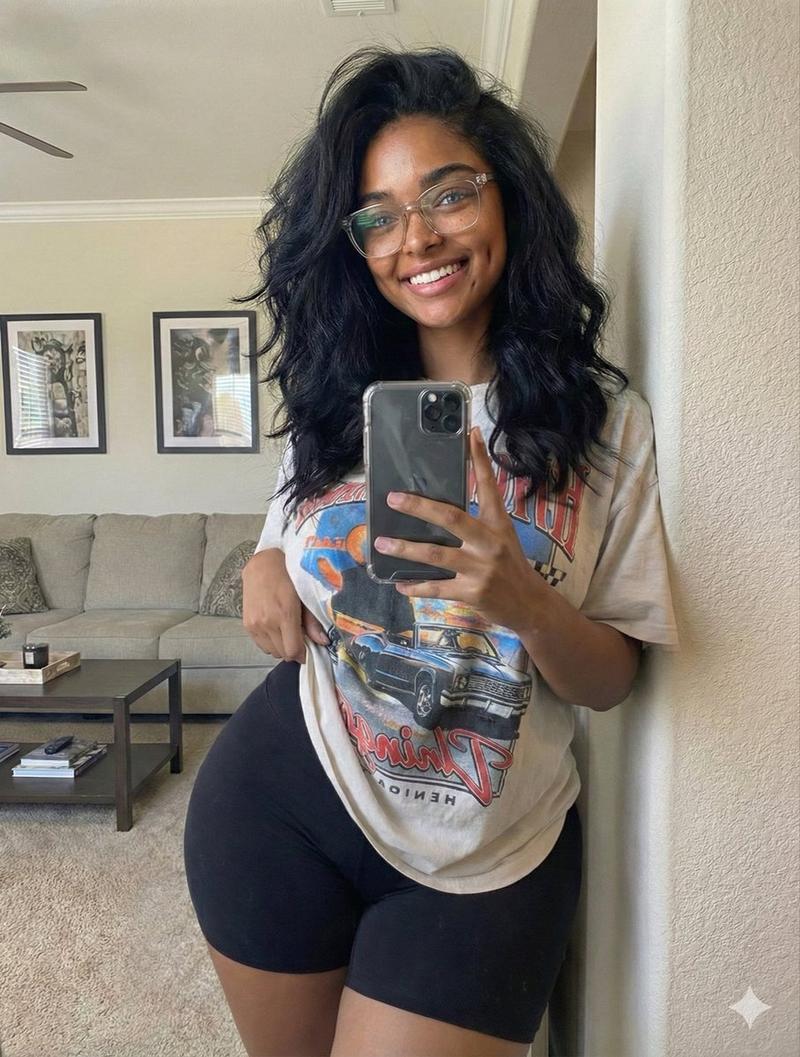
"图片编辑和背景替换工作流程" AI image prompt for Nano Banana Pro (创意图片). 一个两步工作流程,演示如何使用 Nano Banana Pro 进行图像编辑。第一个提示词用第二张图像中的人物替换了第一张图像中的人物,同时保持了姿势。第二个提示词使用生成的图像作为输入,以更改背景…

The full copyable prompt and example visuals above are ready for AI image generation or one-click recreate in Picva.

How to use this prompt

  1. Step 1

    Open the prompt detail

    Review the example visuals, category, and full prompt text for "图片编辑和背景替换工作流程".

  2. Step 2

    Copy the prompt

    Copy the prompt body from this page, or load it directly in Studio.

  3. Step 3

    Pick a model (Nano Banana Pro)

    Prefer Nano Banana Pro. If you switch models, keep subject and composition and tweak style terms.

  4. Step 4

    Generate and export

    Recreate the look in Picva, or export into your workflow for editing and publishing.

FAQ

What is the "图片编辑和背景替换工作流程" prompt?
It is an AI image-generation prompt for Nano Banana Pro in the 创意图片 category. This page includes the full prompt text, example visuals, and a one-click recreate path in Picva.
How do I use this prompt to generate an image?
Copy the prompt from this page, or use Generate / Studio. Paste it into a compatible image model, or recreate the look in Picva with optional reference images.
Which model is this prompt for?
This page lists Nano Banana Pro. Most descriptive prompts also transfer to nearby image models such as GPT Image, Flux, or Midjourney with light style tweaks.
Can I use the result commercially?
You can usually copy the prompt for creation, but commercial use of the final image depends on the model terms, reference-image rights, and the generated content. Follow the source author and platform rules.