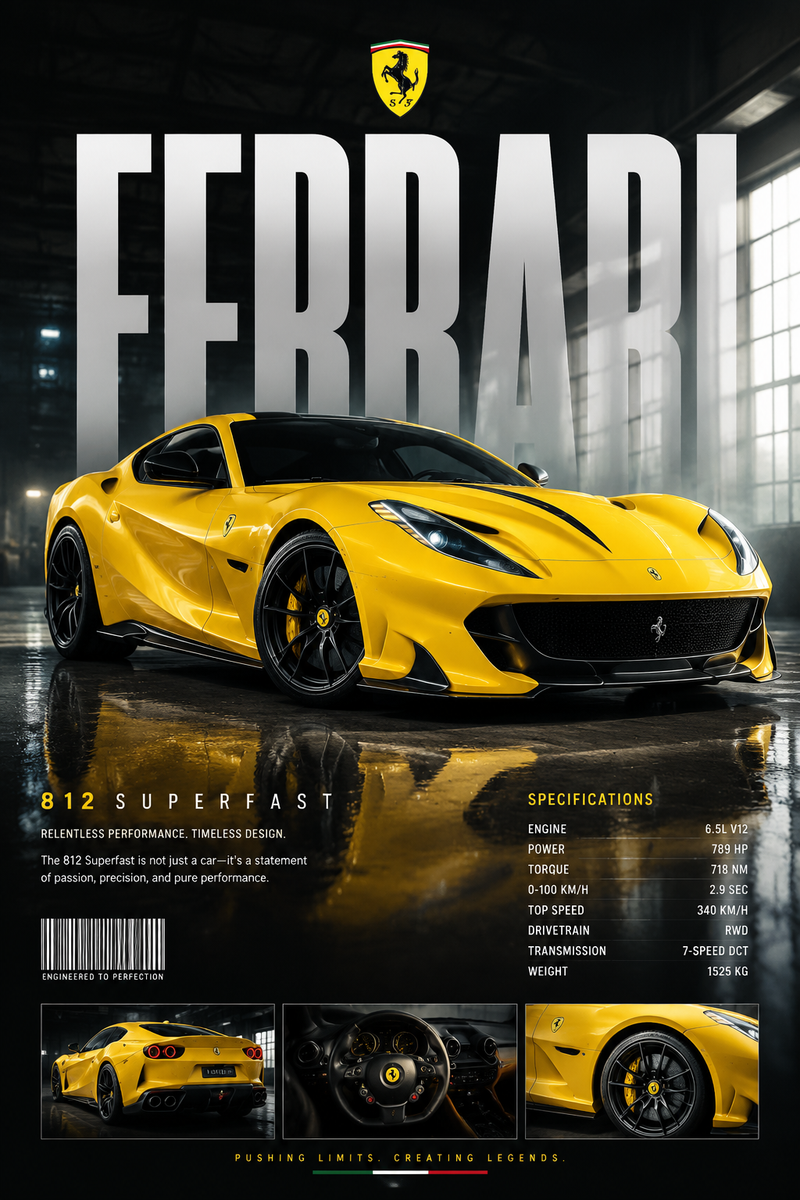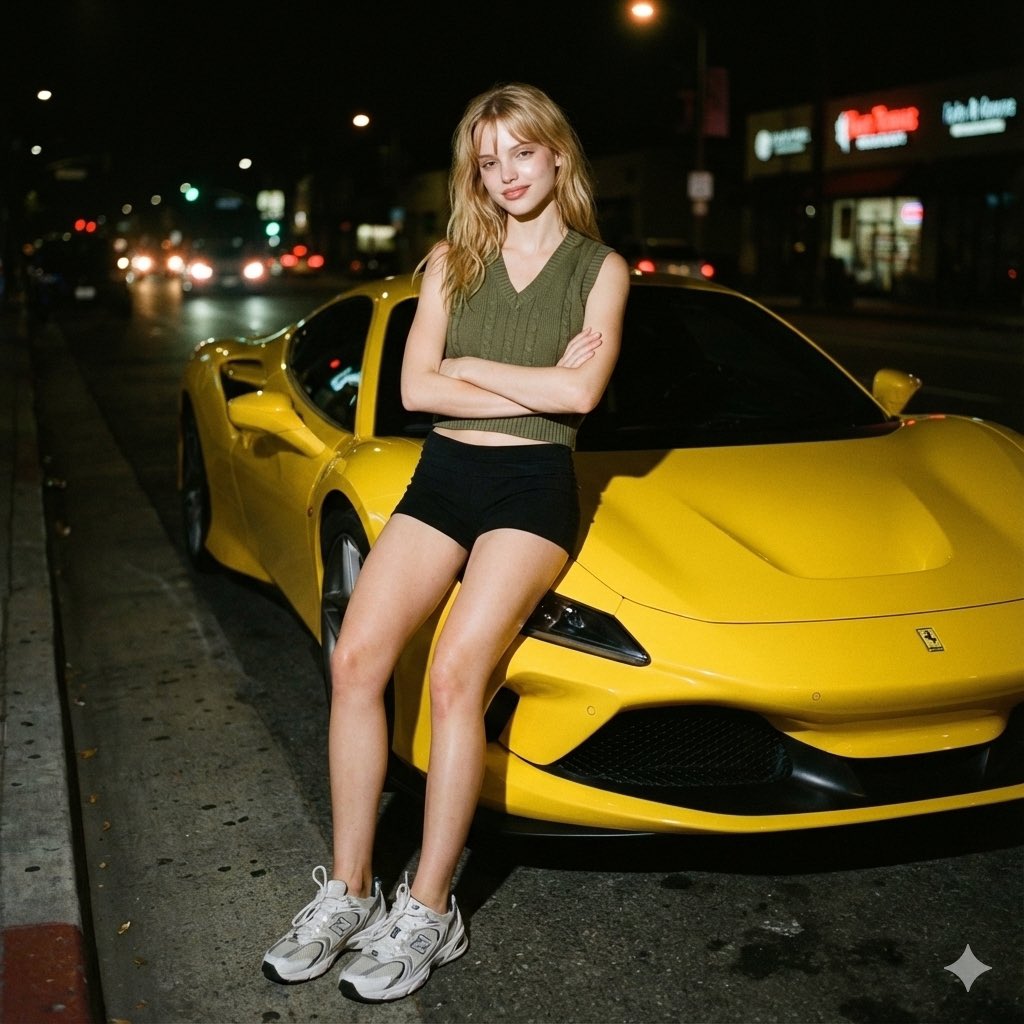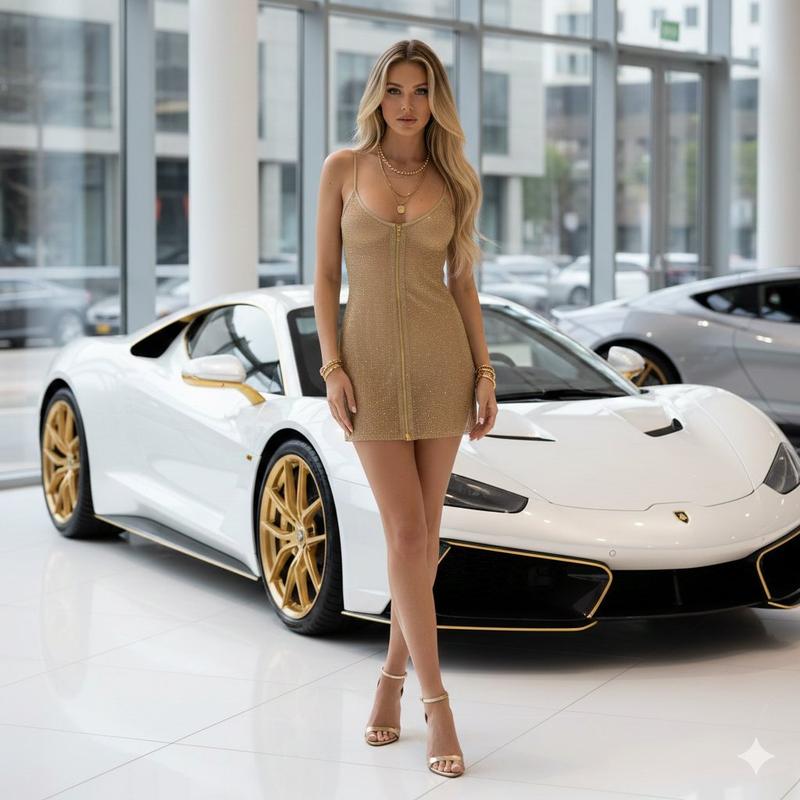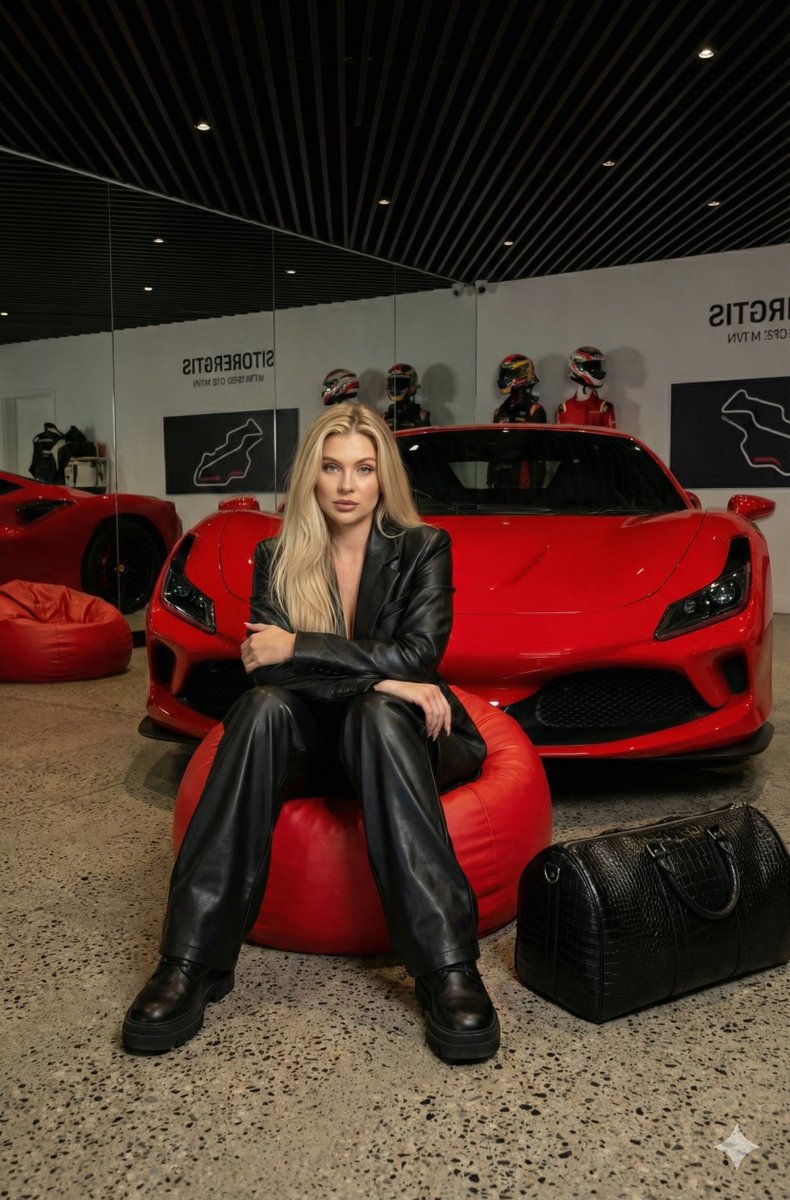
17

电影机库照片提示
Enlarge

电影机库照片提示

Prompt
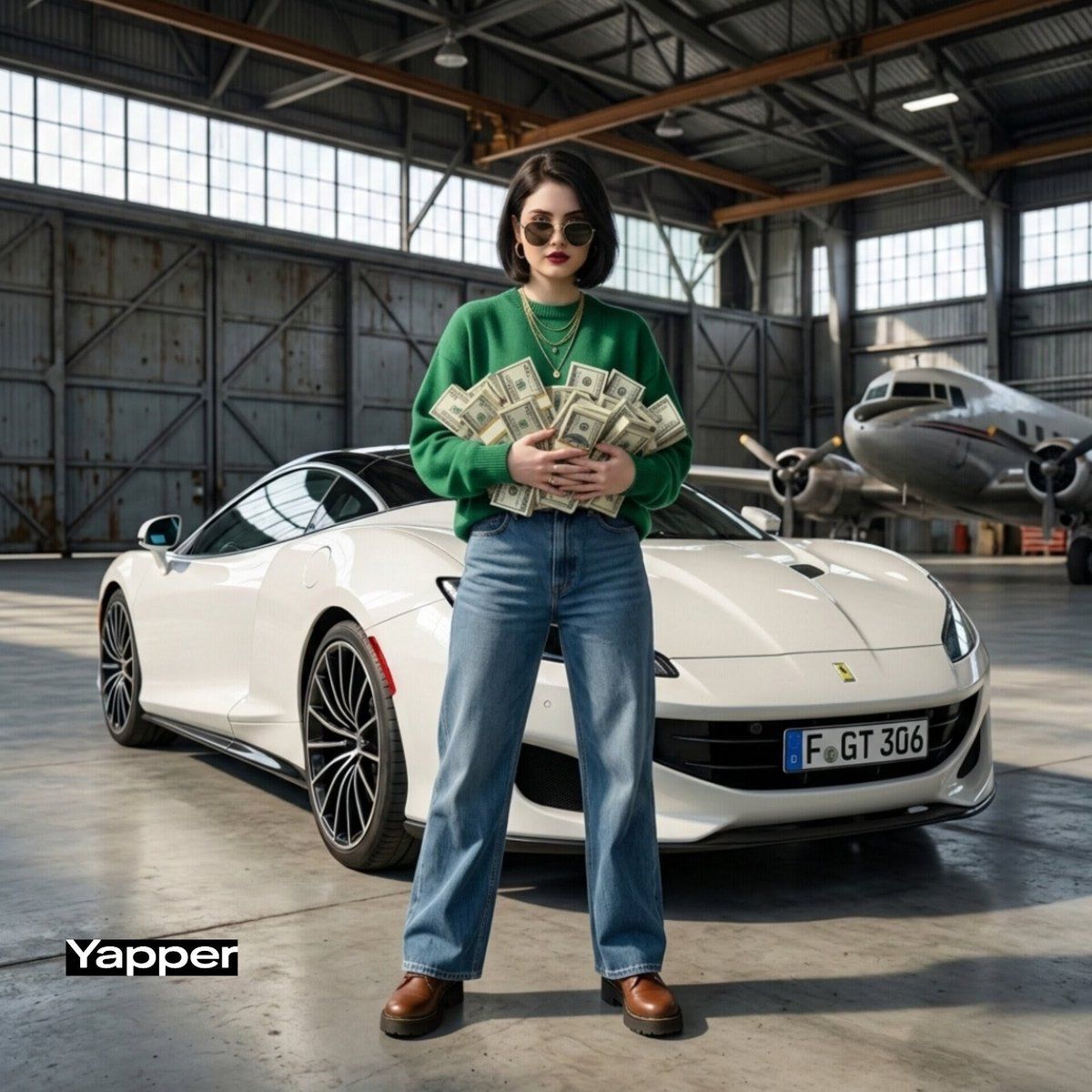
Ultra-realistic cinematic photo of a confident stylish woman standing inside a massive industrial aircraft hangar. Behind her is a white luxury sports car with its trunk open, overflowing with stacks of cash that spill onto the concrete floor in a dramatic pile. A few bills float in the air as if caught by a breeze.
The woman stands calmly beside the car with a powerful, confident pose, wearing dark sunglasses, a stylish {argument name="jacket color" default="green"} oversized jacket or sweater, wide-leg denim jeans, and boots, minimal jewelry, modern fashion look.
Lighting is soft cinematic warehouse lighting with cool tones and subtle reflections on the polished floor. Background shows the huge metal hangar doors and industrial structure.
Shot in high-end editorial photography style, ultra-realistic, 8K, shallow depth of field, dramatic composition, luxury lifestyle aesthetic, sharp details, cinematic color grading.
Category
创意图片
Model
Nano Banana Pro
Views4
Source ID
5d70d70c-ea9d-4640-b95b-888ad994d4f5
Published
Mar 8, 2026

Guide

About "电影机库照片提示"

What is this prompt for?

"电影机库照片提示" AI image prompt for Nano Banana Pro (创意图片). 生成一张超现实电影感照片的提示词:一位自信时尚的女性,站在工业飞机库中,旁边是一辆装满成堆现金的豪华跑车,采用柔和的电影光线和高端的编辑风格。 --- 超写实电影感照片:一位自信时尚的女性站在巨大的工业飞机库…

The full copyable prompt and example visuals above are ready for AI image generation or one-click recreate in Picva.

How to use this prompt

  1. Step 1

    Open the prompt detail

    Review the example visuals, category, and full prompt text for "电影机库照片提示".

  2. Step 2

    Copy the prompt

    Copy the prompt body from this page, or load it directly in Studio.

  3. Step 3

    Pick a model (Nano Banana Pro)

    Prefer Nano Banana Pro. If you switch models, keep subject and composition and tweak style terms.

  4. Step 4

    Generate and export

    Recreate the look in Picva, or export into your workflow for editing and publishing.

FAQ

What is the "电影机库照片提示" prompt?
It is an AI image-generation prompt for Nano Banana Pro in the 创意图片 category. This page includes the full prompt text, example visuals, and a one-click recreate path in Picva.
How do I use this prompt to generate an image?
Copy the prompt from this page, or use Generate / Studio. Paste it into a compatible image model, or recreate the look in Picva with optional reference images.
Which model is this prompt for?
This page lists Nano Banana Pro. Most descriptive prompts also transfer to nearby image models such as GPT Image, Flux, or Midjourney with light style tweaks.
Can I use the result commercially?
You can usually copy the prompt for creation, but commercial use of the final image depends on the model terms, reference-image rights, and the generated content. Follow the source author and platform rules.