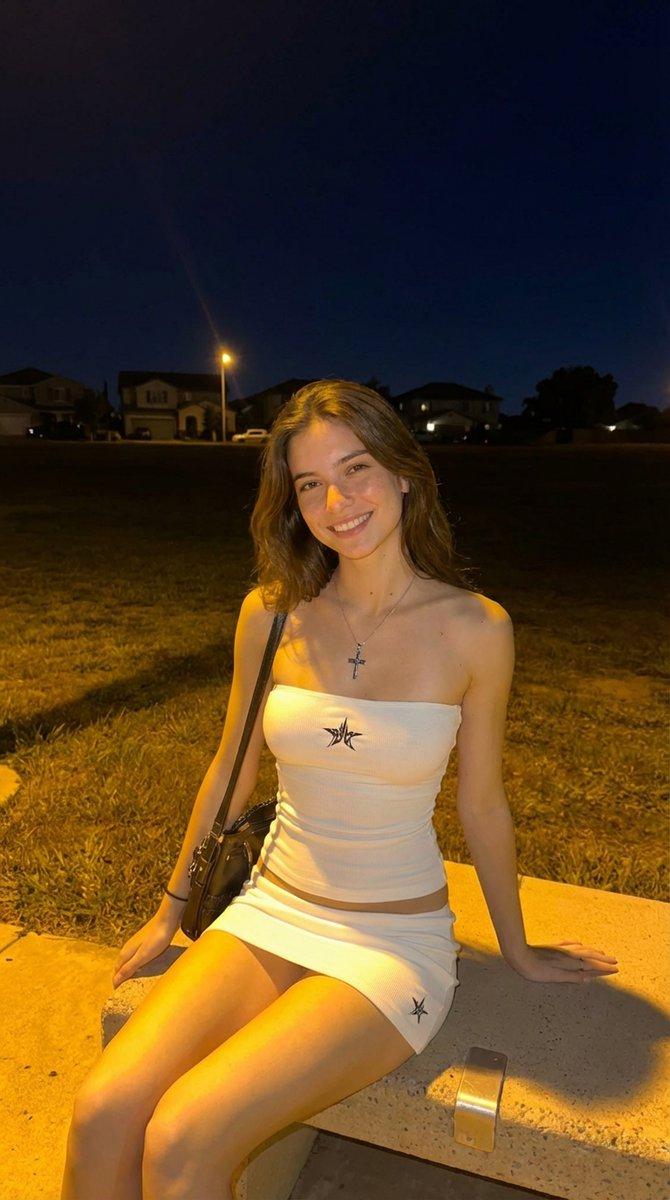
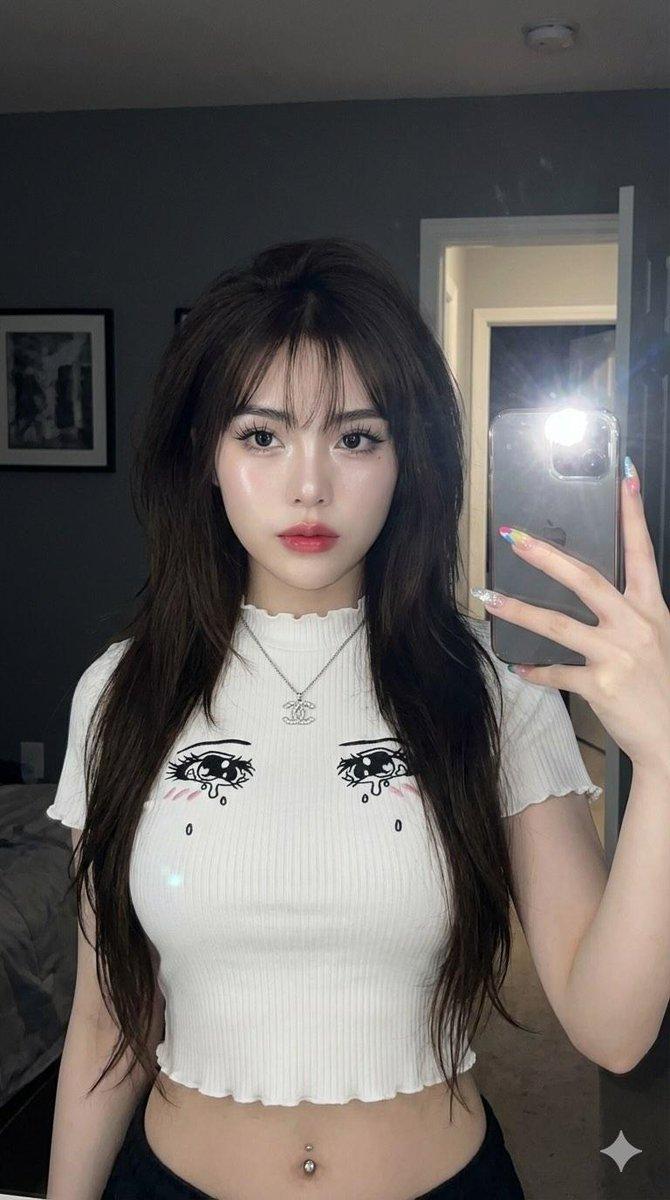
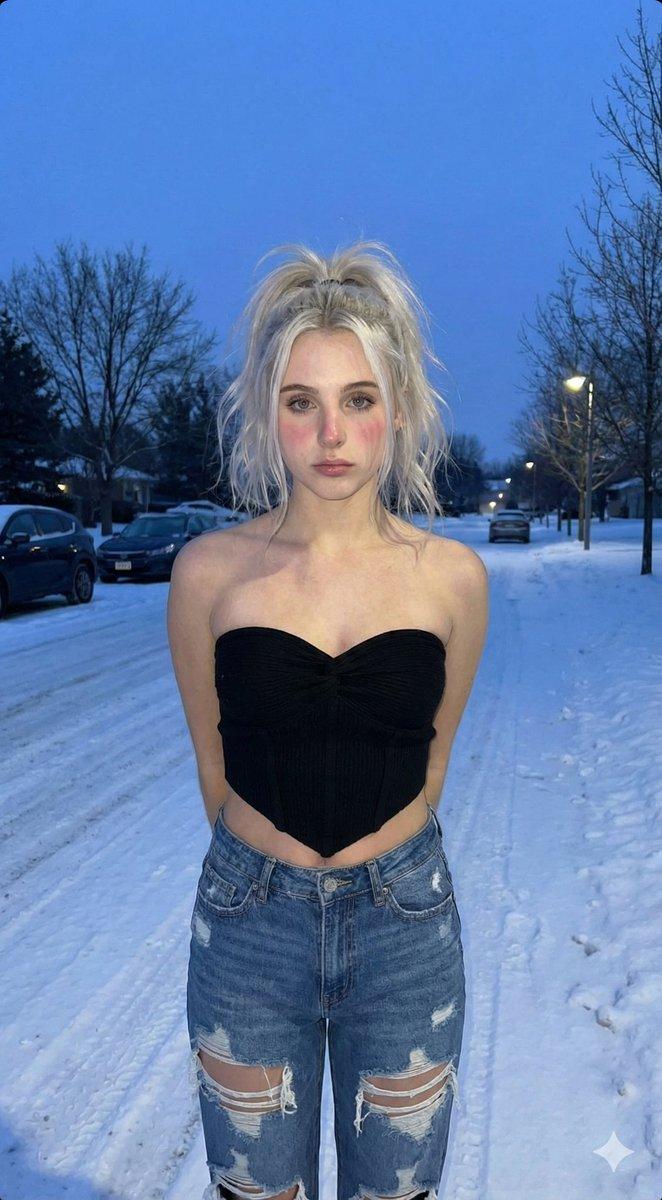
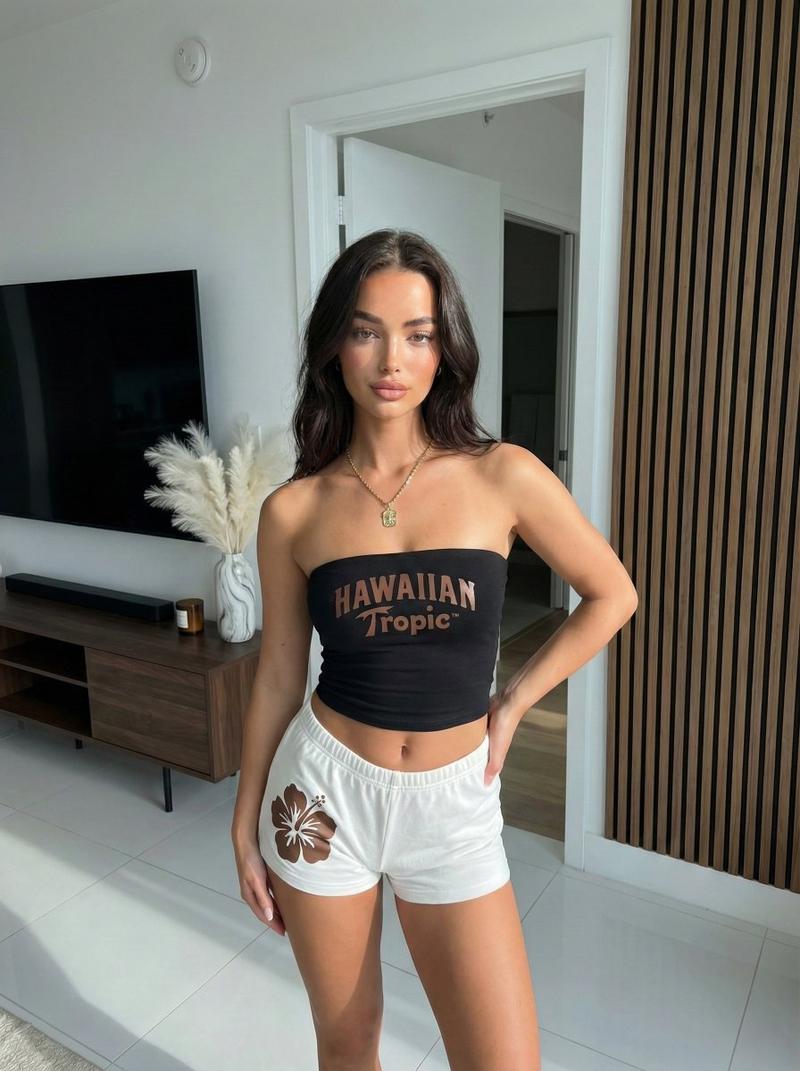
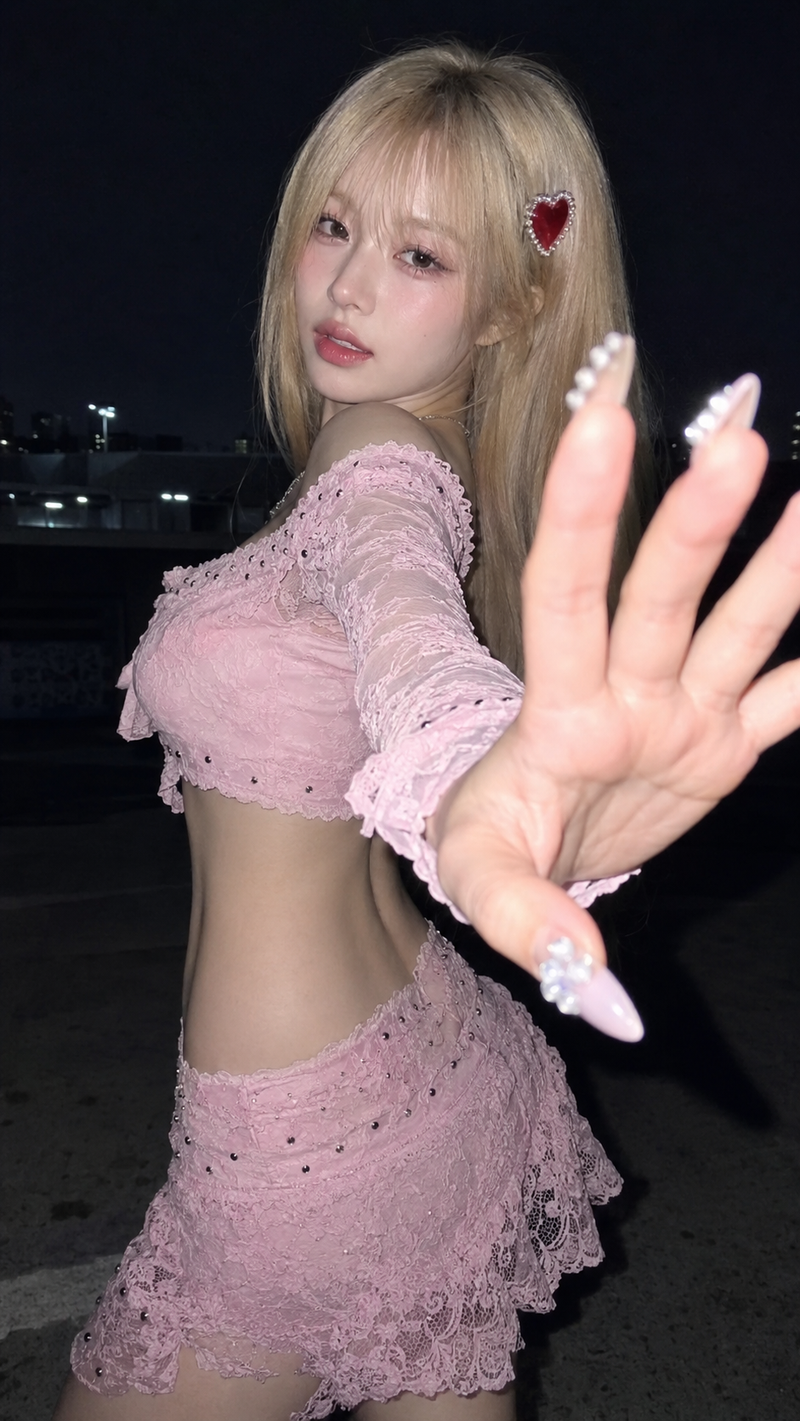
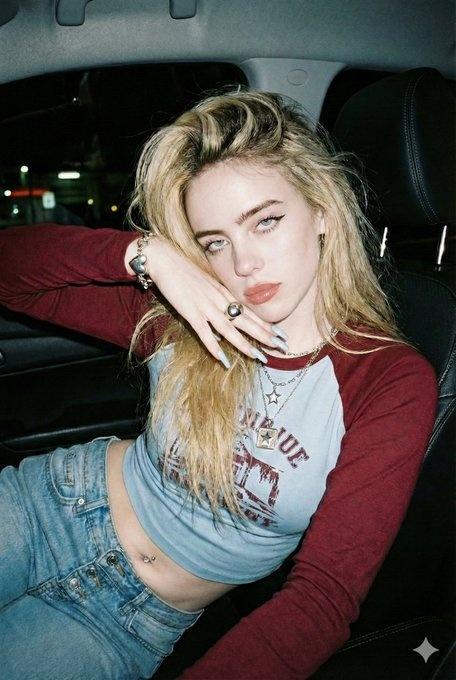
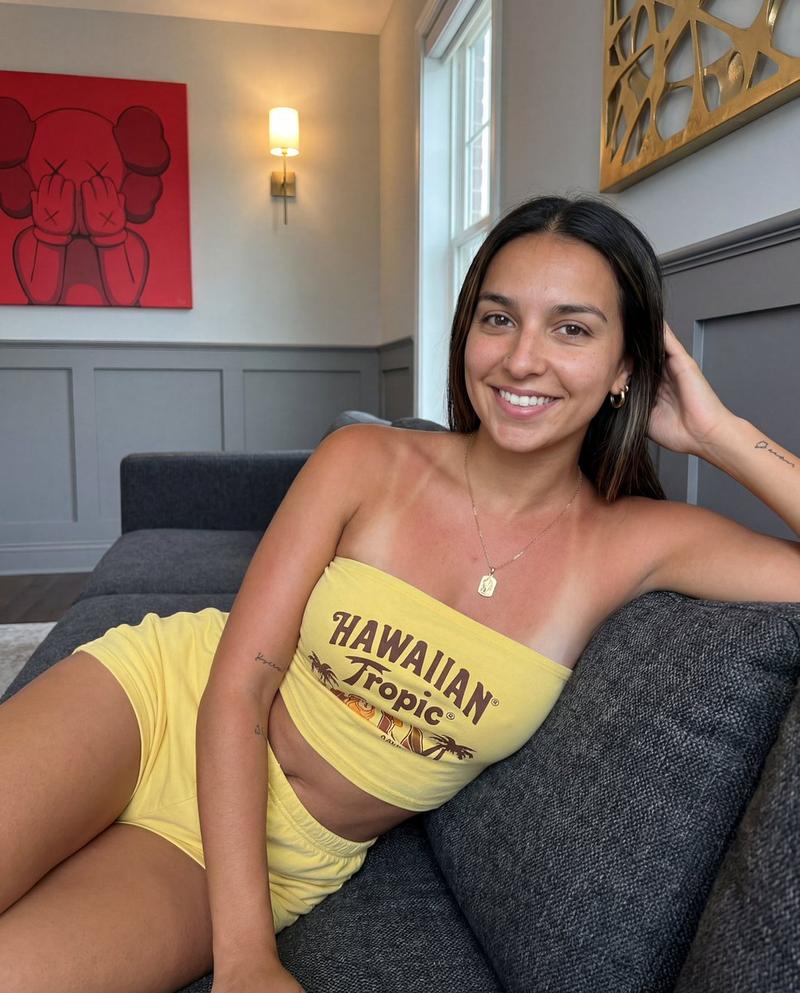
Ed Hardy 停车场快照
Prompt
"photo_type": "Full-body amateur smartphone snapshot",
  "subject": {
    "age": "Early 20s",
    "body_type": "Young Woman, round breast shape, prominent projected profile, fuller bust measurement, large-breasted proportions, fuller chest frame, shapely upper silhouette, top-heavy silhouette, buxom figure, high waist-to-hip contrast, defined waistline, fuller glute measurement, curvy, prominent hips, rounded hip contour, curvy lower body, thick, powerful thighs, full thighs, push-up bra effect",
    "description": "A Woman with a highly defined hourglass figure posing outdoors at night.",
    "ethnicity": "NA",
    "expression": "Neutral expression with a subtle, confident pout and direct eye contact",
    "gender": "Female",
    "mirror_rules": "None",
    "pose_description": "The subject stands with one arm reaching forward toward the camera, creating wide-angle lens distortion on the limb. Her torso is slightly angled to showcase her high waist-to-hip contrast while she looks directly at the lens.",
    "tattoos": "A thin script tattoo on the right forearm and a similar script tattoo on the lower left thigh."
  },
  "clothing": {
    "bottom": {
      "color": "Black",
      "details": "High-waisted, form-fitting",
      "fabric": "Spandex-blend athletic fabric",
      "type": "Tight athletic shorts"
    },
    "fit_and_physics": "The white top is strained over the bust, creating realistic tension lines at the seams and armholes. The shorts are tightly compressed over the hips and powerful thighs with visible fabric stretching.",
    "outerwear": {
      "color": "None",
      "details": "None",
      "fabric": "None",
      "type": "None"
    },
    "shoes": {
      "color": "None",
      "details": "Out of frame",
      "fabric": "None",
      "type": "None"
    },
    "top": {
      "color": "White",
      "details": "Graphic featuring a cross and rose with 'True Love' and 'Ed Hardy' text in tattoo-style script",
      "fabric": "Ribbed cotton",
      "type": "Ed Hardy graphic crop tank top"
    }
  },
  "hair": {
    "color": "Dark brown to black",
    "interaction": "Framing the face and cascading over the shoulders",
    "style": "Long, dense, dark, wavy terminal hair as seen in character reference"
  },
  "face": {
    "description": "Use the uploaded character reference image, keep all facial details 100% unchanged",
    "eyebrows": "Well-defined, arched",
    "eyes": "Almond-shaped with dark brown irises",
    "lips": "Full, symmetrical",
    "makeup": "Warm-toned contour, subtle eyeliner, and glossy lips"
  },
  "skin_texture": "Natural skin with visible pores, slight shine from the flash, and subtle vellus hair on the jawline.",
  "biological_features": {
    "eye_complexity": "Wetness on the tear duct and sharp corneal reflection from the flash",
    "hair_strand_physics": "Fine, individual flyaway strands visible against the dark background",
"skin_micro_texture":- Category
- 创意图片
- Model
- Nano Banana Pro
- Creator
- Layla 🌙
- Source ID
- 25afa3ca-7089-4dbb-86e8-769b987ee638
- Published
- Mar 8, 2026
Views0