20

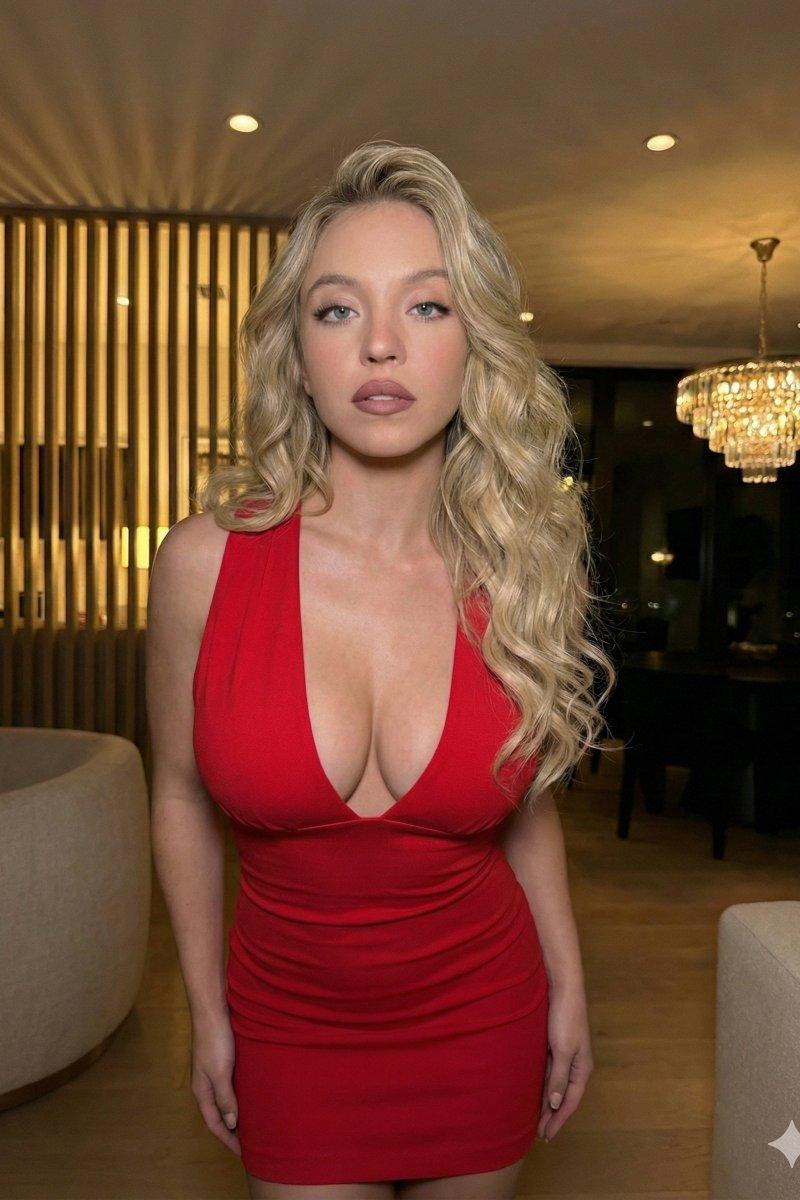
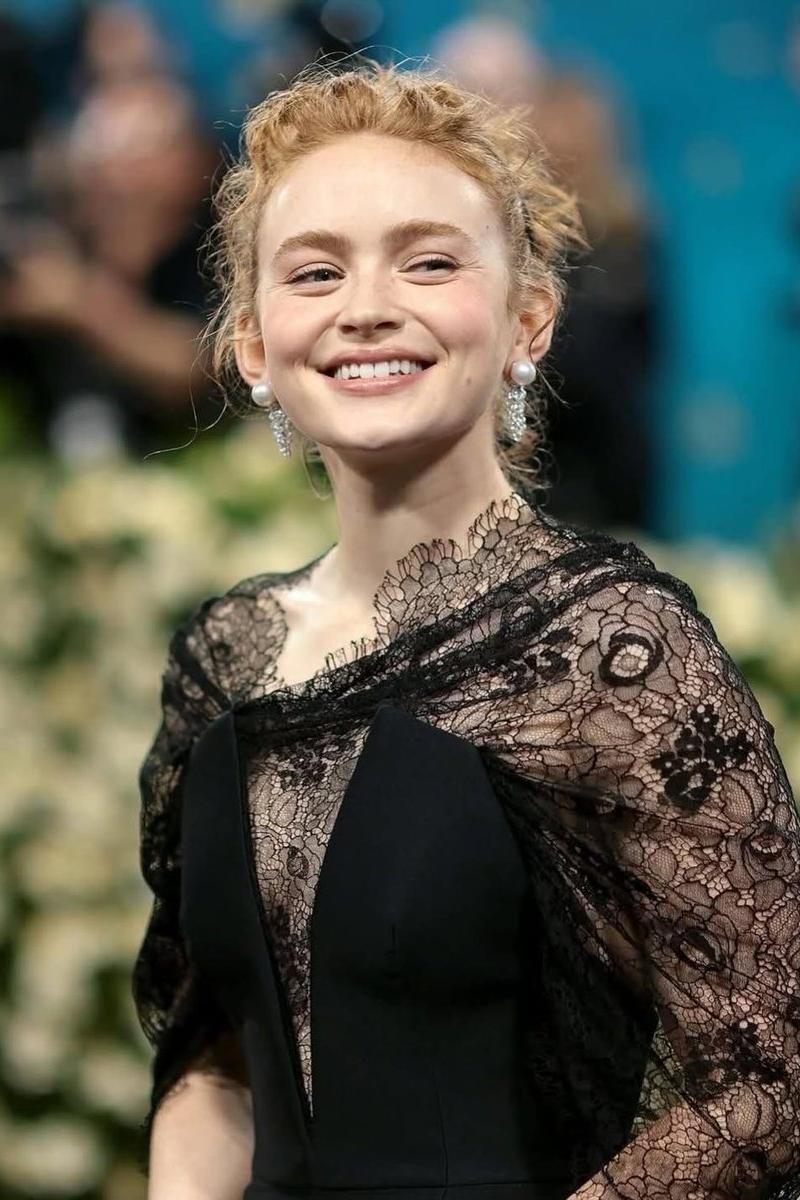
金发女性的优雅红毯肖像
Enlarge

Example images

金发女性的优雅红毯肖像

Prompt
{
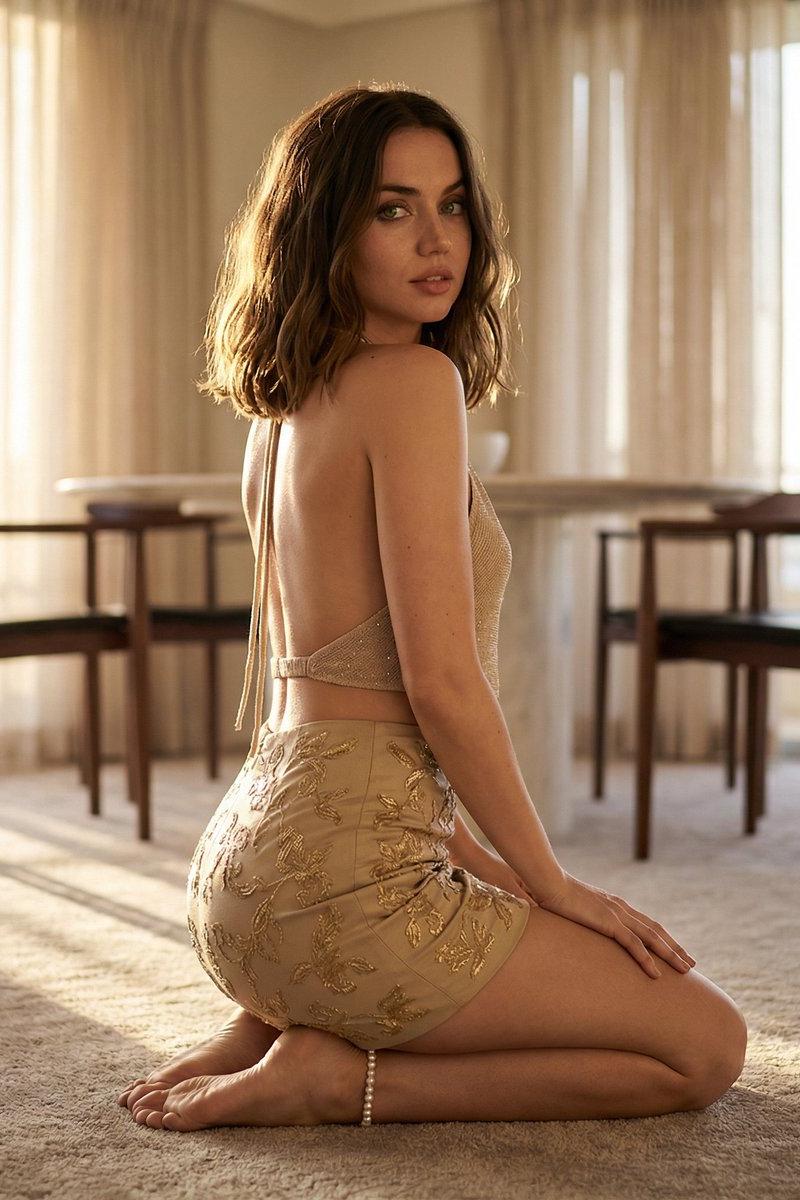
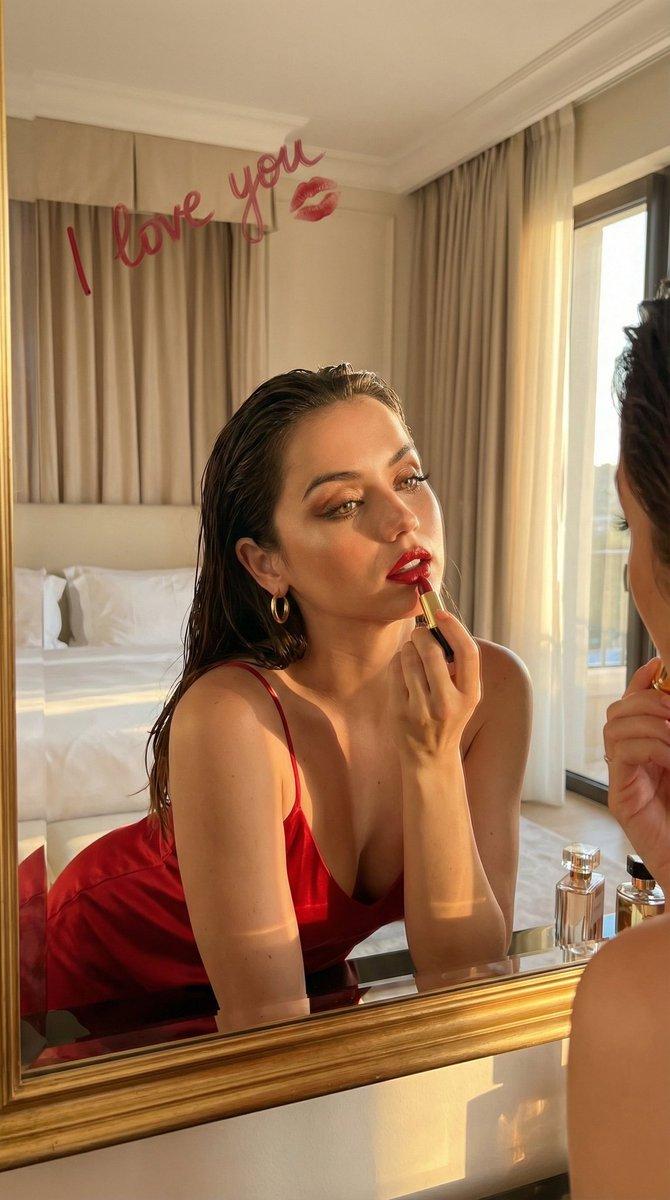
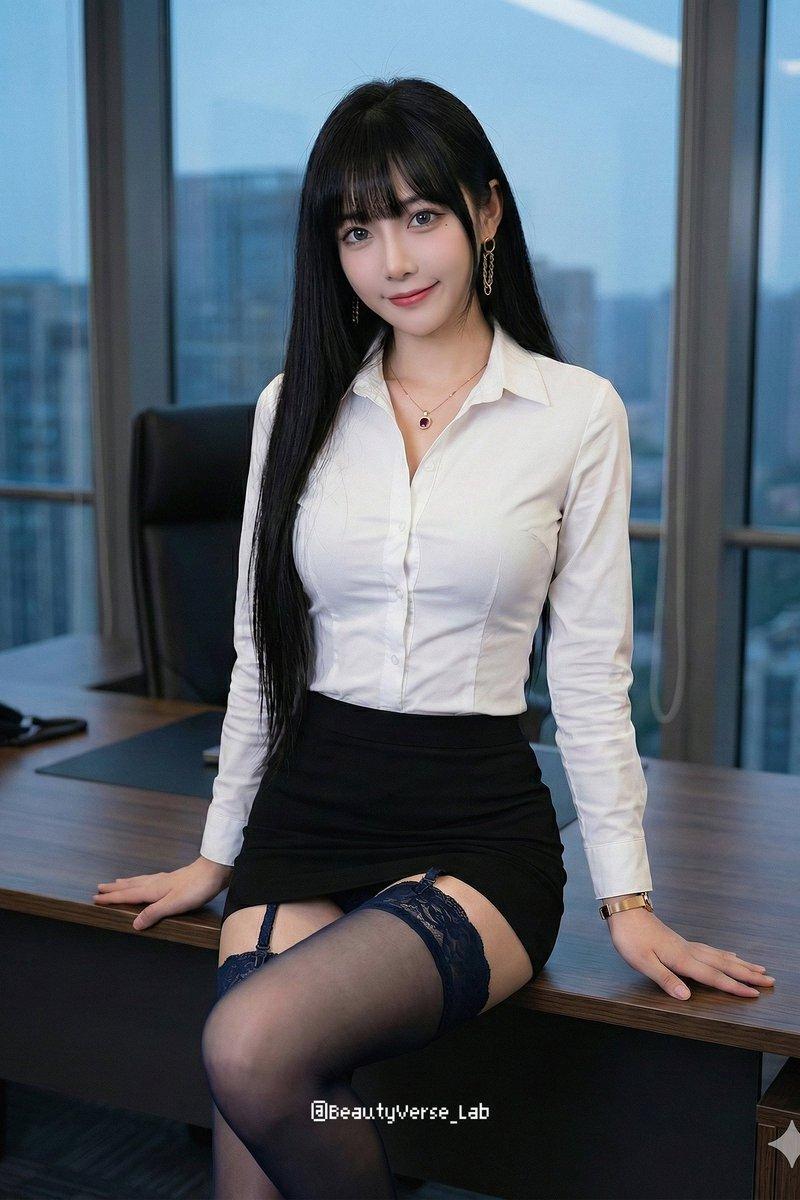
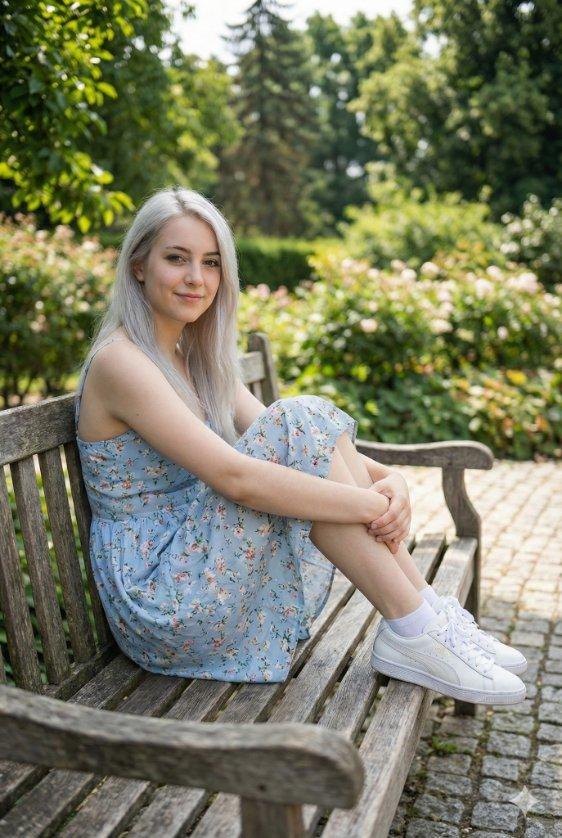
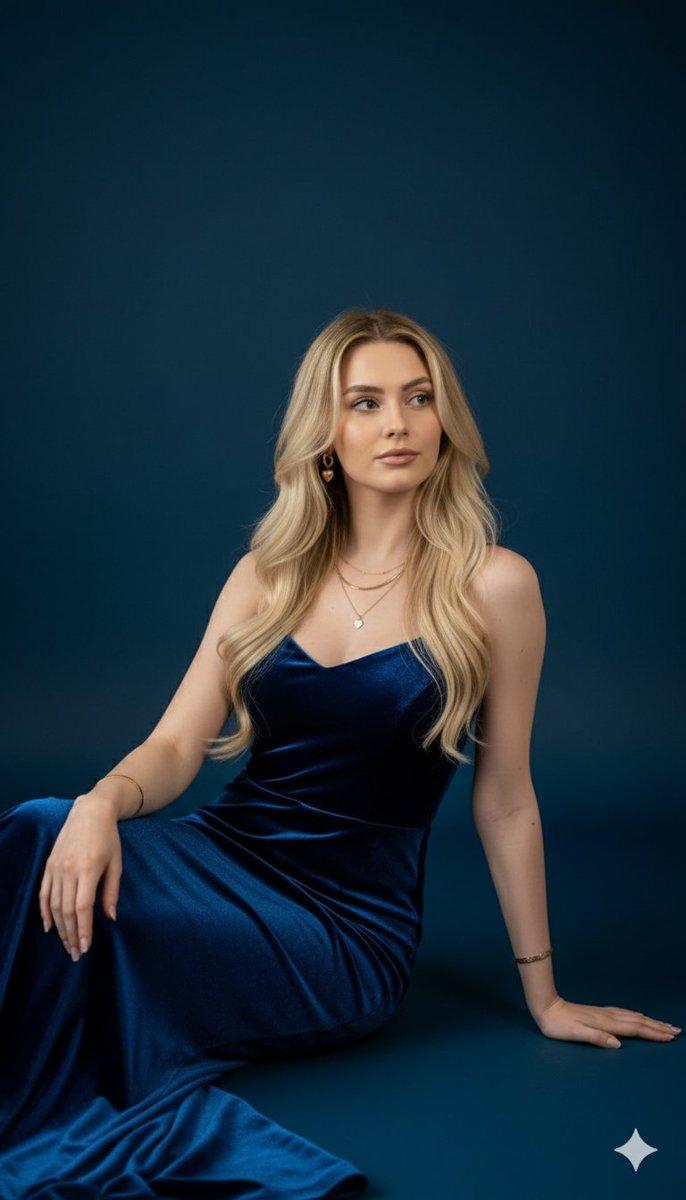
  "description": "A young woman with fair skin and blonde hair styled in a soft updo smiles warmly while looking slightly to the side. She is wearing elegant pearl drop earrings and a sophisticated black dress with sheer lace sleeves and floral lace patterns across the shoulders and neckline. The background is softly blurred with teal tones and indistinct people, suggesting a glamorous red carpet or formal event setting. The lighting highlights her natural glow and joyful expression, creating a refined and graceful atmosphere.",
  "style": "photorealistic, red carpet, elegant fashion",
  "mood": "graceful, confident, joyful",
  "lighting": "soft event lighting with natural highlights",
  "background": "blurred crowd with teal tones at a formal event",
  "camera": "portrait shot, shallow depth of field, high detail"
}
Category
创意图片
Model
Nano Banana Pro
Creator
Zainab Fatima
Source language
en
Views5
Source ID
45cca4a3-762e-4123-a883-98a58b809459
Published
Mar 8, 2026
Studio

Guide

About "金发女性的优雅红毯肖像"

What is this prompt for?

"金发女性的优雅红毯肖像" AI image prompt for Nano Banana Pro (创意图片). 一个结构化提示,用于生成一张金发女性的逼真优雅肖像,她身穿精致的黑色蕾丝连衣裙,佩戴珍珠耳环,背景是模糊的青色调正式活动场景,强调柔和的灯光和愉悦自信的情绪。 --- ```json { "descri…

The full copyable prompt and example visuals above are ready for AI image generation or one-click recreate in Picva.

How to use this prompt

  1. Step 1

    Open the prompt detail

    Review the example visuals, category, and full prompt text for "金发女性的优雅红毯肖像".

  2. Step 2

    Copy the prompt

    Copy the prompt body from this page, or load it directly in Studio.

  3. Step 3

    Pick a model (Nano Banana Pro)

    Prefer Nano Banana Pro. If you switch models, keep subject and composition and tweak style terms.

  4. Step 4

    Generate and export

    Recreate the look in Picva, or export into your workflow for editing and publishing.

FAQ

What is the "金发女性的优雅红毯肖像" prompt?
It is an AI image-generation prompt for Nano Banana Pro in the 创意图片 category. This page includes the full prompt text, example visuals, and a one-click recreate path in Picva.
How do I use this prompt to generate an image?
Copy the prompt from this page, or use Generate / Studio. Paste it into a compatible image model, or recreate the look in Picva with optional reference images.
Which model is this prompt for?
This page lists Nano Banana Pro. Most descriptive prompts also transfer to nearby image models such as GPT Image, Flux, or Midjourney with light style tweaks.
Can I use the result commercially?
You can usually copy the prompt for creation, but commercial use of the final image depends on the model terms, reference-image rights, and the generated content. Follow the source author and platform rules.