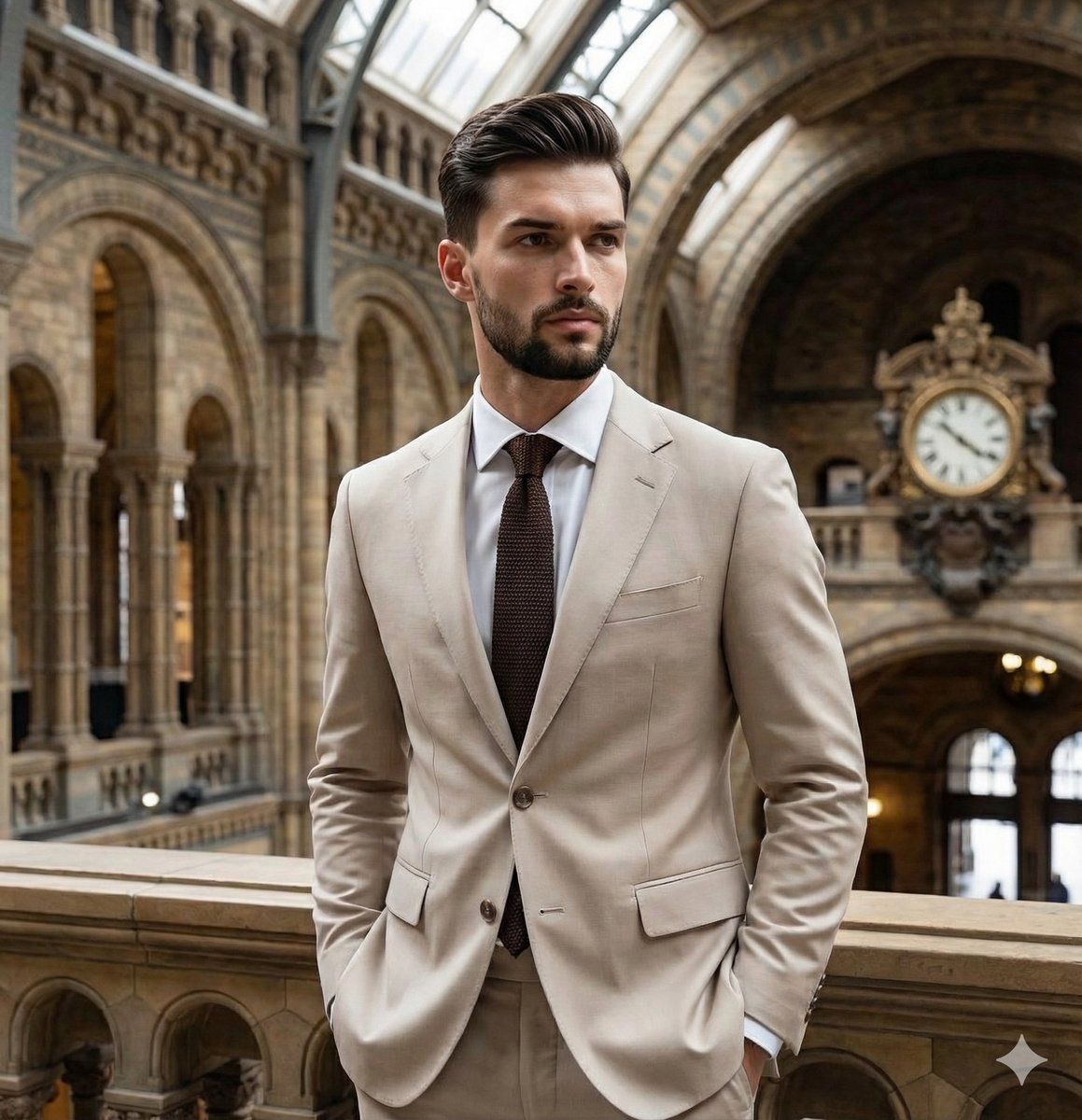
建筑构图下的编辑肖像
Prompt
{
"metadata": {
"image_type": "photograph",
"primary_purpose": "editorial/social media/portrait"
},
"composition": {
"rule_applied": "center composition",
"aspect_ratio": "{argument name="aspect ratio" default="3:4"}",
"layout": "layered",
"focal_points": [
"The subject's face and upper torso",
"The ornate dark clock hanging in the archway behind him"
],
"visual_hierarchy": "Eye starts at the subject's face, moves down the lines of his suit, then is drawn upward and outward by the sweeping curves of the architectural arches in the background.",
"balance": "symmetric - the subject is centered, and the architectural arches provide a strongly balanced, albeit slightly angled, symmetrical framing"
},
"color_profile": {
"dominant_colors": [
{
"color": "Light Beige",
"hex": "#D5CABD",
"percentage": "35",
"role": "primary subject clothing"
},
{
"color": "Warm Cream/Off-White",
"hex": "#E6E1D8",
"percentage": "45",
"role": "background architecture"
},
{
"color": "Dark Brown",
"hex": "#3A2E2A",
"percentage": "5",
"role": "accent (tie and clock)"
},
{
"color": "Black/Dark Marble",
"hex": "#1A1A1A",
"percentage": "10",
"role": "accent (floor border and shadowed areas)"
}
],
"color_palette": "monochromatic/analogous",
"temperature": "warm",
"saturation": "desaturated",
"contrast": "medium contrast"
},
"lighting": {
"type": "natural window/mixed",
"source_count": "multiple sources - large diffused overhead/skylight and ambient reflections",
"direction": "diffused from above",
"directionality": "diffused",
"quality": "soft light",
"intensity": "moderate",
"contrast_ratio": "low contrast (flat)",
"mood": "sophisticated/calm",
"shadows": {
"type": "soft gradual edges",
"density": "faint",
"placement": "under the chin, lapels, and receding architectural recesses",
"length": "short"
},
"highlights": {
"treatment": "preserved",
"placement": "on forehead, nose bridge, and the tops of the stone balustrade"
},
"ambient_fill": "present",
"light_temperature": "warm (golden)"
},
"technical_specs": {
"medium": "digital photography",
"style": "realistic",
"texture": "smooth",
"sharpness": "tack sharp",
"grain": "none",
"depth_of_field": "medium - subject is isolated but background architecture is highly readable",
"perspective": "straight on"
},
"artistic_elements": {
"genre": "portrait/editorial",
"influences": [
"Classic menswear photography",
"Architectural portraiture"
],
"mood": "sophisticated",
"atmosphere": "Elegant, grand, and timeless, conveying a sense of luxury and historic refinement",
"visual_style": "clean/structured"
},
"typography": {
"present": false,
"fonts": [],
"placement": "none",
"integration": "none"
},
"subject_analysis": {
"primary_subject": "Young Caucasian male with short brown hair, wearing a tailored light beige suit.",
"positioning": "center",
"scale": "medium",
"subject_presence": {
"pose_and_body_language": "standi- Category
- 创意图片
- Model
- Nano Banana Pro
- Creator
- Picts by AI
- Source ID
- ddee975c-46c5-4579-80a8-317309531266
- Published
- Mar 8, 2026
Views3