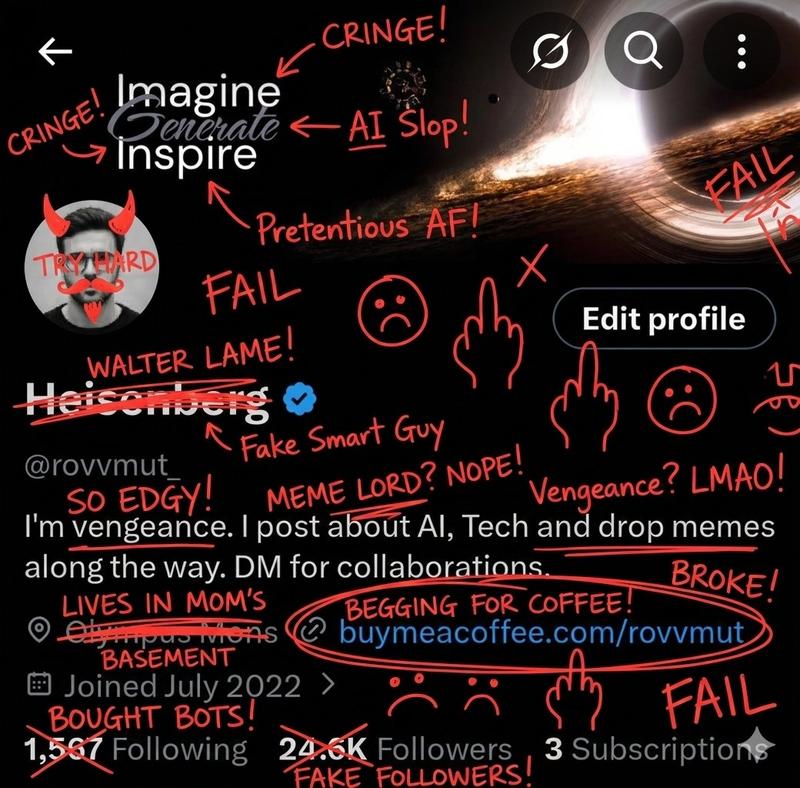
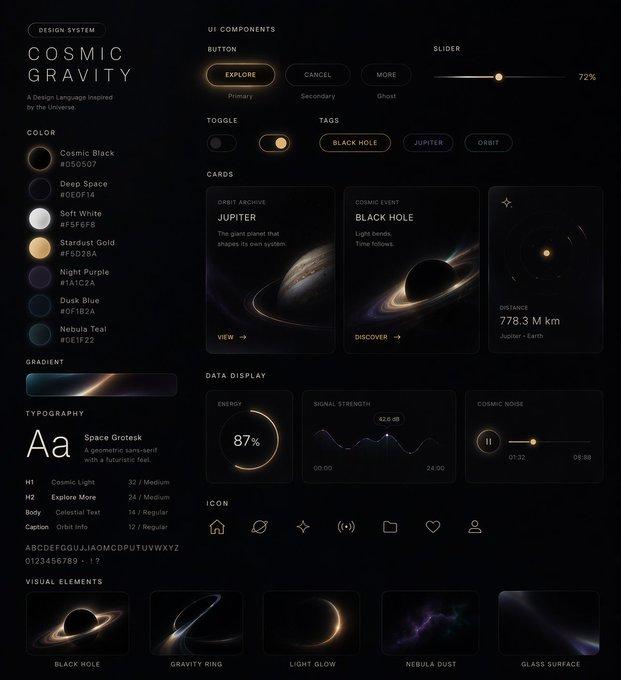
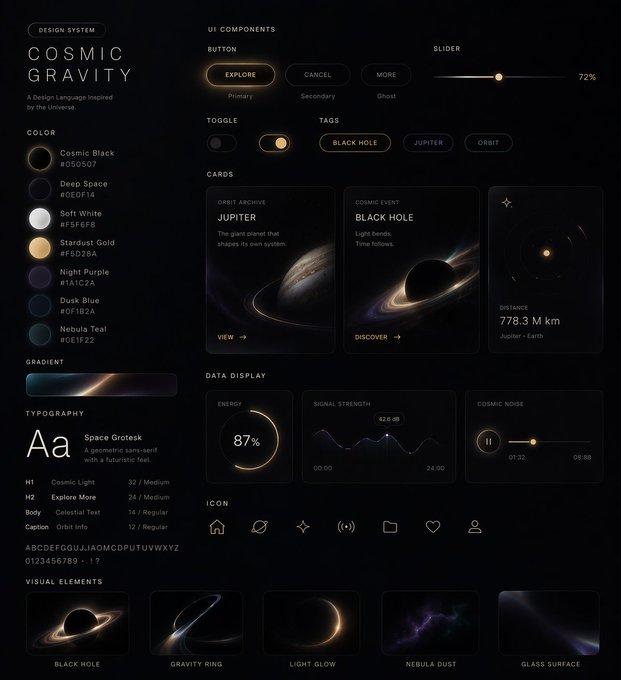
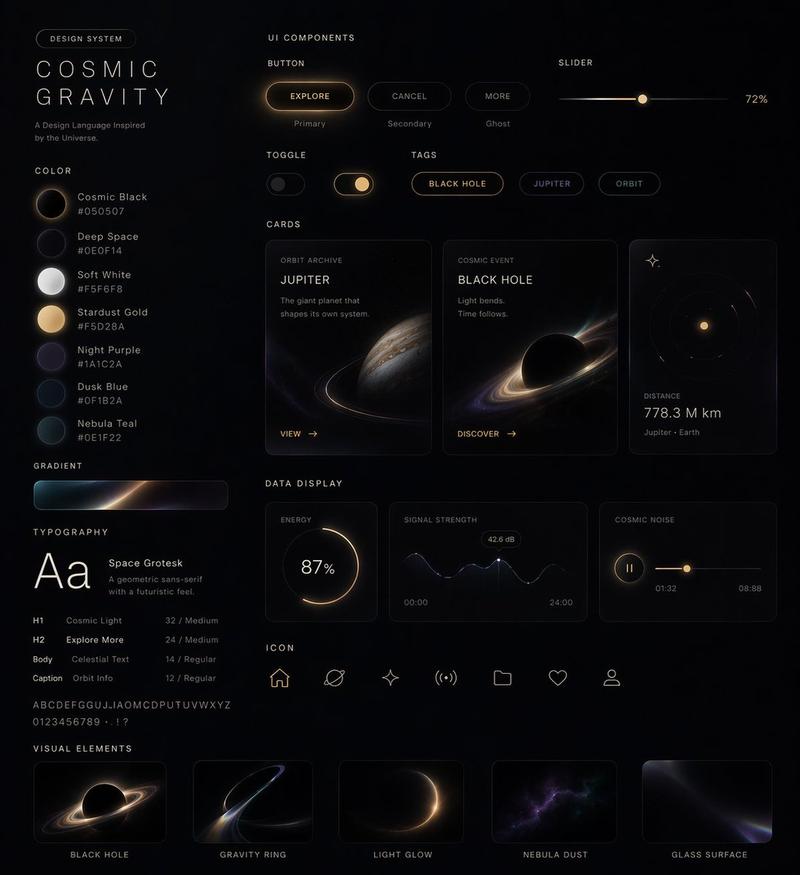
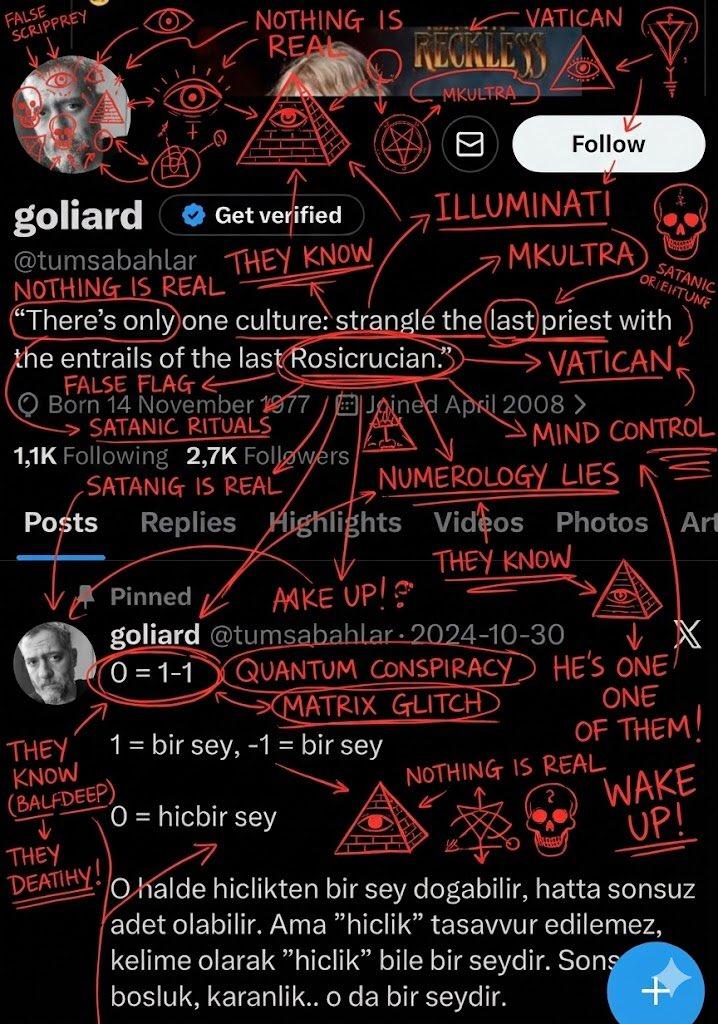
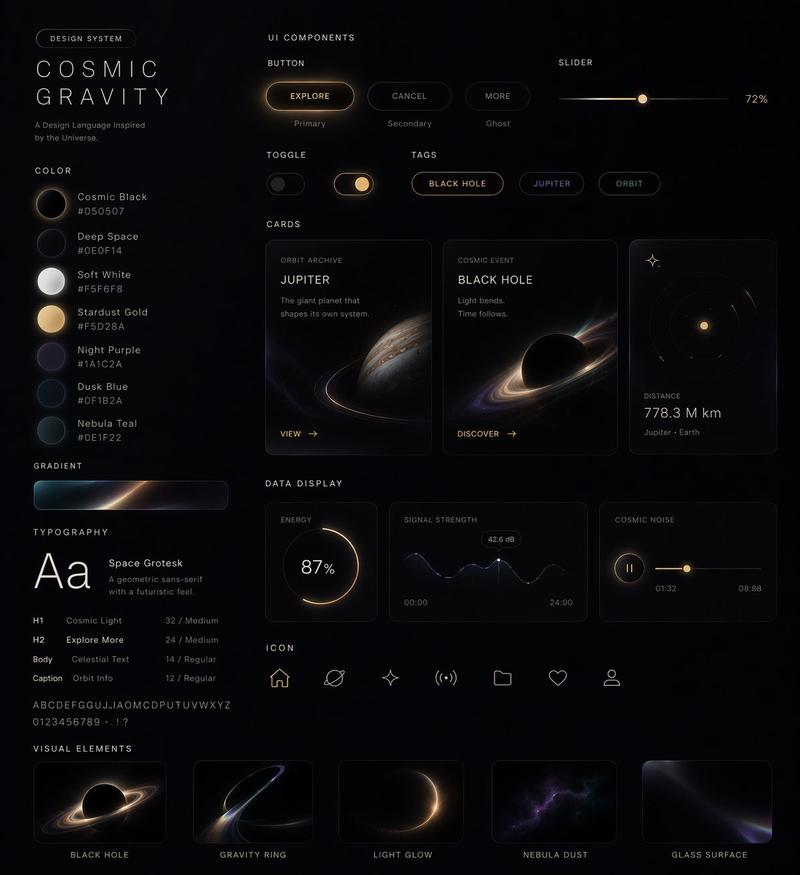
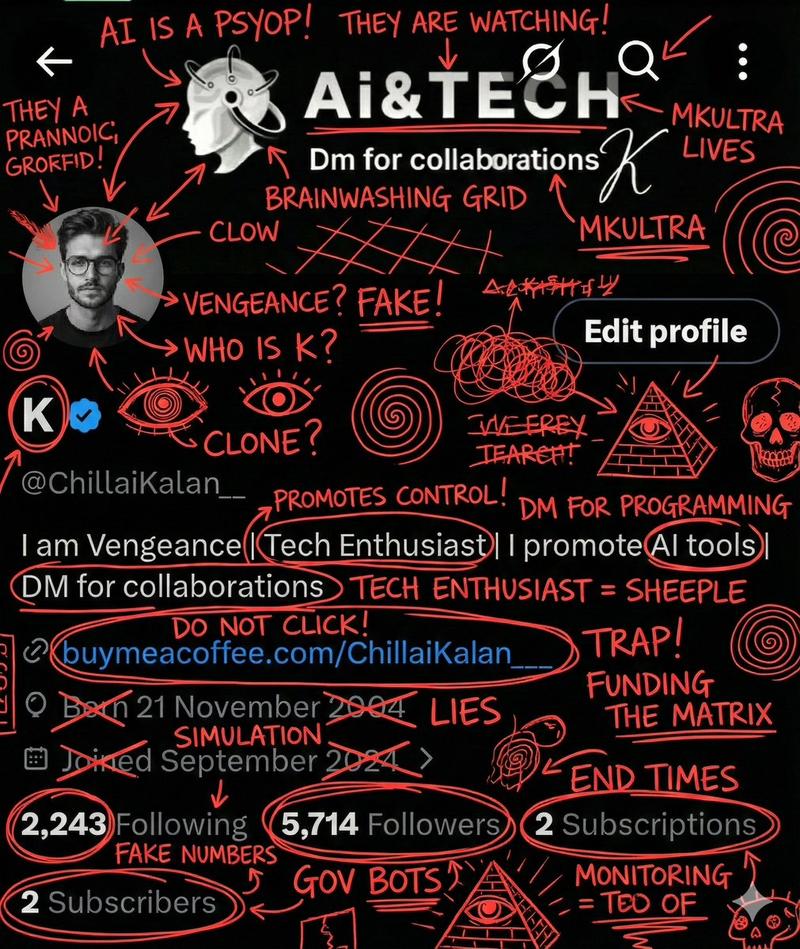
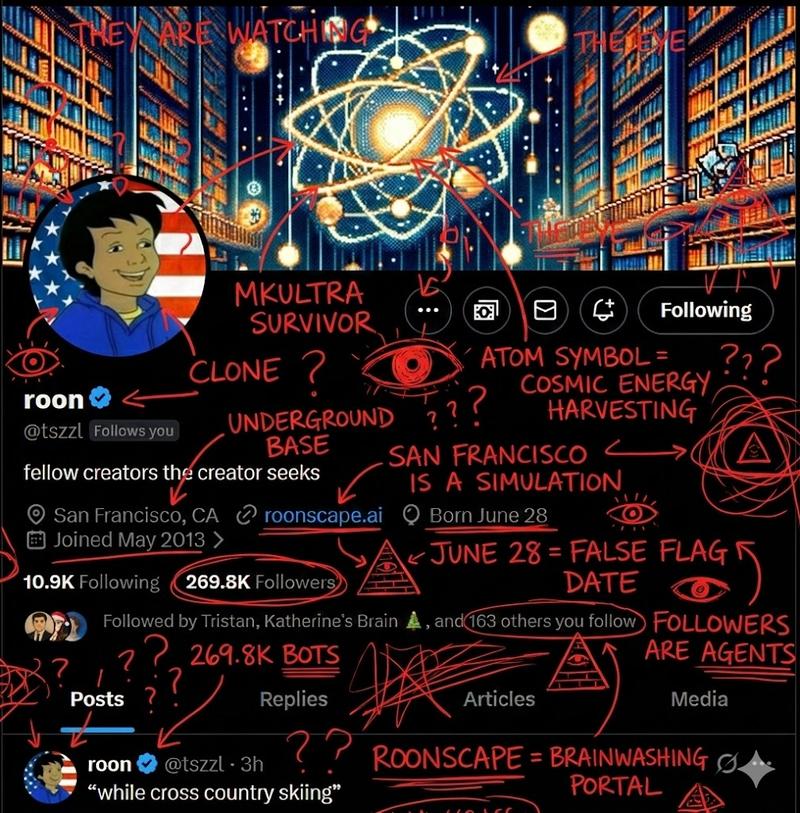
“烤焦涂鸦”效果的图像叠加(变体)
Prompt
Overlay this with insane roast scribble, red ink, doodles, remarks, comments.
- Category
- 创意图片
- Model
- Nano Banana Pro
- Creator
- Heisenberg
- Source ID
- 33065867-2bcd-45af-94f6-13fbdb51ffa1
- Published
- Mar 8, 2026
Views0
12
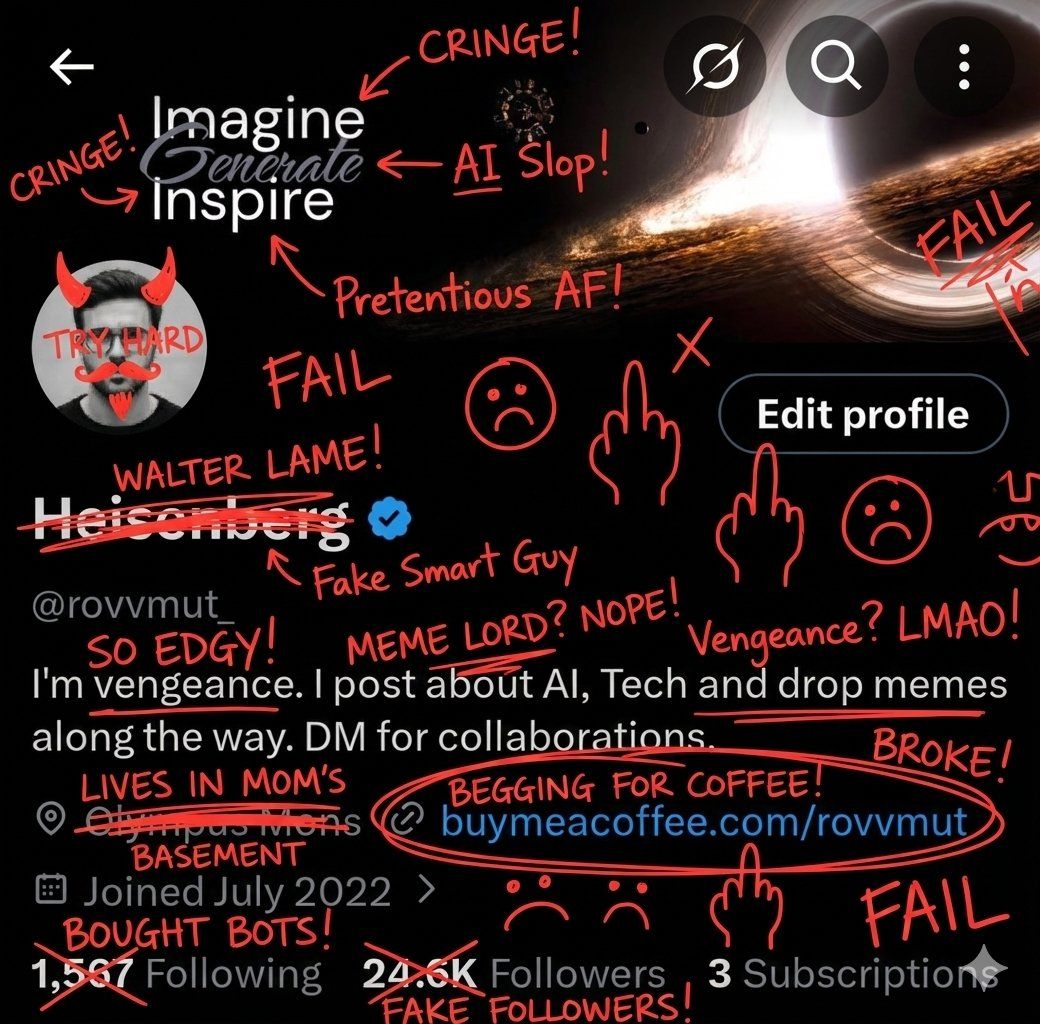
Overlay this with insane roast scribble, red ink, doodles, remarks, comments.
Guide
"“烤焦涂鸦”效果的图像叠加(变体)" AI image prompt for Nano Banana Pro (创意图片). 一个简单的提示,指示 AI 将图片进行叠加,并添加具有攻击性、幽默感和混乱的注释,包括红墨水、涂鸦、评论和批注,以模拟一种“吐槽”效果。 --- 用疯狂的吐槽涂鸦、红墨水、涂鸦、评论、批注覆…
The full copyable prompt and example visuals above are ready for AI image generation or one-click recreate in Picva.
Step 1
Review the example visuals, category, and full prompt text for "“烤焦涂鸦”效果的图像叠加(变体)".
Step 2
Copy the prompt body from this page, or load it directly in Studio.
Step 3
Prefer Nano Banana Pro. If you switch models, keep subject and composition and tweak style terms.
Step 4
Recreate the look in Picva, or export into your workflow for editing and publishing.