湿发与色彩对比的戏剧性霓虹肖像
Prompt
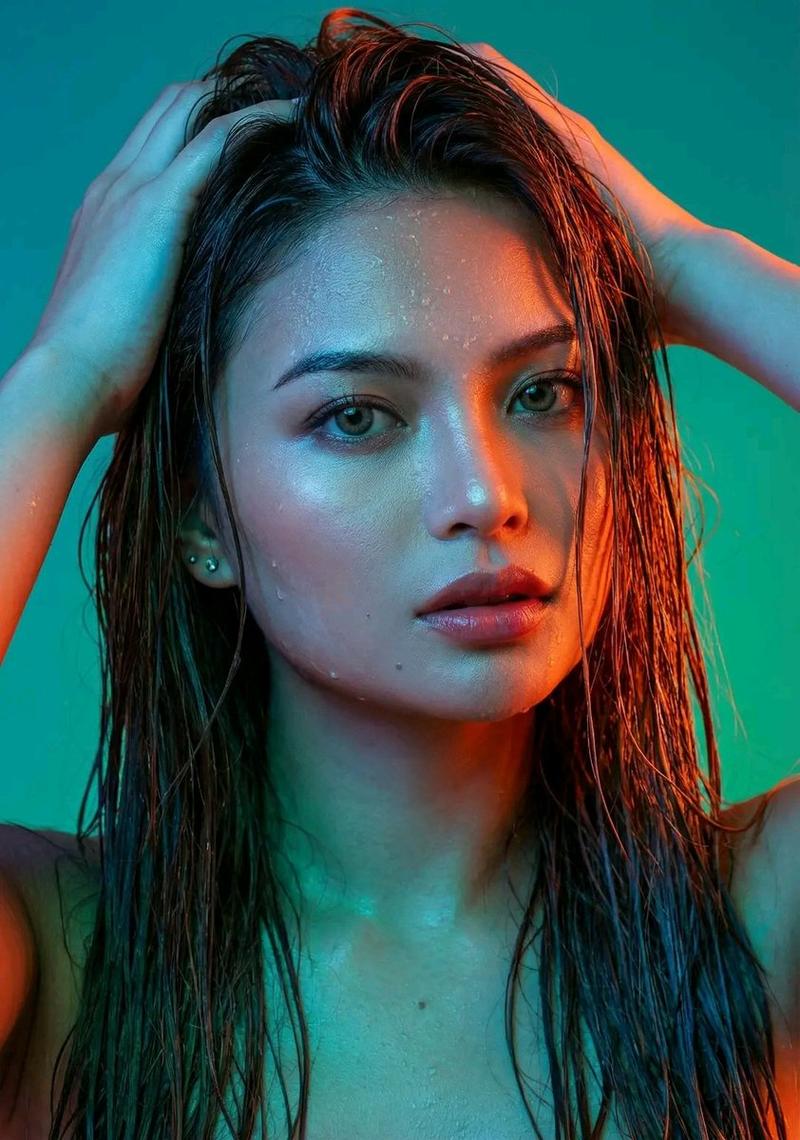
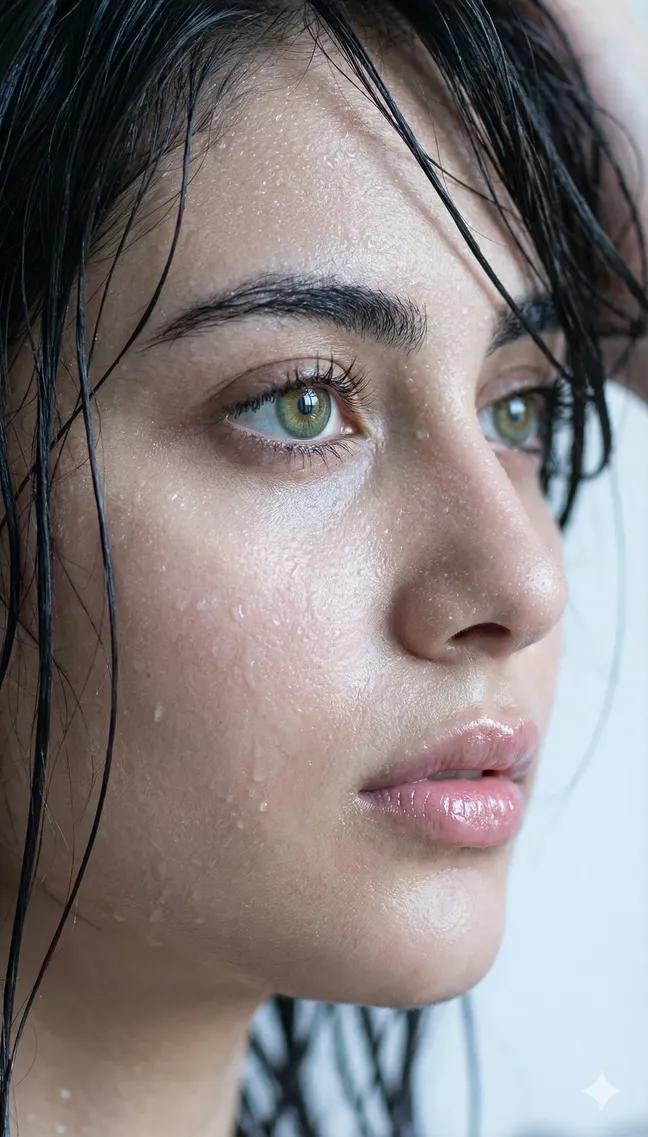
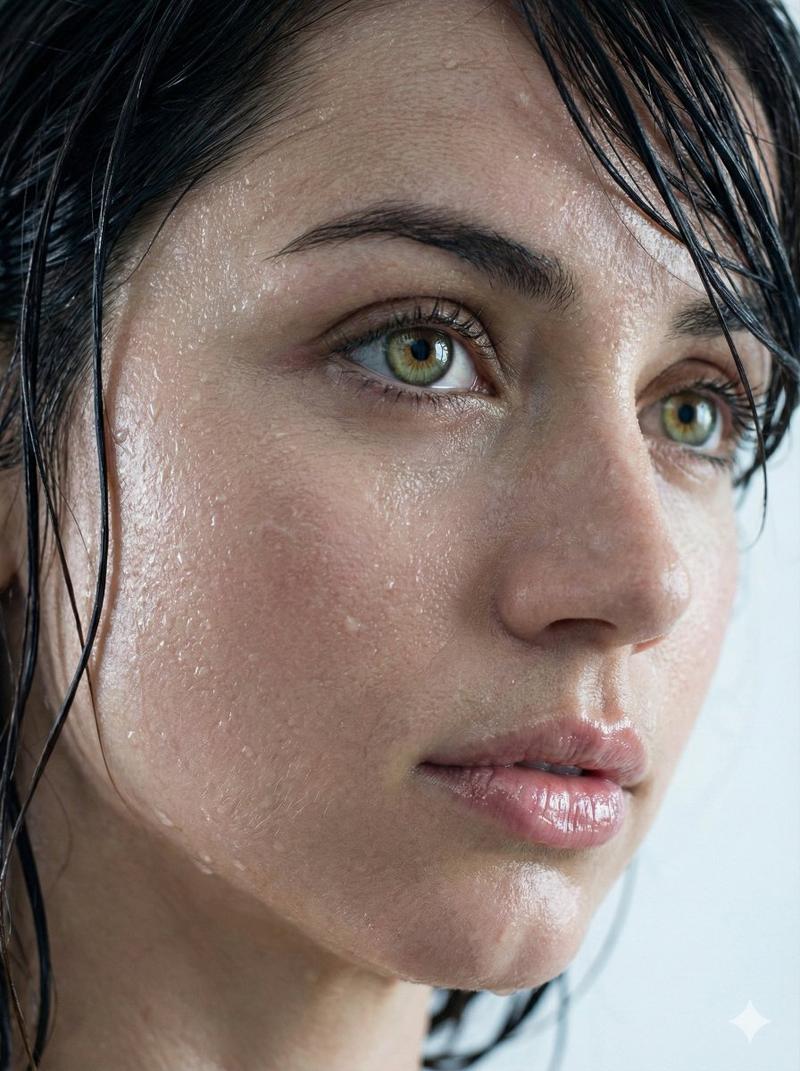
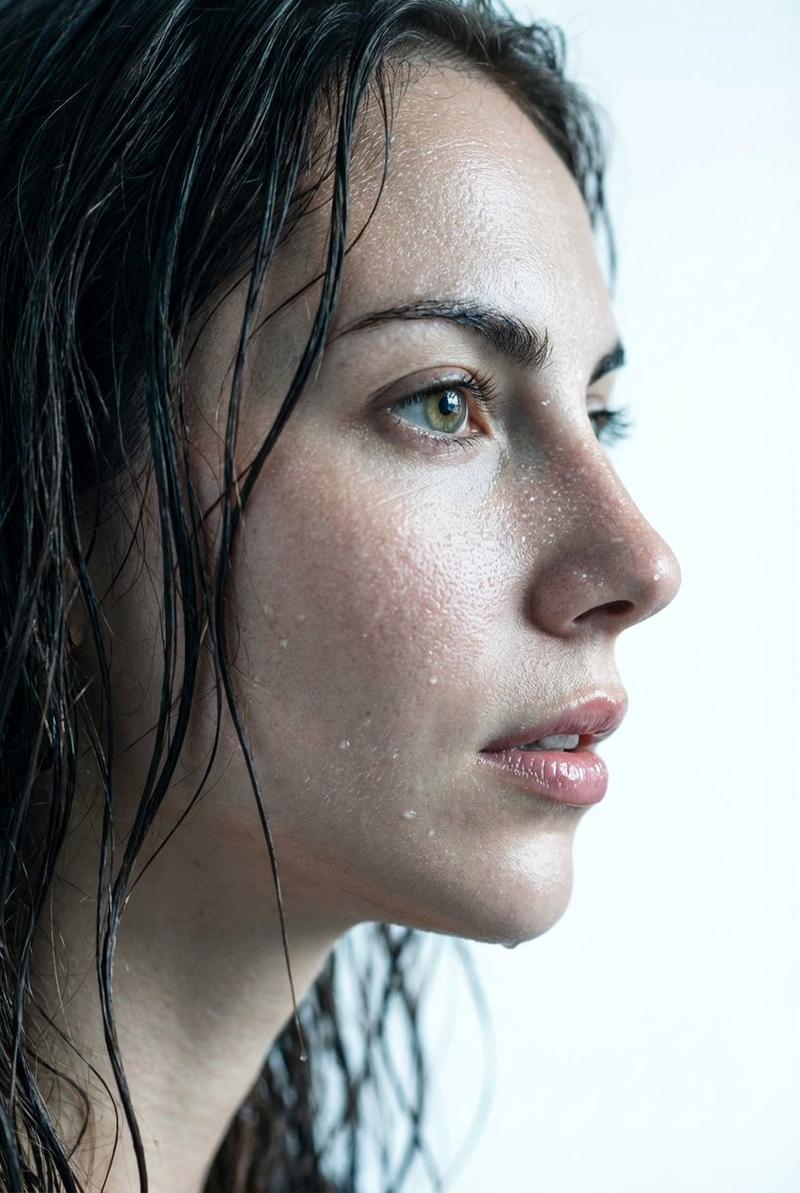
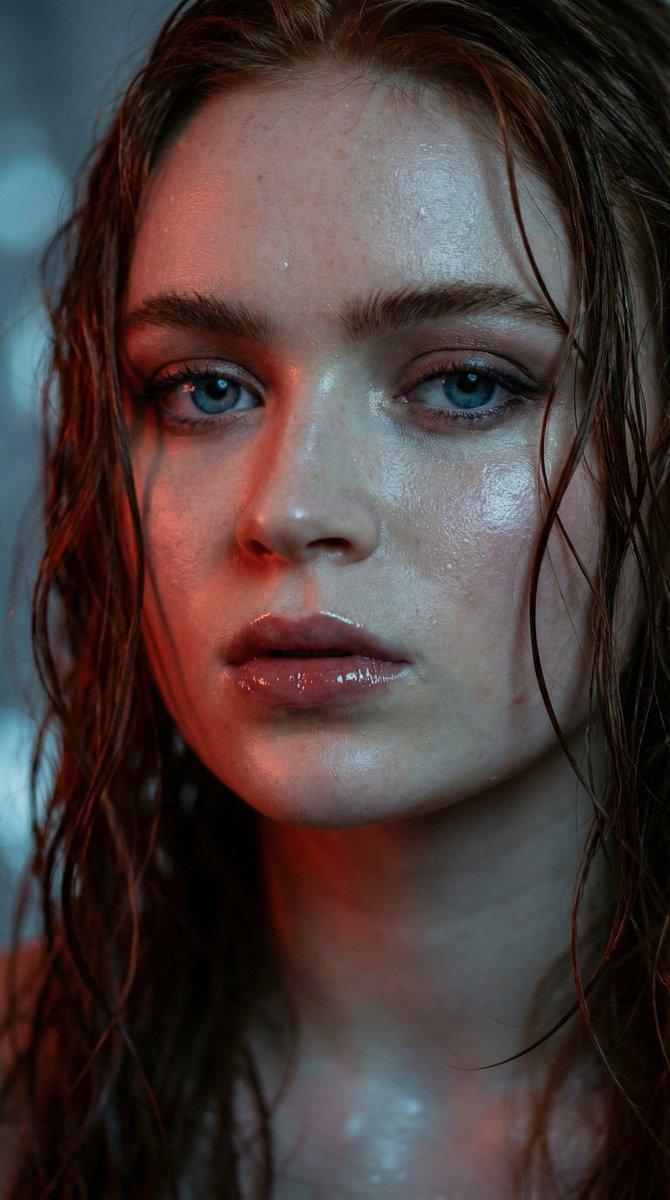
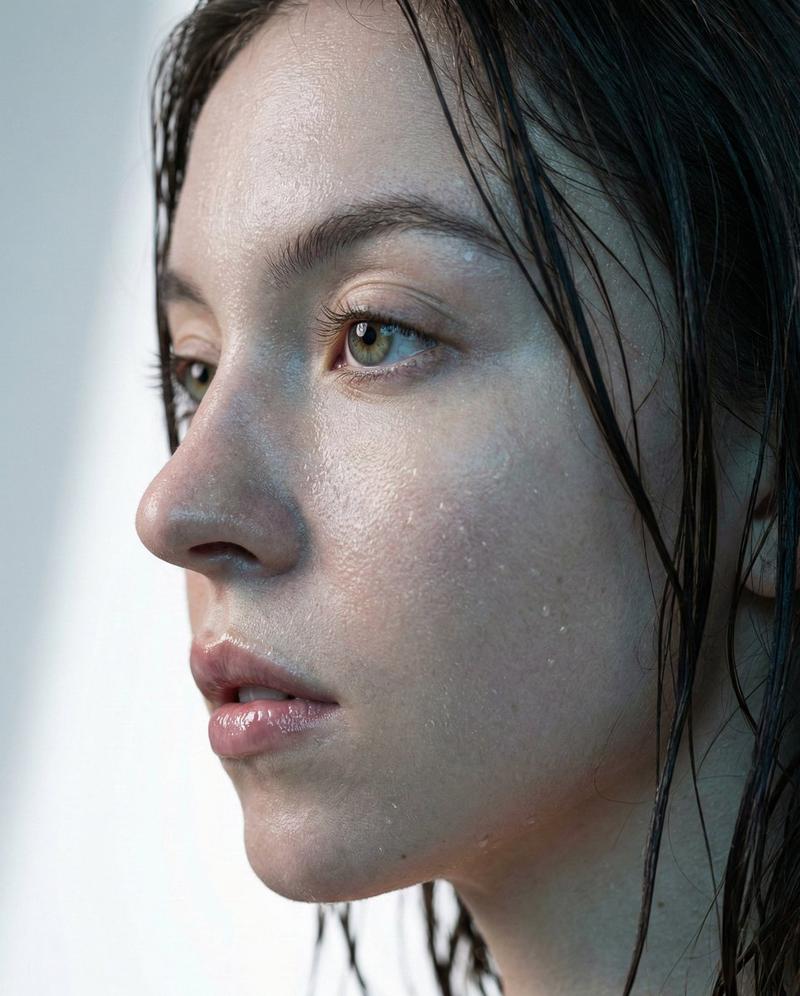
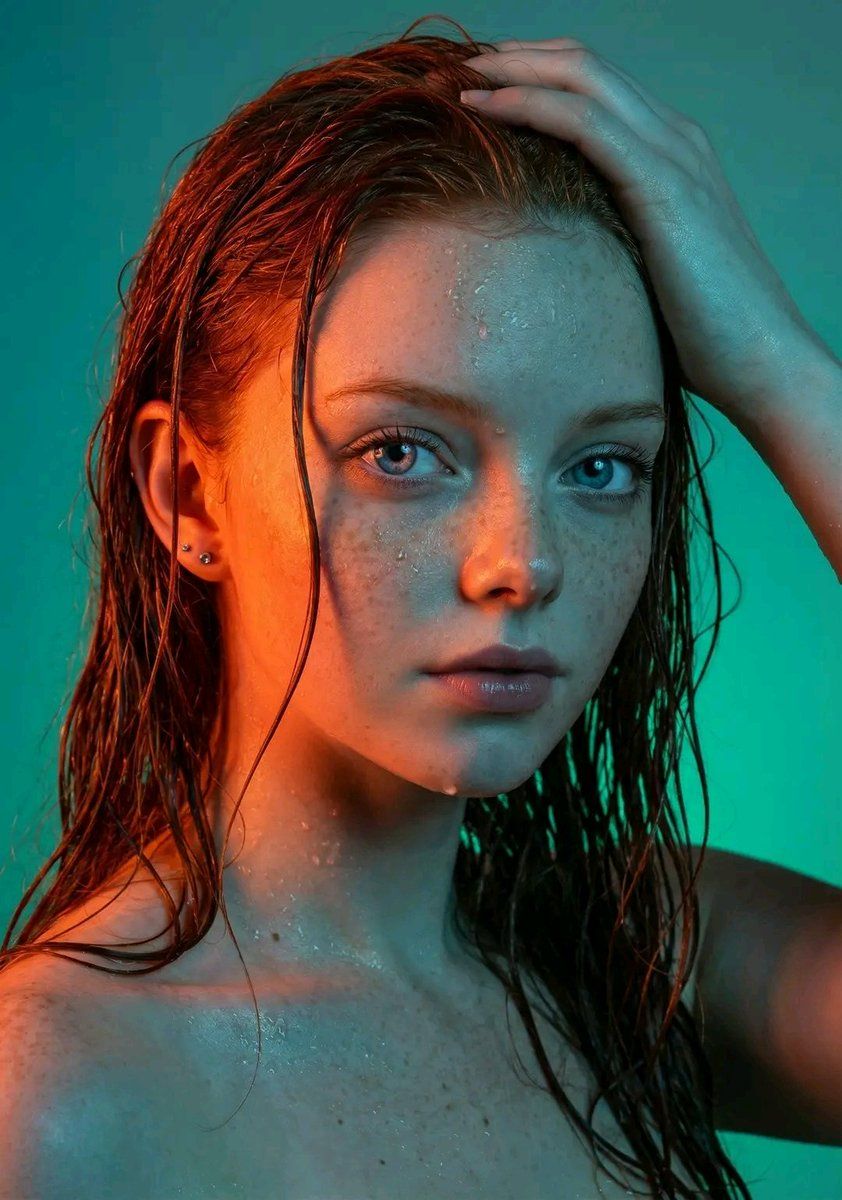
A mesmerizing, high-resolution studio portrait of a woman [image uploaded, no face alterations] with an ethereal and slightly enigmatic expression. Her medium-dark, straight hair is visibly wet, clinging in strands and creating a glistening texture, with some longer pieces cascading over her shoulders and down her back, while others frame her face. Her right hand (viewer's left) is raised, fingers splayed and gently intertwined within her wet hair, pushing it back from her forehead and crown, emphasizing the dampness and natural movement. Water droplets glisten on her skin, most noticeably on her forehead, cheekbones, and jawline, adding a tactile, lifelike quality to the scene.

The lighting is a sophisticated interplay of extreme color contrast. A vibrant, intense orange-red light illuminates the entire right side of her face (viewer's left), from her forehead down to her cheek, jawline, and neck, creating striking highlights on her skin and hair. This warm light also strongly catches the bridge of her nose, her right eye, and the contours of her lips. Conversely, the left side of her face (viewer's right) and shoulder are bathed in cooler, almost electric blue and green light, creating sharp shadows and further emphasizing the dramatic color separation. The interplay of these colors creates a strong visual division down the center of her face.

Her skin is impeccably smooth and dewy, with subtle sheen and natural texture visible, especially on her forehead, cheekbones, and lips, where the light reflects most intensely. Water droplets are strategically placed on her skin to amplify the tactile realism, glistening across the surface in contrast to the intense lighting. Her eyes are a prominent feature, dark brown or hazel, wide-set, and intensely focused on the camera, conveying a sense of directness and depth. The pupils are dilated, and the irises catch subtle reflections of the colorful lights, further adding to the realism. A small, bright catchlight appears in her eyes, adding a touch of life and sparkle. Her eyebrows are well-groomed and naturally arched.

Her lips are full and appear slightly parted, revealing just a hint of shadow between them, and are painted with a soft, natural reddish-pink hue that glows under the warm light. A single, small, silver stud earring is visible in her left earlobe (viewer's right). Her shoulders and upper chest are minimally visible, suggesting she might be wearing a simple, light-colored garment, possibly white or off-white, which peeks out subtly on her left side (viewer's right) as a soft, blurred shape.

The background is a smoothly transitioned, out-of-focus gradient of teal at the top left, shifting to a darker emerald green towards the bottom right, providing a minimalist yet impactful backdrop that complements the cool tones on her face and further isolates the subject.

The overall aesthetic is one of high fashion, artist
- Category
- 创意图片
- Model
- Nano Banana Pro
- Creator
- Javeriya Editor
- Source ID
- a9c90e71-f7c2-4642-8e45-aba512bd57c1
- Published
- Mar 8, 2026
Views0