论文批注与审阅提示
Prompt
把它打印出来,然后用红墨水疯狂地加上手写中文批注、涂鸦、乱画,还可以加点小剪贴画,主要内容就是用中文的批注帮助一个大学知识水平的人了解这部分论文的原理和细节
- Category
- 创意图片
- Model
- Nano Banana Pro
- Creator
- 歸藏(guizang.ai)
- Source ID
- c4218b11-1841-4a32-ab86-eacb72e90306
- Published
- Mar 8, 2026
Views0
20
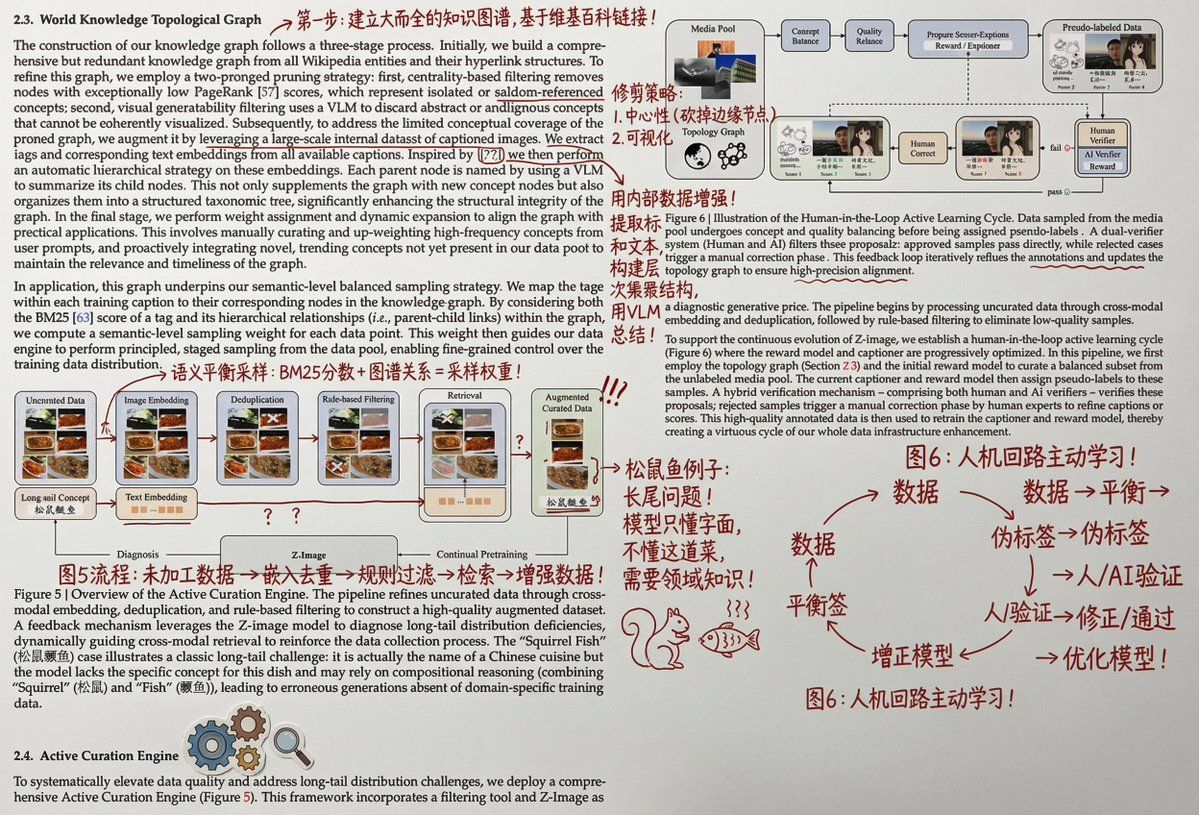
把它打印出来,然后用红墨水疯狂地加上手写中文批注、涂鸦、乱画,还可以加点小剪贴画,主要内容就是用中文的批注帮助一个大学知识水平的人了解这部分论文的原理和细节
Guide
"论文批注与审阅提示" AI image prompt for Nano Banana Pro (创意图片). 一个提示,指示 Nano Banana Pro 生成一张打印纸(如论文或文章)的图像,上面密密麻麻地用红色墨水手写了中文笔记、涂鸦和剪贴画,专门用于向大学水平的受众解释该论文的原理和细节。 --- 把它打印…
The full copyable prompt and example visuals above are ready for AI image generation or one-click recreate in Picva.
Step 1
Review the example visuals, category, and full prompt text for "论文批注与审阅提示".
Step 2
Copy the prompt body from this page, or load it directly in Studio.
Step 3
Prefer Nano Banana Pro. If you switch models, keep subject and composition and tweak style terms.
Step 4
Recreate the look in Picva, or export into your workflow for editing and publishing.


















