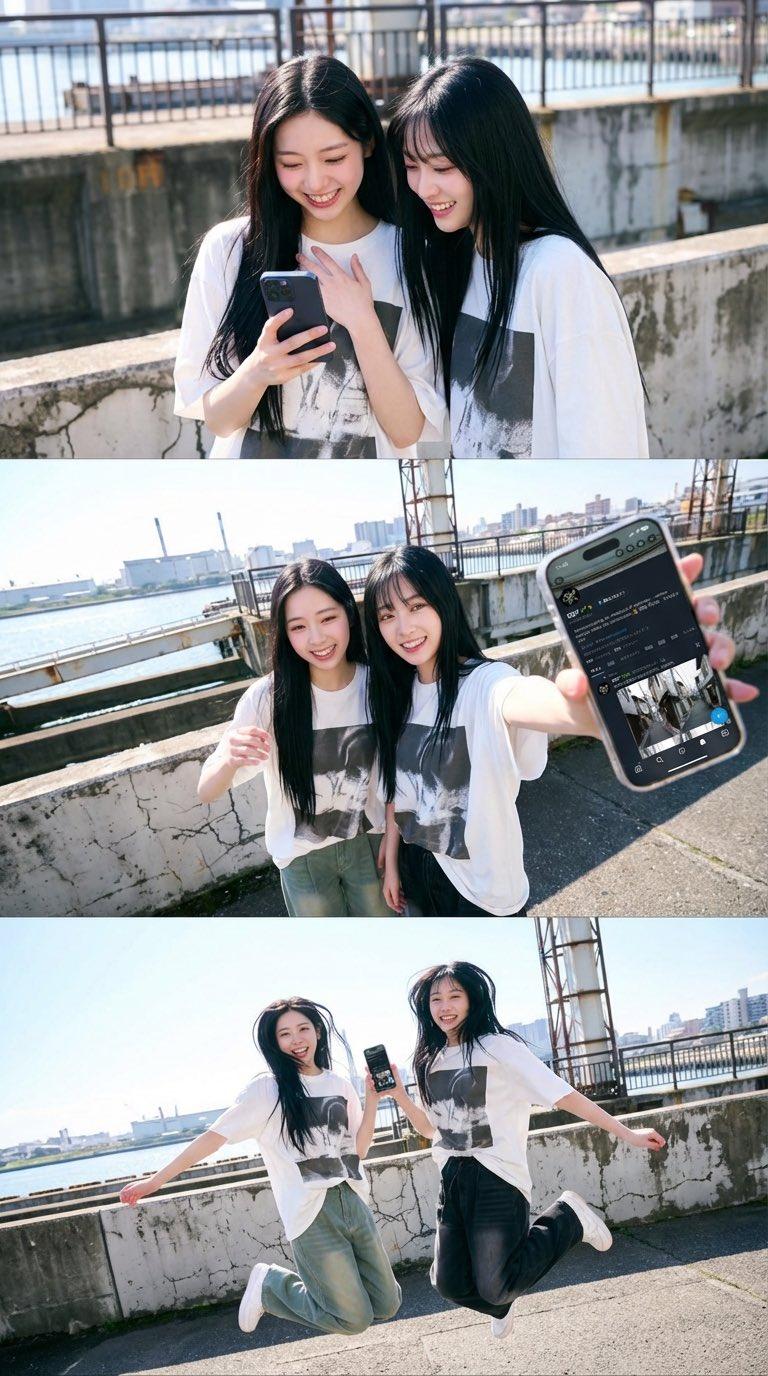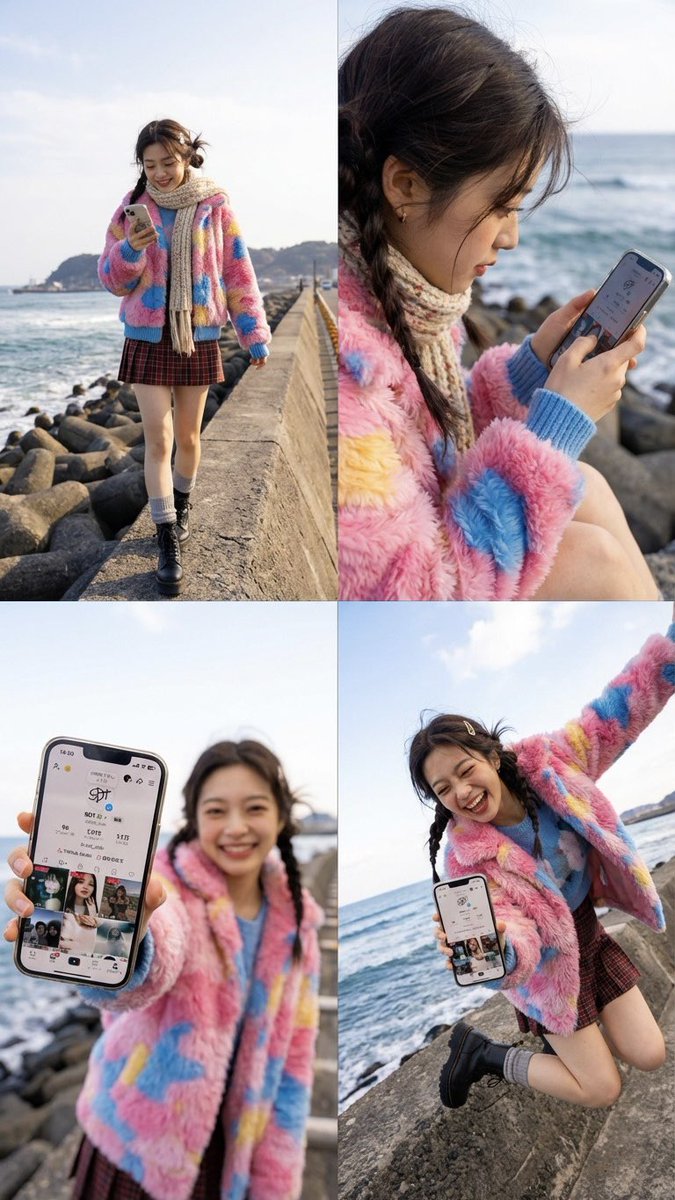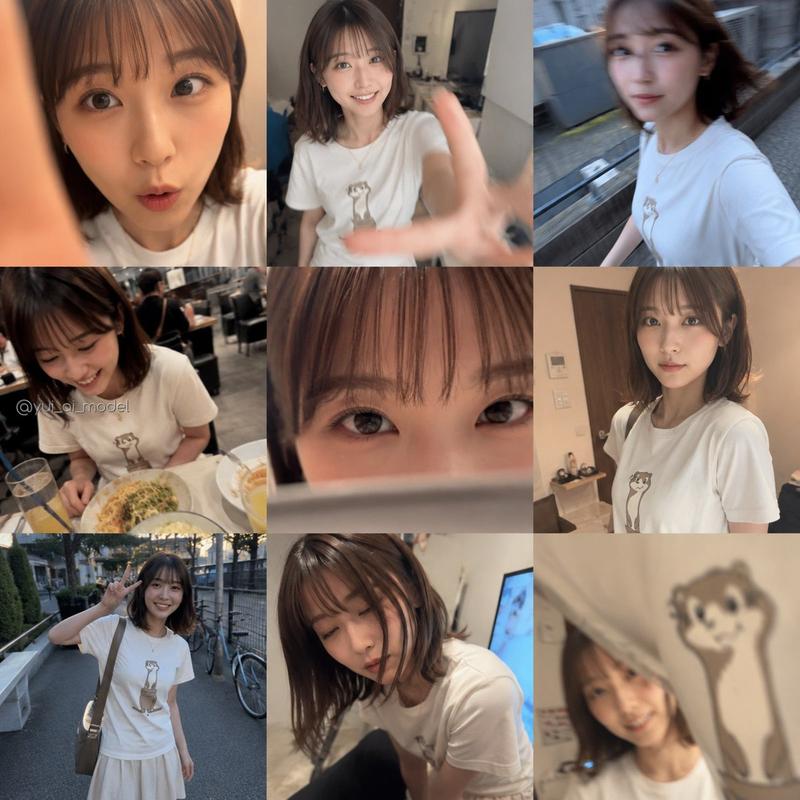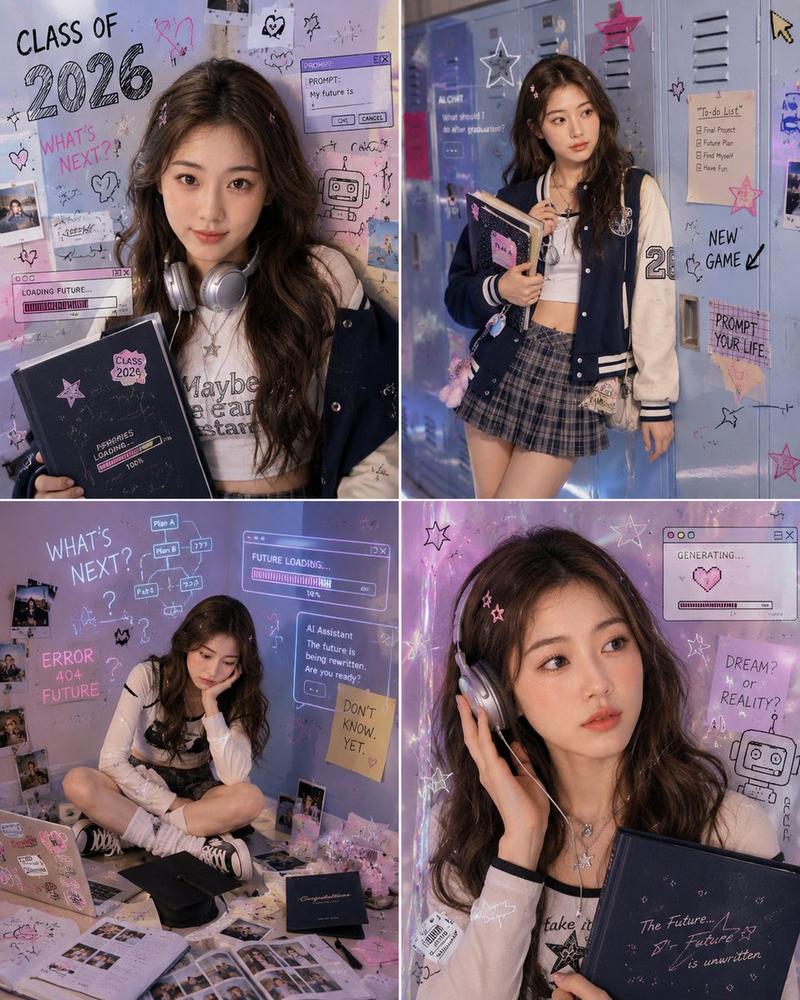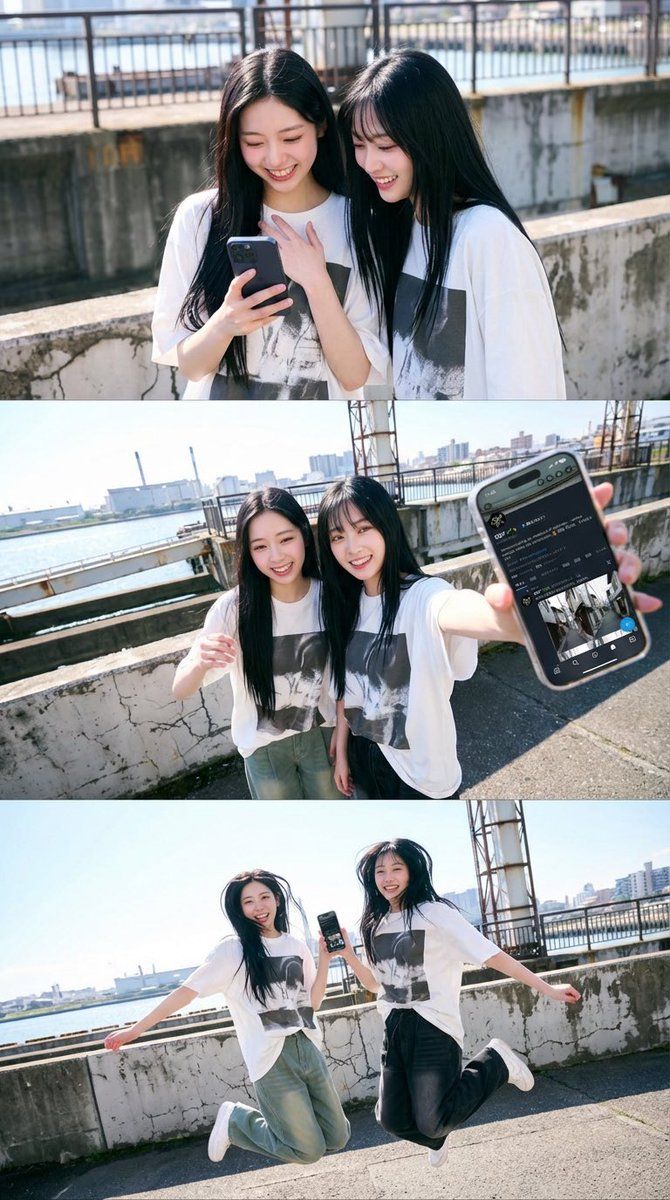
1x3 网格手机动态编辑 JSON 提示
Prompt
{
  "layout": {
    "type": "grid_1x3"
  },

  "global": {
    "edit_type": "phone_motion_edit",

    "source": {
      "mode": "EDIT",
      "reference_images": {
        "first": "base_photo_person_and_environment",
        "second": "screen_content_for_phone"
      },
      "preserve_from_first": {
        "same_person_or_group": true,
        "same_faces": true,
        "same_hairstyles": true,
        "same_outfits": true,
        "same_environment_style": true
      }
    },

    "identity": {
      "keep_identity_consistent": true,
      "expression": "bright_natural_smile"
    },

    "phone": {
      "allowed": true,
      "holding_styles": [
        "one_handed",
        "two_handed",
        "near_chest",
        "near_hip",
        "tilted",
        "sideways",
        "partially_toward_lens"
      ],
      "rules": {
        "each_person_may_hold_one_phone": true,
        "screen_should_be_naturally_visible": true,
        "do_not_force_phone_directly_toward_camera": true
      }
    },

    "screen_replacement": {
      "use_second_reference_image_as_content": true,
      "fit_without_distortion": true,
      "no_ui": true
    },

    "environment": {
      "preserve_environment_style_from_reference": true,
      "lighting_consistent_with_reference": true
    },

    "constraints": {
      "no_new_characters": true,
      "no_costume_change": true,
      "no_change_to_reference_location_type": true
    }
  },

  "panels": [
    {
      "id": "panel_2",
      "role": "phone_view_soft",
      "edit": true,
      "pose": {
        "pose_can_change": true,
        "style_tags": ["looking_at_phone", "face_close", "natural_pose"],
        "focus_on_expressive_hands": true
      }
    },

    {
      "id": "panel_3",
      "role": "phone_forward",
      "edit": true,
      "pose": {
        "pose_can_change": true,
        "style_tags": ["hand_forward", "phone_front_soft", "arm_extended"],
        "focus_on_expressive_hands": true
      },
      "camera_effect": {
        "perspective": "wide_angle",
        "near_objects_appear_large": true
      }
    },

    {
      "id": "panel_4",
      "role": "jump_cut",
      "edit": true,
      "use_preset": "jump_frame"
    }
  ],

  "pose_presets": {
    "jump_frame": {
      "pose": {
        "pose_can_change": true,
        "style_tags": ["jump", "lively", "mid_air"],
        "focus_on_expressive_hands": true
      },
      "camera_effect": {
        "perspective": "wide_angle",
        "allow_view_from_below": true
      }
    }
  }
}- Category
- 创意图片
- Model
- Nano Banana Pro
- Creator
- SDT🌿
- Source ID
- 411185cc-f45b-43d7-9f98-1d7bad9c1a81
- Published
- Mar 8, 2026
Views0