18

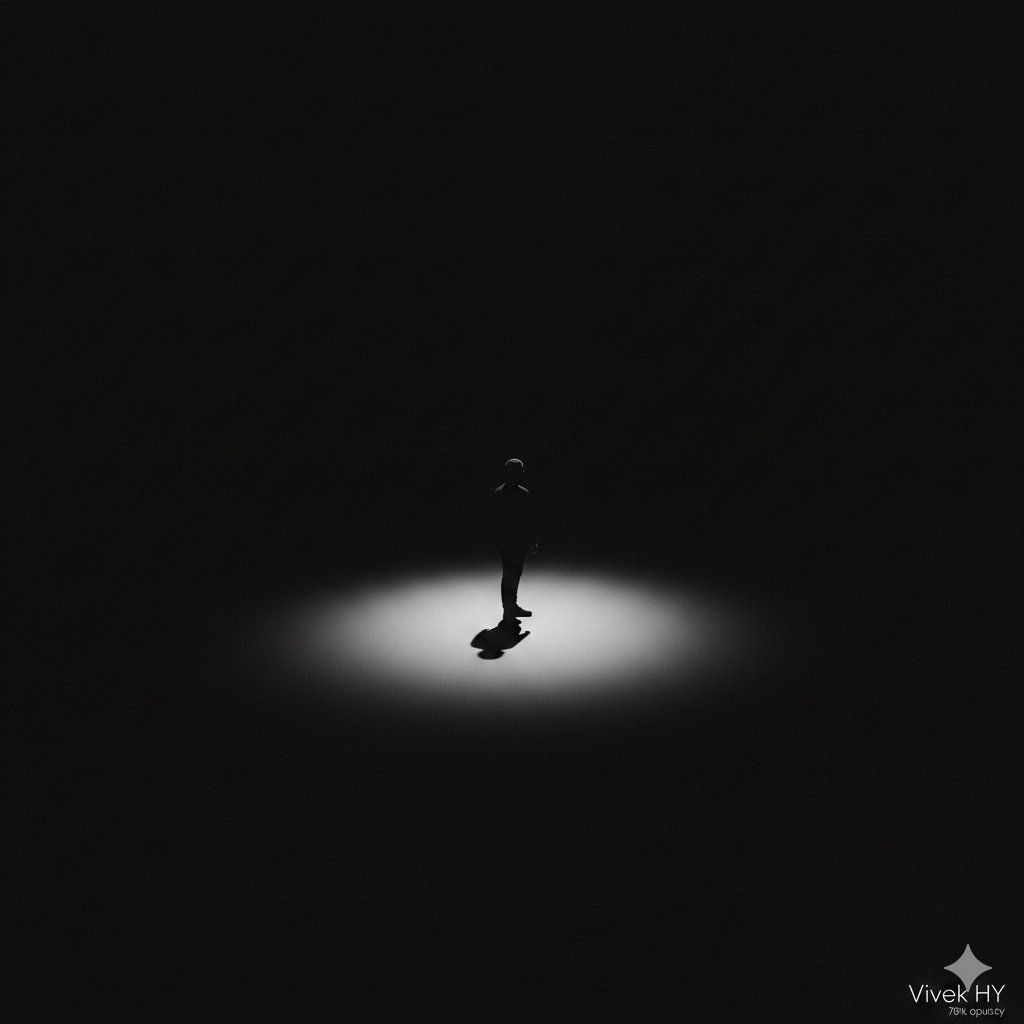
极简轮廓聚光灯提示与签名
Enlarge

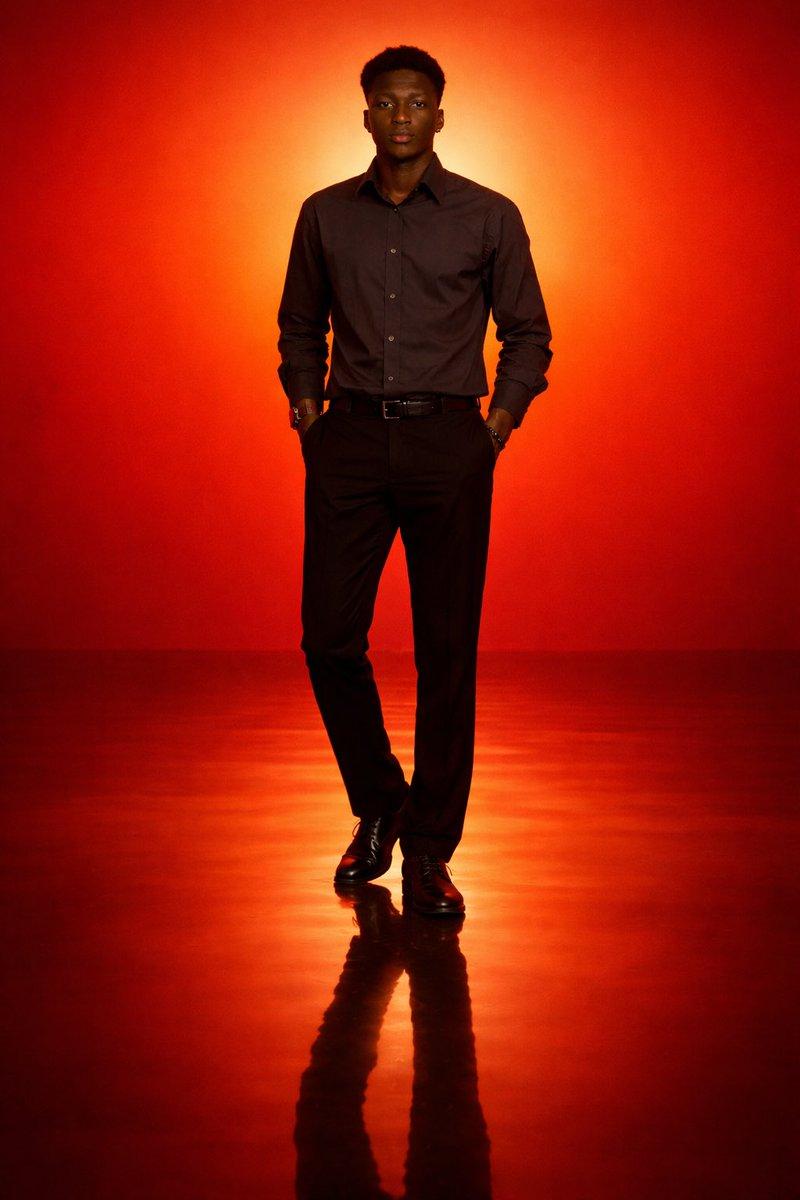
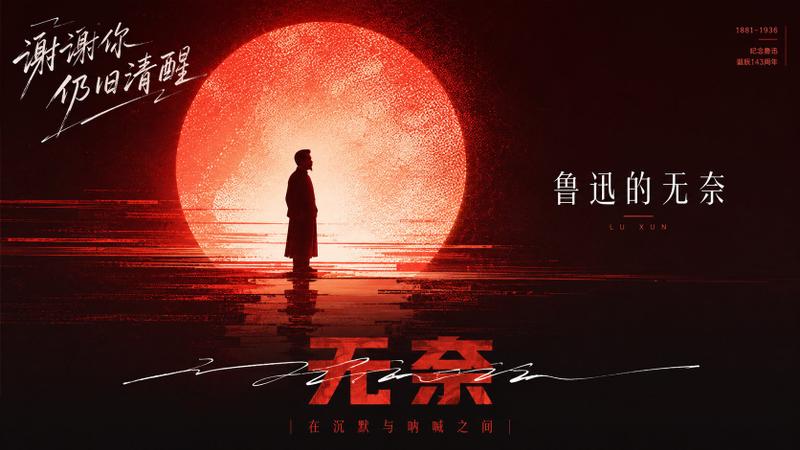
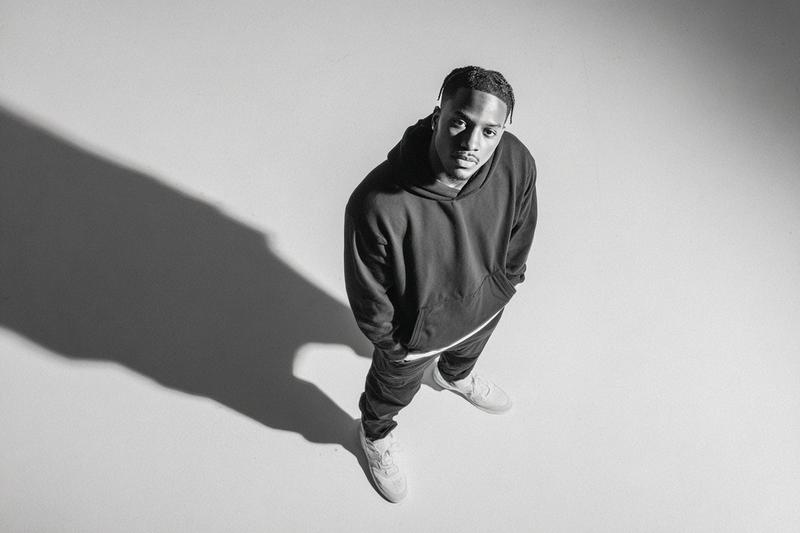
极简轮廓聚光灯提示与签名

Prompt
{
  "prompt_id": "silhouette_dark_001_signature",
  "description": "Minimalist dramatic silhouette in darkness with signature",
  "scene": {
    "environment": "complete black void background",
    "lighting": {
      "type": "single spotlight",
      "position": "directly above subject",
      "intensity": "soft but focused",
      "effect": "circular glow around subject with smooth fade-out"
    }
  },
  "subject": {
    "type": "human silhouette",
    "pose": "standing centered, facing camera",
    "details": "fully black silhouette with no facial features",
    "shadow": {
      "style": "long hard-edged shadow",
      "direction": "towards bottom-left",
      "sharpness": "high contrast"
    }
  },
  "composition": {
    "framing": "extreme wide with large negative space",
    "mood": "mysterious, lonely, cinematic",
    "aspect_ratio": "4:5"
  },
  "signature": {
    "text": "{argument name="signature text" default="Vivek HY"}",
    "position": "bottom right corner",
    "style": "minimal, clean, white color",
    "opacity": "70%"
  },
  "post_processing": {
    "contrast": "very high",
    "glow": "soft radial light",
    "grain": "low"
  }
}
Category
创意图片
Model
Nano Banana Pro
Creator
Vivek HY
Views0
Source ID
3fa32278-6726-4c74-89aa-3690117bdc9a
Published
Mar 8, 2026

Guide

About "极简轮廓聚光灯提示与签名"

What is this prompt for?

"极简轮廓聚光灯提示与签名" AI image prompt for Nano Banana Pro (创意图片). 一个用于 Nano Banana Pro 3.0 的 JSON 提示,旨在生成一张极简主义、富有戏剧性的图像:画面中,一个人形剪影置身于一片黑色虚空之中,上方一束聚光灯将其照亮,并包含一个自定义签名叠…

The full copyable prompt and example visuals above are ready for AI image generation or one-click recreate in Picva.

How to use this prompt

  1. Step 1

    Open the prompt detail

    Review the example visuals, category, and full prompt text for "极简轮廓聚光灯提示与签名".

  2. Step 2

    Copy the prompt

    Copy the prompt body from this page, or load it directly in Studio.

  3. Step 3

    Pick a model (Nano Banana Pro)

    Prefer Nano Banana Pro. If you switch models, keep subject and composition and tweak style terms.

  4. Step 4

    Generate and export

    Recreate the look in Picva, or export into your workflow for editing and publishing.

FAQ

What is the "极简轮廓聚光灯提示与签名" prompt?
It is an AI image-generation prompt for Nano Banana Pro in the 创意图片 category. This page includes the full prompt text, example visuals, and a one-click recreate path in Picva.
How do I use this prompt to generate an image?
Copy the prompt from this page, or use Generate / Studio. Paste it into a compatible image model, or recreate the look in Picva with optional reference images.
Which model is this prompt for?
This page lists Nano Banana Pro. Most descriptive prompts also transfer to nearby image models such as GPT Image, Flux, or Midjourney with light style tweaks.
Can I use the result commercially?
You can usually copy the prompt for creation, but commercial use of the final image depends on the model terms, reference-image rights, and the generated content. Follow the source author and platform rules.