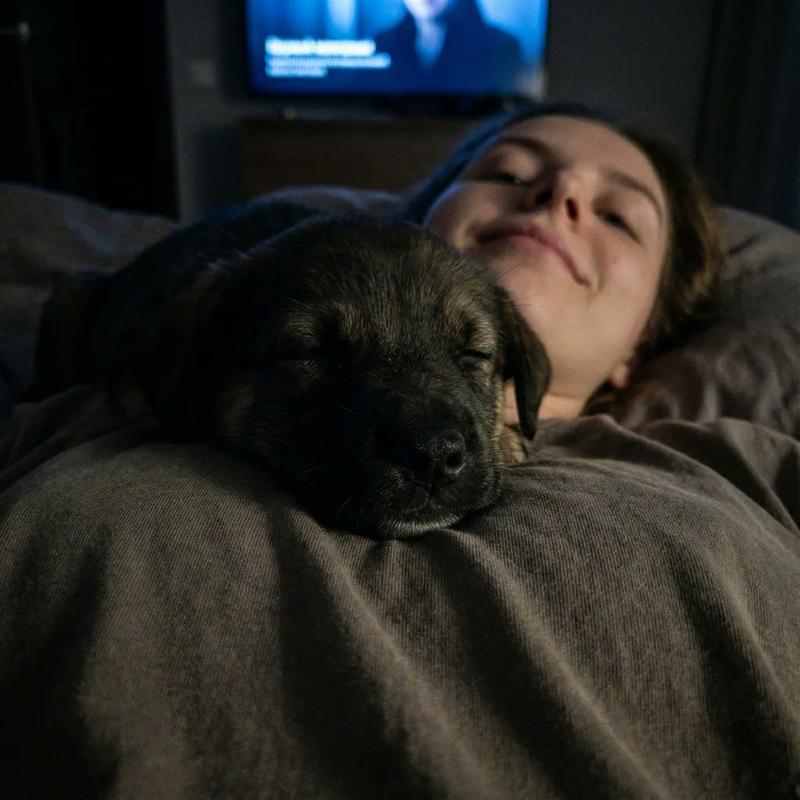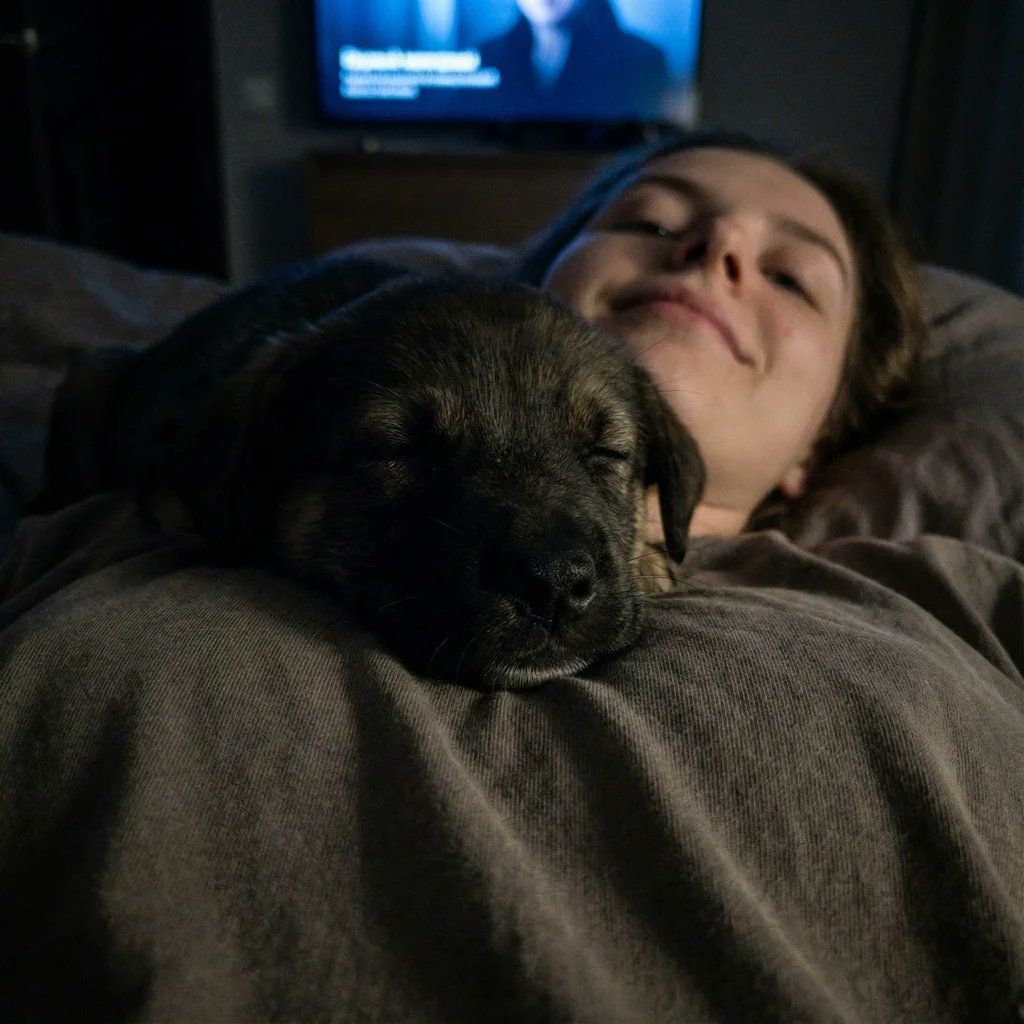
超近距离小狗自拍提示词(弱光)
Prompt
{
      "image_parameters": {
        "style": "Smartphone camera (Night mode off)",
        "type": "Extreme close-up / Low angle",
        "quality": "High ISO noise, grainy, soft focus, low contrast",
        "tone": "Sleepy, intimate, raw, quiet",
        "lighting_and_atmosphere": "Very dim, 'bad' lighting. Illuminated only by the faint blue glow of a TV screen or a distant hallway light. The image is dark and very grainy."
      },
      "subject": {
        "constraints": {
          "facial_identity": "Match reference image exactly 100%",
          "face_edits": "None allowed"
        },
        "expression": [
          "Puppy is fast asleep",
          "Subject (if visible) has a sleepy smile from the low angle"
        ],
        "pose": {
          "body_position": "Lying flat on back in bed.",
          "action": "The puppy is sleeping heavily on the subject's chest/neck. The camera is held very low (resting on the chest or neck), looking straight UP at the puppy's chin and paws.",
          "details": "The puppy dominates the frame. The subject's face is barely visible or just a blurry background element."
        },
        "clothing": {
          "top": "Old oversized t-shirt (pajamas)",
          "details": "Fabric looks worn and soft"
        },
        "accessories": [
          "None (bedtime)"
        ]
      },
      "environment": {
        "setting": "Dark bedroom",
        "foreground": [
          "Puppy's squished face/chin",
          "Puppy paws",
          "Grainy darkness"
        ],
        "background": [
          "Dark ceiling",
          "Shadowy outline of headboard"
        ]
      }
}- Category
- 创意图片
- Model
- Nano Banana Pro
- Source ID
- 322ba552-fc67-4ec0-ad6d-4935662b213b
- Published
- Mar 8, 2026
Views0