16

超逼真生活方式产品照片提示
Enlarge

超逼真生活方式产品照片提示

Prompt
{
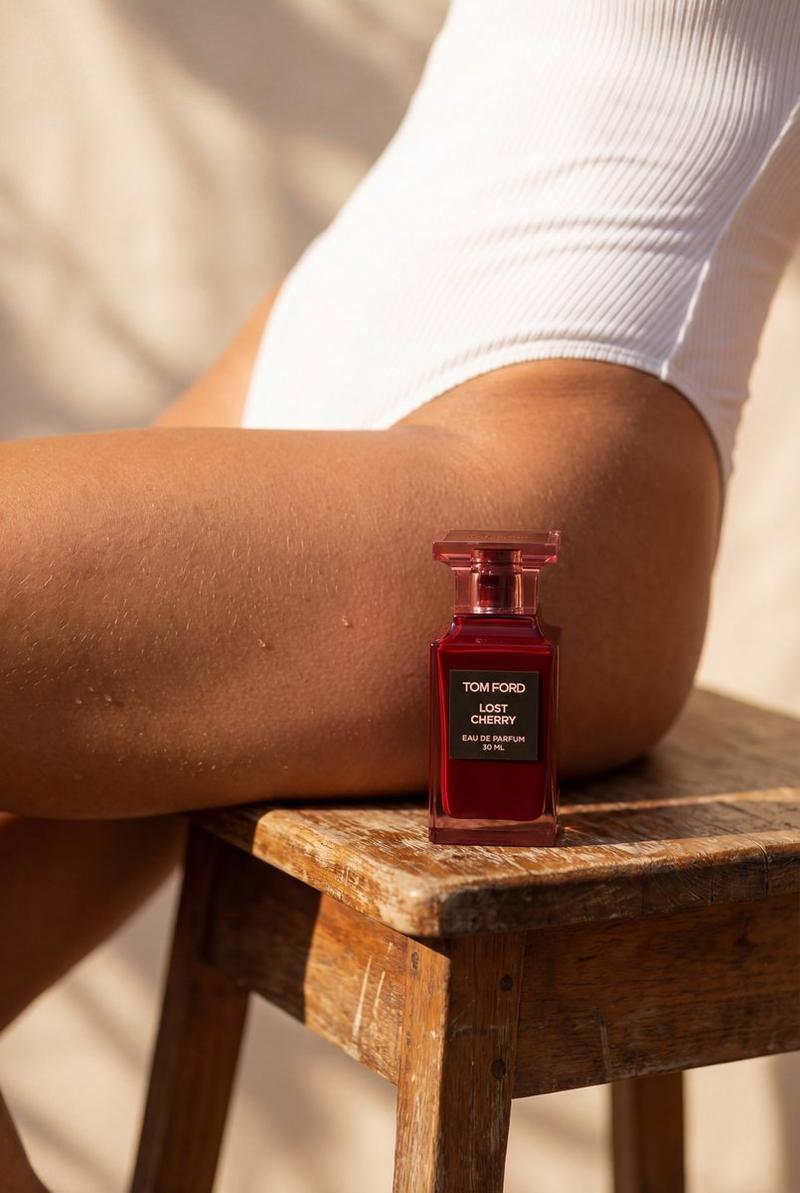
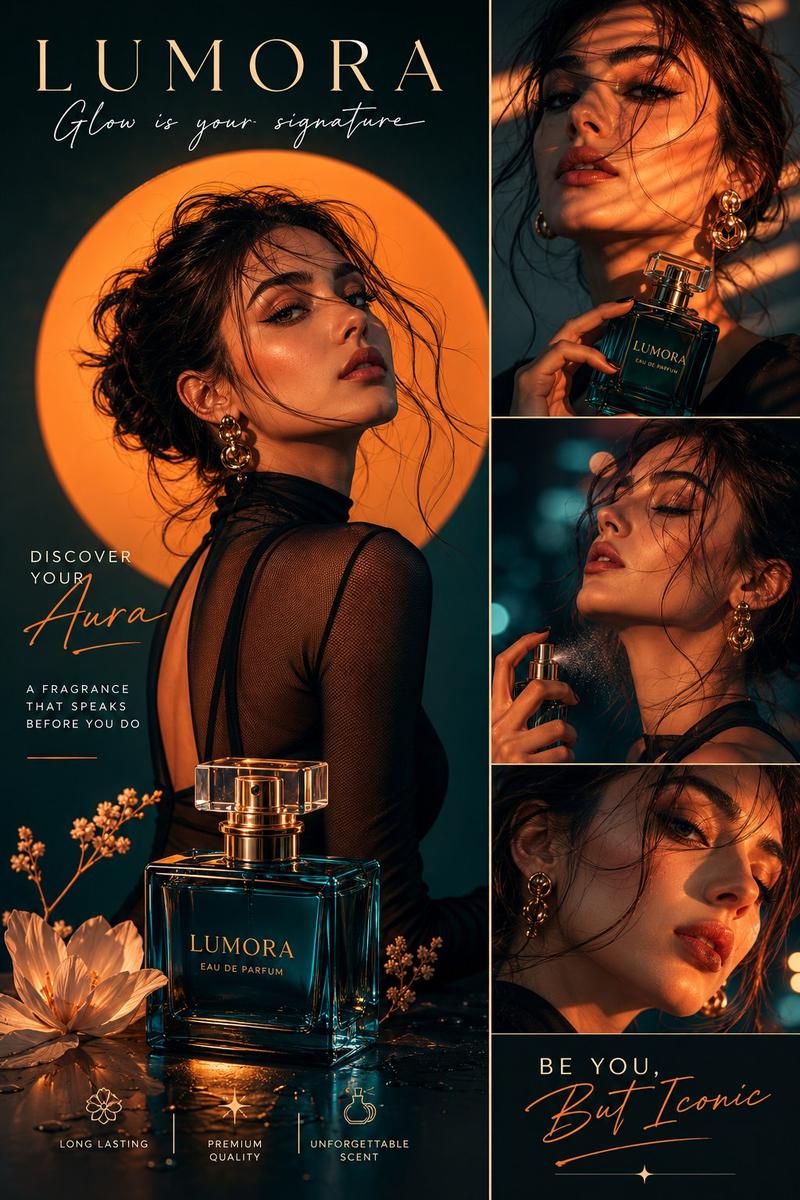
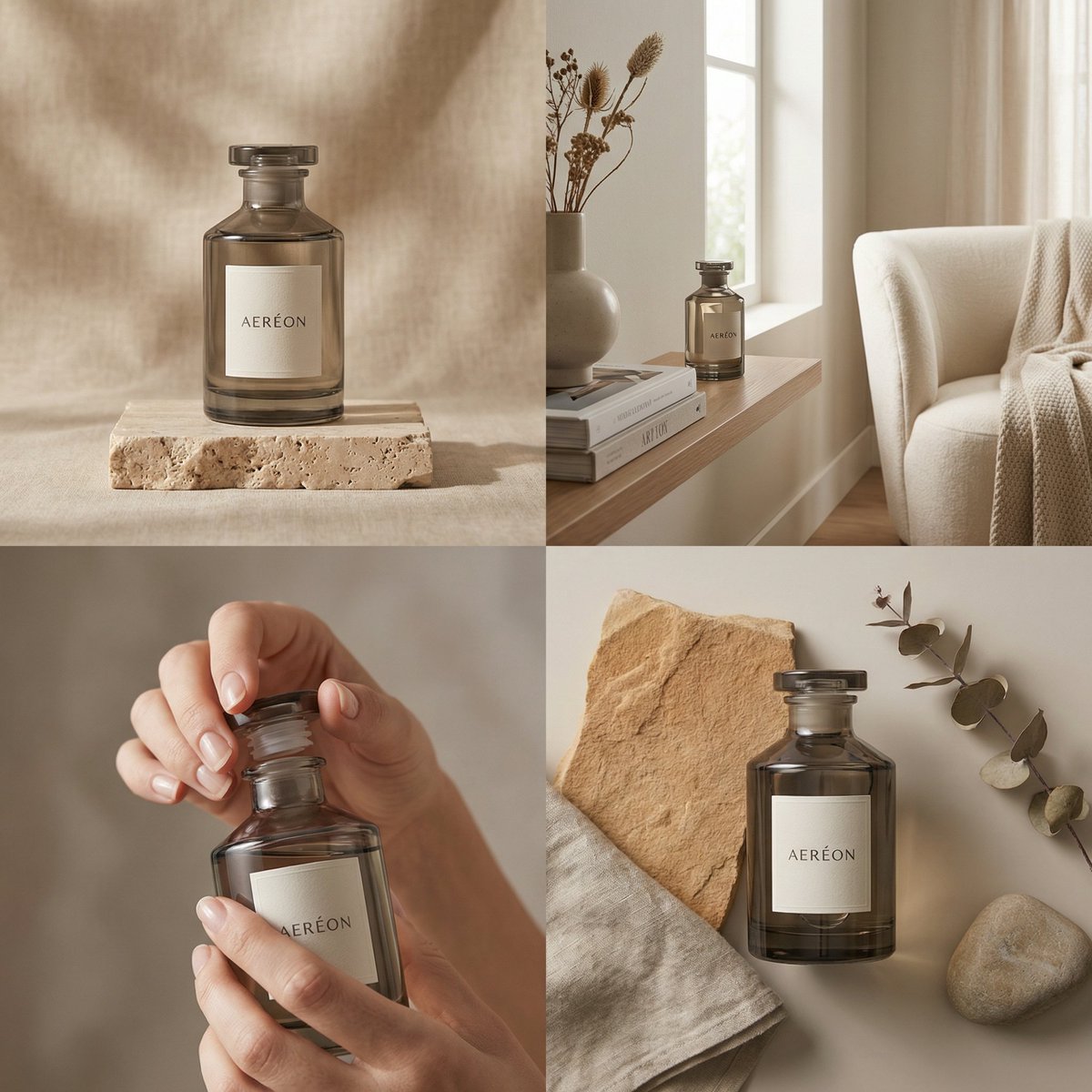
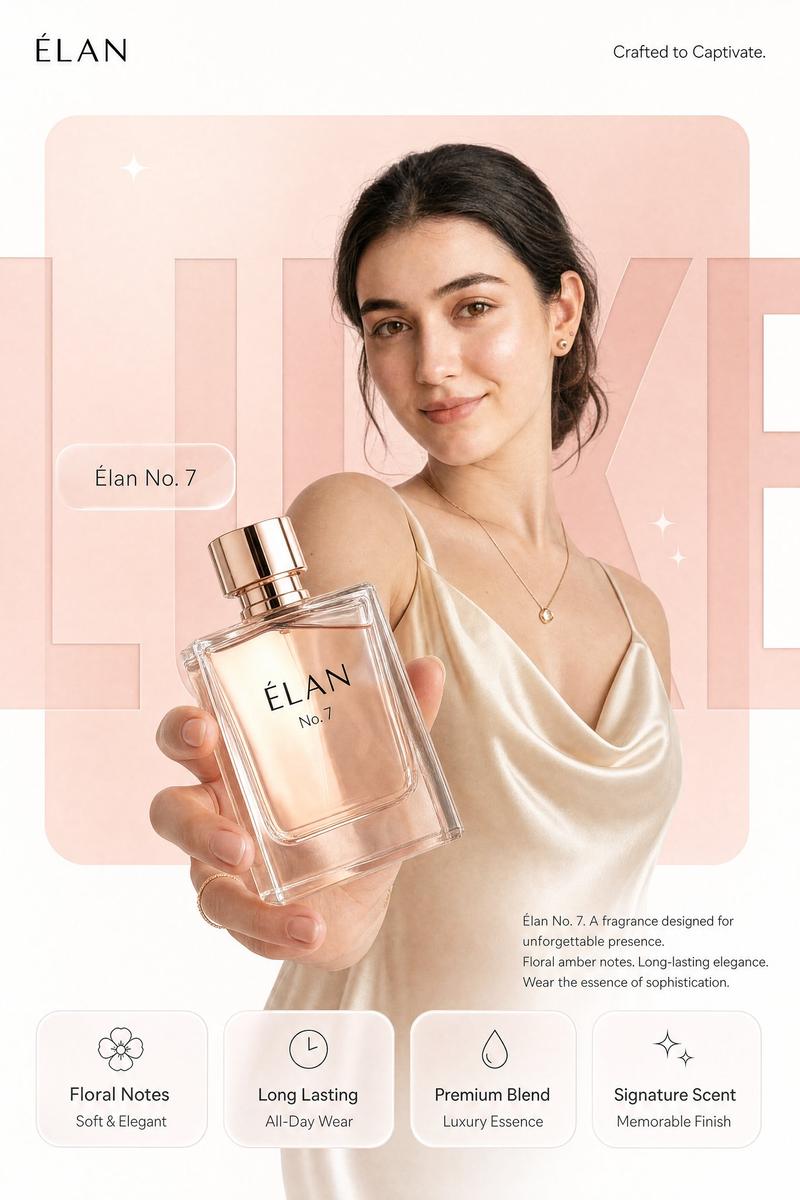
  "prompt": "Hyper-realistic lifestyle product photo of {argument name="product name" default="{{PRODUCT}}"} standing upright on a rustic, slightly worn wooden stool. In the background, there is a close-up of a woman's sun-kissed thigh and hip, wearing a clean white, ribbed one-piece swimsuit. The scene is shot in warm natural daylight with strong but soft sunlight and realistic shadows. Skin texture, tiny body hairs, and pores are clearly visible but flattering. The wooden stool has visible grain and imperfections. The background is softly out of focus with a shallow depth of field so that {argument name="product name" default="{{PRODUCT}}"} is the main sharp focus in the foreground. No extra objects in the scene. The composition feels like a modern beauty or body-care advertisement, minimalistic, elegant, and aspirational. The product keeps its real label, logo, and design exactly as provided by the user, no invented text. Ultra detailed, 8k, cinematic, DSLR, hyper-real, photo-real, studio-quality lighting.",
  "negative_prompt": "cartoon, illustration, CGI, 3D render, plastic skin, over-smoothed skin, extra limbs, deformed body, text artifacts, watermark, logo distortion, low resolution, grainy, noisy, cluttered background, incorrect anatomy, unrealistic proportions"
}
Category
创意图片
Model
Nano Banana Pro
Creator
Saman | AI
Views0
Source ID
0acfcbab-403a-4a75-976c-31d7c3a949c5
Published
Mar 8, 2026

Guide

About "超逼真生活方式产品照片提示"

What is this prompt for?

"超逼真生活方式产品照片提示" AI image prompt for Nano Banana Pro (创意图片). 一个详细的 JSON 提示模板,用于生成一张超现实的生活方式产品照片,将指定产品放置在质朴的木凳上,背景中模糊处理一位被阳光亲吻的女性身体(穿着白色泳衣),强调自然日光、皮肤纹理和浅景深。 ---…

The full copyable prompt and example visuals above are ready for AI image generation or one-click recreate in Picva.

How to use this prompt

  1. Step 1

    Open the prompt detail

    Review the example visuals, category, and full prompt text for "超逼真生活方式产品照片提示".

  2. Step 2

    Copy the prompt

    Copy the prompt body from this page, or load it directly in Studio.

  3. Step 3

    Pick a model (Nano Banana Pro)

    Prefer Nano Banana Pro. If you switch models, keep subject and composition and tweak style terms.

  4. Step 4

    Generate and export

    Recreate the look in Picva, or export into your workflow for editing and publishing.

FAQ

What is the "超逼真生活方式产品照片提示" prompt?
It is an AI image-generation prompt for Nano Banana Pro in the 创意图片 category. This page includes the full prompt text, example visuals, and a one-click recreate path in Picva.
How do I use this prompt to generate an image?
Copy the prompt from this page, or use Generate / Studio. Paste it into a compatible image model, or recreate the look in Picva with optional reference images.
Which model is this prompt for?
This page lists Nano Banana Pro. Most descriptive prompts also transfer to nearby image models such as GPT Image, Flux, or Midjourney with light style tweaks.
Can I use the result commercially?
You can usually copy the prompt for creation, but commercial use of the final image depends on the model terms, reference-image rights, and the generated content. Follow the source author and platform rules.