16

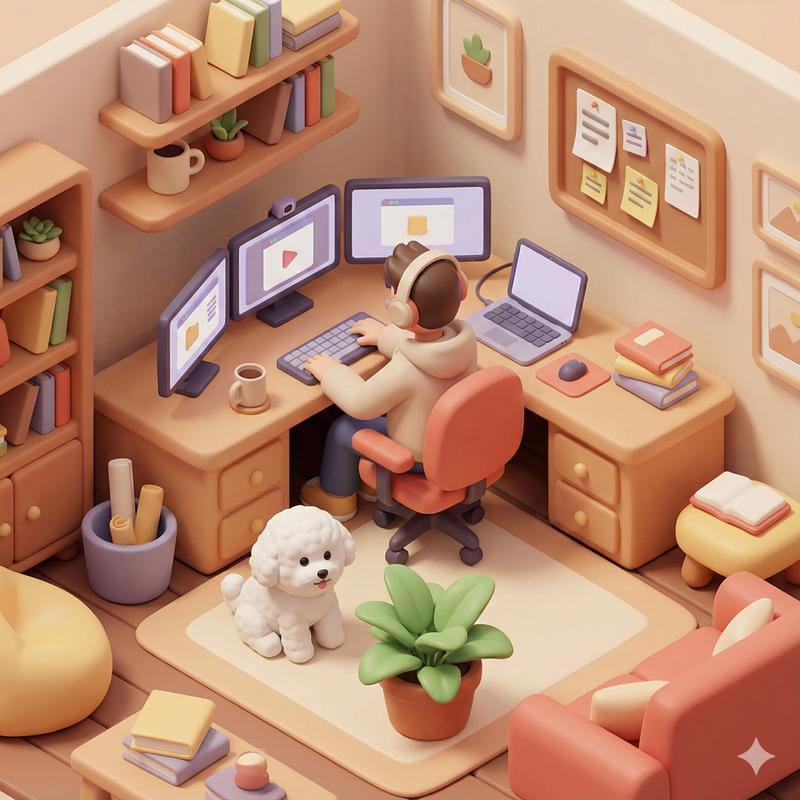
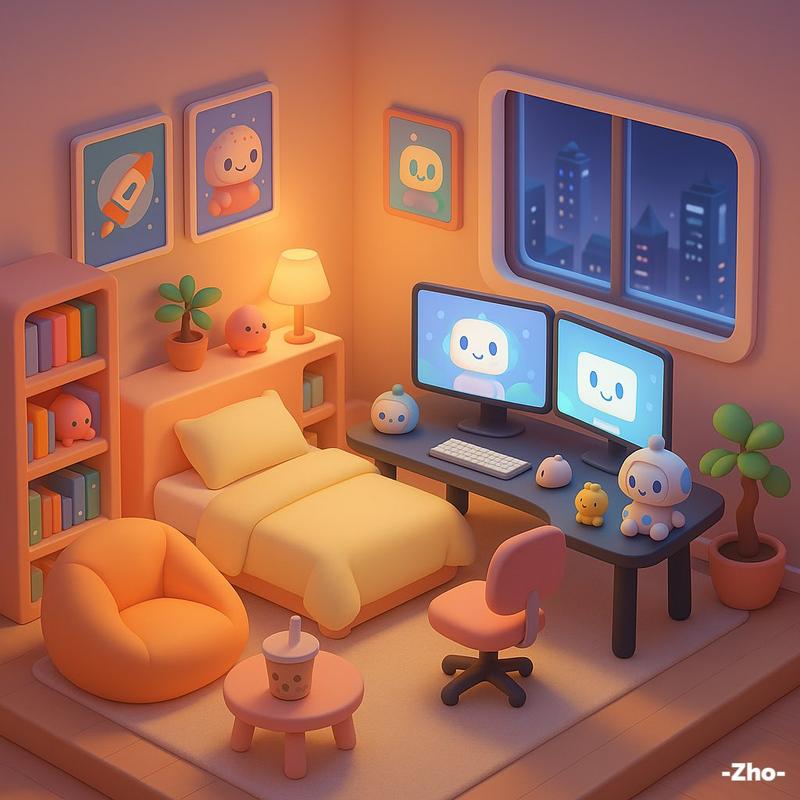
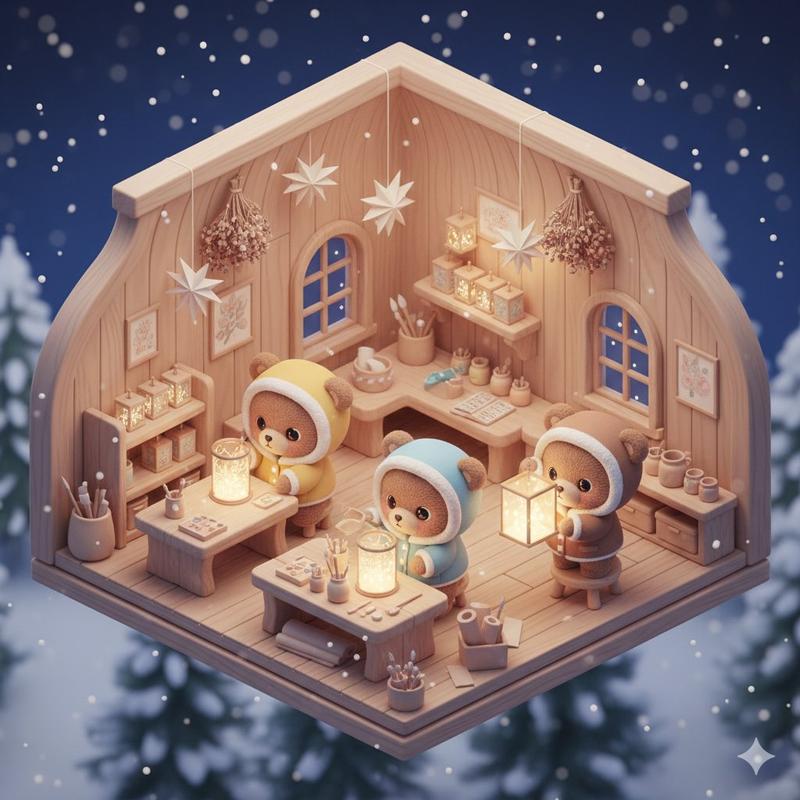
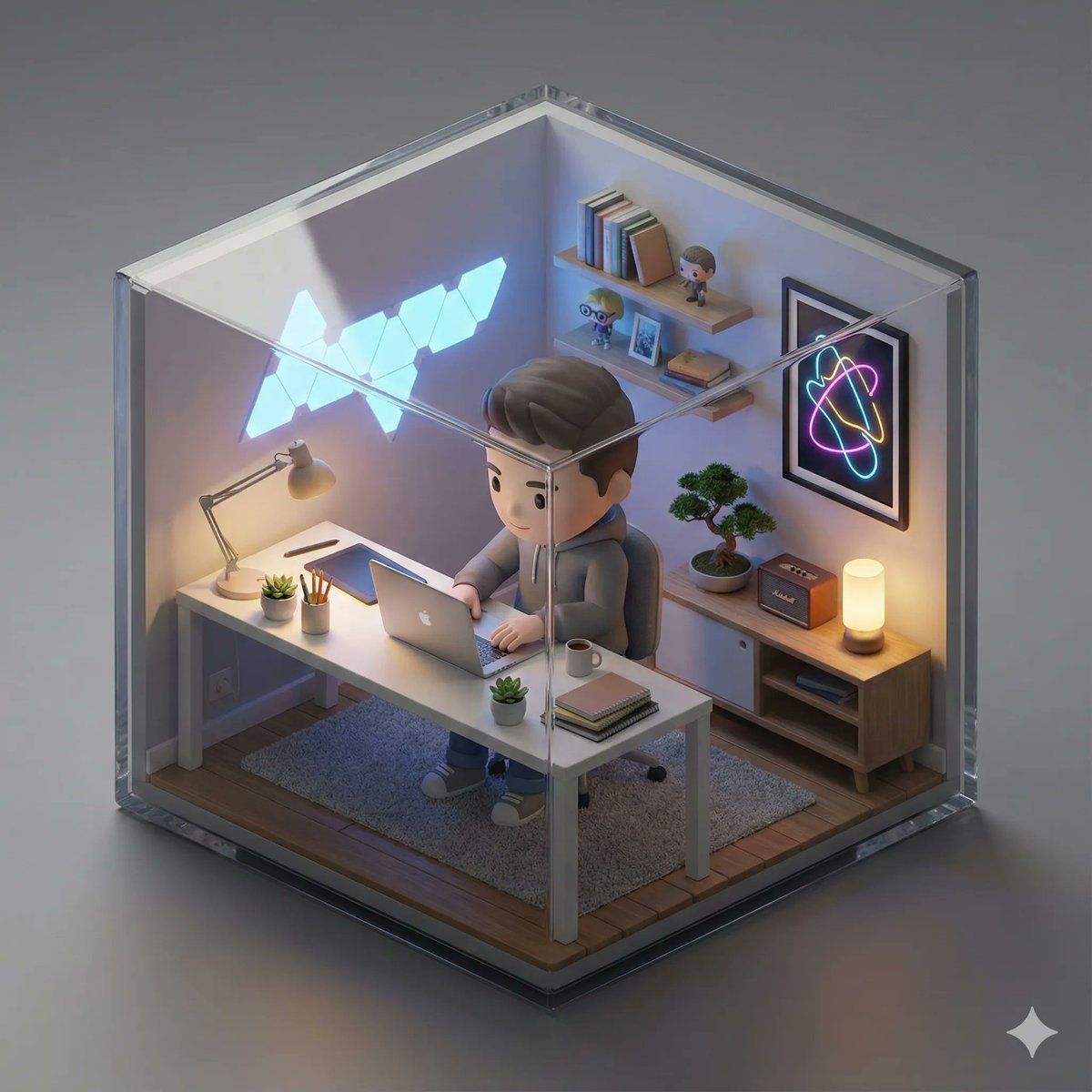
等距 3D 迷你房间与 Q 版角色
Enlarge

等距 3D 迷你房间与 Q 版角色

Prompt
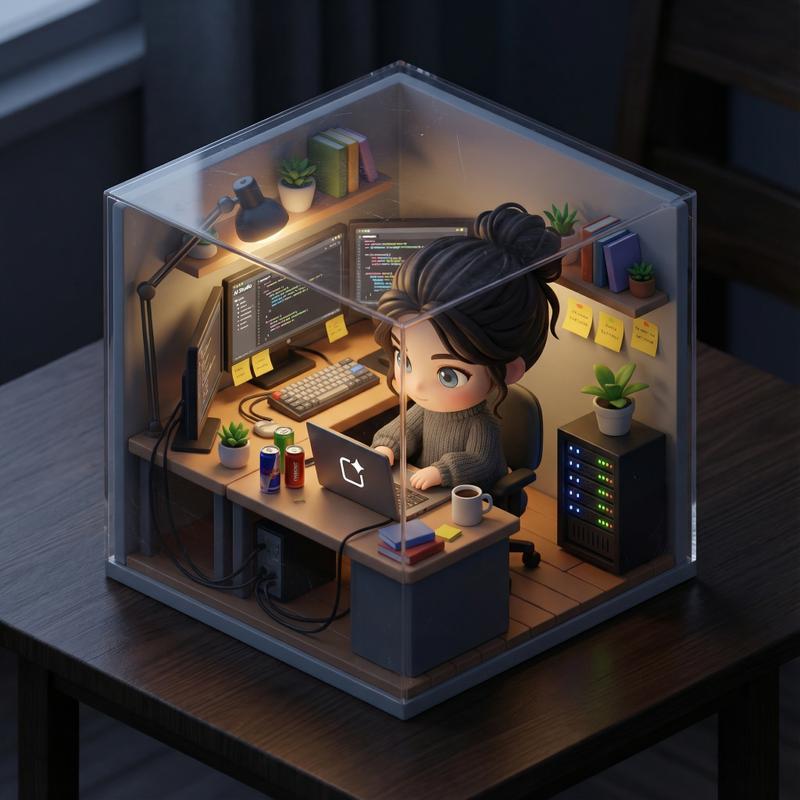
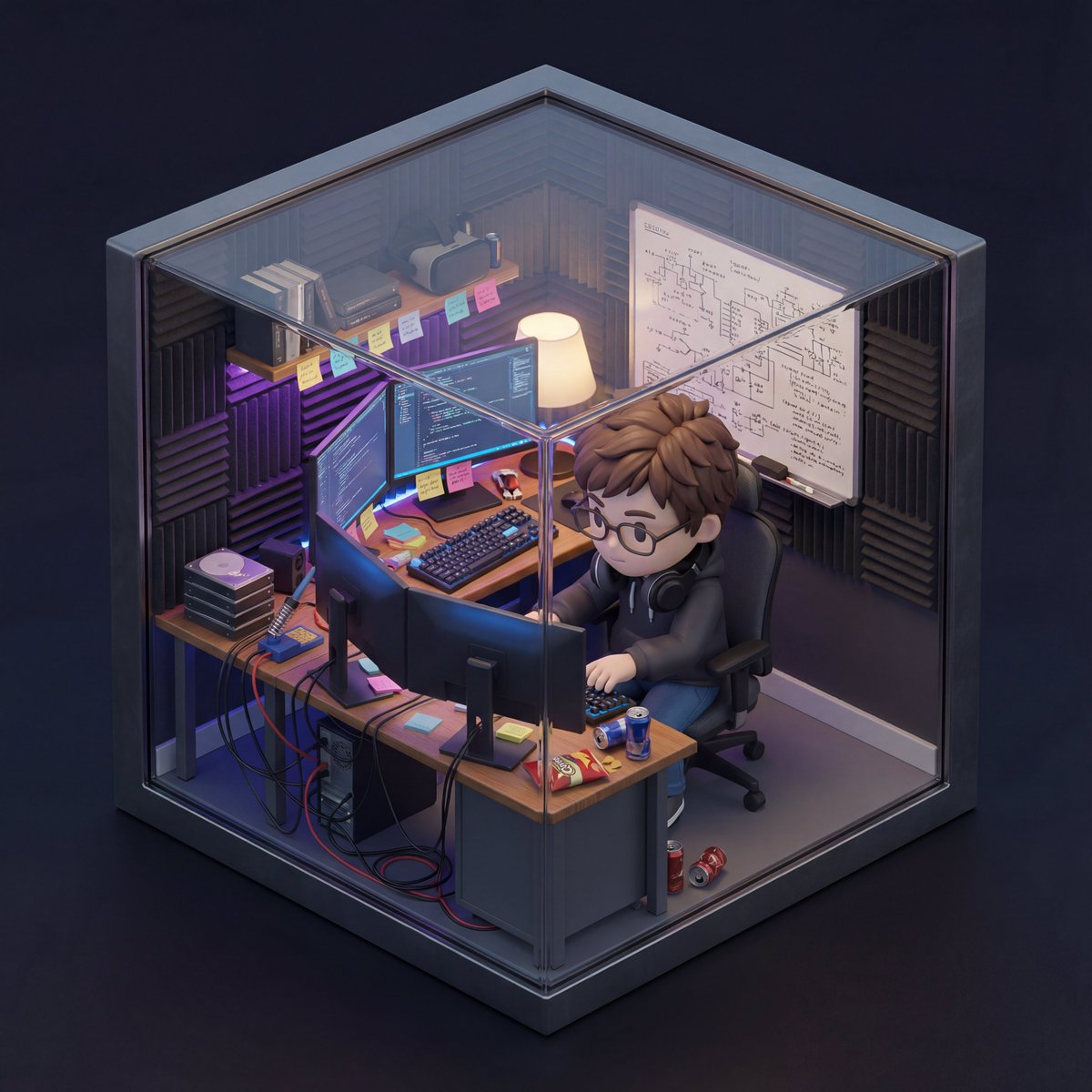
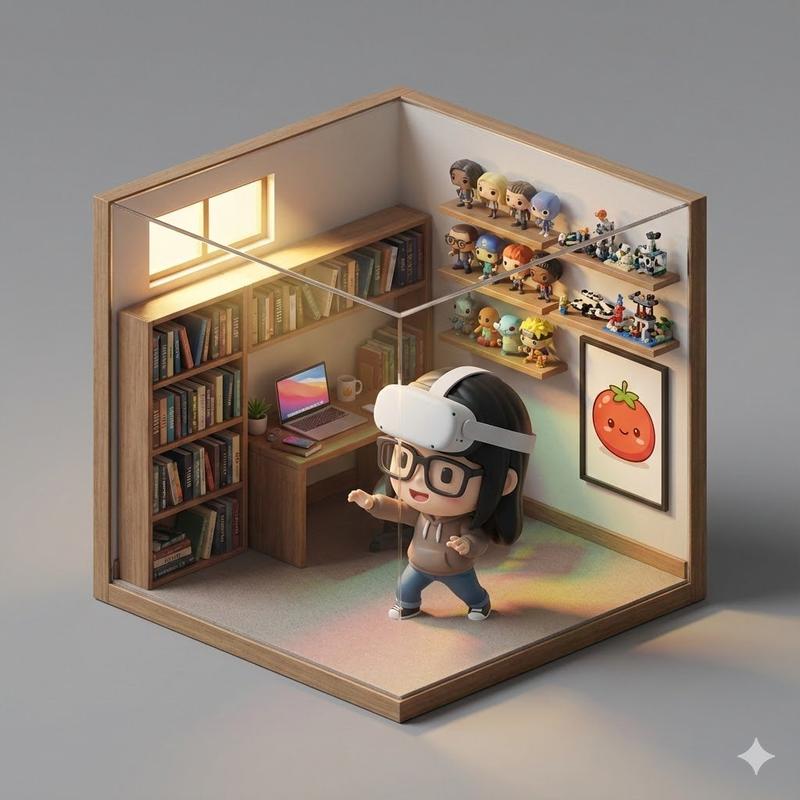
An isometric 3D cube-shaped miniature room (shallow cutaway true cube; everything strictly contained within the cube). The room is [{argument name="room description" default="ROOM DESCRIPTION: Describe the theme, furniture, specific clutter, wall decorations, and key items in detail"}].
Character: a chibi/figurine-style — [{argument name="character description" default="INSERT DESCRIPTION OF THE PERSON FROM YOUR UPLOADED PHOTO HERE"}]. The character is [{argument name="action" default="ACTION: e.g., sitting on a chair typing, standing and cooking, playing guitar"}], with a [{argument name="expression" default="EXPRESSION: e.g., focused, happy, smiling"}] expression. Figure material looks like matte PVC, with big head / small body proportions. Lighting: [{argument name="atmosphere name" default="ATMOSPHERE NAME"}]: [{argument name="light sources" default="LIGHT SOURCES: e.g., neon blue glow, warm sunlight, golden lamp light"}]; realistic reflections and colored shadows. Camera: slightly elevated isometric three-quarter view, front cube edge centered; no elements protruding outside the cube. Photoreal materials with fine detail; neutral backdrop. Ultra-detailed, clean composition; no watermark.
Category
创意图片
Model
Nano Banana Pro
Creator
Alejo
Views0
Source ID
50929d6a-9c7d-4d30-85f2-b4af3d6da269
Published
Mar 8, 2026

Guide

About "等距 3D 迷你房间与 Q 版角色"

What is this prompt for?

"等距 3D 迷你房间与 Q 版角色" AI image prompt for Nano Banana Pro (创意图片). 一个详细的模板提示,用于生成一个等距 3D 微缩房间(一个真正的立方体剖面),其中包含一个 Q 版风格的小雕像角色。它要求用户描述房间、角色的外观(基于上传的照片)、动作、表情、灯光和技术相…

The full copyable prompt and example visuals above are ready for AI image generation or one-click recreate in Picva.

How to use this prompt

  1. Step 1

    Open the prompt detail

    Review the example visuals, category, and full prompt text for "等距 3D 迷你房间与 Q 版角色".

  2. Step 2

    Copy the prompt

    Copy the prompt body from this page, or load it directly in Studio.

  3. Step 3

    Pick a model (Nano Banana Pro)

    Prefer Nano Banana Pro. If you switch models, keep subject and composition and tweak style terms.

  4. Step 4

    Generate and export

    Recreate the look in Picva, or export into your workflow for editing and publishing.

FAQ

What is the "等距 3D 迷你房间与 Q 版角色" prompt?
It is an AI image-generation prompt for Nano Banana Pro in the 创意图片 category. This page includes the full prompt text, example visuals, and a one-click recreate path in Picva.
How do I use this prompt to generate an image?
Copy the prompt from this page, or use Generate / Studio. Paste it into a compatible image model, or recreate the look in Picva with optional reference images.
Which model is this prompt for?
This page lists Nano Banana Pro. Most descriptive prompts also transfer to nearby image models such as GPT Image, Flux, or Midjourney with light style tweaks.
Can I use the result commercially?
You can usually copy the prompt for creation, but commercial use of the final image depends on the model terms, reference-image rights, and the generated content. Follow the source author and platform rules.