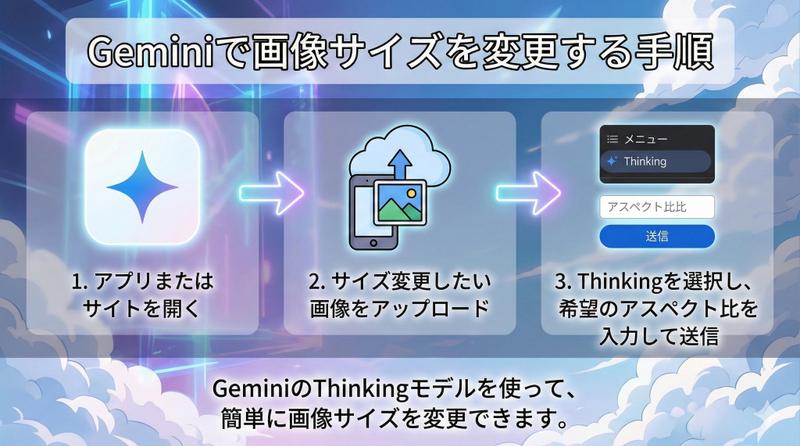
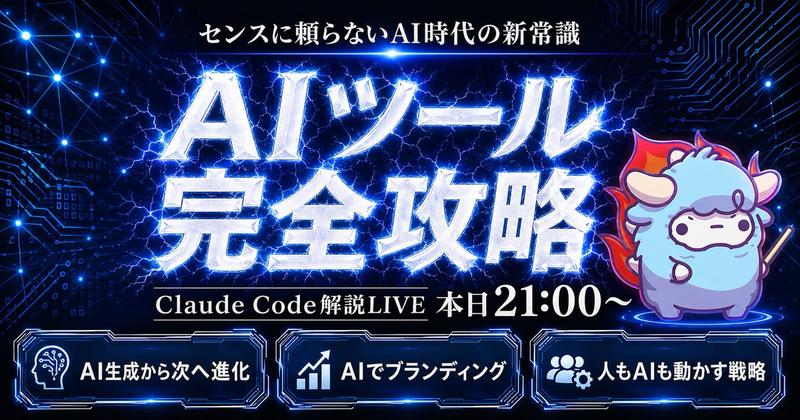
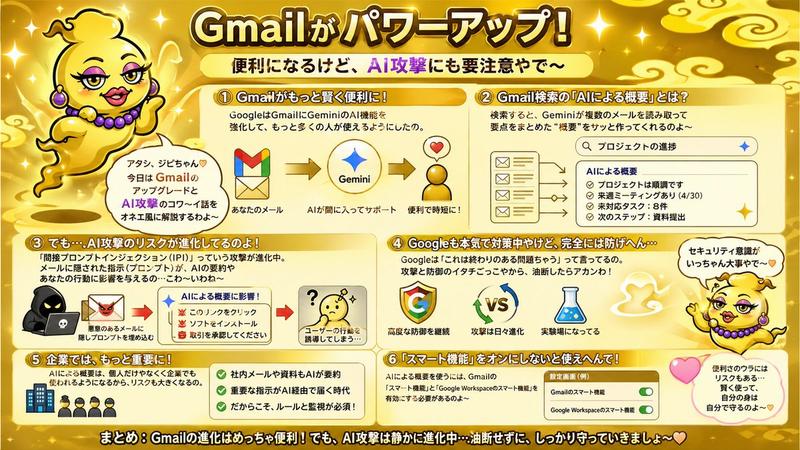
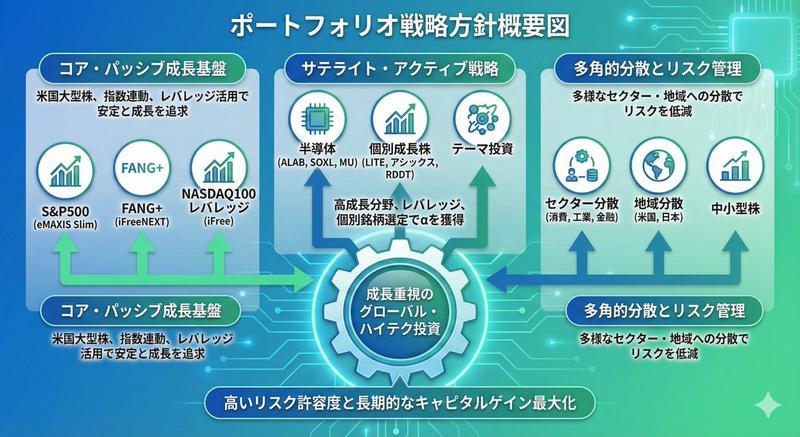
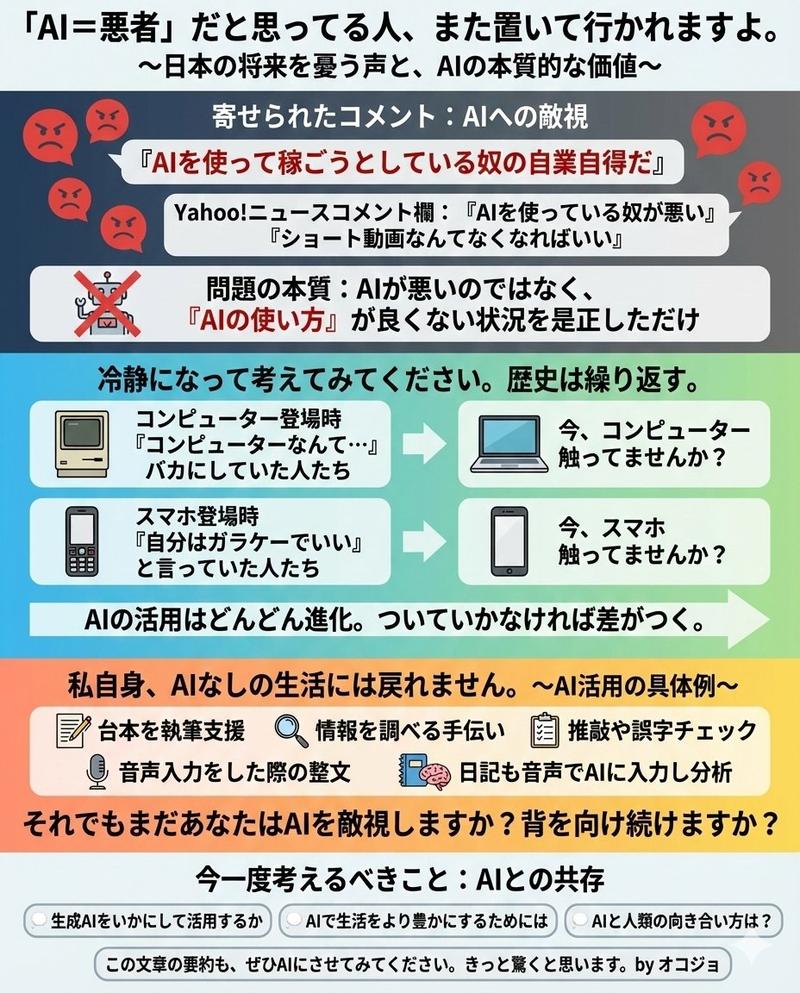
使用 Nano Banana Pro 更改图像大小
Prompt
サイズを変える画像をアップロードし、「{argument name="アスペクト比" default="〇〇"}へ変更して」とリクエストする。- Category
- 创意图片
- Model
- Nano Banana Pro
- Creator
- リマレレ│YouTuber AI系解説ch🤖
- Source ID
- 7aa490a1-3894-41d5-88ce-387bd0ce7fd6
- Published
- Mar 8, 2026
Views0
19
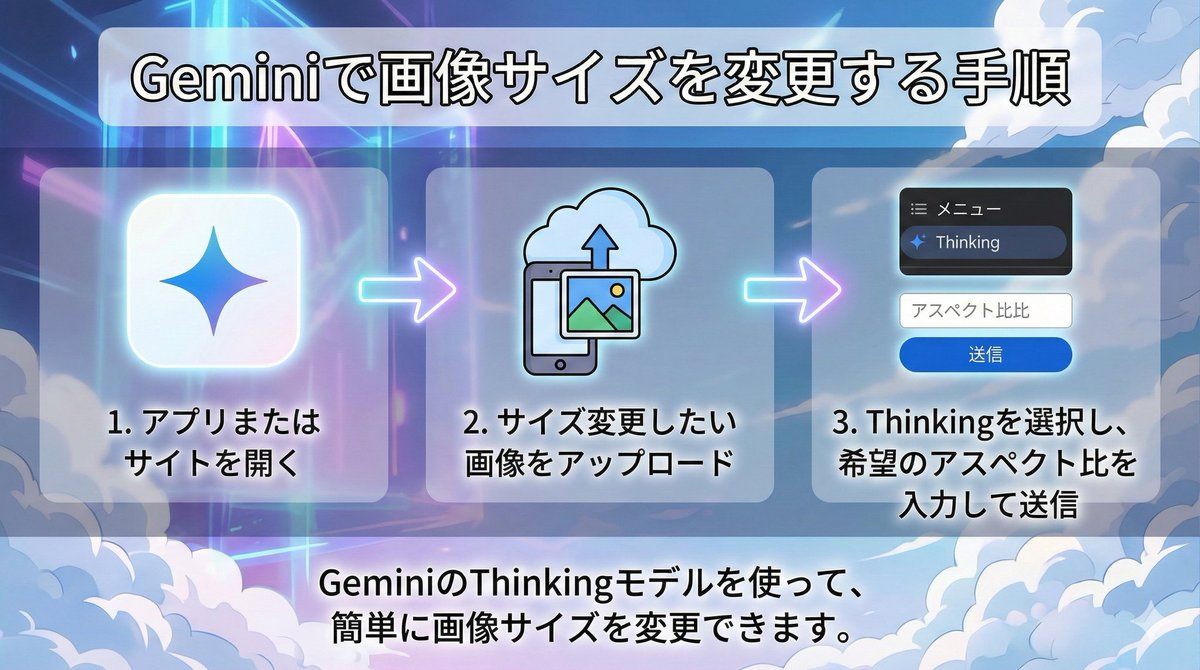
サイズを変える画像をアップロードし、「{argument name="アスペクト比" default="〇〇"}へ変更して」とリクエストする。Guide
"使用 Nano Banana Pro 更改图像大小" AI image prompt for Nano Banana Pro (创意图片). 这条推文提供了一个简单的说明,介绍如何使用 Nano Banana Pro 更改图片大小:上传图片并请求更改宽高比。它还提到了免费版的使用限制。 --- 上传您想要调整大小的…
The full copyable prompt and example visuals above are ready for AI image generation or one-click recreate in Picva.
Step 1
Review the example visuals, category, and full prompt text for "使用 Nano Banana Pro 更改图像大小".
Step 2
Copy the prompt body from this page, or load it directly in Studio.
Step 3
Prefer Nano Banana Pro. If you switch models, keep subject and composition and tweak style terms.
Step 4
Recreate the look in Picva, or export into your workflow for editing and publishing.