20

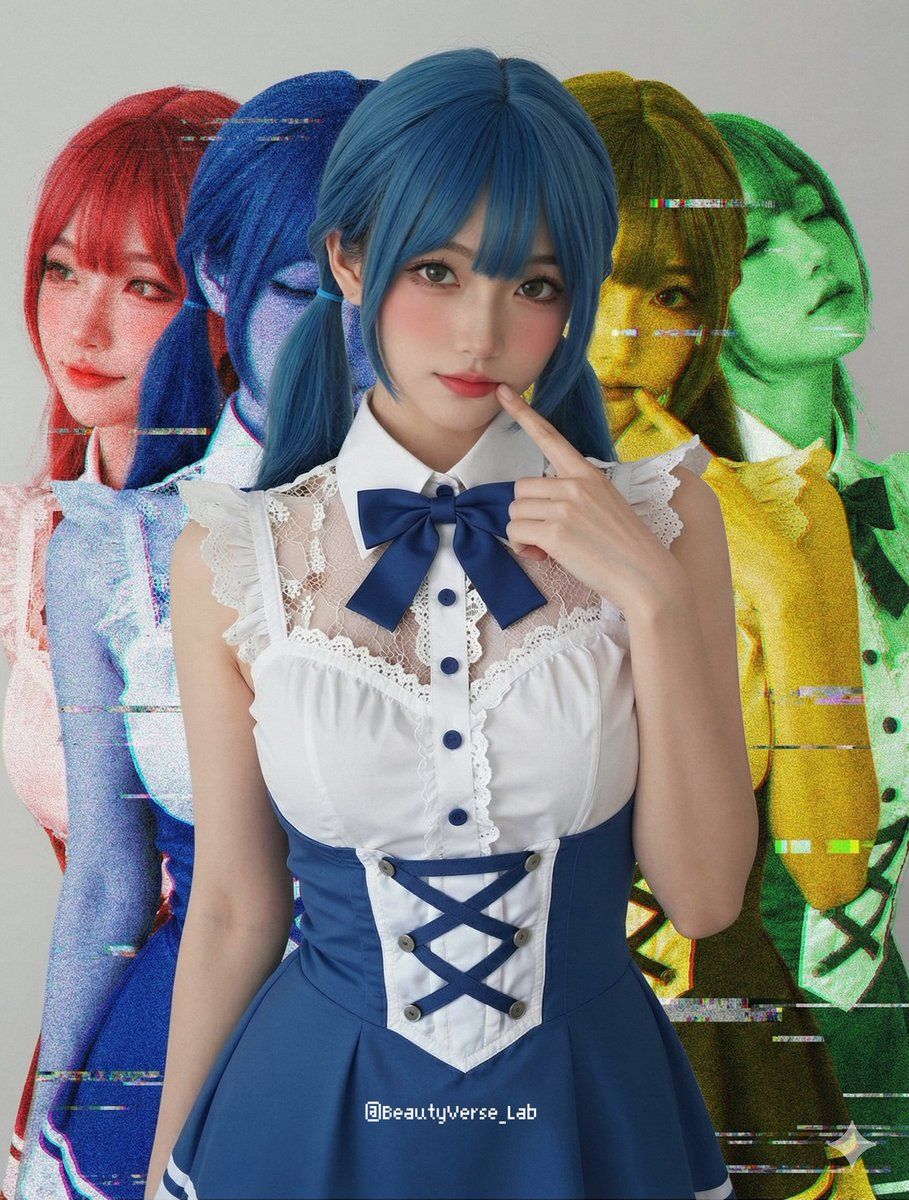
带色彩分离的阴影和故障效果提示
Enlarge

带色彩分离的阴影和故障效果提示

Prompt
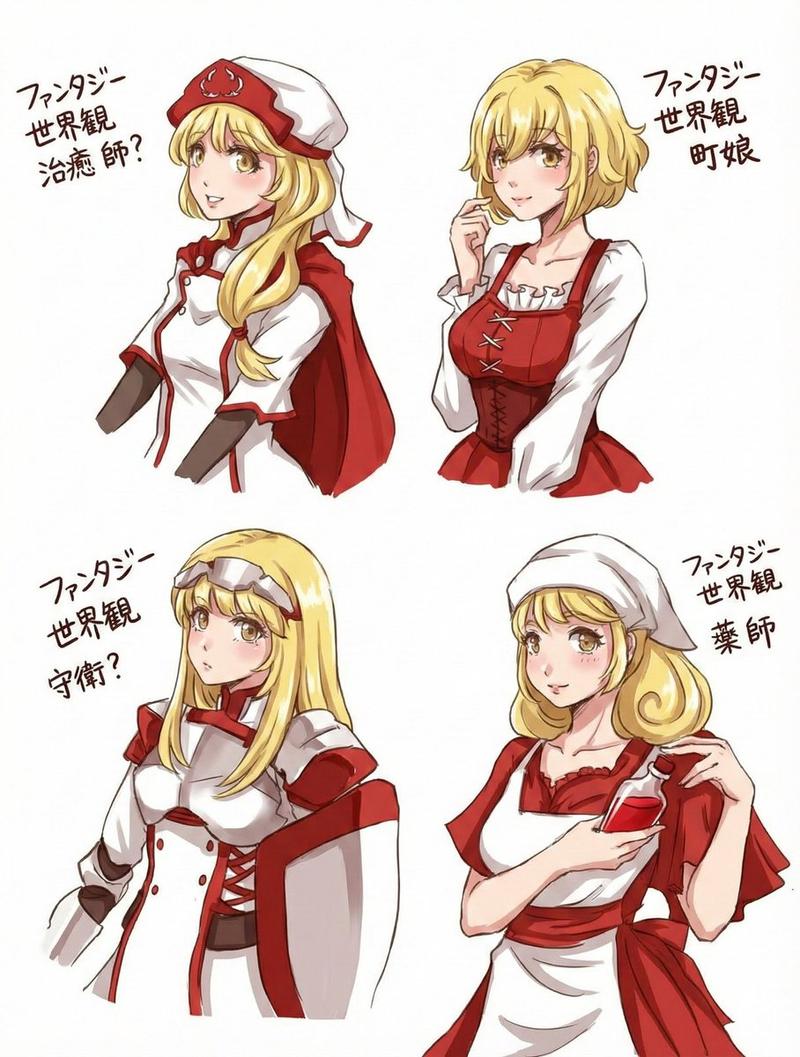
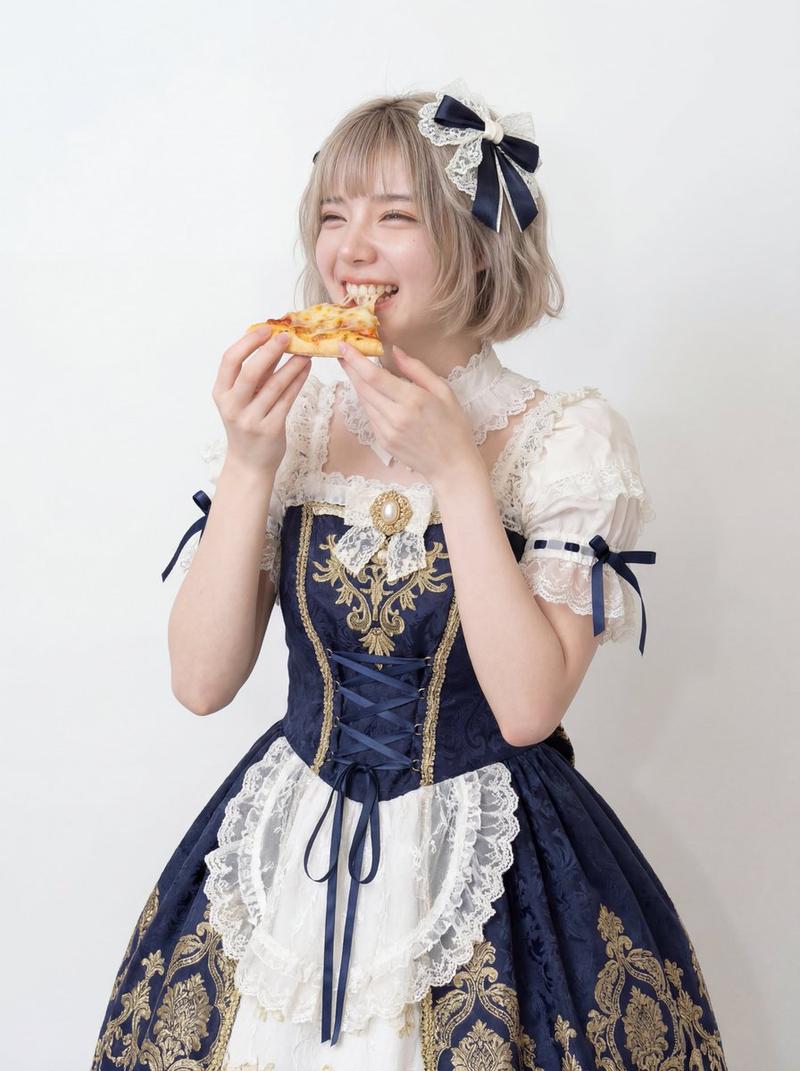
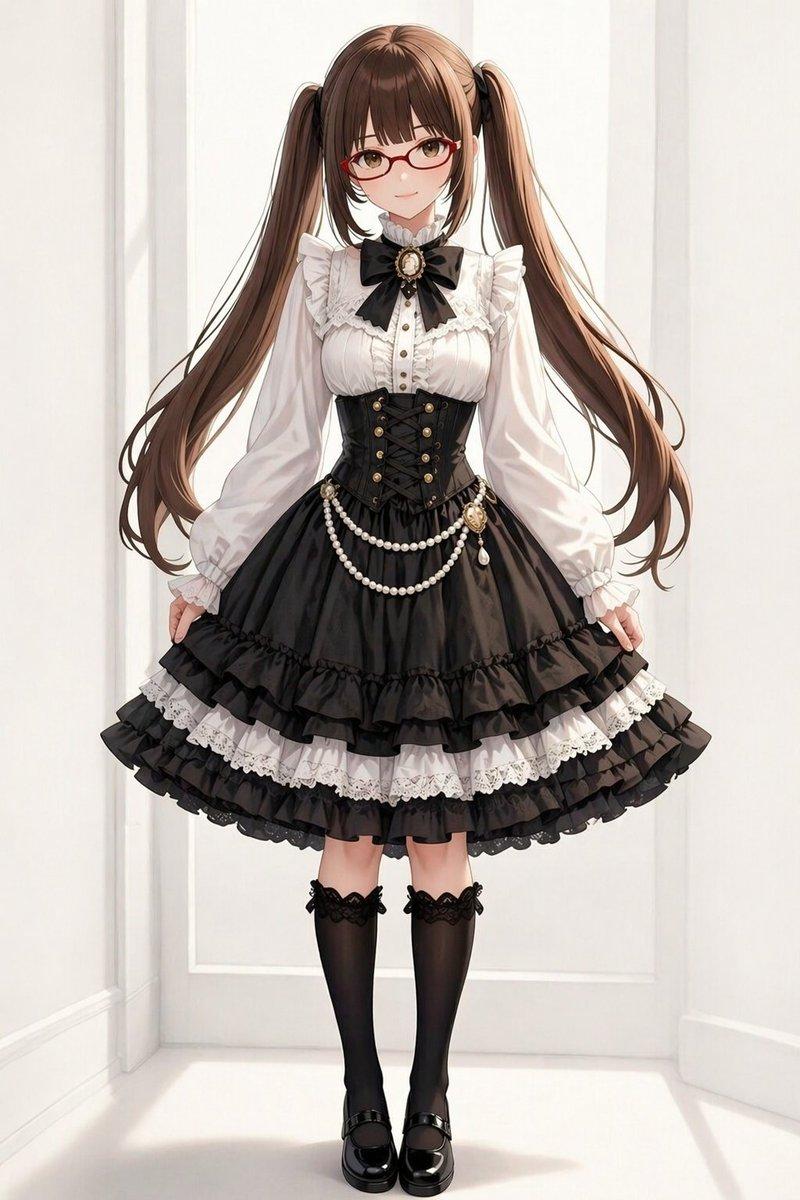
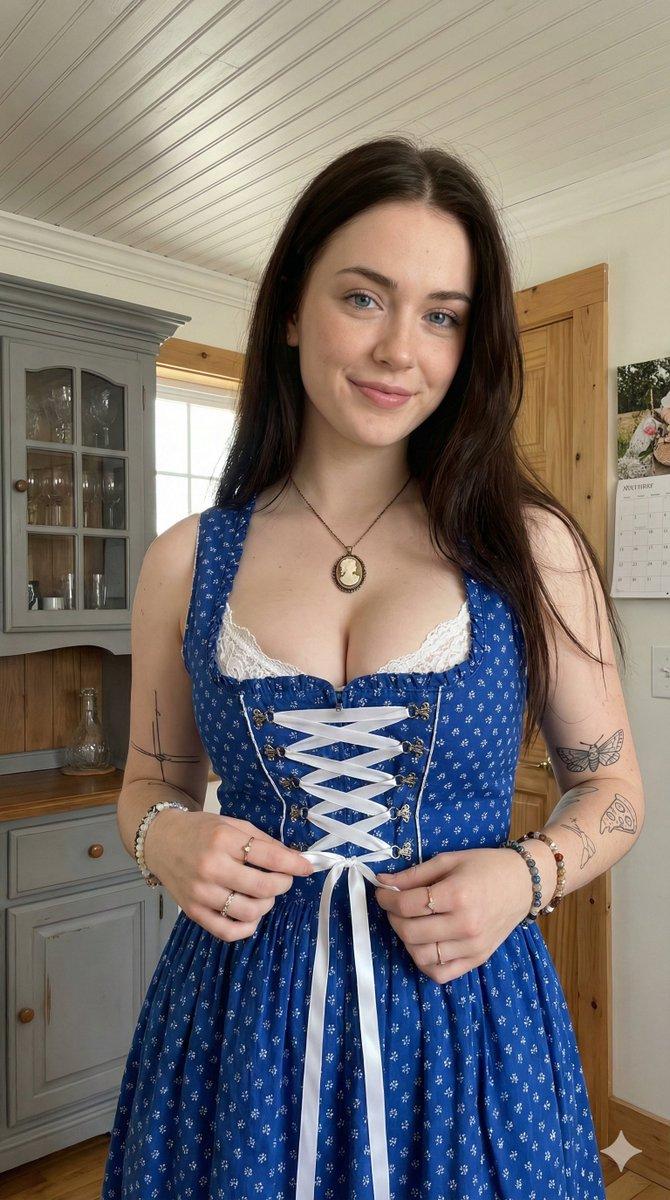
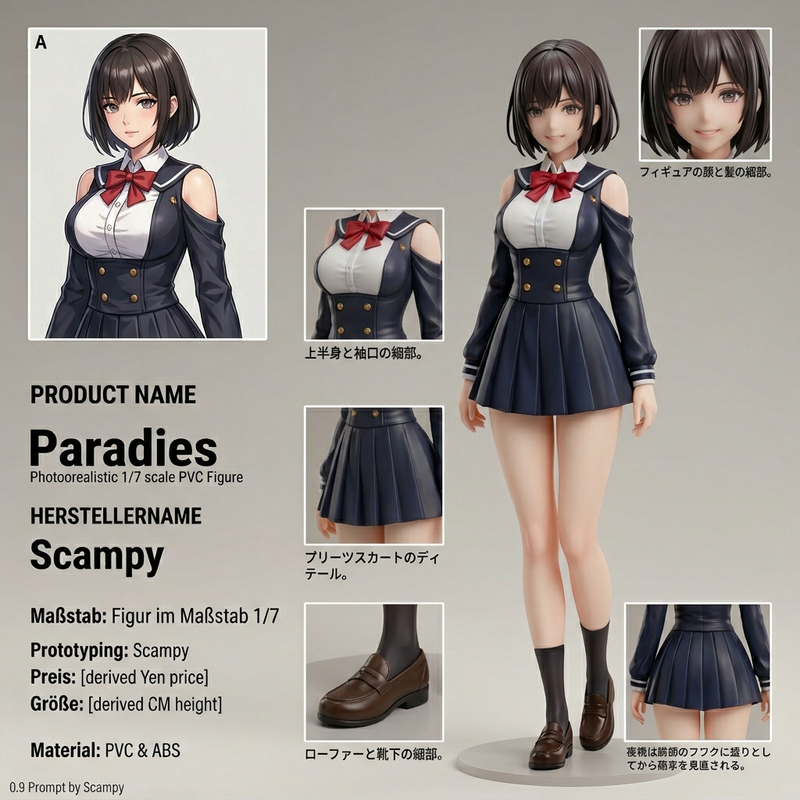
Ref Image: Based on the provided reference image, keep the main subject in the center sharp, natural-colored, and completely unaffected by filters.

Shadow Effect: Behind the main subject, generate four ghost-like duplicates of the same subject. Offset two duplicates to the left (colored {argument name="left color 1" default="Red"} and {argument name="left color 2" default="Blue"}) and two to the right (colored {argument name="right color 1" default="Yellow"} and {argument name="right color 2" default="Green"}).

Glitch Effect: Apply heavy analog noise, VHS scan lines, and digital glitch artifacts ONLY to these four colored background layers, creating a gritty, unstable look behind the clean high-definition foreground subject.
Category
创意图片
Model
Nano Banana Pro
Views0
Source ID
d59fe6c5-a2c1-4047-8b0c-08dd42fc4a86
Published
Mar 8, 2026

Guide

About "带色彩分离的阴影和故障效果提示"

What is this prompt for?

"带色彩分离的阴影和故障效果提示" AI image prompt for Nano Banana Pro (创意图片). 这是一个结构化提示,旨在应用特定的阴影和故障效果。它需要一个主要主体的参考图像,该主体保持清晰并居中。在主体后面会生成四个幽灵般的副本(红色、蓝色、黄色、绿色),这些副本是唯一受严重模拟噪声、V…

The full copyable prompt and example visuals above are ready for AI image generation or one-click recreate in Picva.

How to use this prompt

  1. Step 1

    Open the prompt detail

    Review the example visuals, category, and full prompt text for "带色彩分离的阴影和故障效果提示".

  2. Step 2

    Copy the prompt

    Copy the prompt body from this page, or load it directly in Studio.

  3. Step 3

    Pick a model (Nano Banana Pro)

    Prefer Nano Banana Pro. If you switch models, keep subject and composition and tweak style terms.

  4. Step 4

    Generate and export

    Recreate the look in Picva, or export into your workflow for editing and publishing.

FAQ

What is the "带色彩分离的阴影和故障效果提示" prompt?
It is an AI image-generation prompt for Nano Banana Pro in the 创意图片 category. This page includes the full prompt text, example visuals, and a one-click recreate path in Picva.
How do I use this prompt to generate an image?
Copy the prompt from this page, or use Generate / Studio. Paste it into a compatible image model, or recreate the look in Picva with optional reference images.
Which model is this prompt for?
This page lists Nano Banana Pro. Most descriptive prompts also transfer to nearby image models such as GPT Image, Flux, or Midjourney with light style tweaks.
Can I use the result commercially?
You can usually copy the prompt for creation, but commercial use of the final image depends on the model terms, reference-image rights, and the generated content. Follow the source author and platform rules.