角色风格状态屏幕生成
Prompt
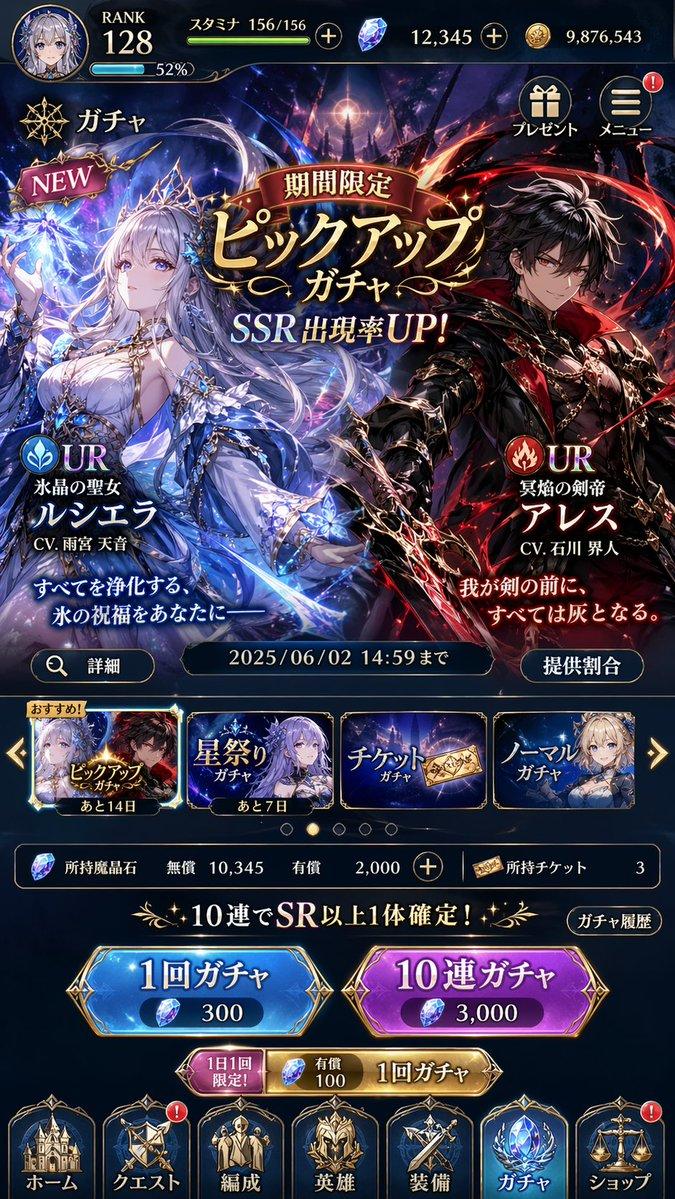
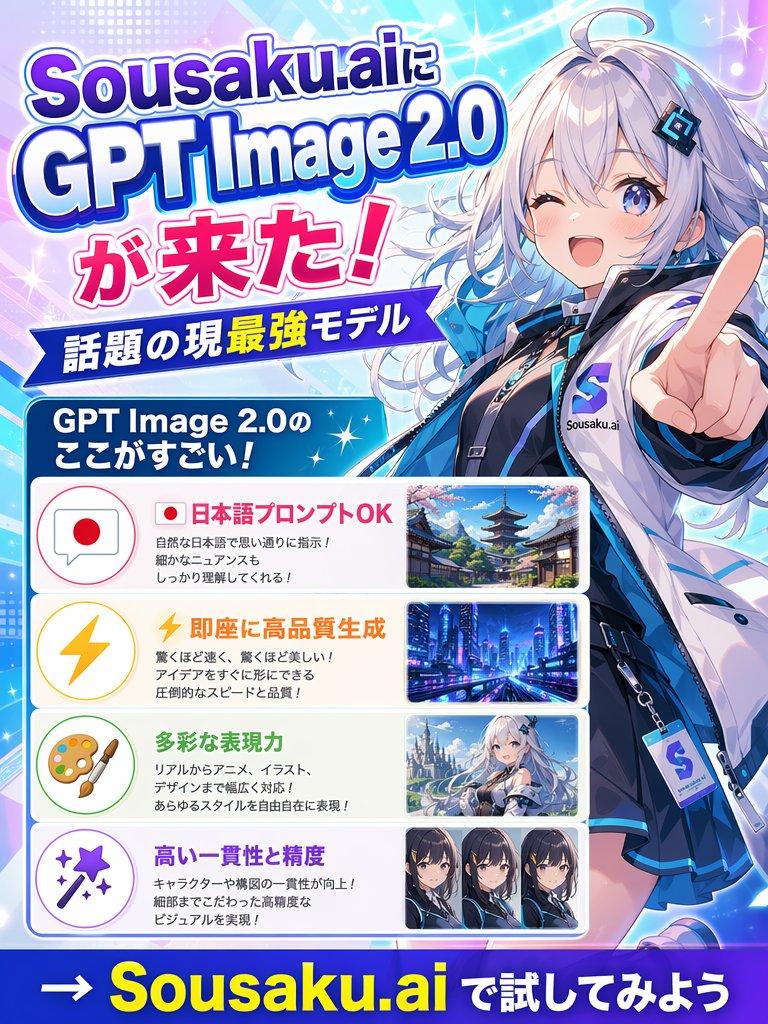
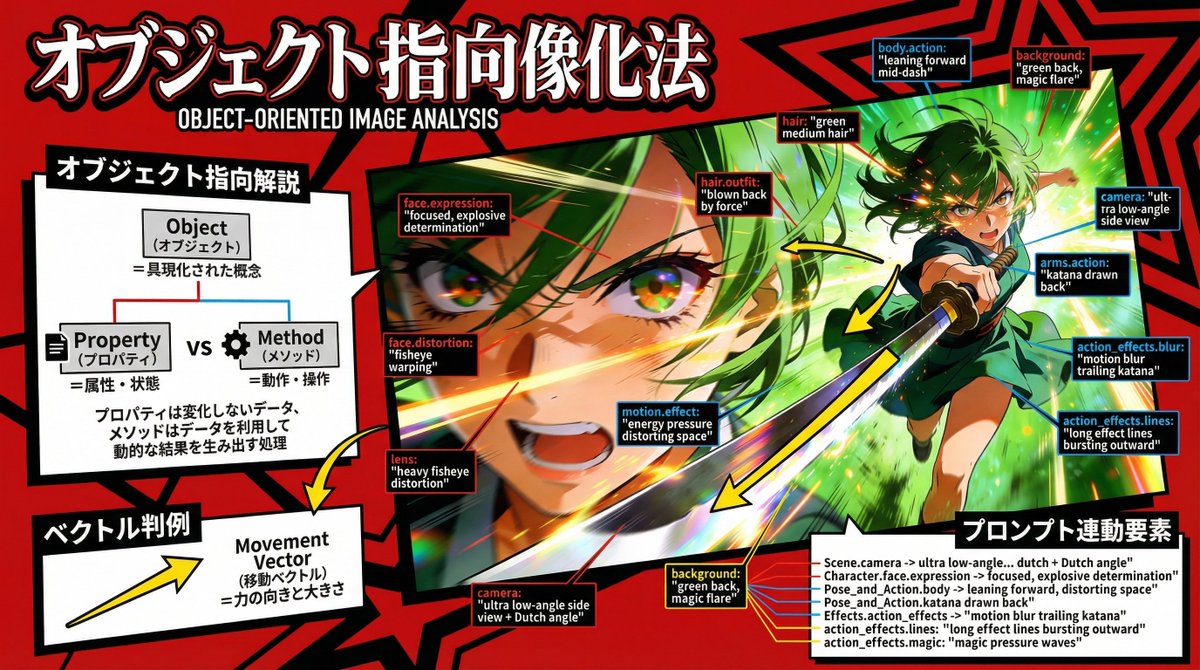
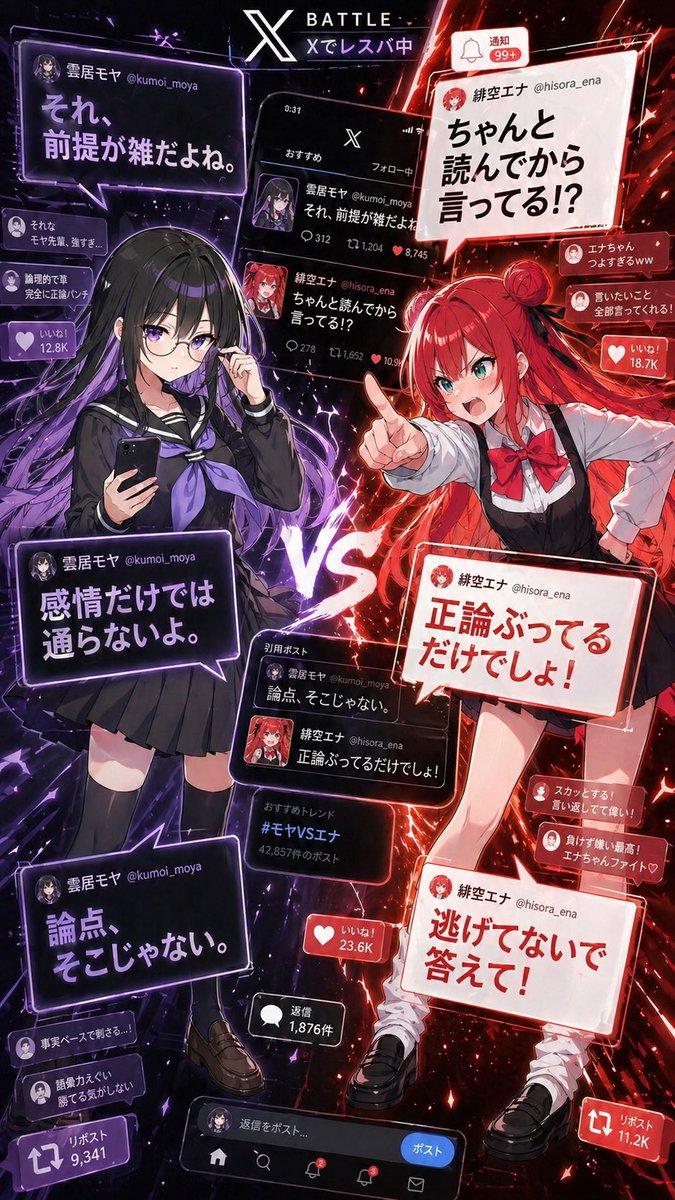
nano banana proでペルソナ風のステータス画面。レベルとステータスはランダムに生成するように指示出してるけど高くなりがち。
- Category
- 创意图片
- Model
- Nano Banana Pro
- Creator
- 他力ぃ!!
- Source ID
- 88e53fbf-9400-4c7e-bb03-4a4ed03f7b31
- Published
- Mar 8, 2026
Views0
13
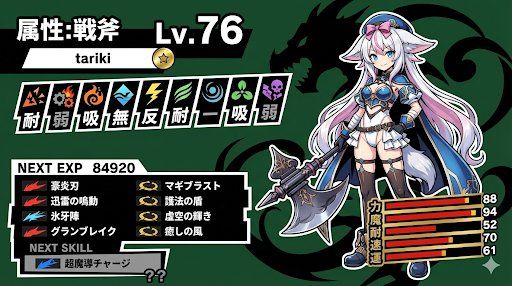
nano banana proでペルソナ風のステータス画面。レベルとステータスはランダムに生成するように指示出してるけど高くなりがち。
Guide
"角色风格状态屏幕生成" AI image prompt for Nano Banana Pro (创意图片). 一个用于生成《女神异闻录》系列游戏风格状态界面的提示,指示 AI 随机生成高等级和高属性值。 --- 这是一个使用 nano banana pro 制作的《女神异闻录》风格状态界面。我指示它随机生成等级和…
The full copyable prompt and example visuals above are ready for AI image generation or one-click recreate in Picva.
Step 1
Review the example visuals, category, and full prompt text for "角色风格状态屏幕生成".
Step 2
Copy the prompt body from this page, or load it directly in Studio.
Step 3
Prefer Nano Banana Pro. If you switch models, keep subject and composition and tweak style terms.
Step 4
Recreate the look in Picva, or export into your workflow for editing and publishing.