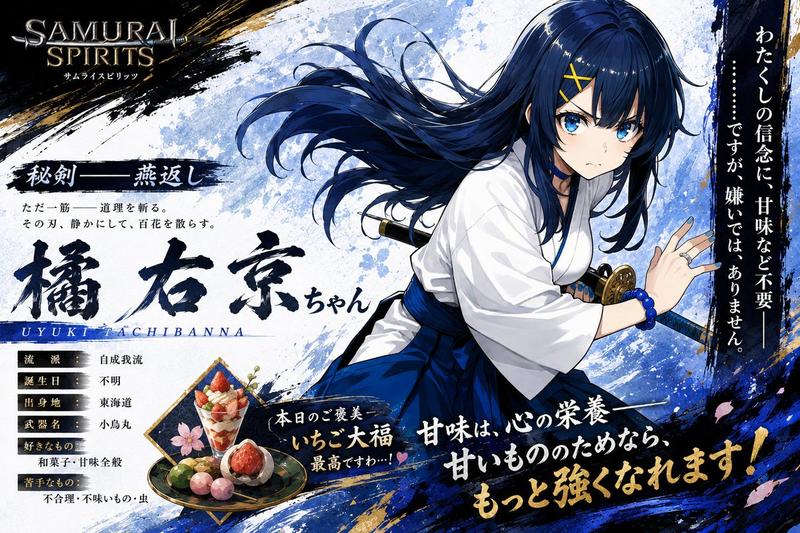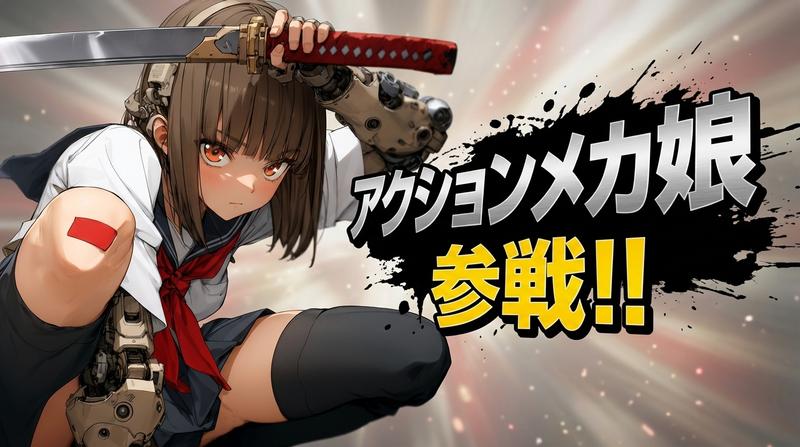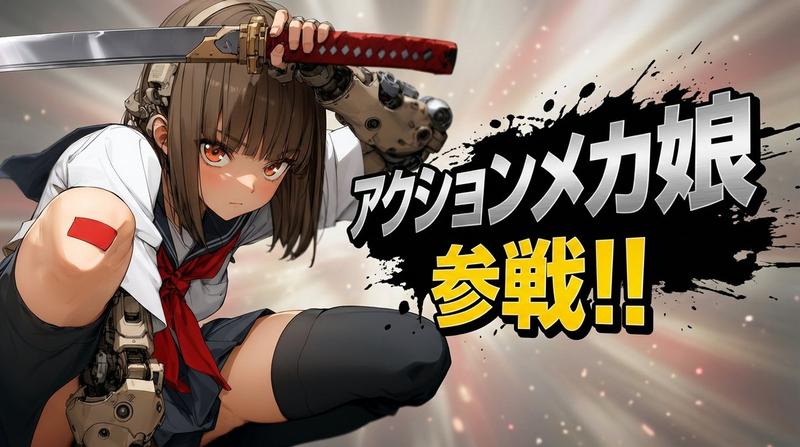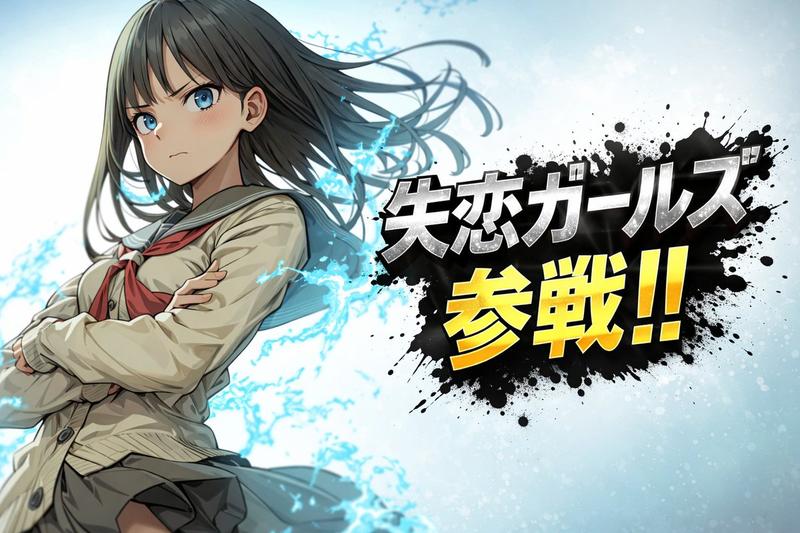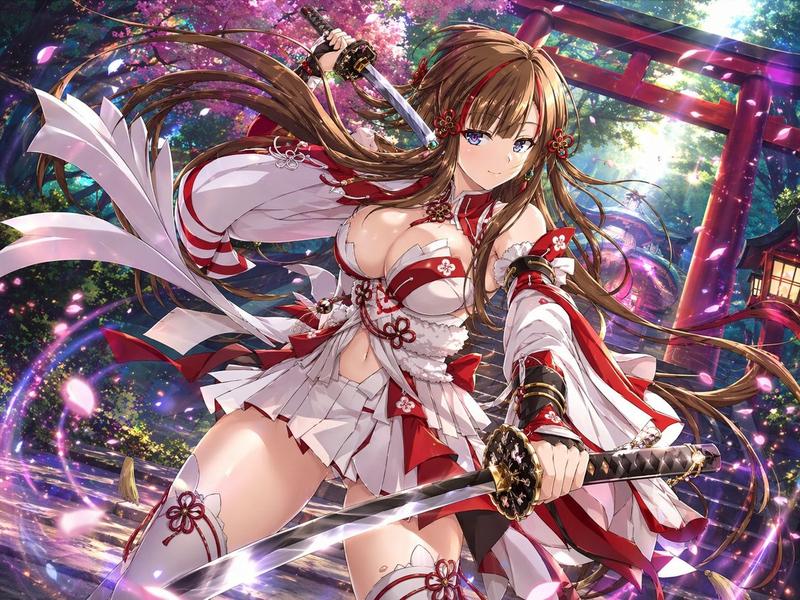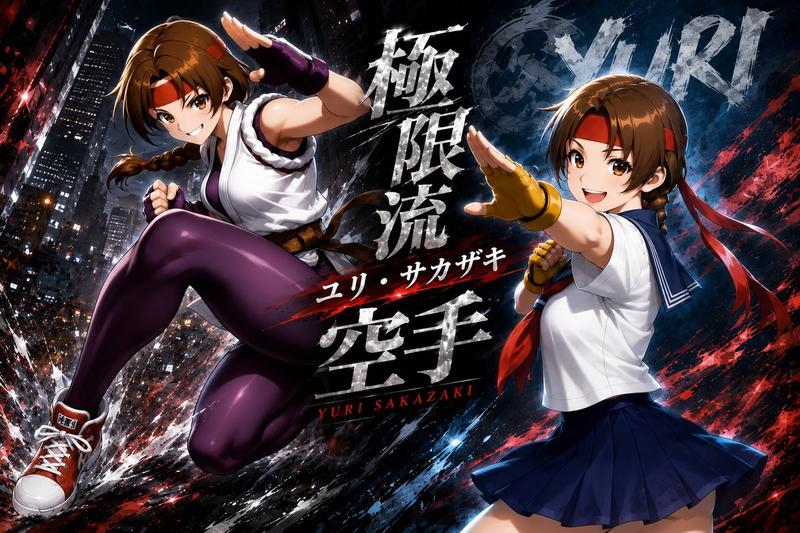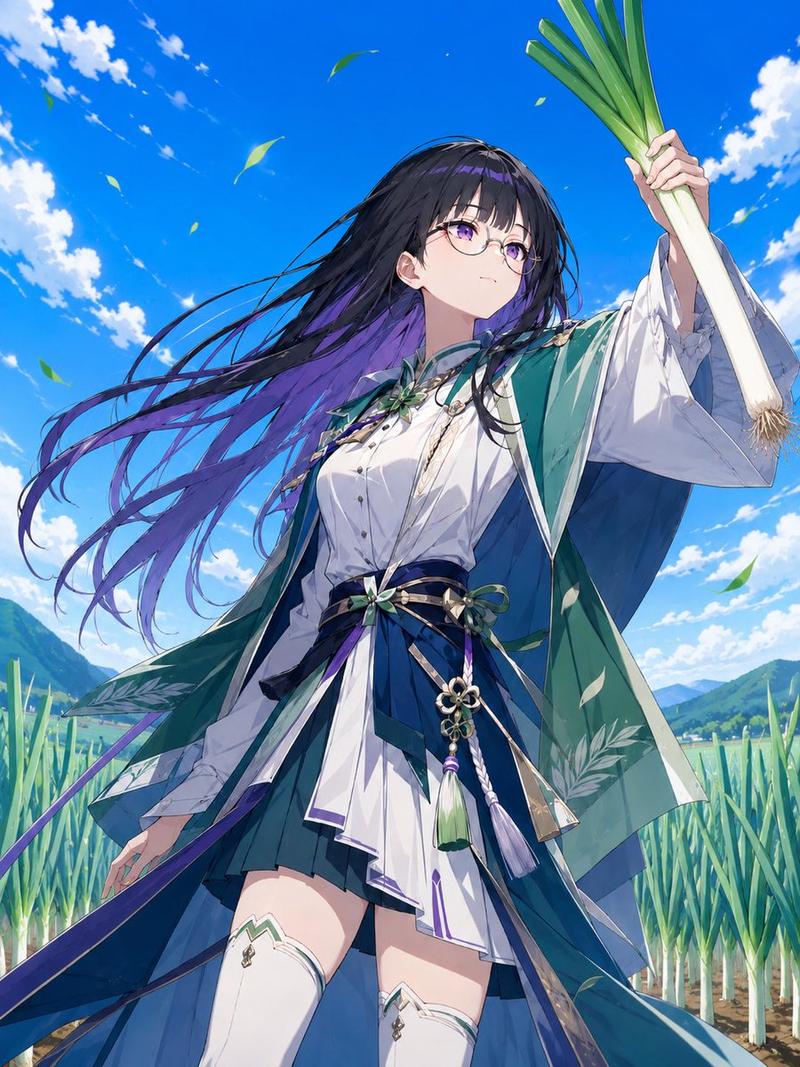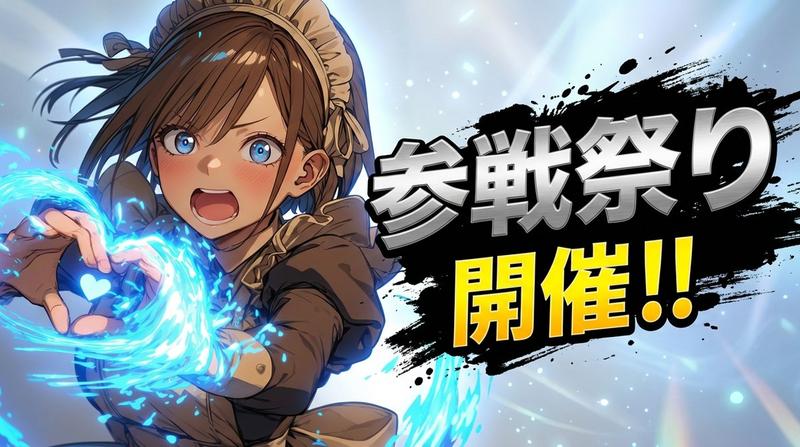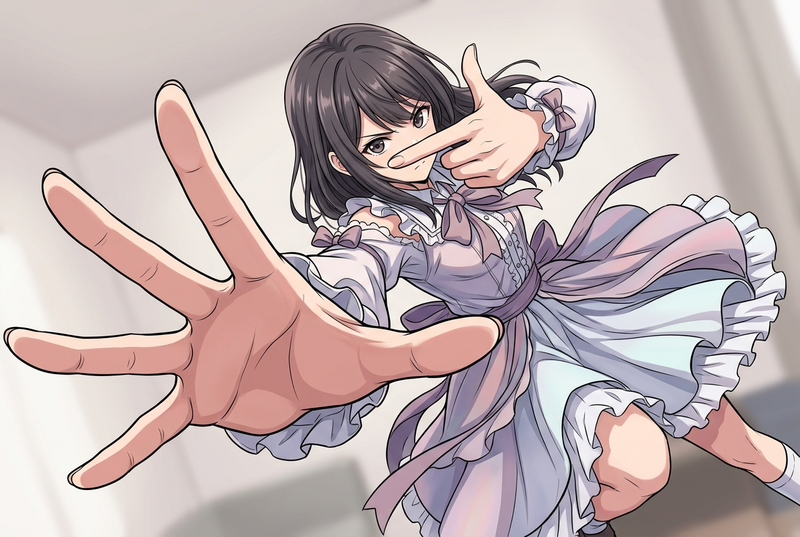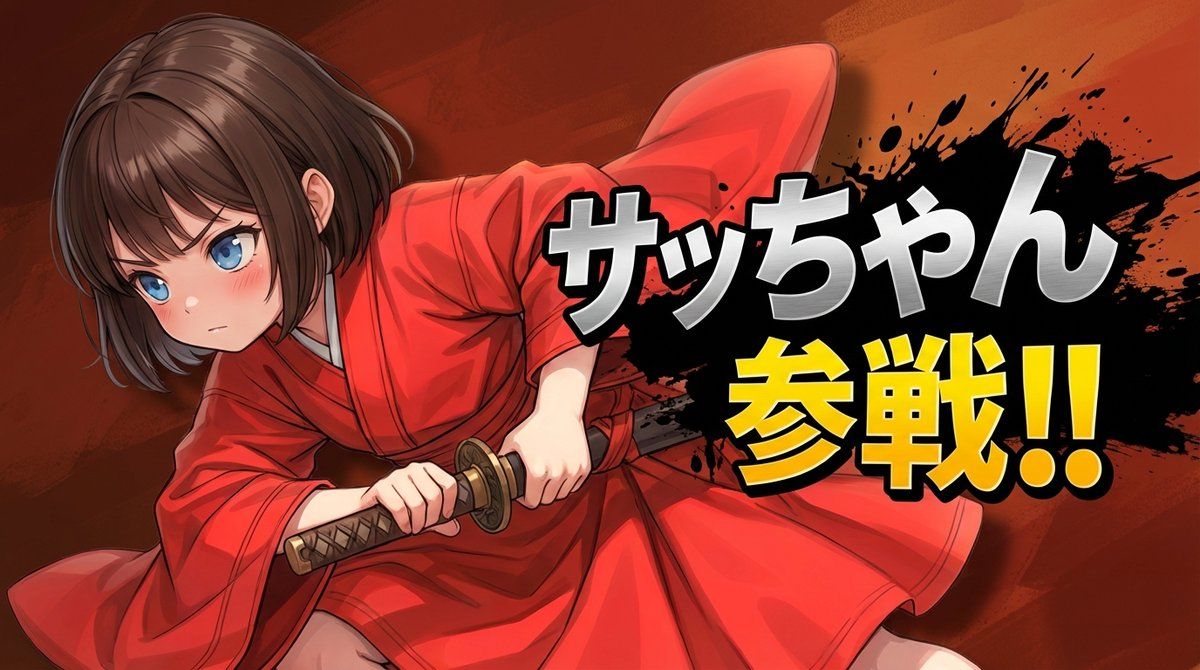
Nano Banana Pro 对战入口屏幕提示
Prompt
layering:
  order:
    - text_layer
    - character_layer
    - background_layer
  strict: true

subject:
  description: >
    Preserve the subject exactly as in the reference image, keeping all facial features,
    colors, hairstyle, clothing, and proportions. No redesign or reinterpretation.
  framing: >
    Bust-up composition (head to upper torso), making the subject appear large and prominent.
  integrity: full_identity_preservation
  detail_level: ultra_high_resolution
  micro_details: preserve_skin_texture_hair_edges_fabric_details

composition:
  aspect_ratio: "16:9"
  layout: >
    Subject positioned on one side; headline text on the opposite side.
  emphasis: >
    Strong presence on the character's upper body and expression.

action:
  description: >
    Minimal motion enhancement. Maintain the reference pose while adding subtle dramatic energy.

location:
  description: >
    Generate a simple, abstract background inferred from the tone of the reference image.
    No specific elements required; allow the model to interpret color and atmosphere freely.
    Background must NOT contain any characters, silhouettes, faces, bodies,
    or blurred forms derived from the subject.
  background_feel: clean_and_minimal
  allowed_elements: pure_color_gradients_light_abstract_shapes_only
  prohibit_subject_reuse_in_background: true

style:
  visual_style: >
    High-impact reveal-splash aesthetic with strong contrast between character and headline.
  text_effects: >
    Metallic, high-energy lettering with pronounced depth and perspective. No glow effects.
  character_rendering: >
    Extremely high-resolution rendering with sharp facial details, clean hair definition,
    precise edges, and crisp texture fidelity.
  background_style_rules: >
    Background must be purely non-figurative. No silhouettes, no blurred shapes,
    and no reused subject elements.
  ink_splash_rules: >
    Ink splash must be pure black only. No other colors, tinting, blending, or variation.

camera_lighting:
  camera_angle: from_reference
  lighting: >
    Enhance with dramatic key lighting and subtle rim highlights to emphasize the reveal.
  clarity: maximum_definition

colors:
  palette: >
    Background colors inferred from the reference image.
    Character name in metallic silver; announcement text in saturated yellow.
  mood: dramatic, heroic, high_energy

text:
  character_name: "{argument name="キャラクター名" default="キャラクター名"}"
  announcement_fixed: "{argument name="アナウンス" default="参戦!!"}"
  placement: opposite_side_of_character
  perspective: >
    Pronounced perspective: front surface larger, back tapered with visible extrusion.
  character_name_style: >
Metallic silver, b- Category
- 创意图片
- Model
- Nano Banana Pro
- Creator
- てんねん
- Source ID
- 3ebd43e7-de1f-45cf-8e07-189785d185a6
- Published
- Mar 8, 2026
Views0