18

赛博朋克霓虹时尚大片提示(9:16 竖屏)
Enlarge

赛博朋克霓虹时尚大片提示(9:16 竖屏)

Prompt
{
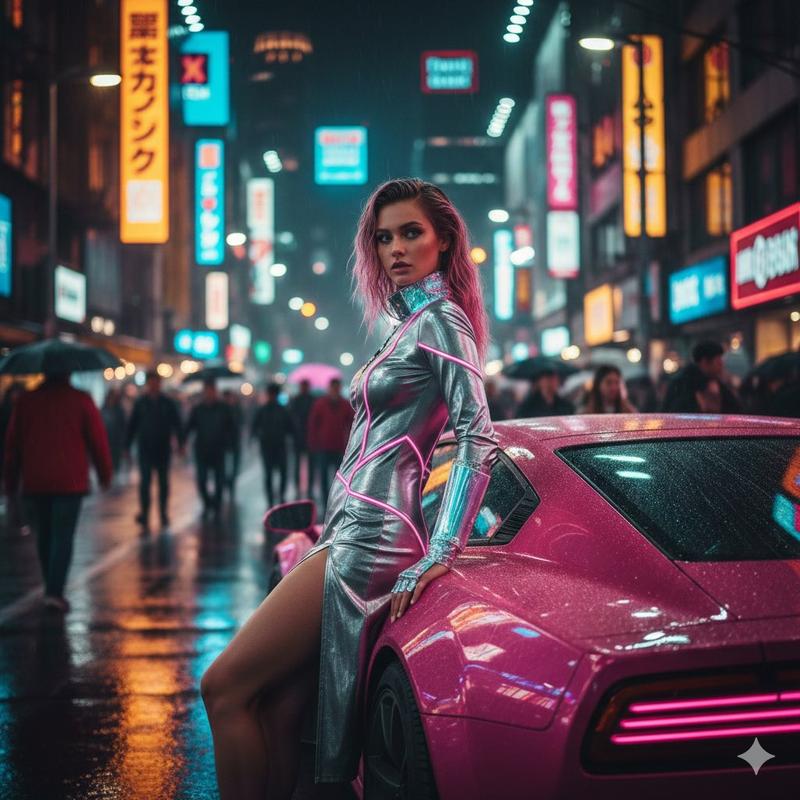
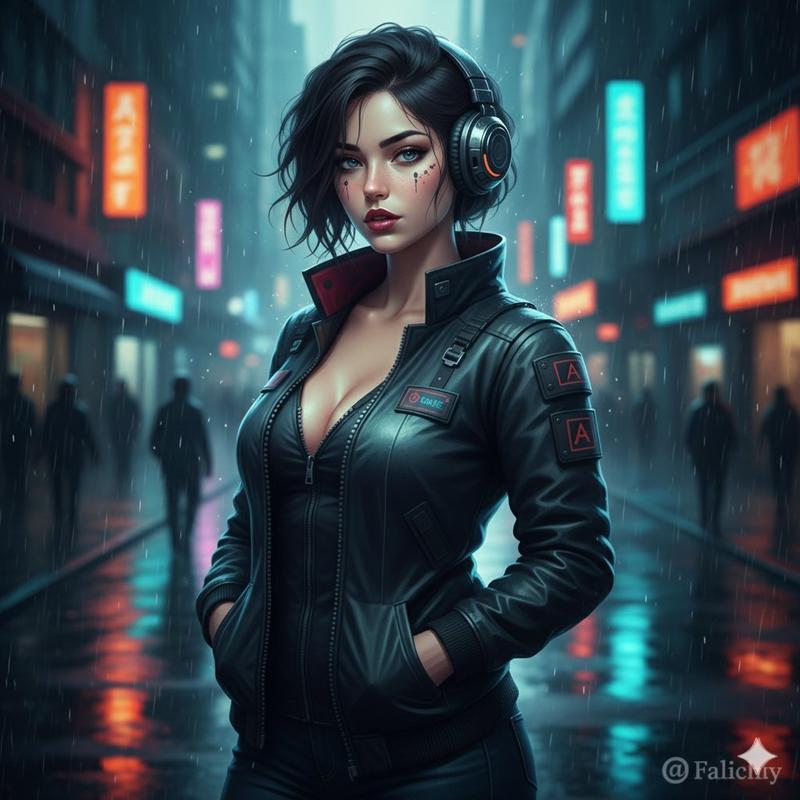
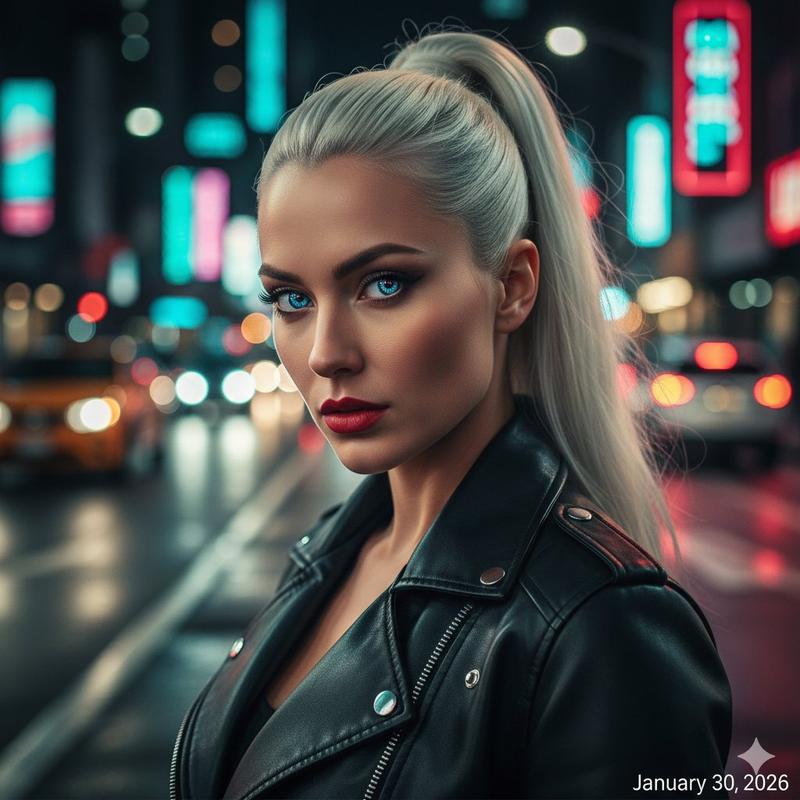
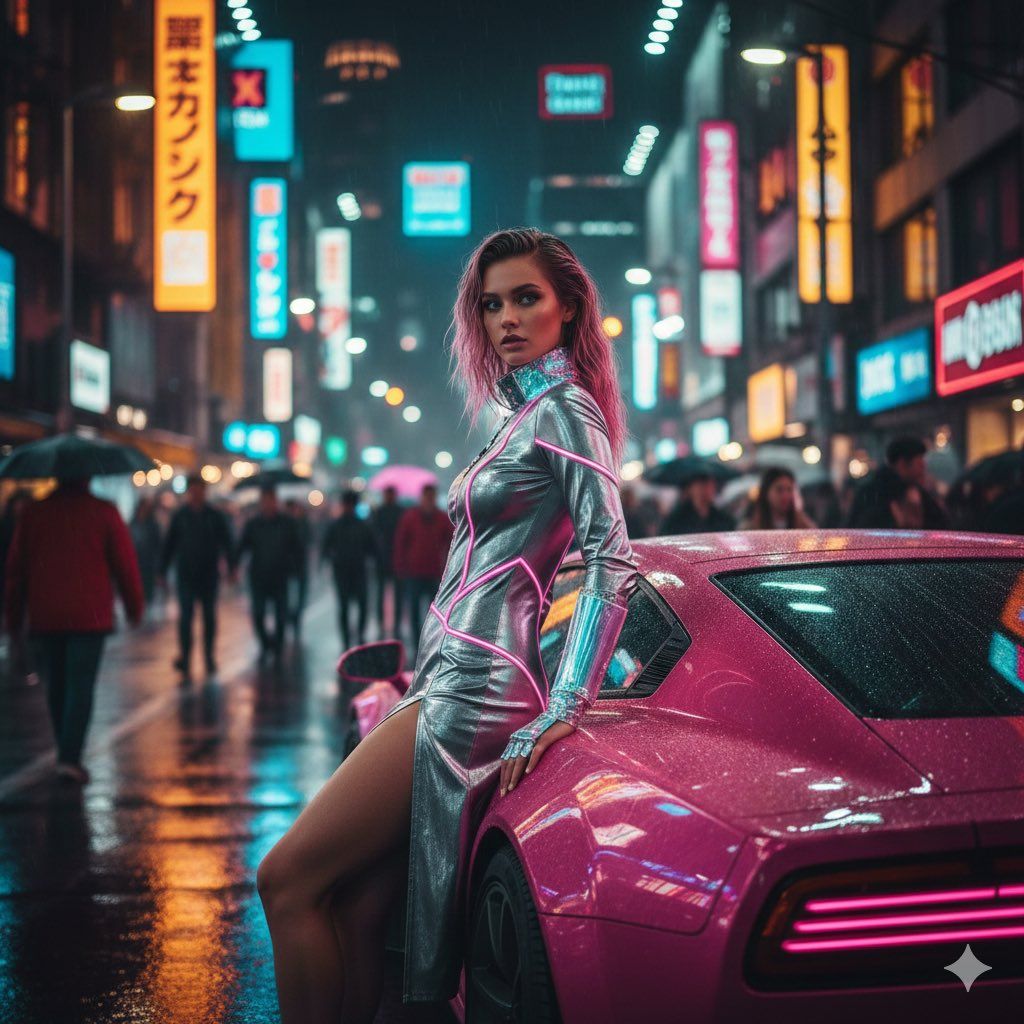
  "prompt": "Hyper-realistic 8K portrait of a futuristic fashion model in neon-lit cyberpunk Tokyo street at night. She wears a sleek metallic silver bodysuit with glowing pink neon accents, high-slit skirt, and holographic accessories. Dynamic pose: leaning against a rainy pink coupe car, hair in wet wavy balayage (pink-cyan highlights), confident gaze over shoulder. Lighting: dramatic golden hour neon reflections on wet asphalt, bokeh crowd blur. Style: high-fashion editorial, cinematic, shallow DoF, warm-cool contrast.",
  "style": ["Cyberpunk Fashion", "Neon Glow", "2026 Trend"],
  "resolution": "2160x3840 (9:16 vertical)",
  "negative": "blurry, low-res, cartoonish"
}
Category
创意图片
Model
Nano Banana Pro
Creator
BABYLON
Views0
Source ID
2460a721-5aec-4c93-8305-33a654fd8470
Published
Mar 8, 2026

Guide

About "赛博朋克霓虹时尚大片提示(9:16 竖屏)"

What is this prompt for?

"赛博朋克霓虹时尚大片提示(9:16 竖屏)" AI image prompt for Nano Banana Pro (创意图片). 一个为 Nano Banana Pro 设计的详细 JSON 提示,旨在生成一张超现实的 8K 垂直肖像(9:16 宽高比),描绘一位身着未来主义时装的模特,置身于赛博朋克风格的东京…

The full copyable prompt and example visuals above are ready for AI image generation or one-click recreate in Picva.

How to use this prompt

  1. Step 1

    Open the prompt detail

    Review the example visuals, category, and full prompt text for "赛博朋克霓虹时尚大片提示(9:16 竖屏)".

  2. Step 2

    Copy the prompt

    Copy the prompt body from this page, or load it directly in Studio.

  3. Step 3

    Pick a model (Nano Banana Pro)

    Prefer Nano Banana Pro. If you switch models, keep subject and composition and tweak style terms.

  4. Step 4

    Generate and export

    Recreate the look in Picva, or export into your workflow for editing and publishing.

FAQ

What is the "赛博朋克霓虹时尚大片提示(9:16 竖屏)" prompt?
It is an AI image-generation prompt for Nano Banana Pro in the 创意图片 category. This page includes the full prompt text, example visuals, and a one-click recreate path in Picva.
How do I use this prompt to generate an image?
Copy the prompt from this page, or use Generate / Studio. Paste it into a compatible image model, or recreate the look in Picva with optional reference images.
Which model is this prompt for?
This page lists Nano Banana Pro. Most descriptive prompts also transfer to nearby image models such as GPT Image, Flux, or Midjourney with light style tweaks.
Can I use the result commercially?
You can usually copy the prompt for creation, but commercial use of the final image depends on the model terms, reference-image rights, and the generated content. Follow the source author and platform rules.