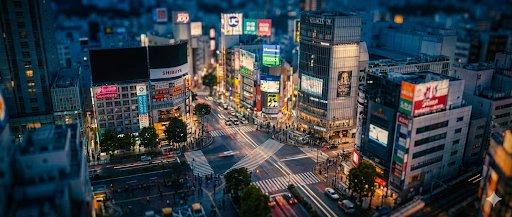
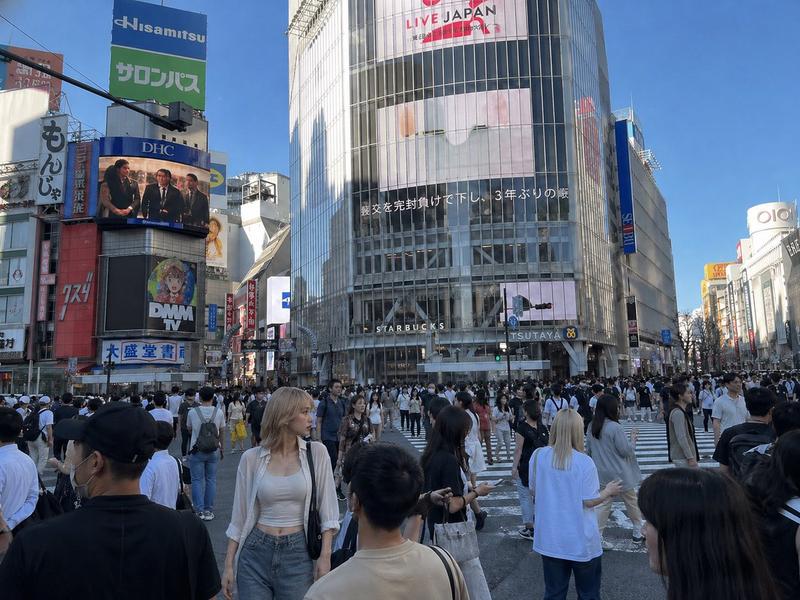
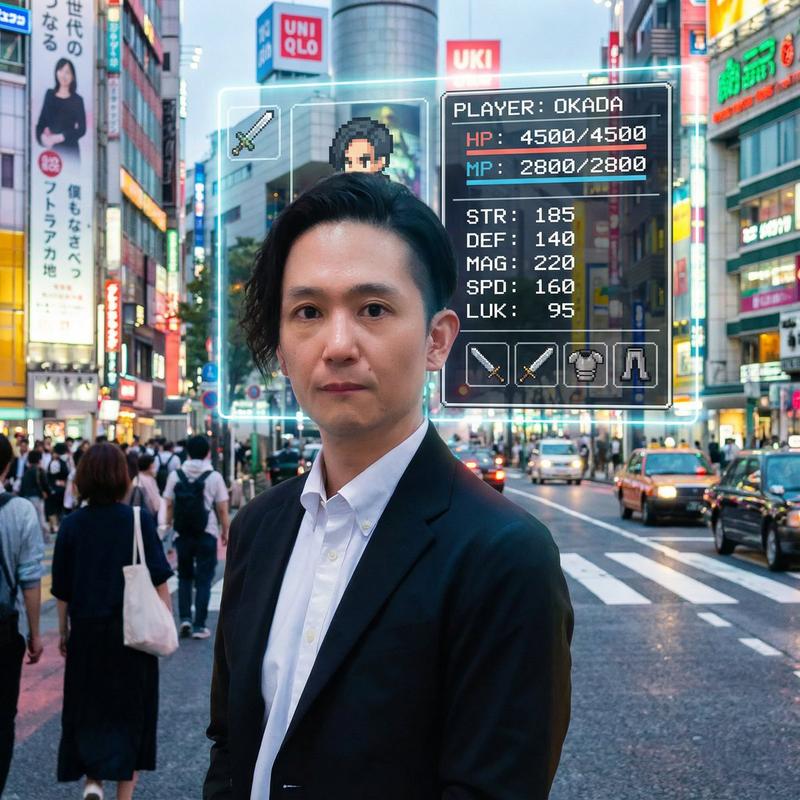
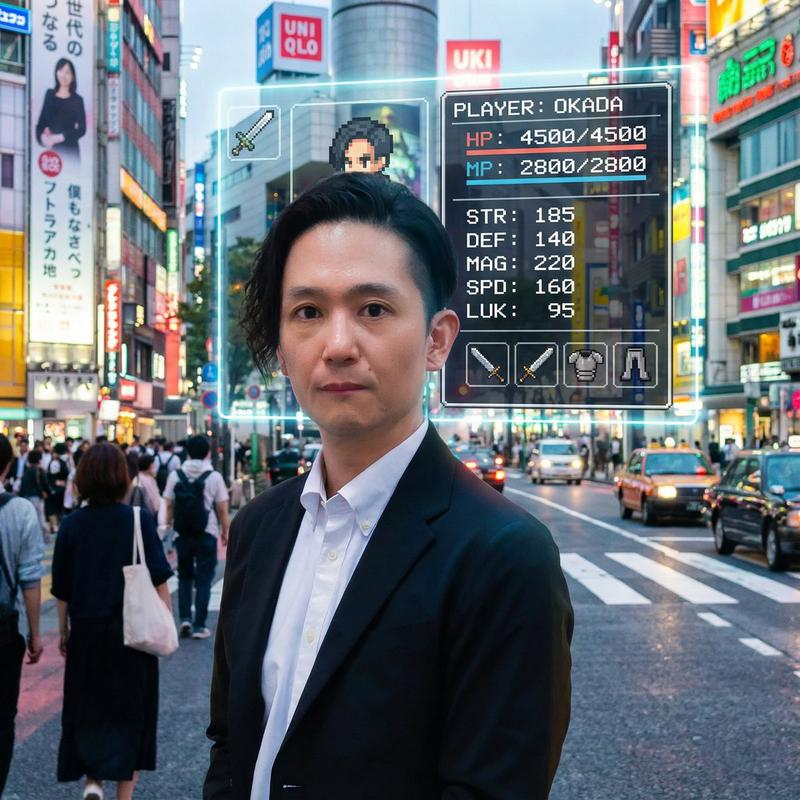
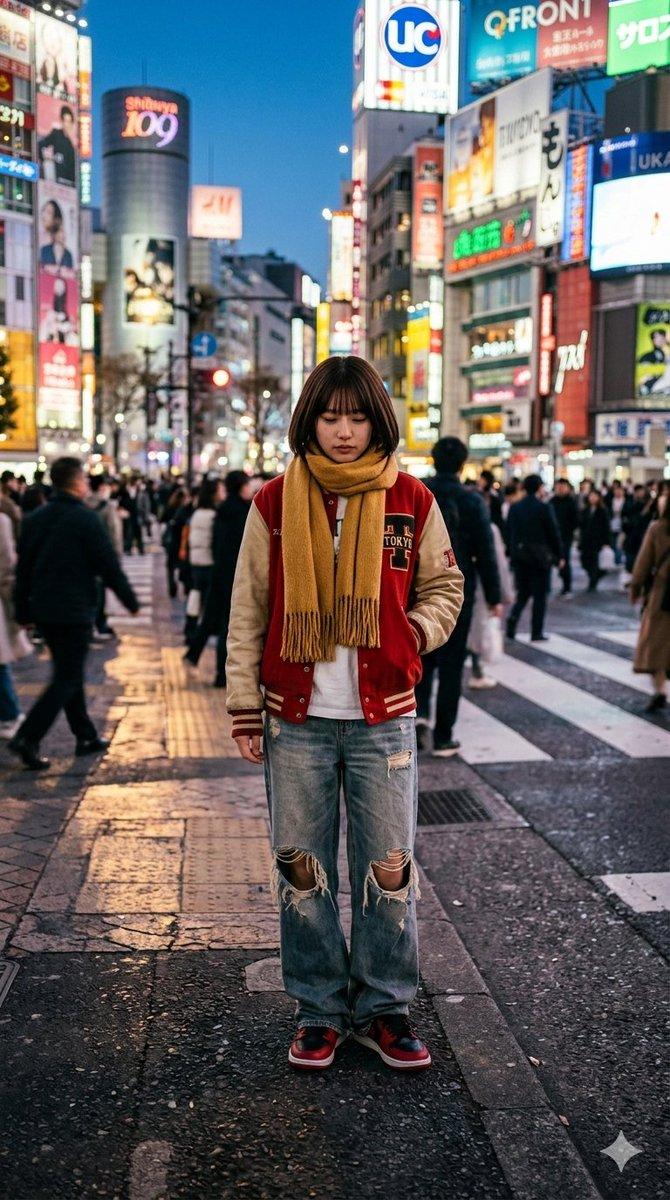
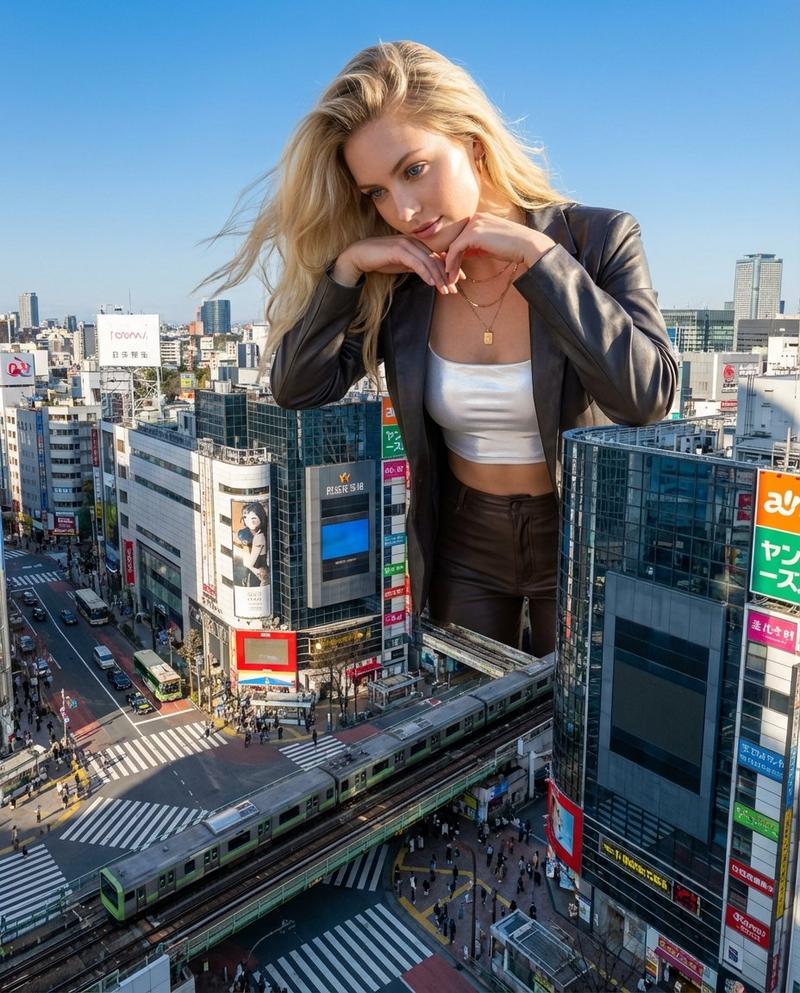
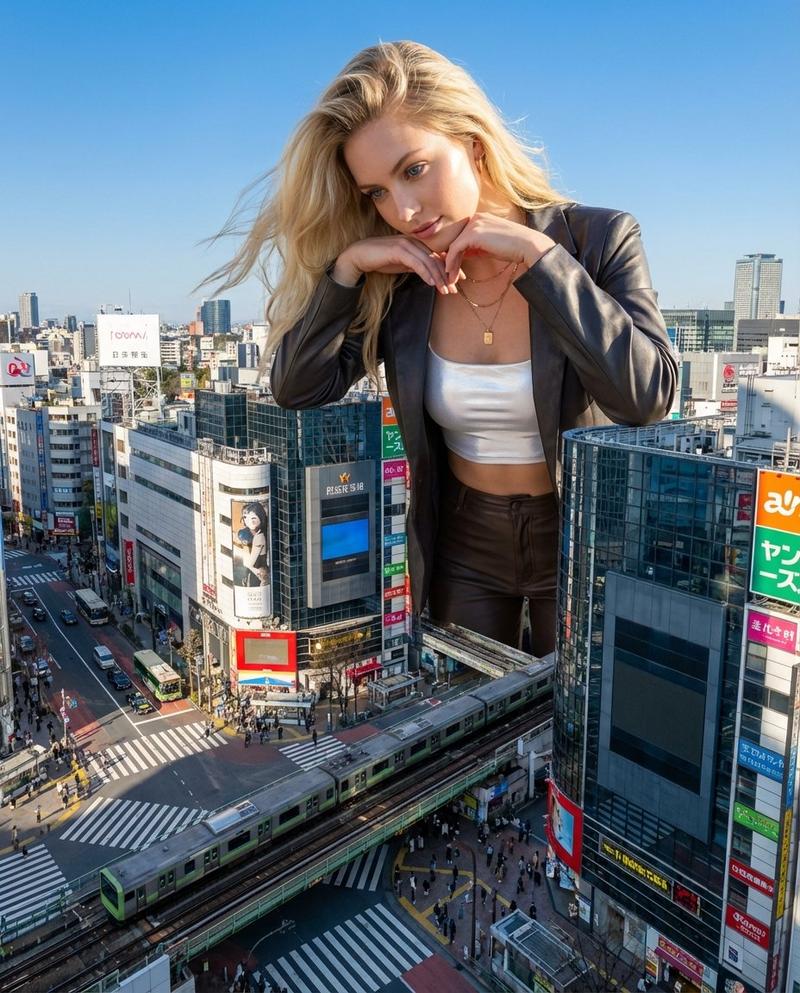
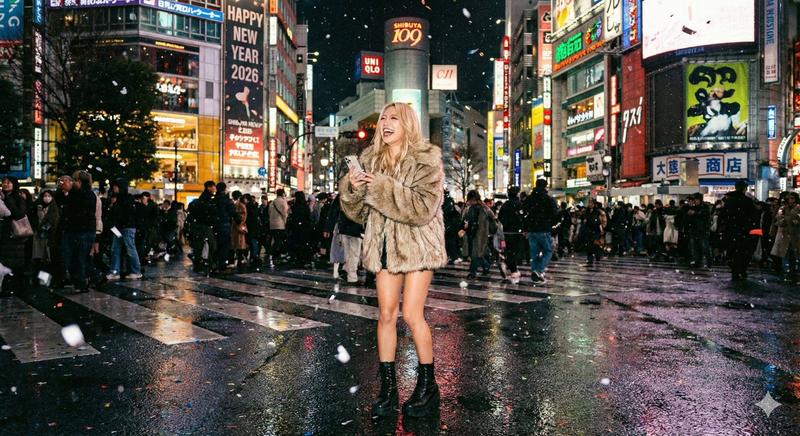
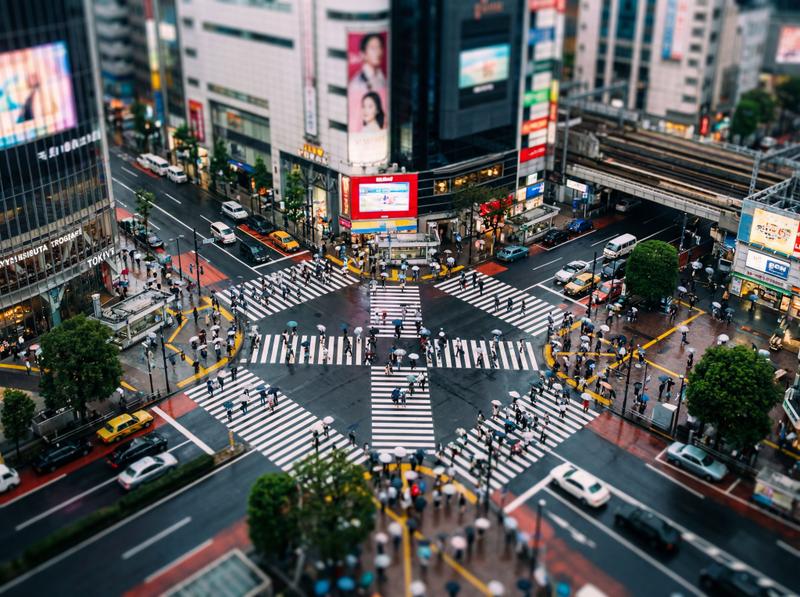
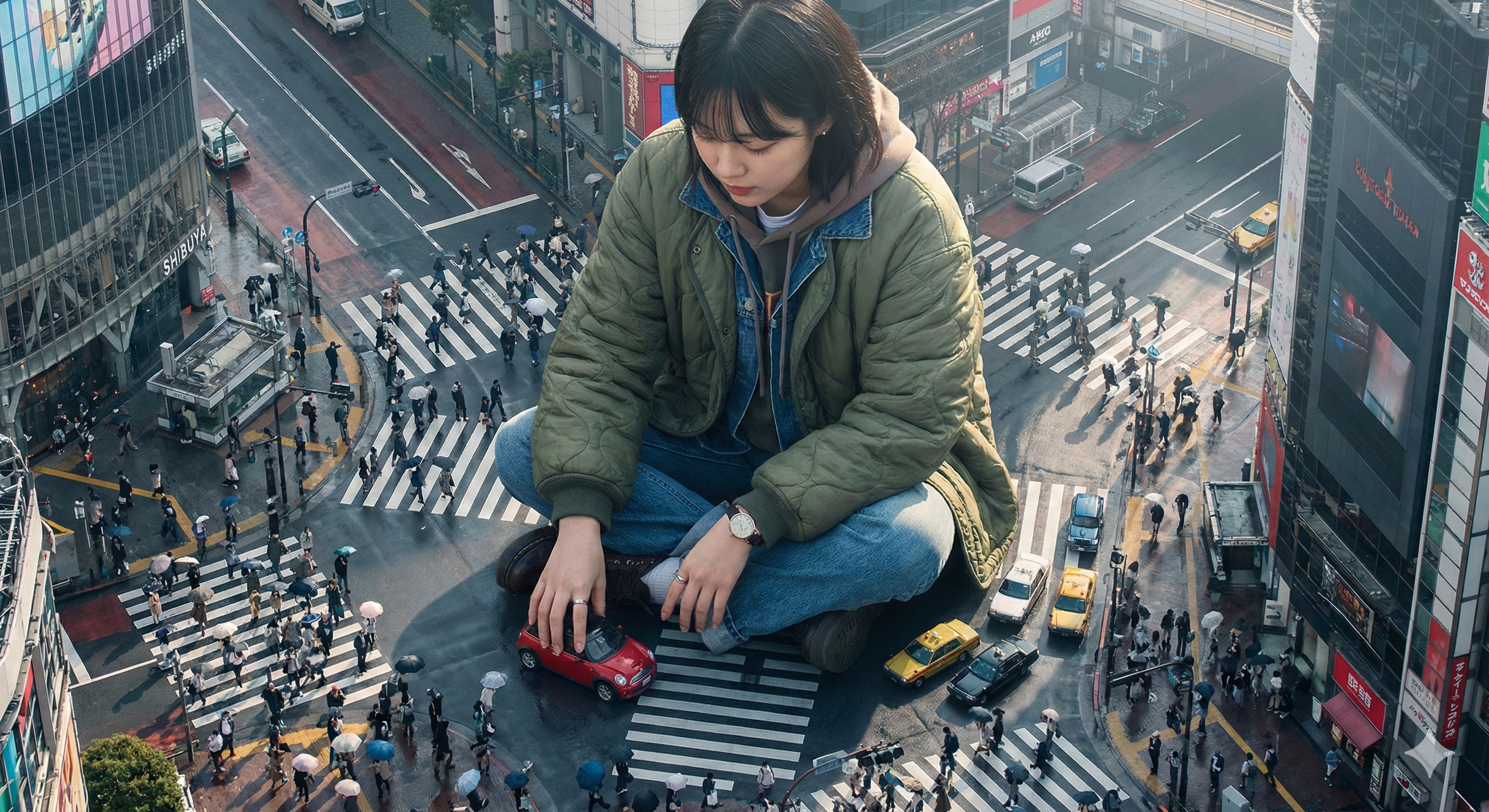
涩谷交叉路口新年夜景
Prompt
渋谷のスクランブル交差点の新年カウントダウンの夜、群衆で溢れ、輝く看板、空中に舞う紙吹雪、そして濡れたアスファルトに映るリアルな反射が詰まった、非常に詳細な航空写真
- Category
- 创意图片
- Model
- Nano Banana Pro
- Creator
- ほた
- Source ID
- 40e4f935-630c-459f-9814-12d99a6374ba
- Published
- Mar 8, 2026
Views0
19
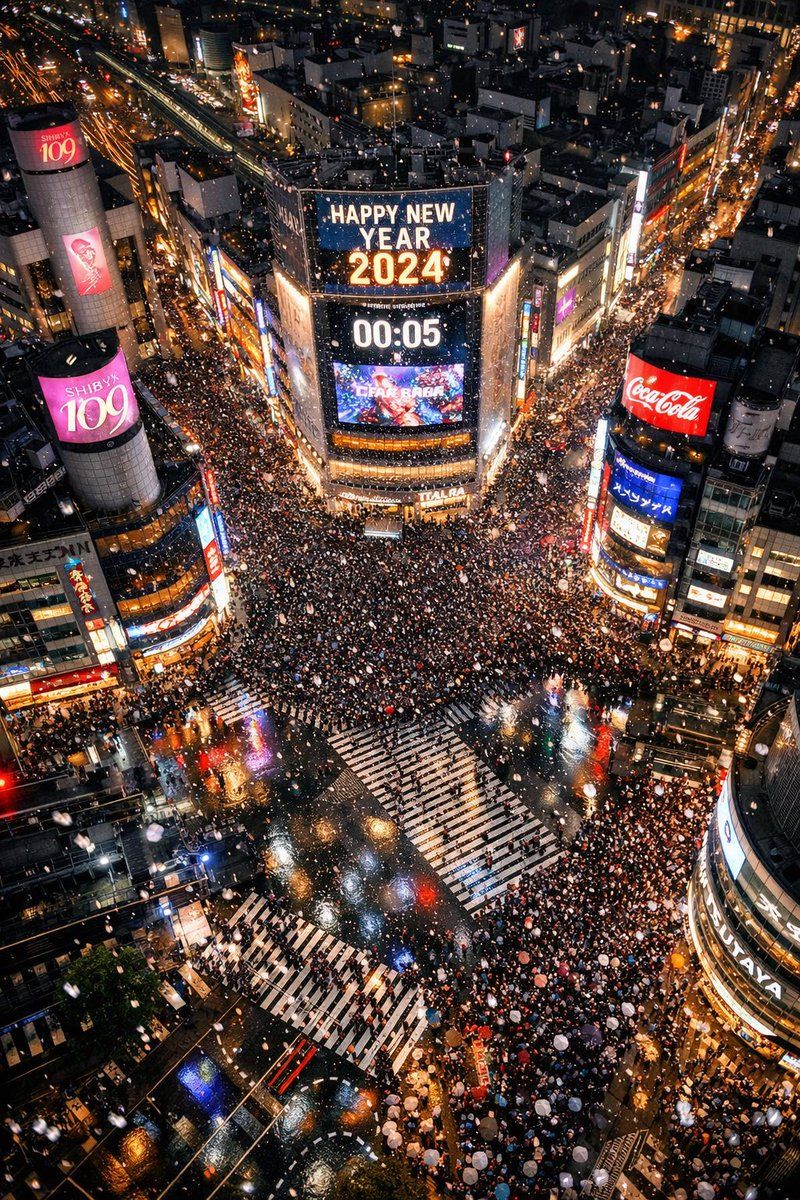
渋谷のスクランブル交差点の新年カウントダウンの夜、群衆で溢れ、輝く看板、空中に舞う紙吹雪、そして濡れたアスファルトに映るリアルな反射が詰まった、非常に詳細な航空写真
Guide
"涩谷交叉路口新年夜景" AI image prompt for Nano Banana Pro (创意图片). 生成一张涩谷交叉路口新年夜高度逼真的航拍照片的详细提示,重点突出人群、发光的招牌、空中飞舞的五彩纸屑以及湿沥青上的逼真倒影。 --- 一张涩谷全向十字路口在新年倒计时期间的高度详细航拍照片,画面中挤满了人…
The full copyable prompt and example visuals above are ready for AI image generation or one-click recreate in Picva.
Step 1
Review the example visuals, category, and full prompt text for "涩谷交叉路口新年夜景".
Step 2
Copy the prompt body from this page, or load it directly in Studio.
Step 3
Prefer Nano Banana Pro. If you switch models, keep subject and composition and tweak style terms.
Step 4
Recreate the look in Picva, or export into your workflow for editing and publishing.